These are the video files for app to operate its purpose so i need them all and i am forcing the app to download them at the opening screen with a Check block to avoid repetitive downloads evertime app starts but i am struggling for a process which is actually a one time process. I need 16 asddownloaders to download them one by one, i guess
Not required, that's why ID is useful here.
Hmm is that possible to download one by one? I will have to blow the prefrontal cortex of my brain to obtain that logical approach with your blocks. I will try, thanks
I used but no error, i guess it only checks the first download, although none of videos play. I will try one by one method with your blocks.
First try to download a single video. It should be playable after download. If not then there some issue with the download process.
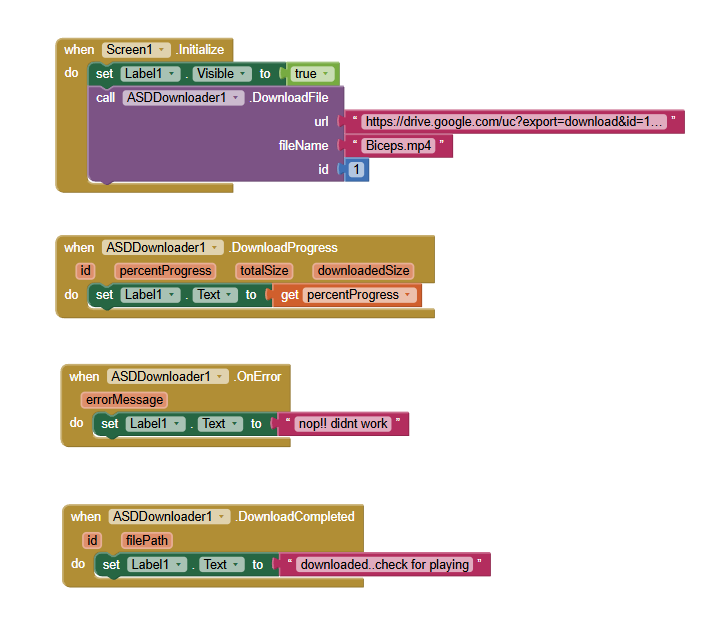
Again video size is about 800kb and so it doesnt play.
ı realized that Label1 shows the percentage went to 100 as the download progress block says but Label1 never says what it must say when the download finished so obviously download never can finish.
Why not try just with the web component?
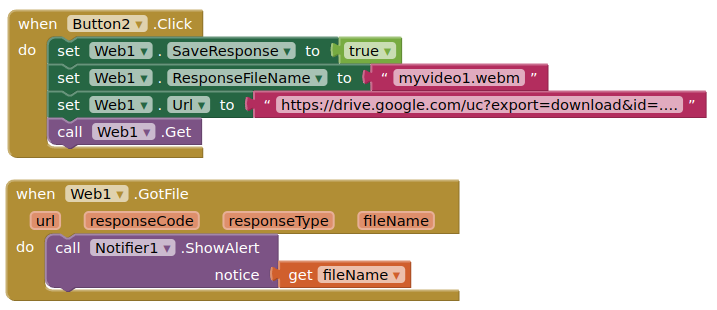
By default an Android 11+, the web component saves downloaded files to the ASD
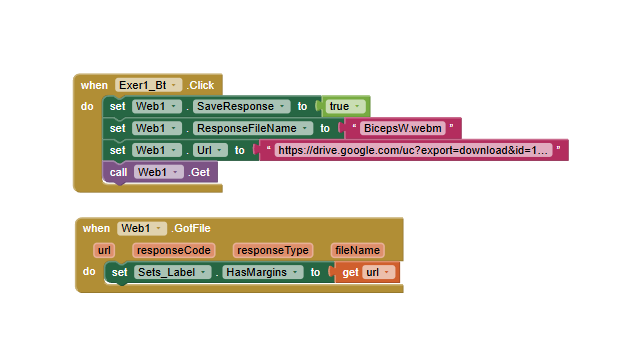
"Runtime Error
The operation HasMargins cannot accept the arguments: , ["https://drive.google.com/uc?export=download&id=1fLv30SxUVEaSwrXa5fTn0YjbliHI-OPj"]
Note: You will not see another error reported for 5 seconds."
Here is my direct download url
It pops up google account sign in page but it gives the file for download after a few seconds
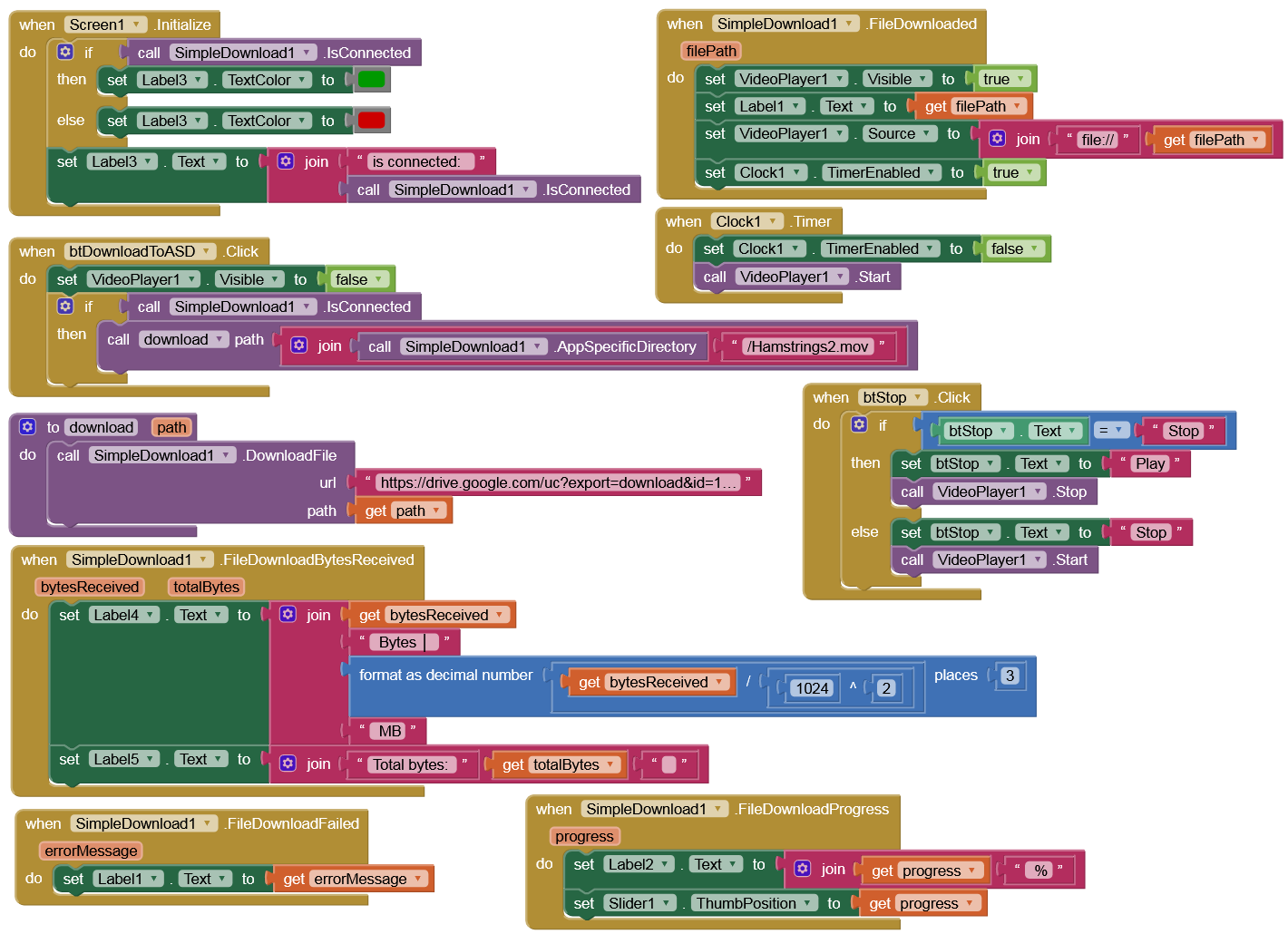
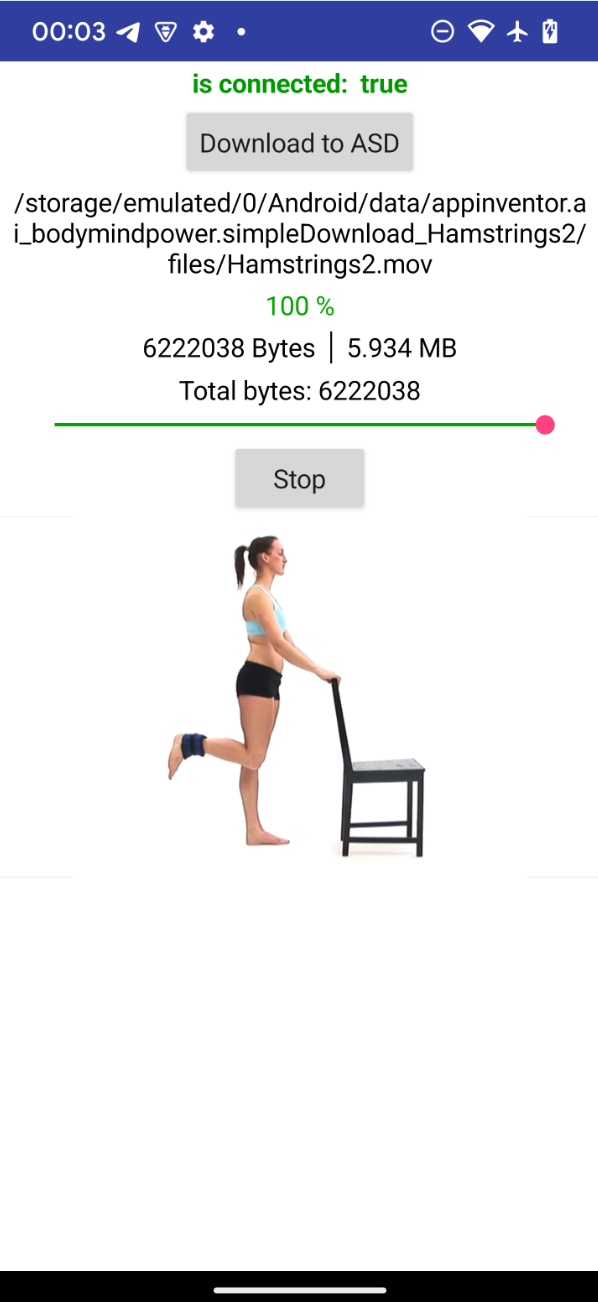
You have all the Google Drive links, so put them in a list and download the videos one by one, using the Download.Completed event until the list is finished. This should be just as fast as downloading them all at once.
This "simpledownload1" is an extension or a default block? i cant find it
Does the app work for you?
Yes, not published yet.
i faced Read External Storage error
Post a screenshot.
Android version?
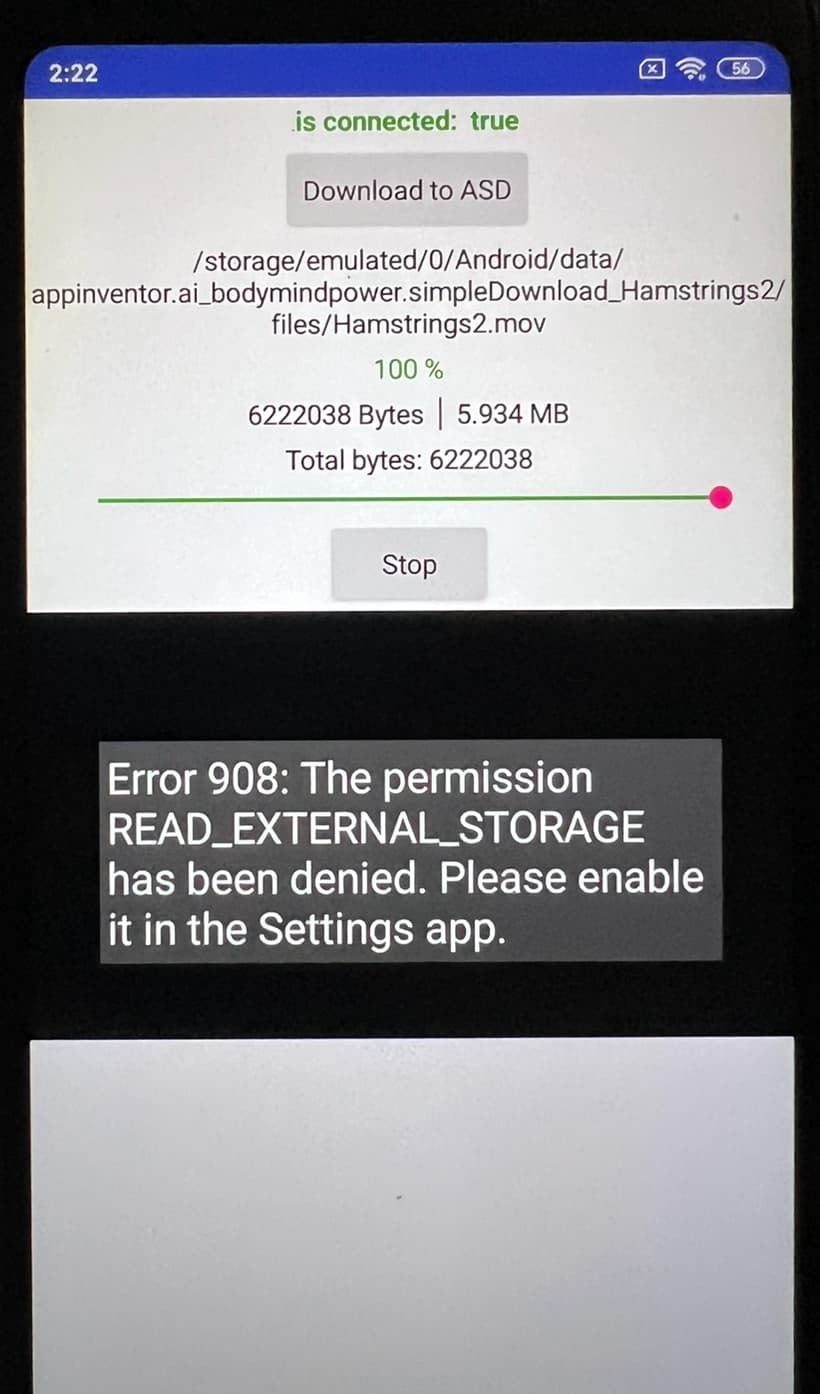
It should work on Android >= 4.4 (API 19, KitKat).
I am sorry , i manually activated storage write permisson through the settings and know it works. so can i download my webm videos to asd folder with this method? but is this an extension? Because i cant grab that method from apk itself, obviously
Ah, i newly saw, not published yet, ok, sorry, i am really struggling here with how to download my video assets to asd and then make them work via an html file, this is a one time process for the first usage of the app but its frustrating me i even didnt spend that much time on design and logic process.. thank you for letting me test your apk. it works on my redmi 5 plus with stock rom android 8.1.0
This should not be the case, since storage permissions are only needed for devices that have an API < 19 (i.e. smaller than Android 4.4), as long as the ASD is concerned.
I will check it on my Xiaomi Redmi Note 5 (Android 9) tomorrow, but I'm sure it will work.
well, i newly activated my redmi 5 plus, no root, with stock rom android 8.1.0 and it gave the error you saw up there Until i Manually activated Permisson in settings of the app if that helps..
I guess your goal is to make your extension work without a need to manually give permission to app to be able to use the storage writing.. understood