8.- Download Image and install file, from Firebase storage.
Using the "Upload file" button we upload an image file and .apk installer file to Firebase.
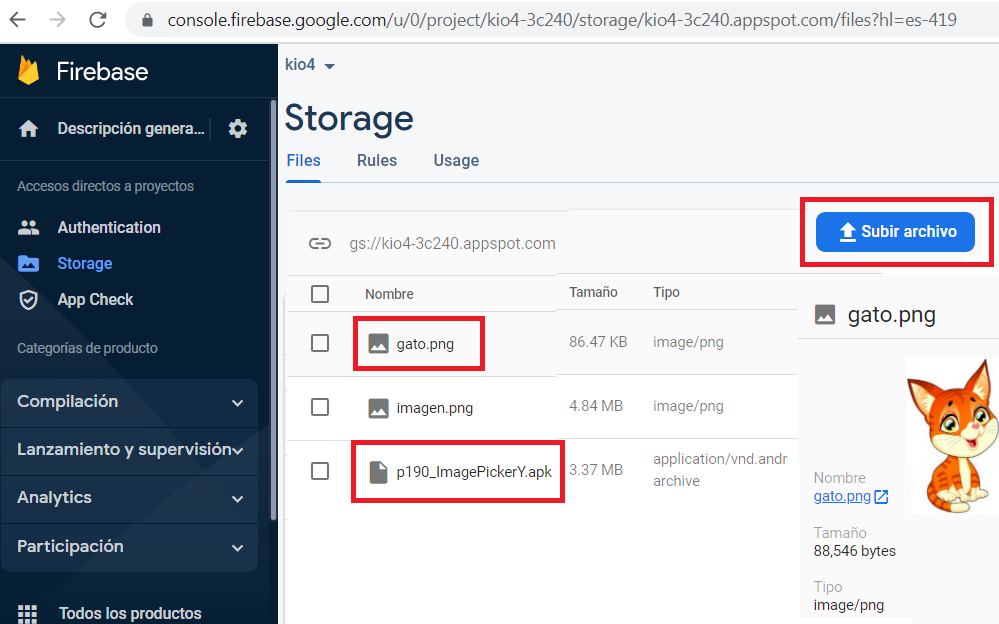
Now we are going to download them through an application.
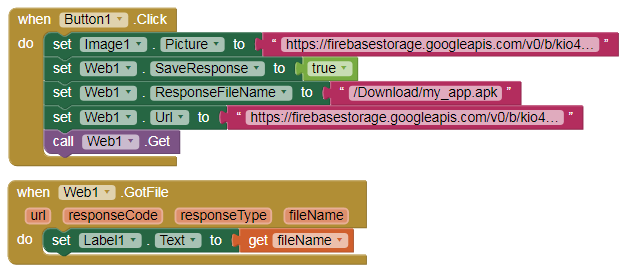
- We establish the links of the two files.
- The image is inserted into an Image component.
- The .apk file is saved in the directory
/storage/emulated/0/Download/my_app.apk [Only tested on Android 9] - DefaultFileScope = Legacy
p150_firebase_7.aia (35.9 KB)