When I set a text in a text field by software with info from a database access read (not for user input text) then the textchanged event is also fired.
This issue generate a lot of problems for the programmer because is not easy to can detect when the changedtext event is fired for the user or for the software.
@ewpatton is possible to solve this issue whith two dfifferent events (one for users action and other for app actions) or only firing the changedtext event for user input text?
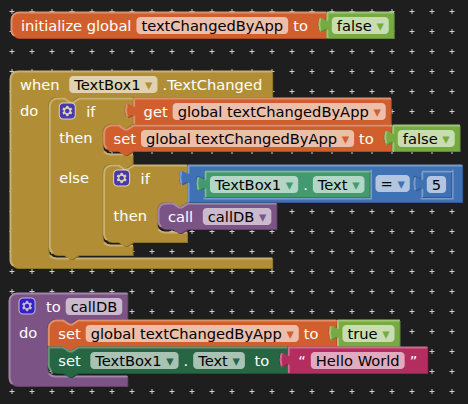
Handle this in the textChanged event, by setting a boolean variable when your app adds text to the textbox, then reset the boolean in the textChanged event.
This issue happens not only with the Text Fields. In other components (as switch, checks,...) happens the same problem. Is not possible knows if the event is user event or internal app event.
Can you put an example for one app with 3 text fields, 2 switch and 1 checkbox where the app change these components using data read of a ddbb and from the user screen mobile inputs?
@TIMAI2 the problem is the big complexity that we must generate in the sw app for manage these falses fired events (not user events). Keep attention that we must not only put your propossed switch boolean workaround,. Additionaly we need to put a prior verification workarount to detect if the Designer Component value has or not has the same value that we have in the DDBB for every component. The app fire false events ONLY when the Designer Component has a different value of the DDBB for every affected component. At the end we have a VERY complex sw to manage this situation of the falses events fired.
EDIT: @ewpatton My requested proposal is only to improve Ai2
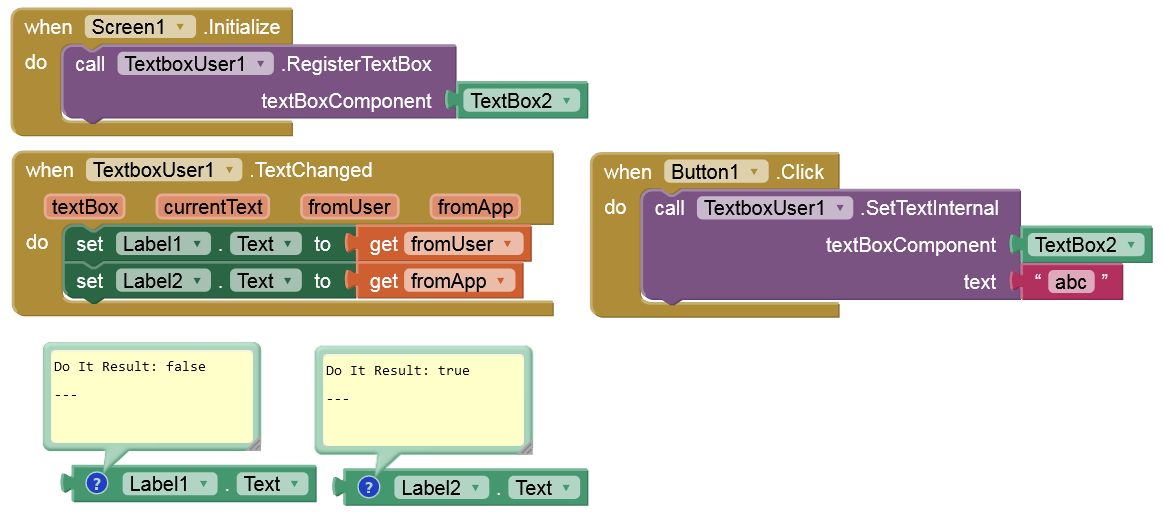
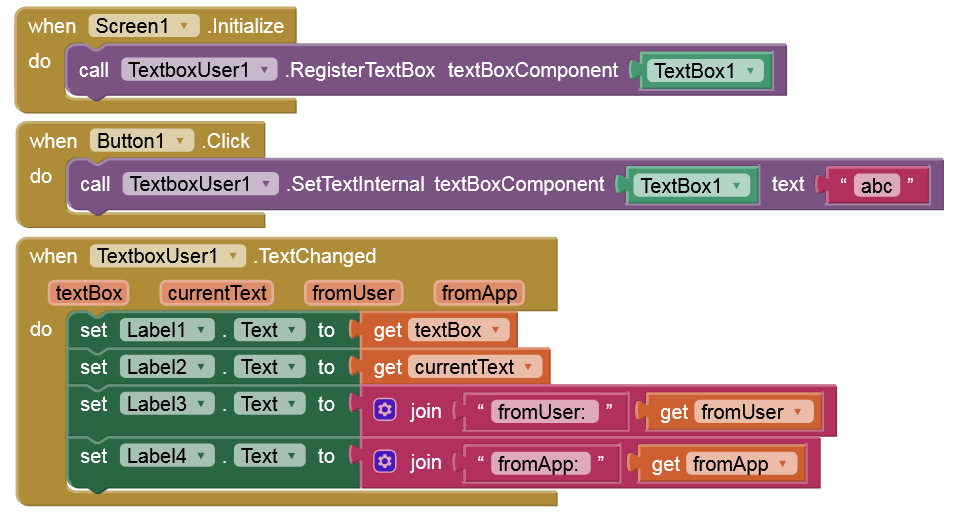
@anke This would be excellent to solve the issue. But for me is not possible use extensions because I have the same AIA for Android and iOS and with iOS are not available the extensions.
This algorithm doesn't always work because when reading from the database, the event only fires when the data in the affected block (text, checkbox, switch, etc.) differs from the values defined in the Designer for that block (text, checkbox, switch, etc.). The TextChangedByApp variable doesn't always need to be set to true. It only needs to be set to true when the data read from the database doesn't match the value of the affected component in the Block Designer. To better detect this topic it must be tested with a Checkbox f.e. or other component not Tetxt
In iOS I don't receive these false events from the app. The problem is only in Android platform. I think would be a good topic to have both platforms with the same feature events only from user as have iOS