Error with user sign up

Hello!

My Technovation Girl team is trying to create a user sign in. They’ve been watching tutorials and trying to follow along. I’ve attached the AIA for what they’ve got so far.

Whenever they test, they get an error message, and we aren’t sure why:

User_Login_Separate.aia (11.8 KB)

Why are there no blocks in Screen1?

How do you expect to get to the other screens at run time?

The girls are working on different components that will be merged before submission. Another girl has Screen 1; there can only be one when merging

How are the team members merging their screens?

Safest way is to use designer screen level copy paste into a fresh project.

I can't test on iOS.

Search this board for FAQ AIA Tools

On which screen does this error occur?
(I suspect it's on the screen Template.)

Try this one:
User_Login_Separate2.aia (12.1 KB)

and do not open screens multiple times.
See also here: Switch screens correctly - 2 methods

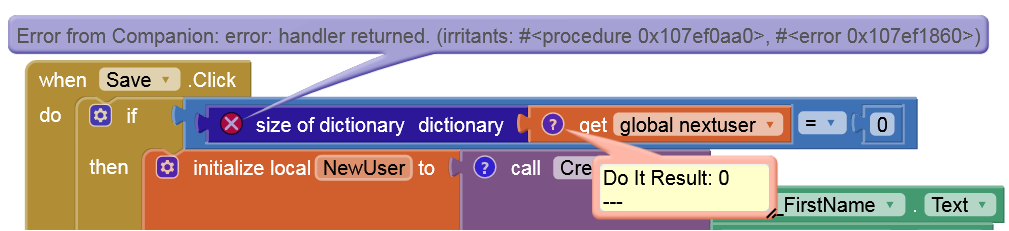
So it looks like the call to size of dictionary get global nextuser in the Save click handler is to blame. nextuser is a number, so it can't have its size taken. The error message that should be reported should be more useful though so we will need to look into that.

1 Like

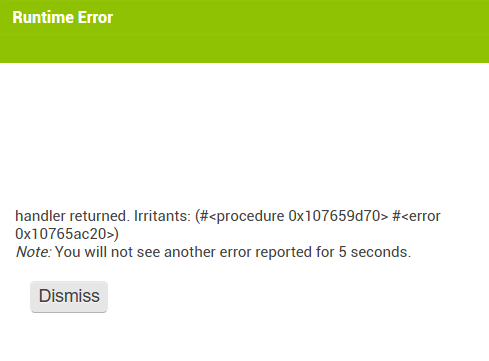
I get this error there:

Yes, the dictionary socket naturally only accepts dictionaries and not strings, lists, or numbers. Unfortunately, it can't know this in advance for a variable.

The error message, however, is somewhat cryptic.

If the vertical arrangement PersonListView Visible is unchecked in the Designer I get the error posted above. If I set it to visible in the Designer and to unvisible in the Template.Initialize event I don't get the error.

@ewpatton What do you suggest replacing the problem block (global nextuser) with?

@anke Here’s an updated version that excludes the Template screen altogether, but I’m still getting errors. They’re switching back and forth between the cryptic runtime error and a dictionary pairing error.

User_Login_Separate_updated.AIA (10.6 KB)

Thank you both for your quick replies. I’m so impressed with AI’s support.

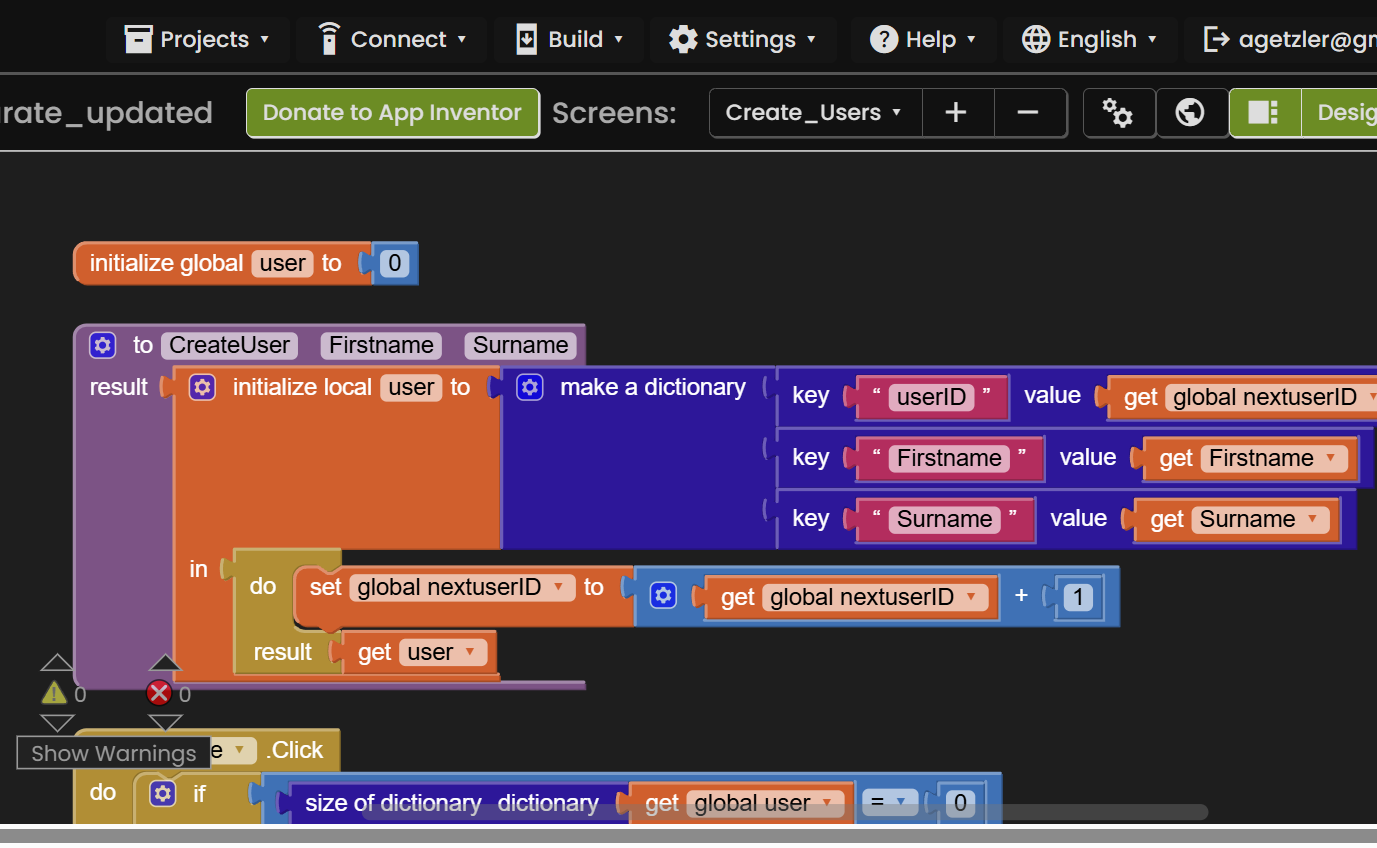
Look at this click event in screen Create_Users.

Compare the initialization of global variable user against what type it is expected to have at the bottom of the clip.

Strive to have all variables include their data type in their names, to avoid conflicts like this.

Also do that for TinyDB tags, which also suffer from this confustion.

Do this for every variable and TinyDB tag across every screen.

Your project suffers from too many versions of the truth

1 Like

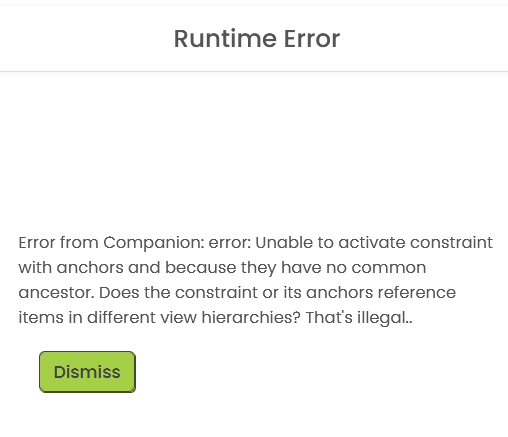
I've made some initial progress on the processing of the higher level error that gets reported. The underlying error is still fairly cryptic though so there's more work to be done. I'm hoping to have an update on TestFlight tomorrow so that at least this error is more readily understandable.
1 Like

Sorry for chiming in… but ( in my opinion ) it is also important to clearly identify the block that caused the error…

Yes, and therefore you need to degug your blocks (as I did above).

Yes, agreed, you have also to debug your app ; - )