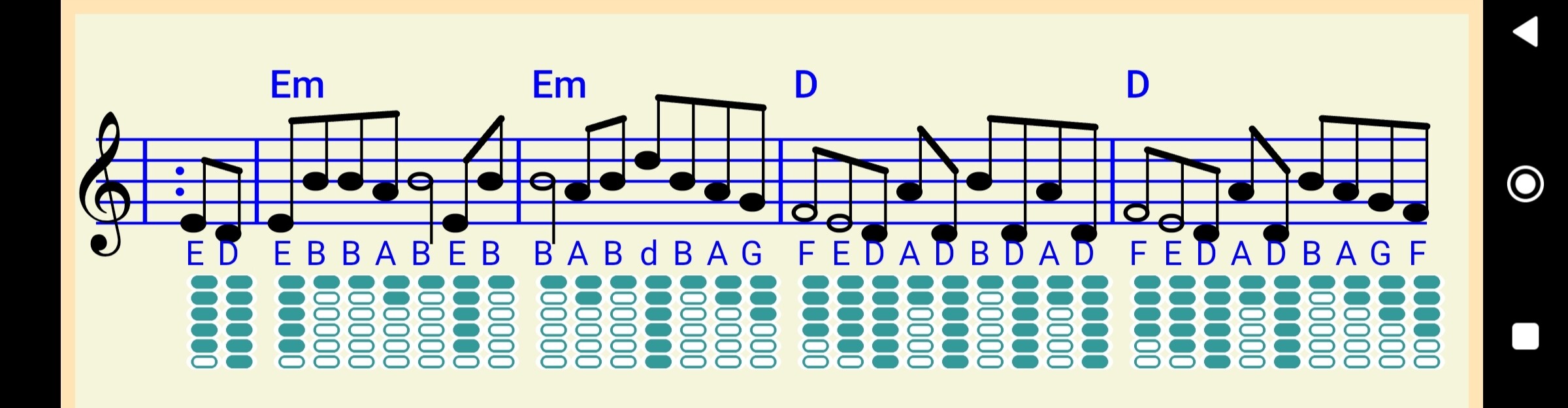
My app generates HTML which is saved to ASD. The HTML refers to a CSS file and custom font file (.ttf) which are both stored in Assets. In Companion mode this works and displays correctly in the webviewer - but not when installed. I always thought the '//localhost/' approach covered both situations. The CSS file is being read, because all other rendering works, except the custom font comes out as a default font - albeit of the correct size and colour.
Gemini suggested that the CSS should offer two filepaths to the the custom font (as shown below) - on the basis that if one fails it will try the other. But this didn't work.
I could put the font-face definition into the HTML script, but to do that I need to determine companion or installed mode as these will require different filepaths. But I don't know how to do that. Any suggestions??
Part of the CSS file below...
/* Set up the custom font for TABS */
@font-face {
font-family: 'WhistleTabOval';
src: url('http://localhost/WhistleTabOval.ttf'),
url('file:///android_asset/WhistleTabOval.tff');
}
/* Define a tab class of 'p' element */
p.tab {
font-family: 'WhistleTabOval';
font-size: 48px;
text-align: center;
background-color: White;
color: Green;
}