How do I check in MIT Appinventor whether the text stored in TinyDB differs from the content of a text file in the application's app directory?
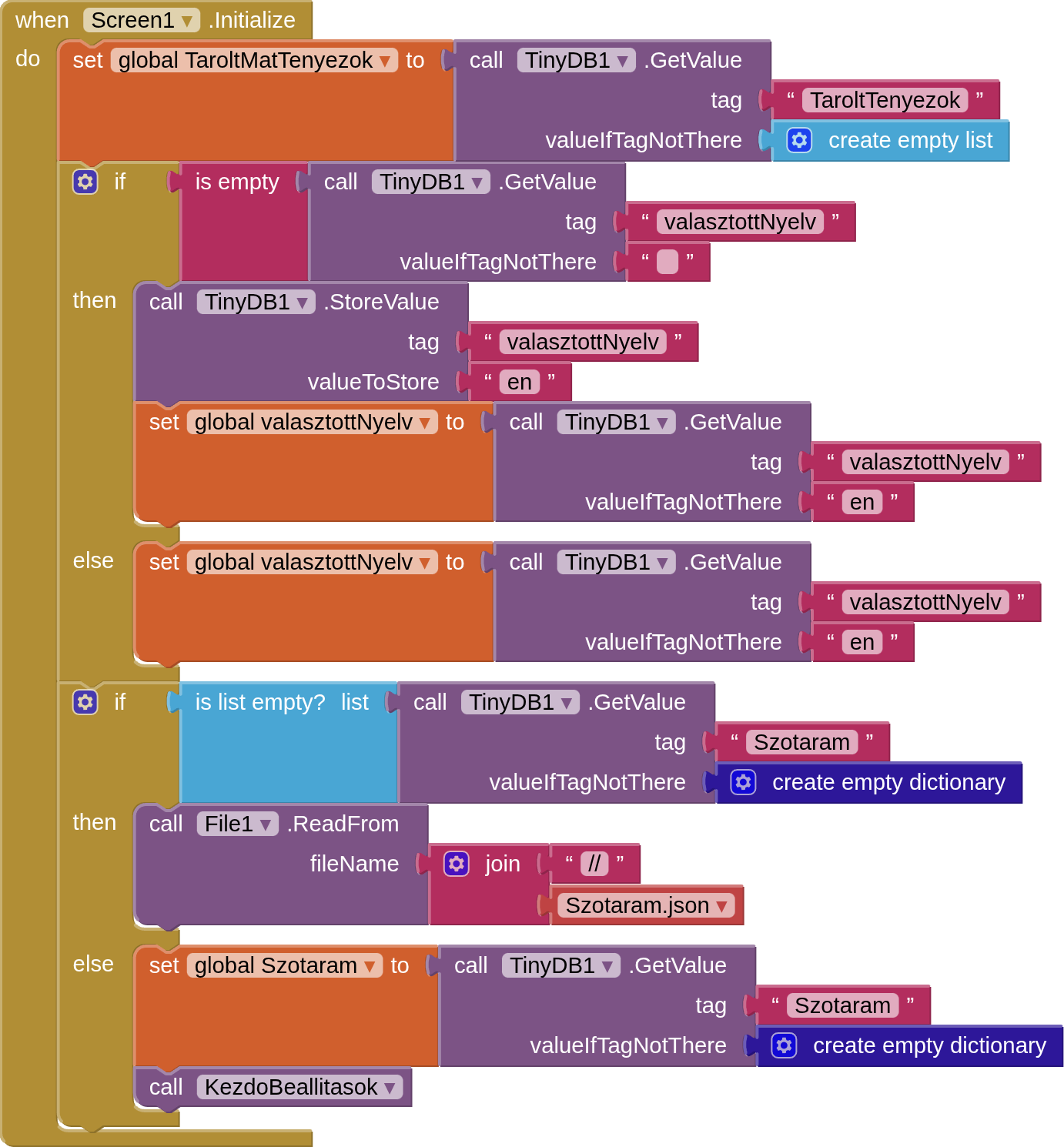
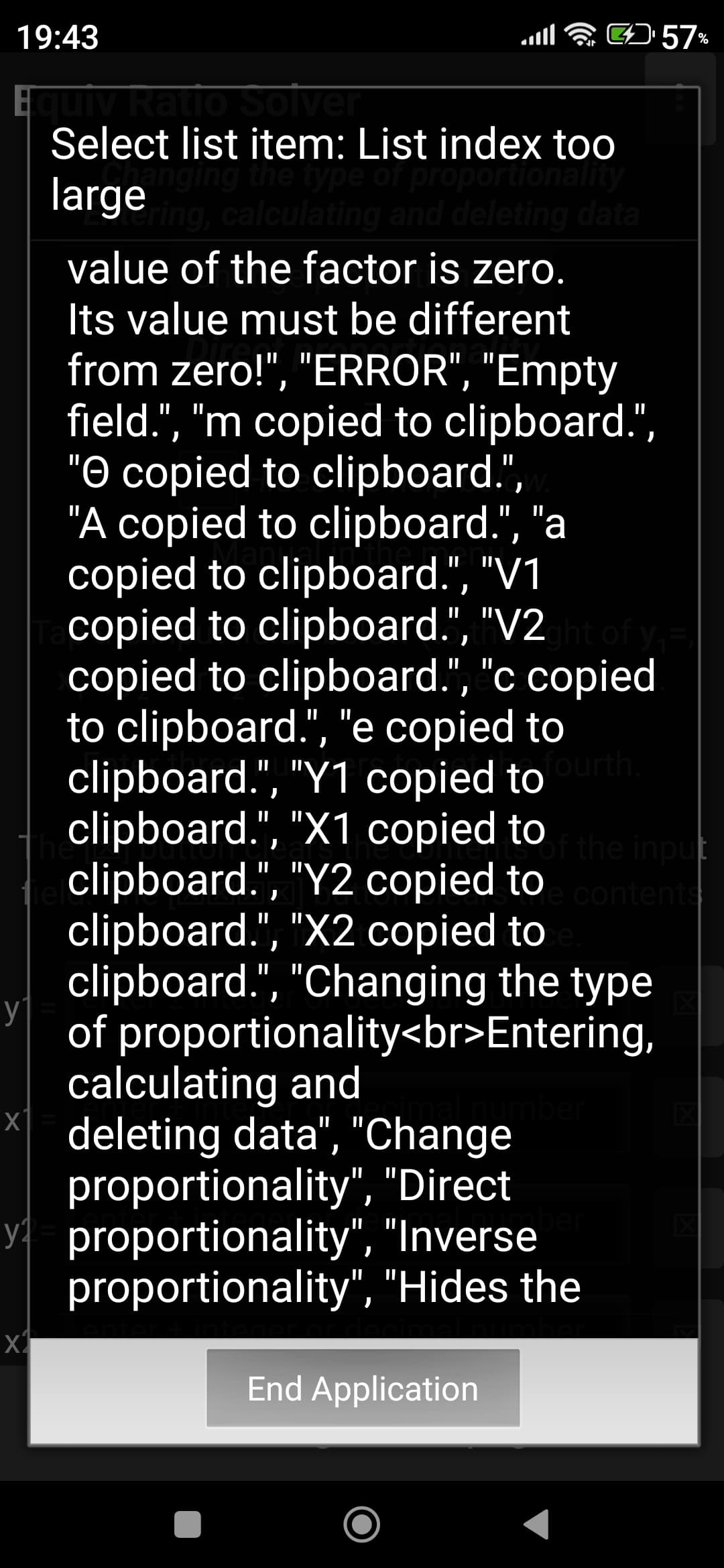
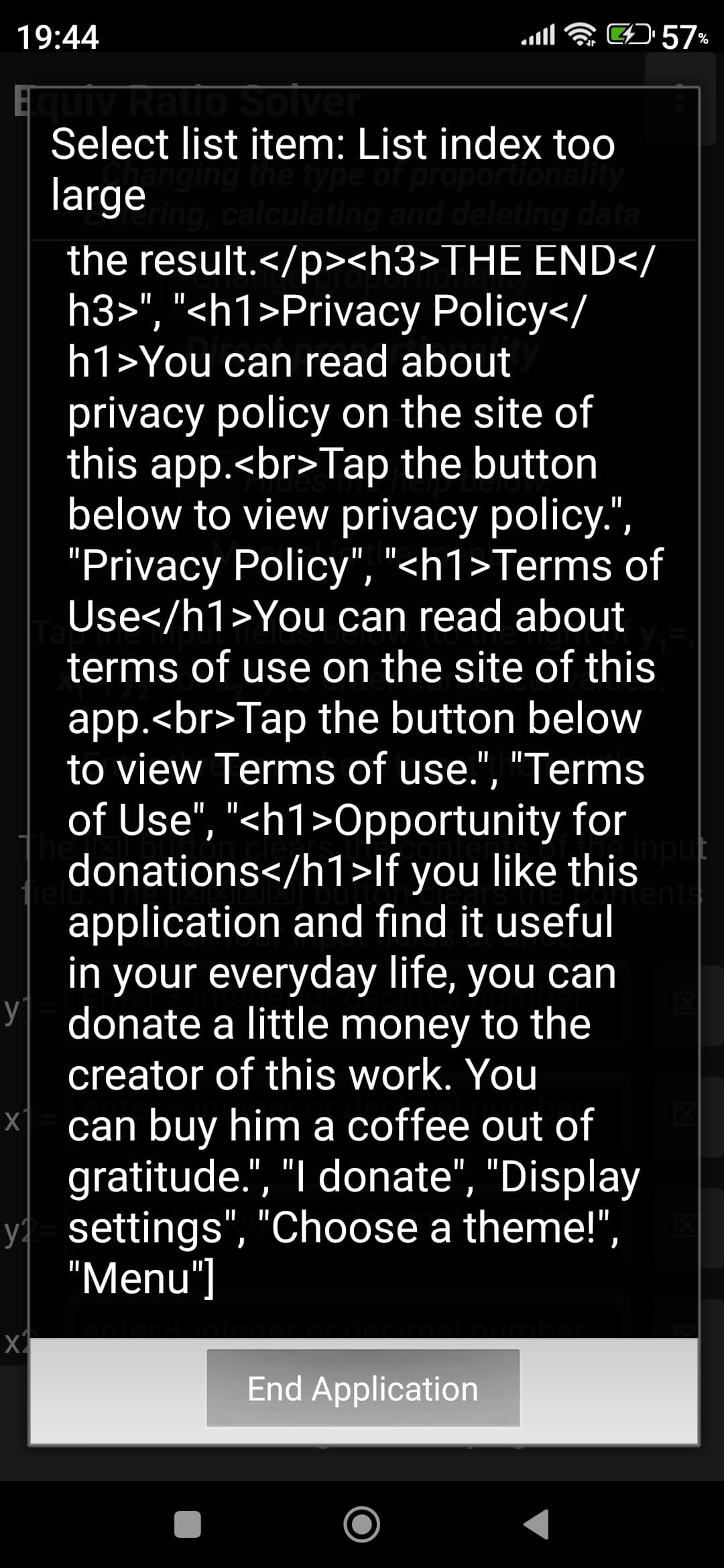
The thing is, when I install a newer version of my app on my phone with the APK file downloaded from MIT AppInventor, if the number of key-value pairs in my dictionary in the JSON file installed with my newer app does not match the number of key-value pairs in the JSON dictionary (stored in the TinyDB) of my older version of the app, I get an error message and I have to close my updated app. So, I first have to delete the data of my updated app (but not the app itself) in my phone's settings so that this error does not occur when I launch the updated app again.
Is there a solution to this?
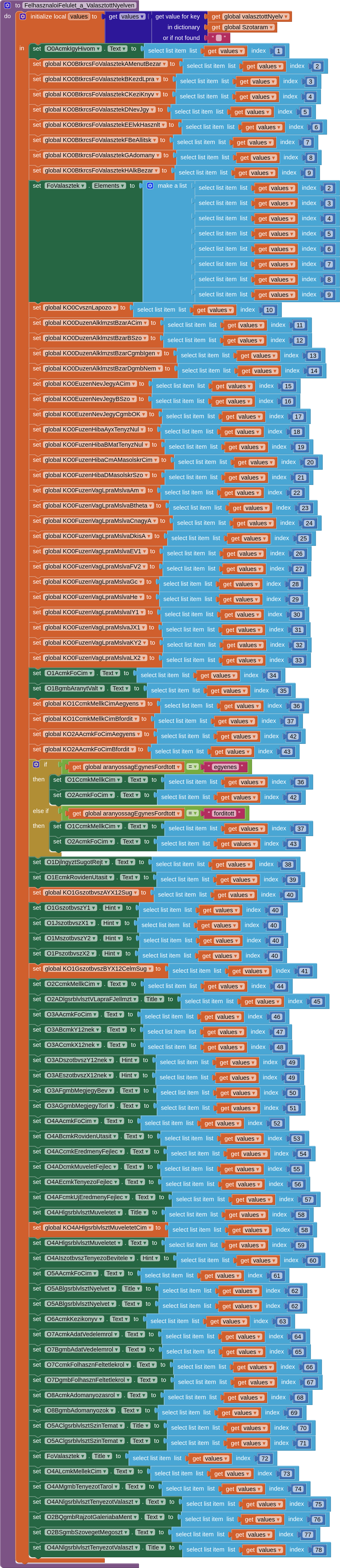
The block in question where I should solve this is the following:
You really wrecked that poor suffering dictionary.
You totally ignored its tag/value structure and ripped off its values in alphabetic tag order, assigning the values willy-nilly into global variables, listview elements, and display fields.
The whole point of a dictionary (or sub-dictionary) is to be able to get to items in it directly by tag/key values.
You need a naming scheme for every item going into that dictionary, to help you retrieve values and restore them into the appropriate place in your app.