ClickEffect Multiple click effects for components: Button, Image, Arrangement, and Label.
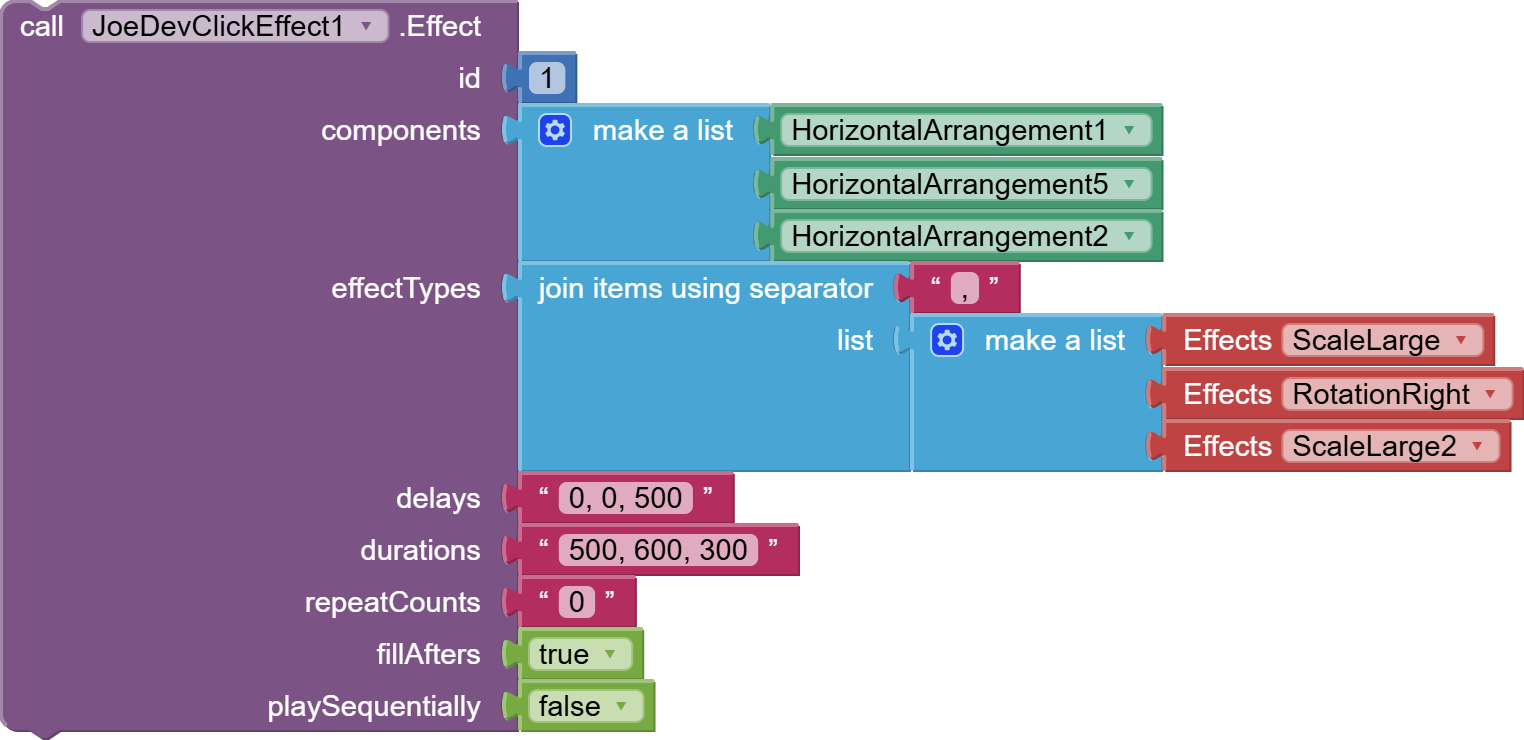
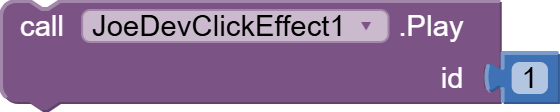
Configure the effect for one or multiple components. Use Play to apply it to all of them.
Values can be individual or can be comma-separated lists.
repeatCounts = -1 will make the animation infinite.
fillAfters = true will cause the animation to remain in its final state, but if it's false, the animation will stop in its initial state.
This won't work if `playSequentially = true.
Set "playSequentially" to true to play the effects one after the other, or false to play them together.
Now you only need to call this function once, and with the Play function you can call it as many times as you want.
Reproduce the effect configured for the specified ID on all associated components.
Stops animation for the specified ID on all associated components.
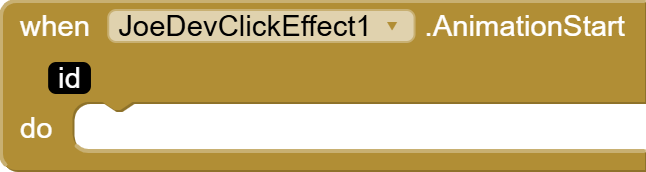
It activates when the animation starts.
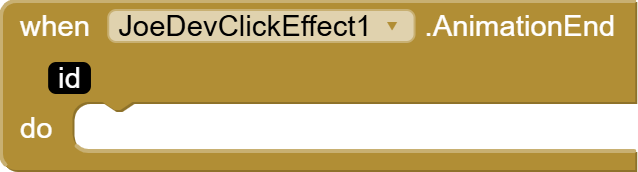
It activates when the animation ends.
v1.2 March 18, 2026.
The ClickEffect function was renamed to Effect.
Now, instead of accepting only one component, it can accept a list of components which can be animated together by calling the Play function with the specified ID.
The SetEffect and AvailableEffects functions were removed.
When I clicked the button that had the effect, the native AI2 click event wasn't triggered due to interference with the OnClickListener.
DiceRoller.aia (37.9 KB)
joejsanz.joedevclickeffect.aix (18.3 KB)
JDK: 11Minimum API Level: 21Updated On: 2026-03-18T07:00:00Z
Built using: FAST-CLI v5.7.0-premium
Thanks.
8 Likes
Anke
April 25, 2025, 1:53pm
2
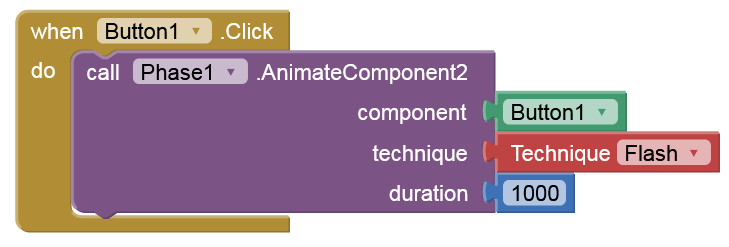
Nice, but you can also do it with Phase:
There are dozens of techniques...
Oh, that's right, I had forgotten that Phase already existed.
1 Like
Update v1.1 May 01, 2025.
Joejsanz:
My main idea when creating this extension was to give it the effect that buttons have when clicked, since adding an image to the button would lose that click effect. I included some more effects... but,Phase is a very good extension, I recommend it 100%, but here is version 1.1 of my extension.
AddClickEffect
Add a click effect to buttons, arrangements, images, and more. Set "playSequentially" to true to play the effects one after the other, or false to play them together.
This function only applies the effect to the aforementioned components.
To make the Arrangement and Label clickable, there are some functions in the community that may help.
The delays parameter must always be set to 0 for the animation to work properly.
I haven't gotten that parameter to work properly yet, but I've left it in place so that when I update the extension with that resolved, there won't be any losses if the block is being used.
Values can be individual or can be comma-separated lists.
repeatCounts = -1 will make the animation infinite.fillAfters = true will cause the animation to remain in its final state, but if it's false, the animation will stop in its initial state.If playSequentially = true, the effects will be animated one after the other.false, they will all be animated together.
SetEffect
Updates the effect type dynamically.
Stop
Stops the animation.
AvailableEffects
Gets the list of available effects.
AnimationStart
Activated when the animation starts.
AnimationEnd
Activated when the animation stops.
v1.1 May 01, 2025.
ClickEffect.aia (28.9 KB)
joejsanz.joedevclickeffect.aix (20.5 KB)
1 Like