Here is one way to display an image when a Map Marker is clicked using design time Markers in an app.
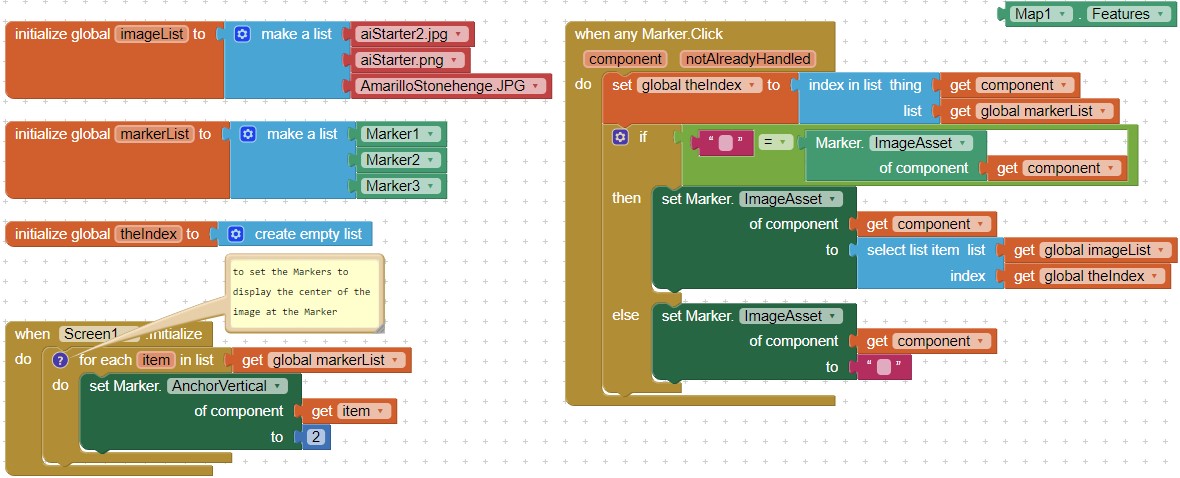
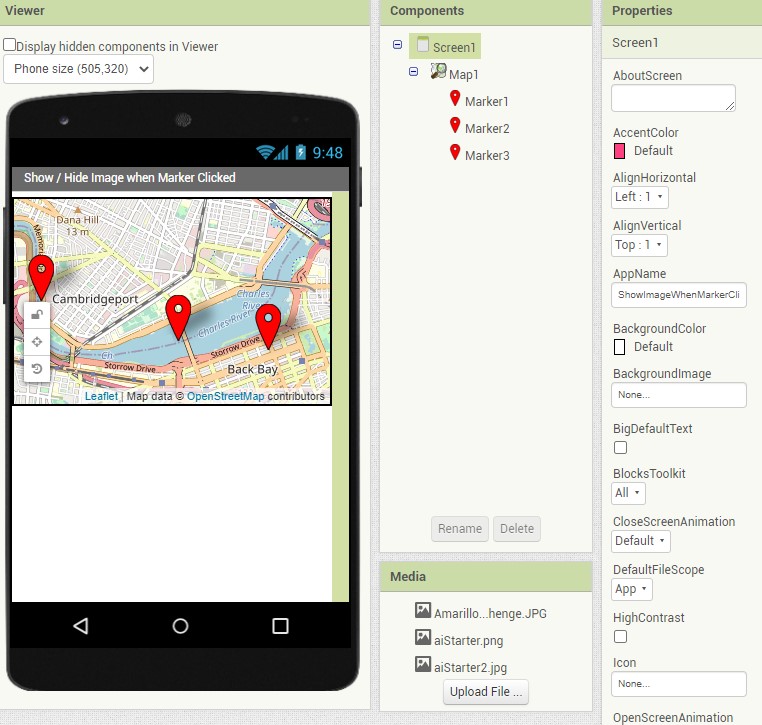
- You need two Lists; one for the Markers in your app, the other for the corresponding images. If you use run time markers and do not add any additional features, you can use the Map.Features block instead of the markerList. Map.Features provides a List of all the Features (Markers) without having to generate your own List.
- provide as many images and place them in Media as you have design time Markers.
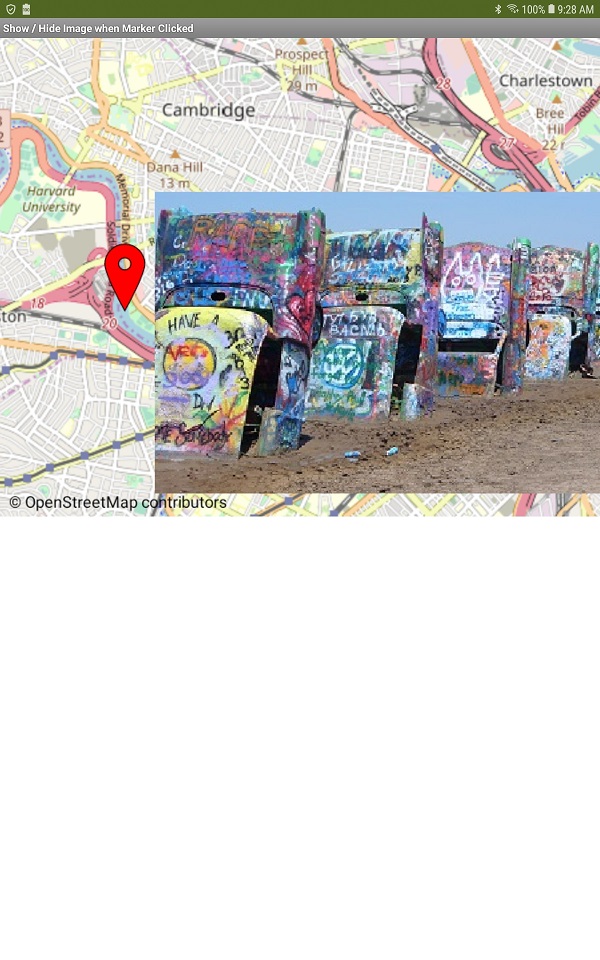
Touch to display image; touch again to hide the photo.
Experiment. The images you use in your app cannot be very large. What displays will depend on the zoom factor you use.