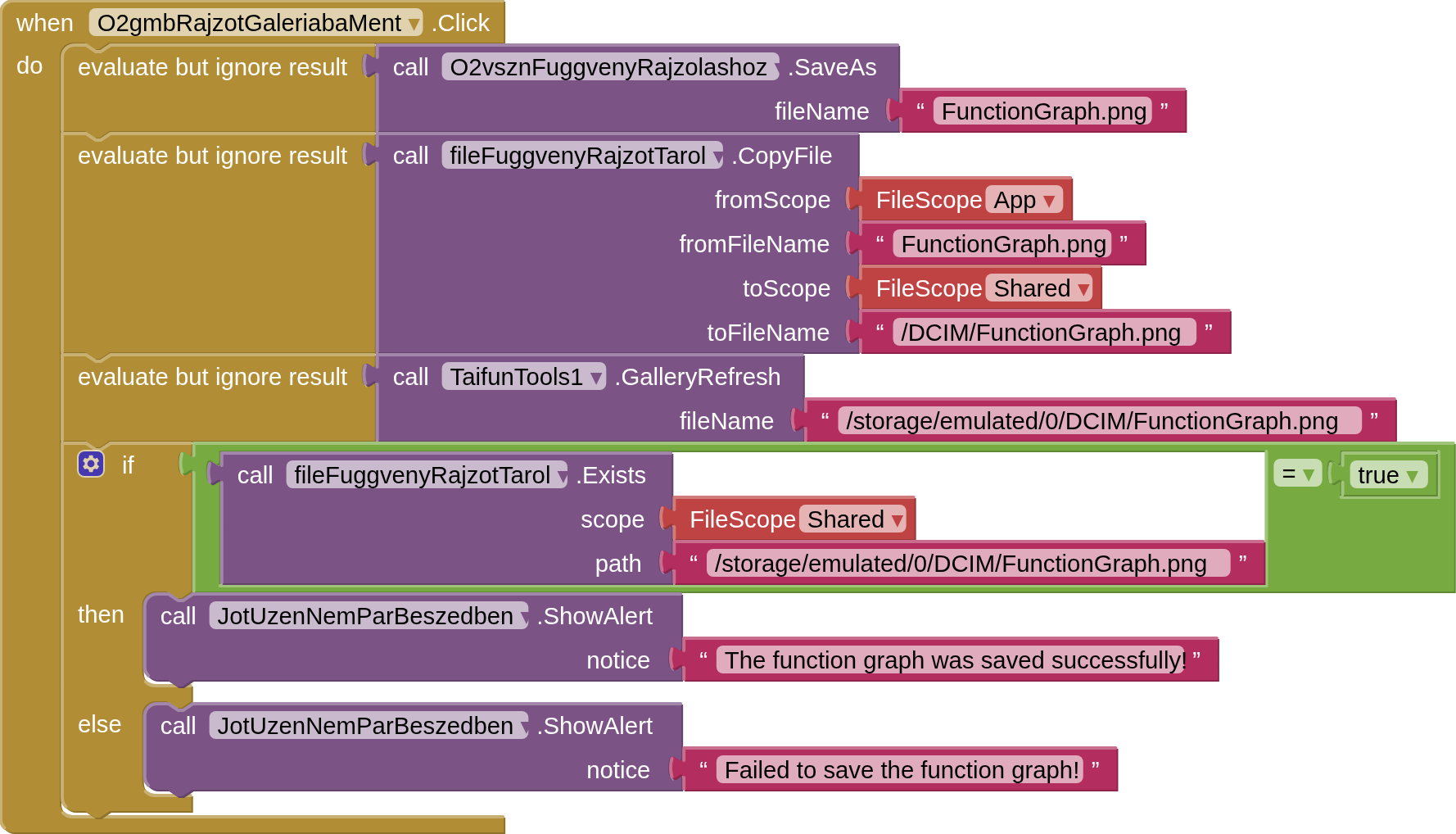
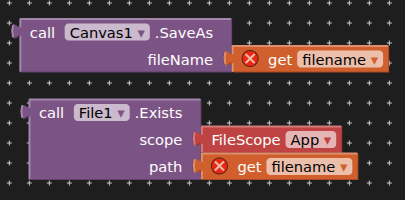
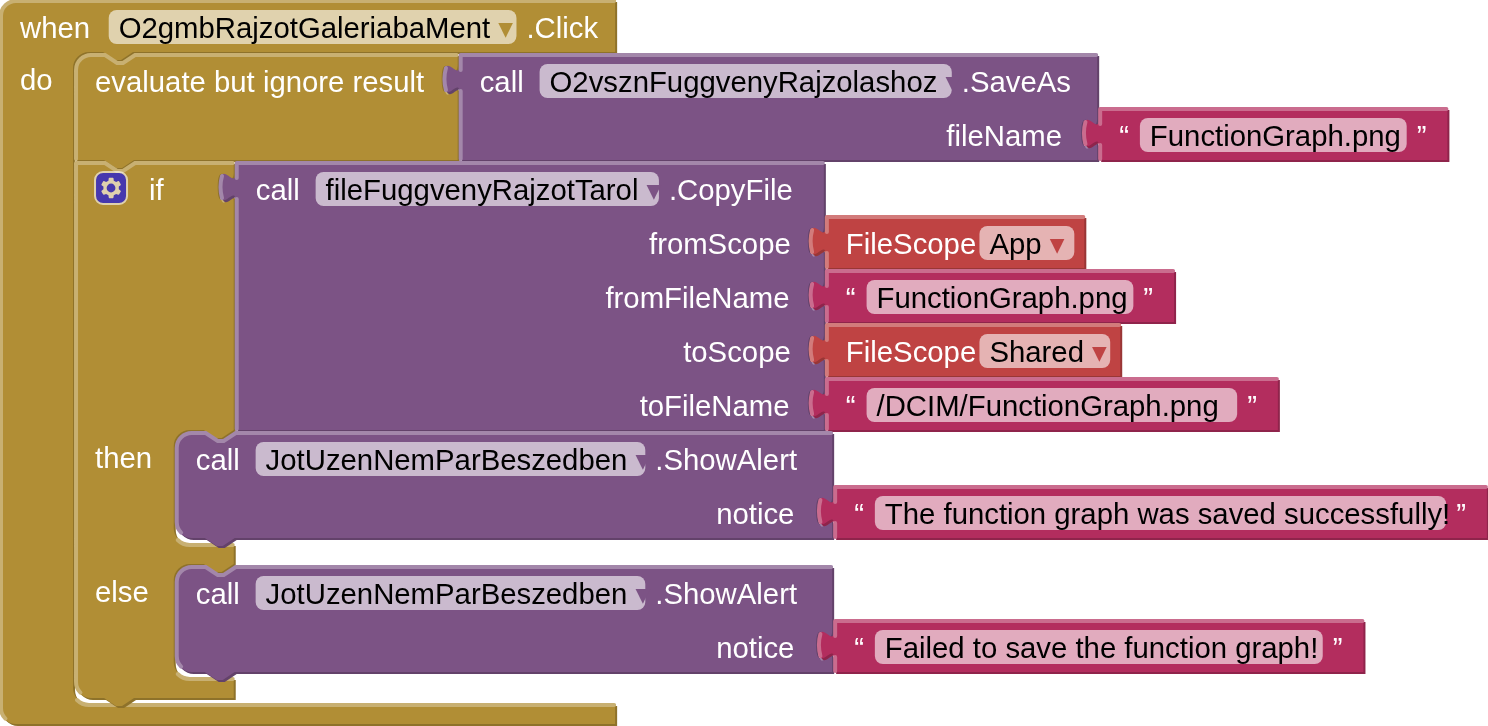
I would like to check the image saved to the image gallery after the user clicked a button to save the canvas contents as an image to the application's library (scope: App), which the application immediately copied to the image gallery (scope: Shared).
After the image is copied from the application library to the image gallery, I would check for the existence of the image saved in the image gallery. Then, if the image is there, I would indicate to the user that the image was saved successfully, if the image is not there, I would indicate that the image was saved unsuccessfully.
I builded the app as apk and installed it on my phone.
Now the situation is that when the user saves the contents of the canvas by pressing the button, my application immediately reports that the image was not saved. Then I look at my phone's image gallery, and the image in question is indeed not there. Then I save the contents of the canvas again by pressing the button in my application. My application again reports that the image was not saved. Now there are two images in my phone's image gallery: the result of the previous image save, and the result of the second image save.
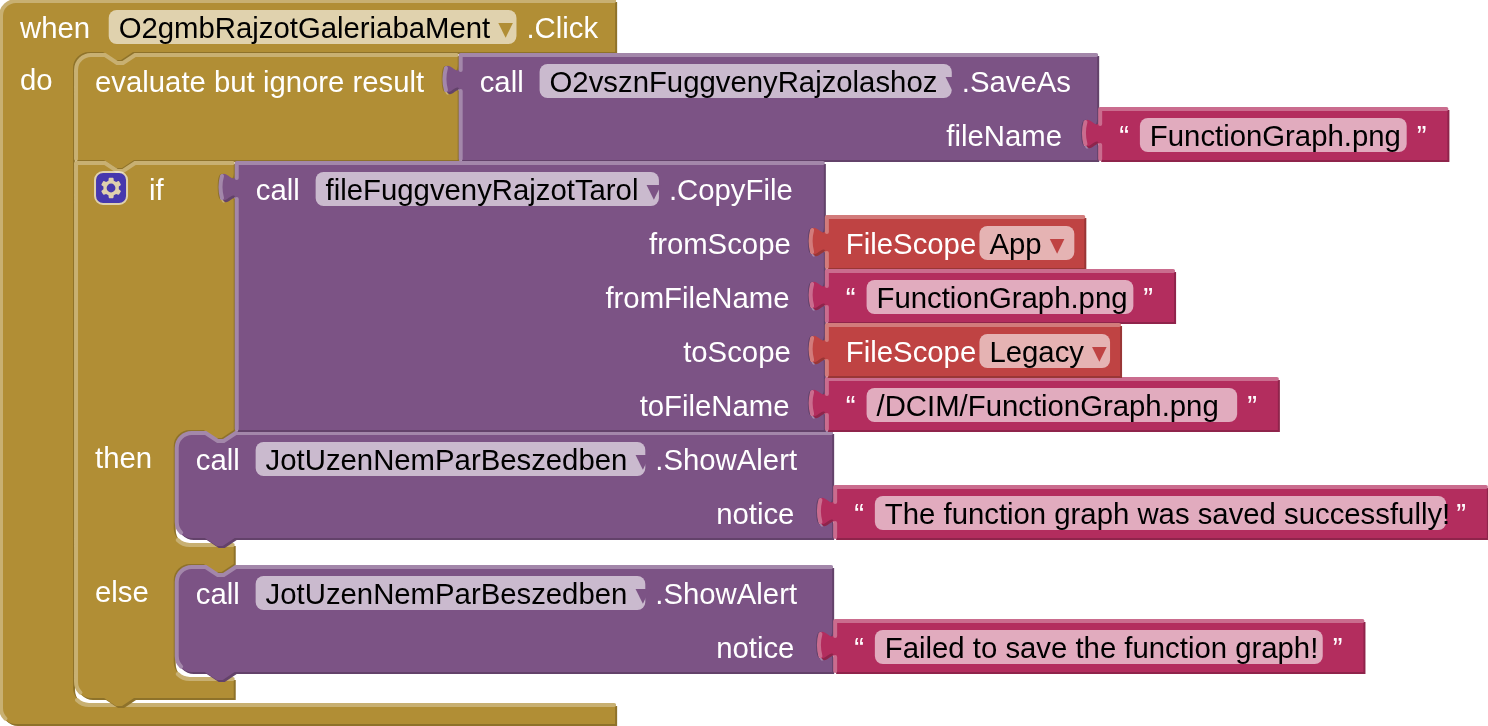
You might also try Legacy instead of Shared, for File methods, not sure about the GalleryRefresh (but this should only apply when using the default Android Gallery Viewer, not File1.Exists).
I prefer to use the SAF extension for this, then no messing about with filescopes.
Legacy: Files will be read from and written to the file system using the App Inventor rules prior to release nb187. That is, file names starting with a single / will be read from and written to the root of the external storage directory, e.g., /sdcard/. Legacy functionality will not work on Android 11 or later.
and
Shared: Files will be read from and written to the device’s shared media directories, such as Pictures.