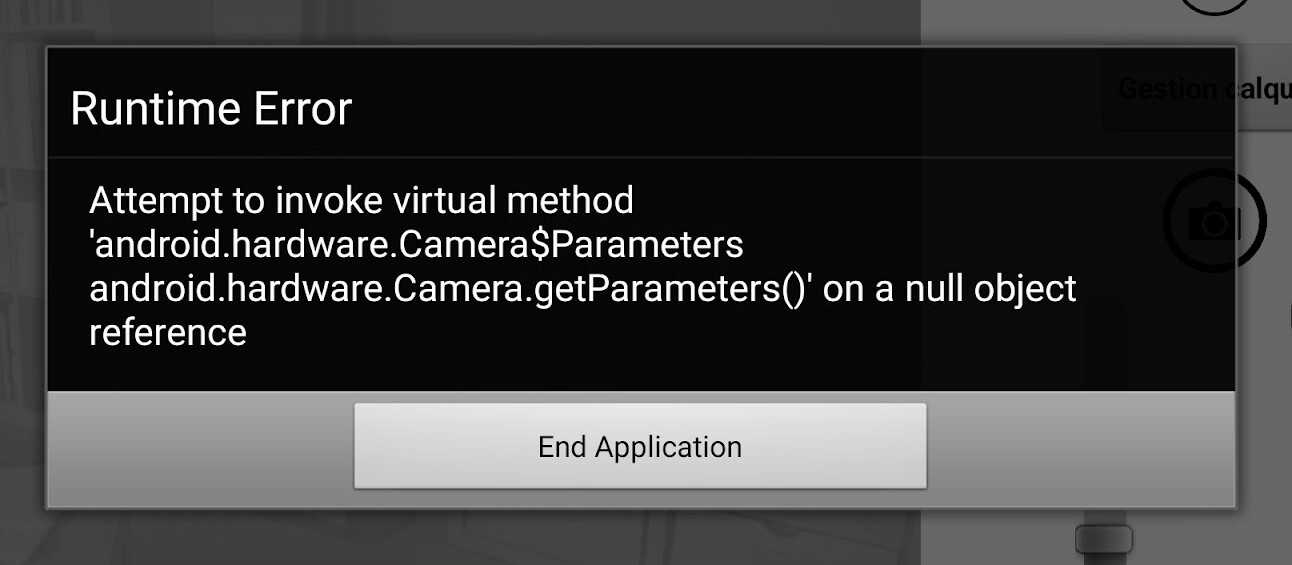
I have an old camera application, that I had to update to target API36, so I rebuilt my app. I tested the apk and it is working fine. I have uploaded the aab file on Google Play Console, but when I install the App from Google Play, my App crashes and I get the following error:
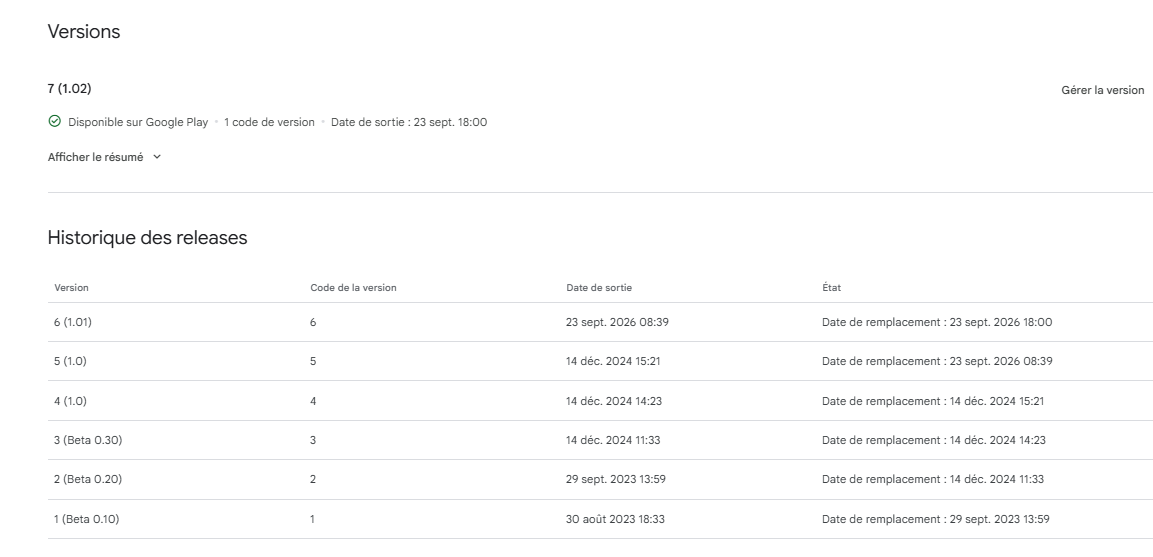
How old was the prior version? If it was fairly old, it may predate when App Inventor started having to target a newer SDK version that would trigger permission notifications. Does the app have the Camera permission in the manifest and has it been granted in settings? If not, I could imagine the Camera API returns a null object since you don't have permission to use it. The built-in Camera component should know what to do but extensions may need to be updated if that's the case.
You could also try removing extensions one at a time to see if this helps ( I see you use two camera extensions, I’d try removing one of the two for example )
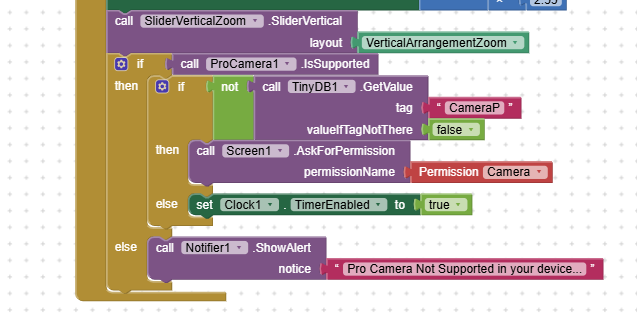
Instead of saving a permission flag in TinyDB, use an extension that checks the actual permission status. You can go into the app settings after installation and simply check whether the camera permission has been granted.
Thanks for your proposal to download the apk from Google Play Console.
I tried, and the downloaded apk (after un-installing the Google Play one) is working. When I started this apk I got the message to allow usage of camera, message I was not getting when installing from Google Play!
Then I un-installed it, and re-installed from Google Play, at that time I got the message to allow usage of camera, and it works!
I assume that the flag “CameraP” I store in TinyDB was indicating that camera Permission was already granted, but actually it wasn’t.
I noticed that even when un-installing app some data in TinyDB are not always cleaned up (e.g. in some of my App the flag “FirstRun”), maybe that was the issue.
So two extra questions:
Is it correct to store in TinyDb the fact that the permission is granted?
How to make sure TinyDB is cleaned-up when un-installing an App
Thanks to you @Anke@TIMAI2@ewpatton and all the App Inventor Community for the help and support you provide
This still sounds like a bug in the extension though... In the Camera component, we check internally whether the permission is granted and if it is not then we prompt for it. The user should never have to manage permissions in this way. The user can also revoke the permission in the settings app, so it doesn't make sense to store permanent state between app runs.


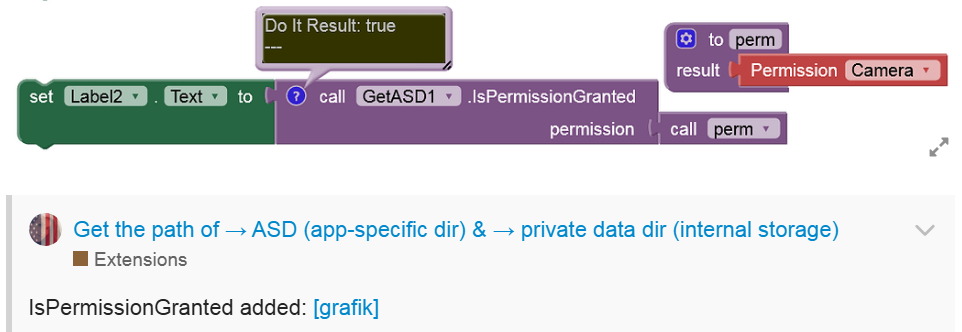
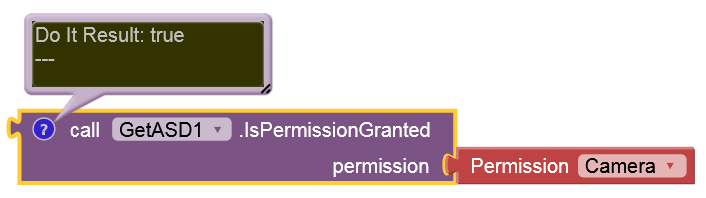
 (instead of TinyDB)