Hello, I downloaded my first extension : dynamic components from yusufcihan
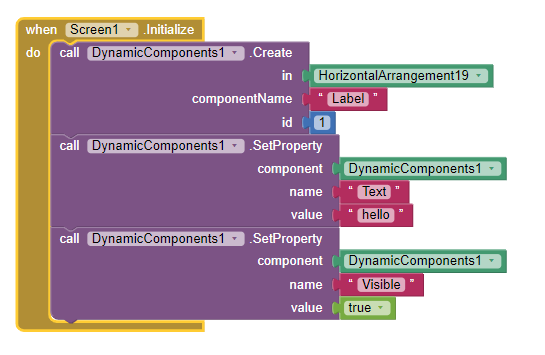
it looks great ... but I can't even manage creating a Label. So I assume I must do something wrong, and the explanations are less clear (less explicit) to me than the regular infos in AI2.
thank you ... but I feel so stupid I can't understand the second link you gave (I don't even manage to read the blocks, too small ... I must be tired, or in panic)
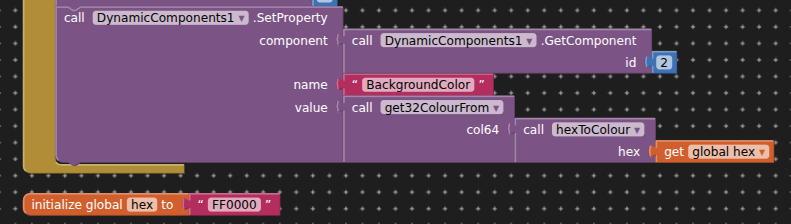
I noticed that I manage to create a button or a switch (good start), but following the FAQ I can't modify text or background color
where comes the green "Button1" from ? as you may have seen in my unsuccessfull try, I can only have a green "dynamiccomponent1". I don't fully understand the different possible values for componentName parameter.
There's something I am obviously missing. Who can show or explain ?
---- EDIT (I continue searching - I hope my attempts, question ... or success can help a future me encountering the same problem) ---
Hello,
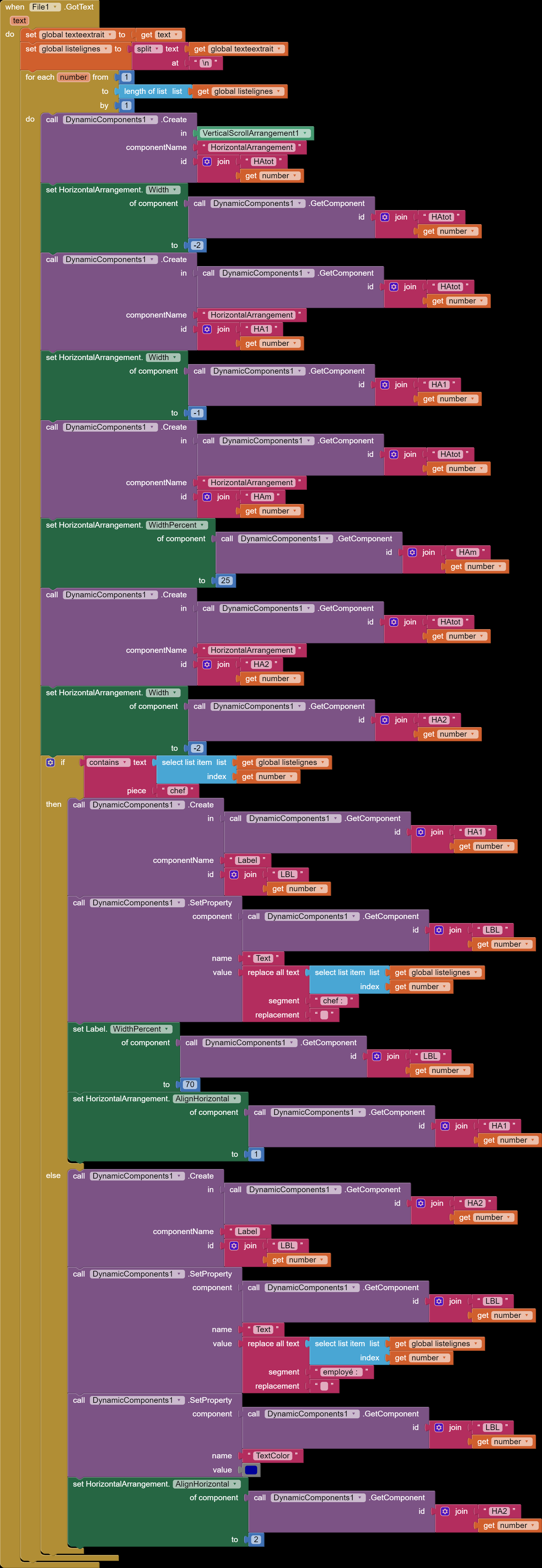
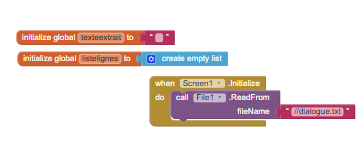
I am Happy This is the structure I wanted to build to display a dialogue from a text-file (whaterver it's length ; in this example dialogue.txt (1.6 KB) ) with one speaker on the right and the other speaker on the left (+/- chat-like).
Nevertheless it seems to me a rather "heavy" structure ; there are many repetitions of the same elements.
So I'm coming back to you looking for advices : how can I make this structure lighter ?
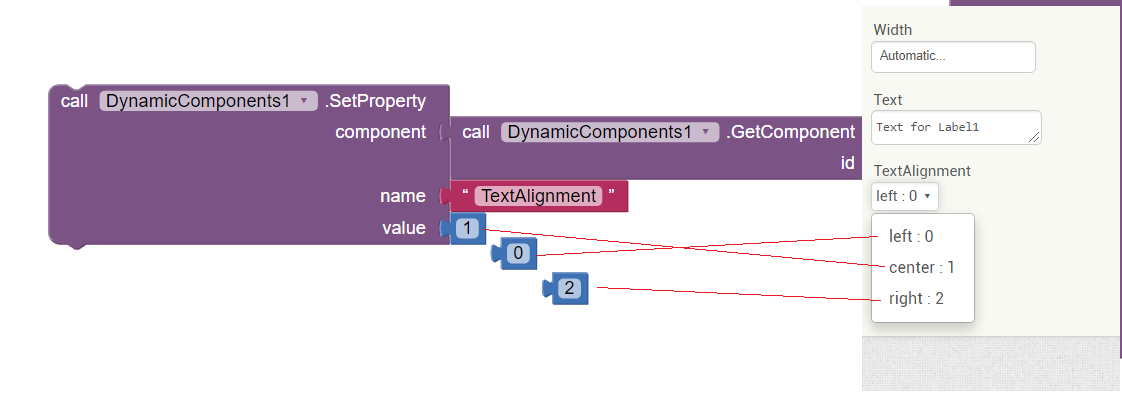
Other question : is it the case that one cannot set some component properties in blocks ? (I didn't find : shape of button, text alignment in labels) ?
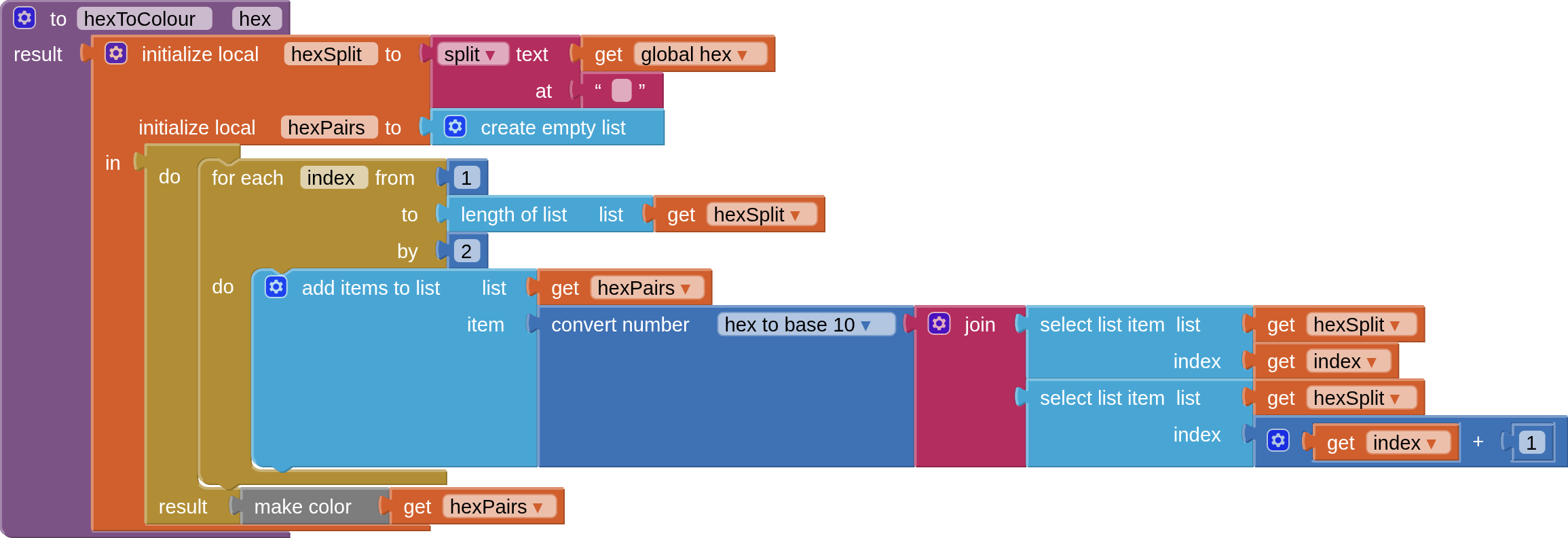
I believe the component requires an Integer Value and does not use hex color codes: The color input must be an integer (e.g., -1 for white, -16777216 for black).
 I downloaded my first extension : dynamic components from yusufcihan
 I can't understand the second link you gave (I don't even manage to read the blocks, too small ... I must be tired, or in panic)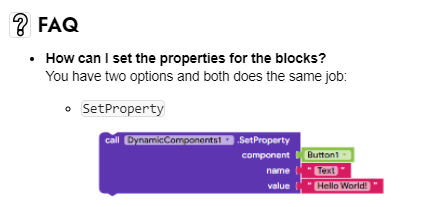

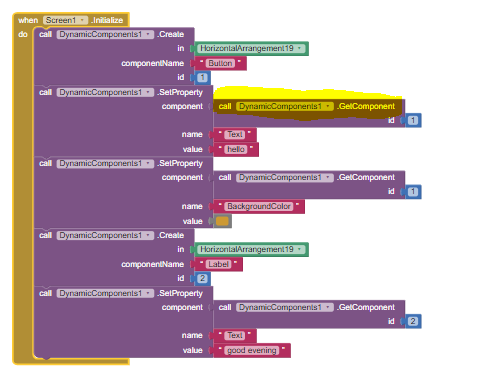

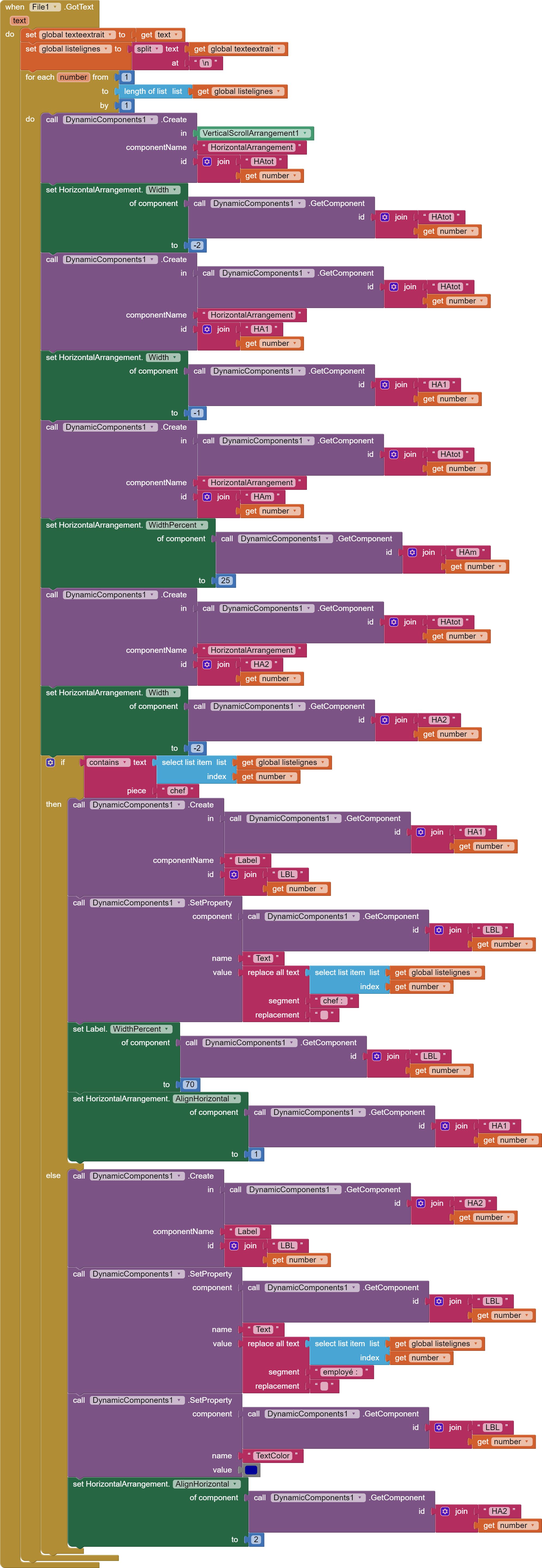
 This is the structure I wanted to build to display a dialogue from a text-file (whaterver it's length ; in this example