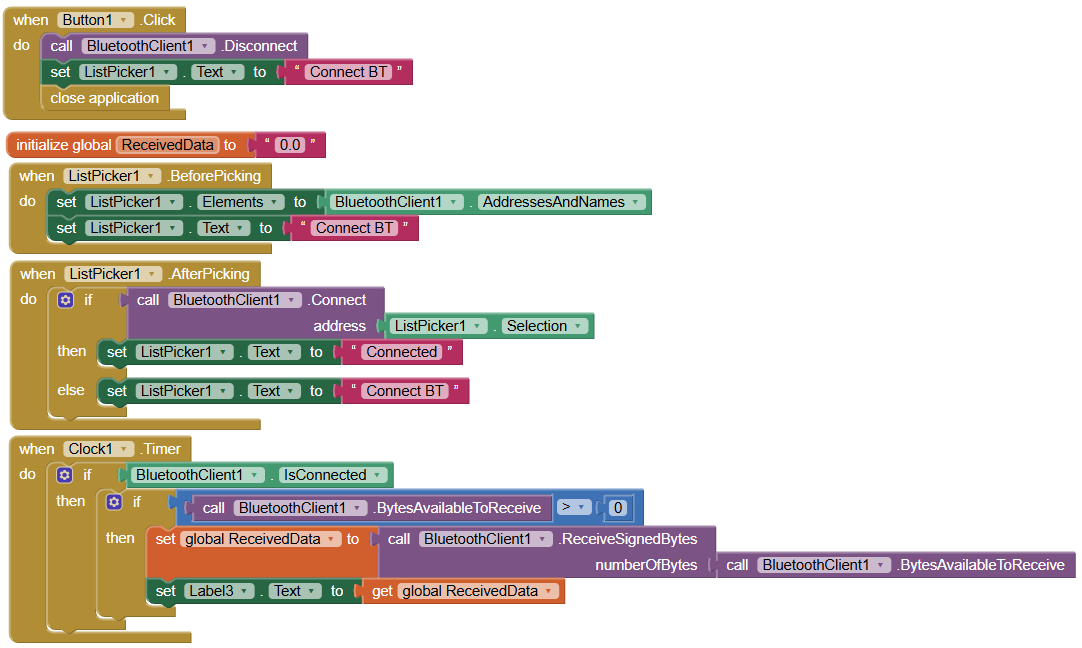
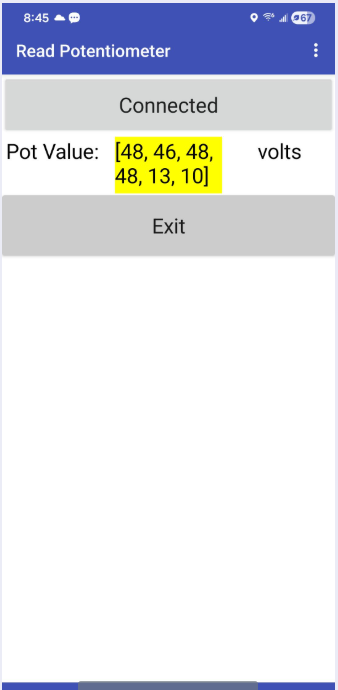
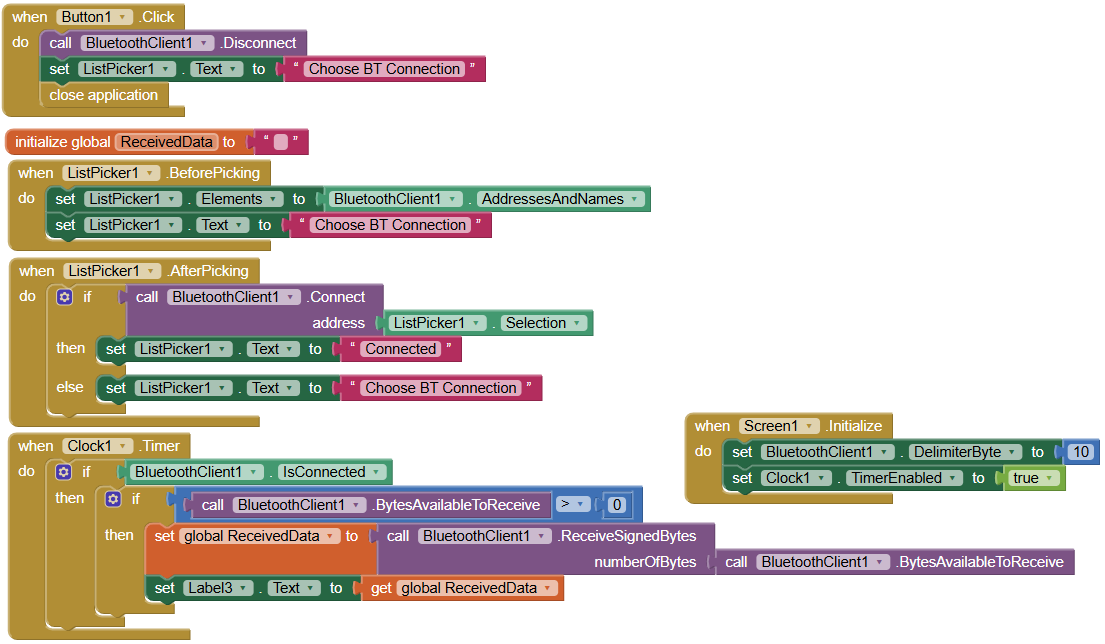
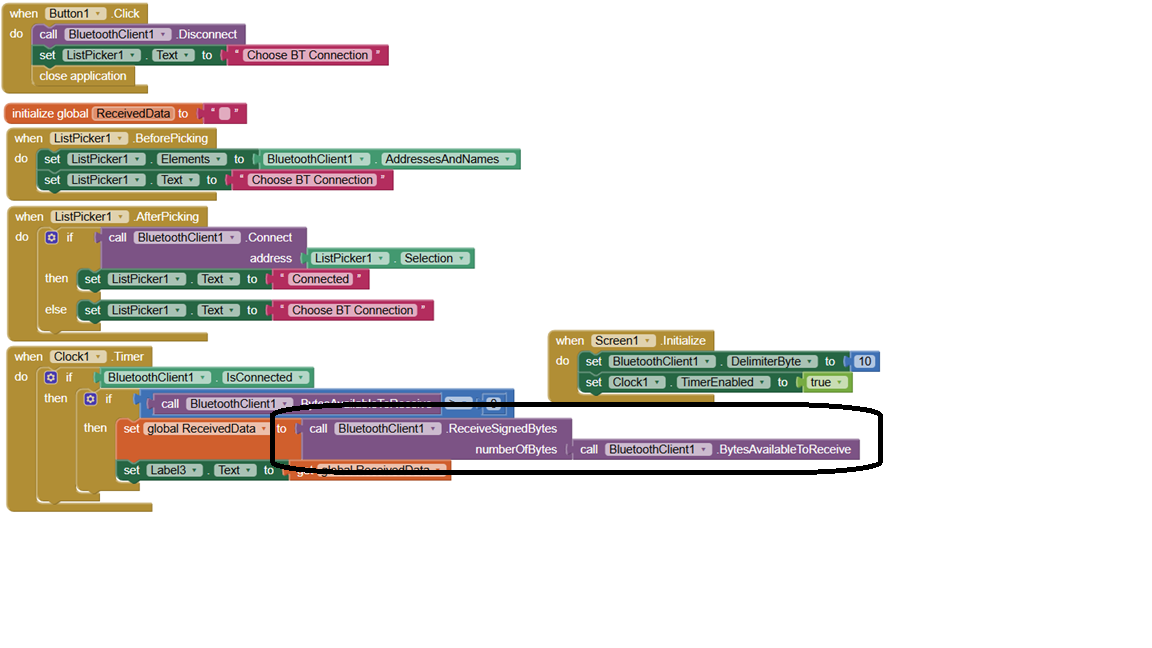
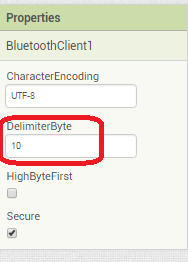
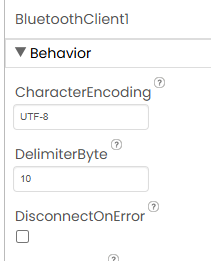
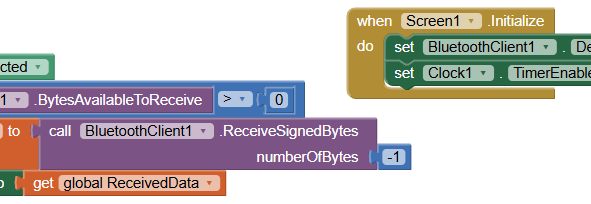
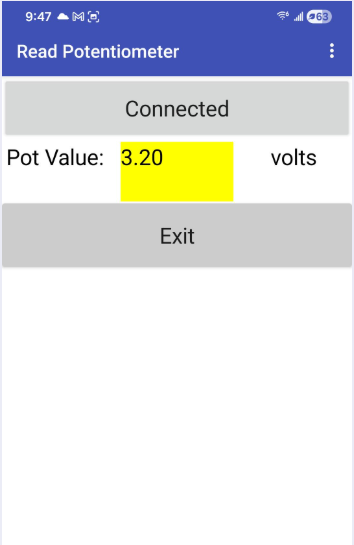
When trying to show a potentiometer value (from ESP32) over BT to phone, the app shows the ASCII codes with square brackets and 10 in the label text e.g. [49 50 41 50 10] I use SerialBT.println(potValue) in my code, and delimiter is set to 10 in Bluetooth client properties.
The ASCII codes do update when the pot is turned.
How to show numbers in the label text instead of ASCII codes?
(I also tried using SerialBT.print(potValue) and set delimiter=0; app showed -e.g. [49 50 42 50] i.e showed the ASCII codes with square brackets[ ]; did not show the string terminator '\0' )
Be sure to use println() at the end of each message to send from the sending device, to signal end of message.
Only use print() in the middle of a message.
Be sure not to println() in the middle of a message, or you will break it into two short messages and mess up the item count after you split the message in AI2.
Do not rely on timing for this, which is unreliable.
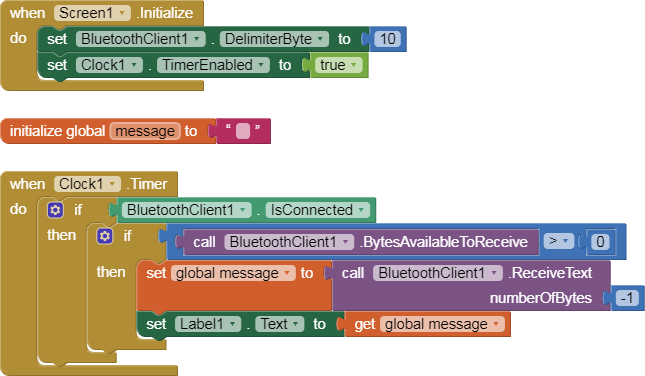
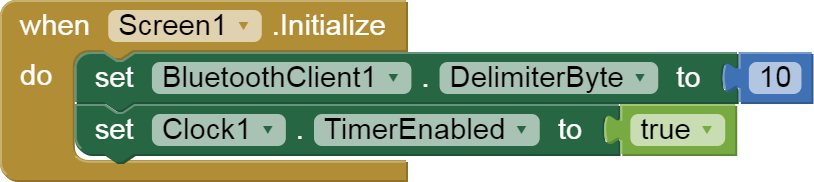
In the AI2 Designer, set the Delimiter attribute of the BlueTooth Client component to 10 to recognize the End of Line character.
Also, return data is not immediately available after sending a request,
you have to start a Clock Timer repeating and watch for its arrival in the Clock Timer event. The repeat rate of the Clock Timer should be faster than the transmission rate in the sending device, to not flood the AI2 buffers.
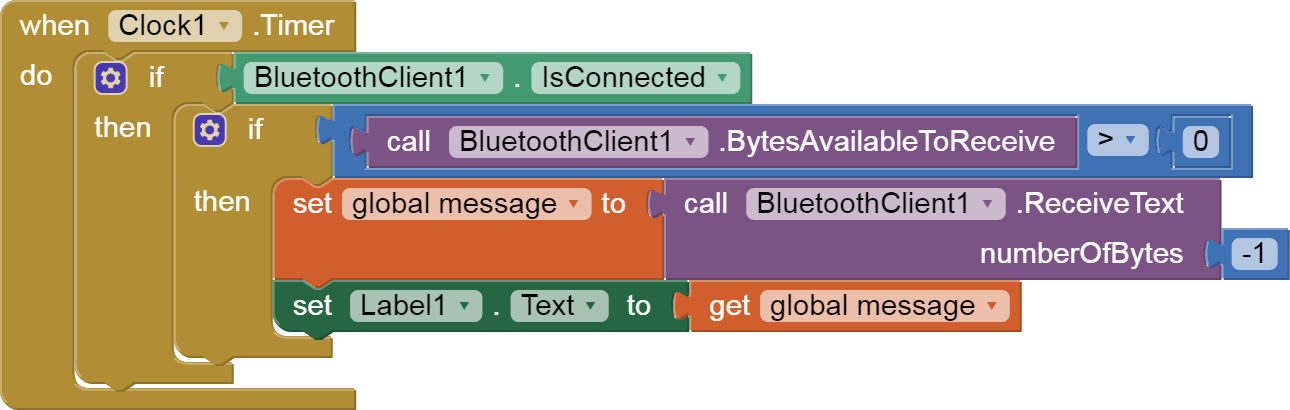
In your Clock Timer, you should check
  Is the BlueTooth Client still Connected?
  Is Bytes Available > 0?
     IF Bytes Available > 0 THEN
       set message var  to BT.ReceiveText(-1)
This takes advantage of a special case in the ReceiveText block:
ReceiveText(numberOfBytes)
Receive text from the connected Bluetooth device. If numberOfBytes is less than 0, read until a delimiter byte value is received.
Thank you again ABG! This was one of my guiding messages! :))
I do use SerialBT.println() when sending data. And had set delimiter=10 in the BTclient properties.