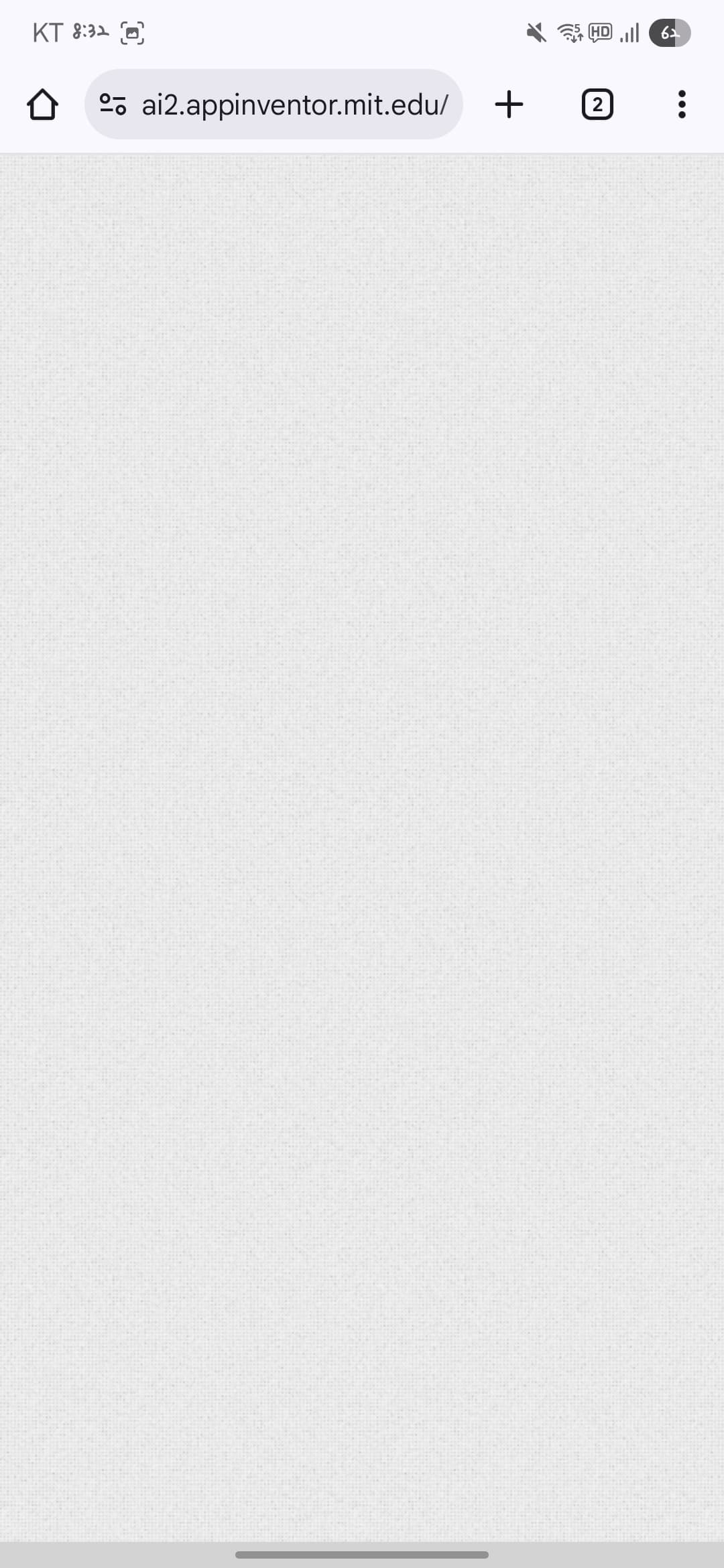
I’m having a problem with my App Inventor account. Whenever I try to log in on any device (PC, tablet, or phone) using Chrome (latest version), I only see a blank white screen. Nothing loads.
I’ve tried the following already:
Clearing browser cache and cookies
Using Incognito/Private mode
Logging in from different devices (PC, tablet, phone)
Reinstalling/refreshing the browser
Interestingly, creating a new account works fine, but my original account always shows the blank screen. This happens immediately after logging in, before any project loads.
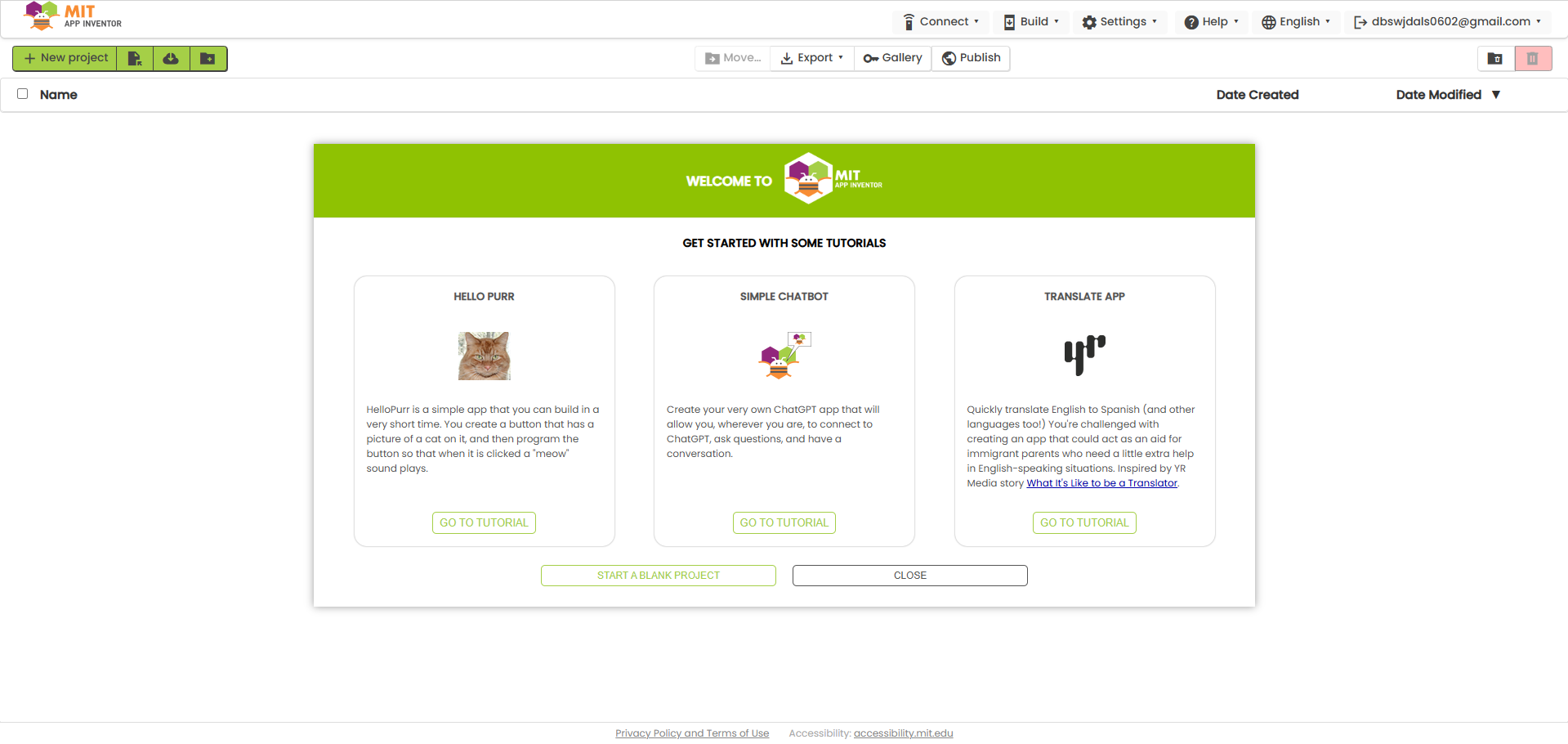
I also tried accessing the site through a different link I found (http://code.appinventor.mit.edu/). This time the page loaded, but it showed a new version of the interface (different from the UI I normally use), and none of my original projects were visible.[2]
Has anyone experienced this issue before or knows how to recover projects in this situation? Any help would be greatly appreciated.
Thank you!
Just five hours ago, I was able to access all my projects without any issues.
Dear @NIKI62,
the "code server" is a completely different environment with respect to the mit.edu one, therefore none of your previous projects is there. Unless you save the .aia from one and you retrieve it on the other.
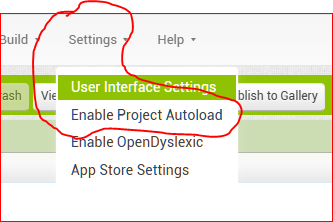
Now it seems that everything is working fine (according to your snapshot #2) but to avoid , or minimize, future risks, you can disable the automatic opening of the last project at AI2 start. This will avoid that corrupted projects can impede the access to the IDE.
Thank you for your reply. I just want to clarify that the screen in snapshot #2 is from a new link I tried, not my original account. While it loads, none of my original projects are visible, so my issue has not been resolved.
Could you please advise if there is any way to recover my previous projects from my original account?
I really appreciate any guidance you can provide.
*Also, please note that I am a non-native English speaker and using a translator to write this message, so I hope my explanation is clear.
I'm not of English native language too (I'm Italian) and I don't use translators so the "errors" are just mine .
That said, I've understood that you can open another environment but not your original one, therefore , as I've said before, none of your former project are there.
What I've seen is that this morning (italian time is 9:50 AM) many users are experiencing troubles in opening their AI2, which remains stuck showing a blank screen, when selecting to just open the IDE without donating. I guess this is a "unwanted behaviour" after the call for donation. I've already advised the AI2 staff about this issue. Let's wait for their solution. In the meanwhile what I can suggest is to try to access again; at least this is what happened to me: by trying to access twice, it has worked (though I've donated it was showing me a blank screen, the first attempt; at the second it worked).
Best wishes.
Thank you very much for your detailed explanation and advice—it really helped me understand the situation and feel more at ease. I hope this issue gets resolved soon.
Dear @NIKI62, have you solved ?
If not, there are many other users fighting the same problem and some of them have solved by disabling the "autoload" in the configuration settings.
Cheers
Hello! Did you manage to solve this?
I'm from Korea, and I had the exact same problem.
I just fixed it!I asked Gemini for help, and it seems like the browser data got tangled (a bug), which blocked the access.Forcing the connection through the link above solved the issue for me.
Oh my god, it worked!
I can’t thank you enough. I was in a really urgent situation, and your comment helped me solve everything. It feels incredibly reassuring to get help from someone from the same country. Thank you so much for sharing the solution — I truly appreciate it.
And also, thank you to everyone else who took the time to think about this issue with me.

 (I'm Italian) and I don't use translators so the "errors" are just mine
  .
.