Hi Me again!
Sorry to have to use the forum again but I've looked through all the online help and also googled for an answer but can't find one.
I have modified my previous app to now make and store a list of entries in TinyDB but I'd like each entry to have the date (and/or time) that entry was made.
Does anyone have a block example of how this could be achieved?
Regards
Rex
ABG
February 16, 2026, 3:33pm
2
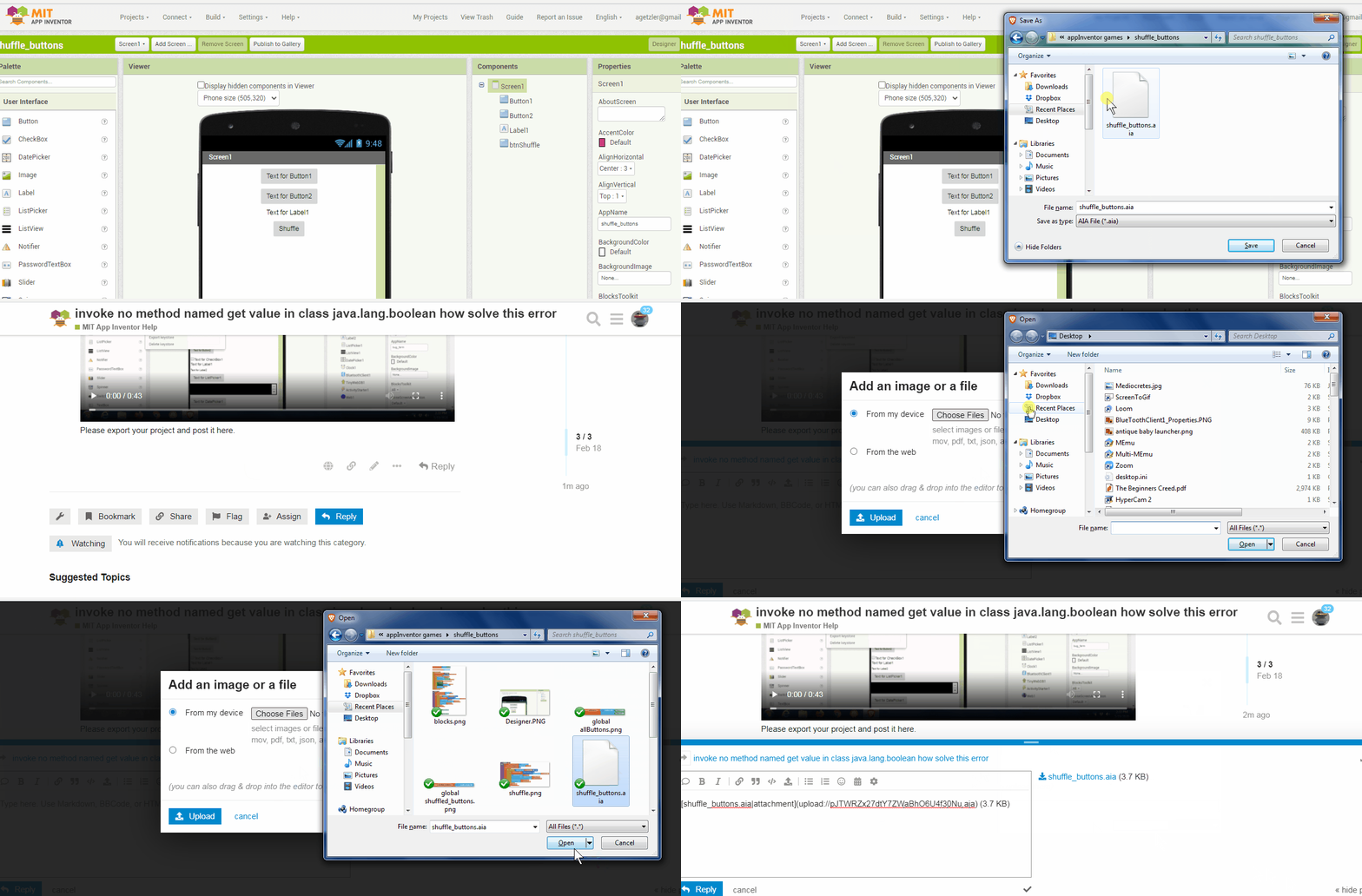
(Canned Reply: ABG- Export & Upload .aia)
TIMAI2
February 16, 2026, 4:41pm
3
Use the clock component:
Hello everyone,
I have made a basic guide on how to use the clock component.
Here, I will explain all the blocks associated to the clock component and a few sample projects which use the clock.
1.DESIGNER PROPERTIRES OF THE CLOCK
1.1Timer Always Fires
This is a Boolean property, i.e it accepts only true or false.
If you wish the clock to run even if the application is not the active screen, i.e the user is using some other application.
Can this be set using blocks? Yes!
Default: True …
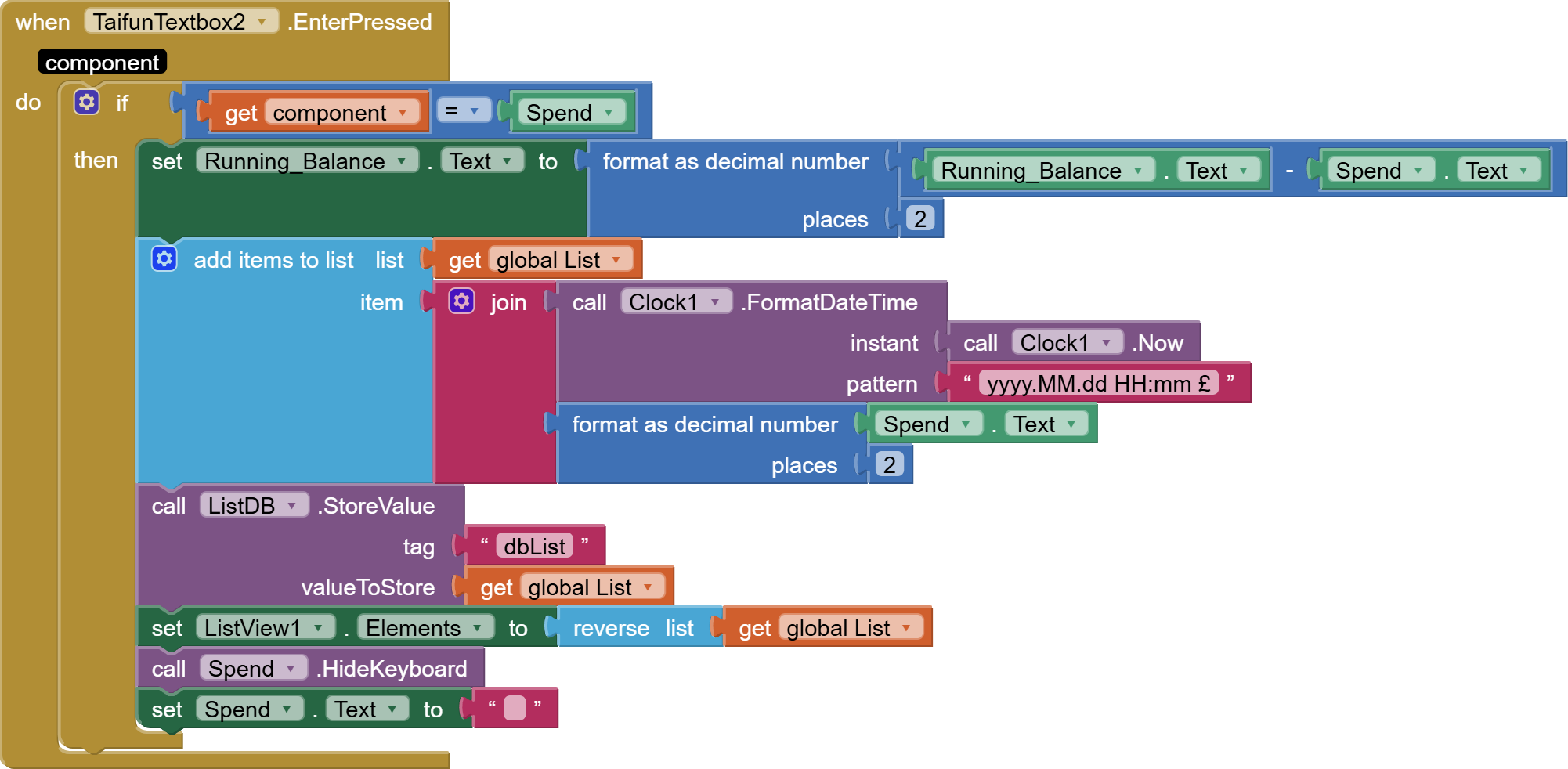
to generate and format a timestamp, then add it to your entry.
Here's the .aia.
TIMIA2 - Thanks for your instructions but I'm not competent enough with the appinventor to follow them.
RexWeeklyBudget121.aia (1.8 MB)
ABG
February 16, 2026, 5:22pm
5
In the Designer Sensors Drawer, find the Clock component and drag it into your project.
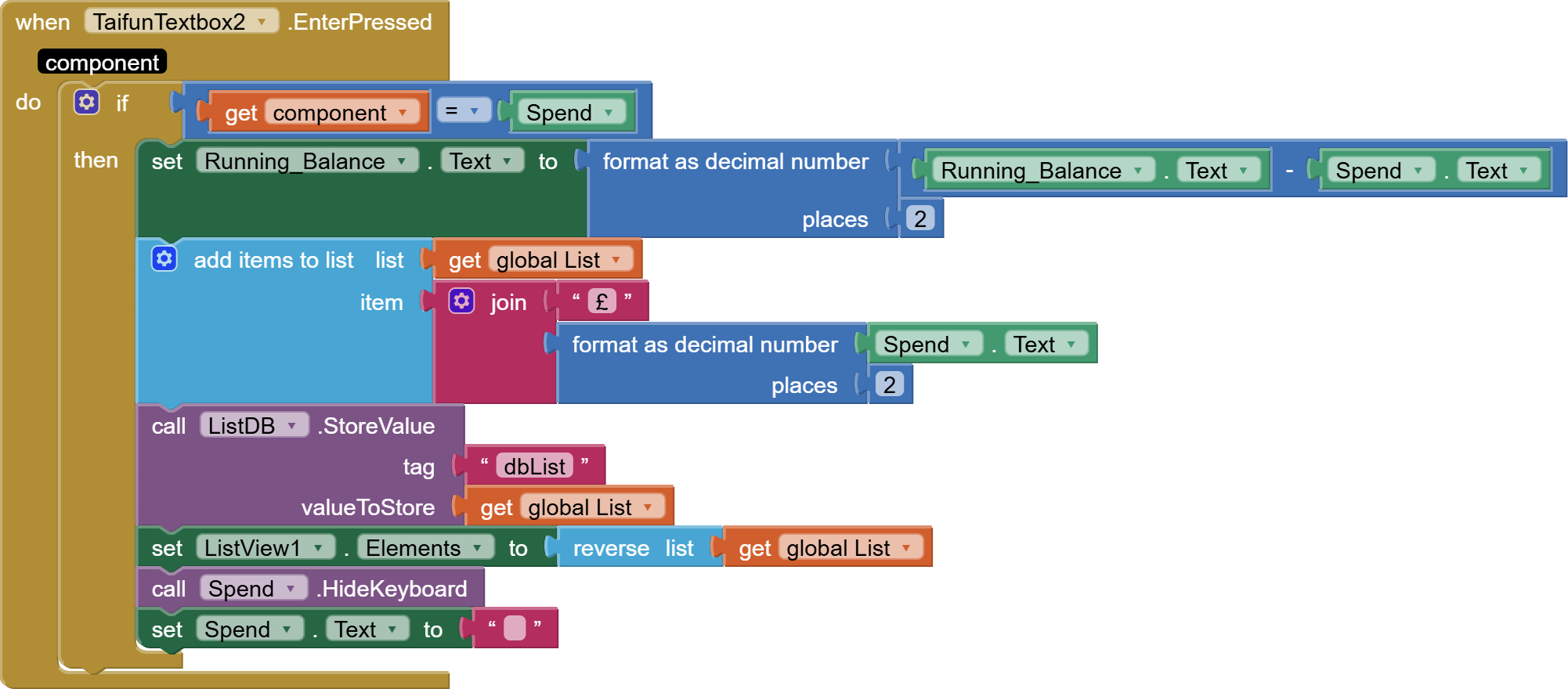
Replace
with
These blocks are draggable.
1 Like
ABG
Thank you so much, just what I needed and so simple I now feel stupid LOL!
Good job I'm only doing this for personal use, not for sale otherwise I'd have to share so much of the royalties!
Rex
1 Like