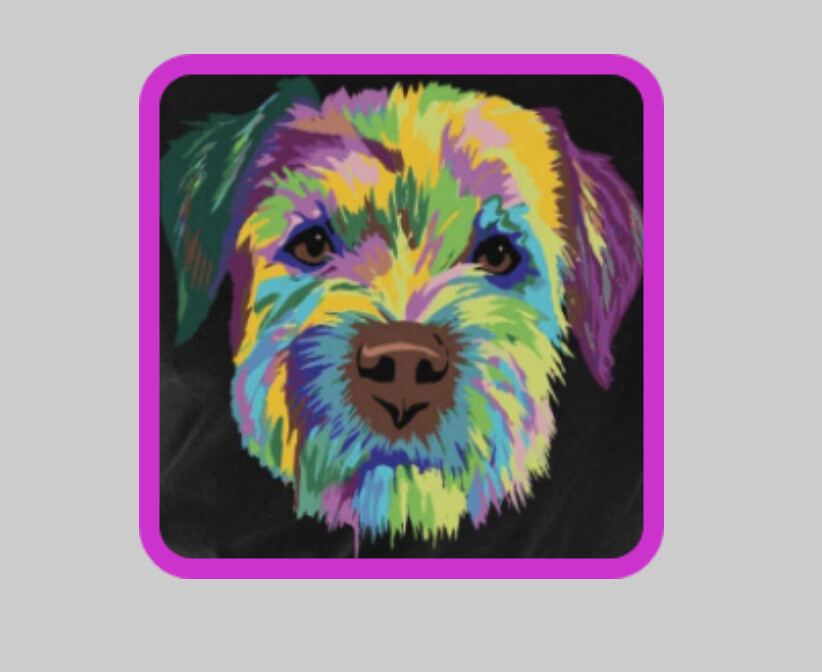
I have this:
	public static Bitmap cornerBitmap(Bitmap source, float round) {
		int width = source.getWidth();
		int height = source.getHeight();
		Bitmap bmOut = Bitmap.createBitmap(width, height, source.getConfig());
		android.graphics.Canvas canvas = new Canvas(bmOut);
		canvas.drawARGB(0, 0, 0, 0);
		Paint paint = new Paint();
		paint.setAntiAlias(true);
		paint.setColor(-16777216);
		Rect rect = new Rect(0, 0, width, height);
		RectF rectF = new RectF(rect);
		canvas.drawRoundRect(rectF, round, round, paint);
		paint.setXfermode(new PorterDuffXfermode(PorterDuff.Mode.SRC_IN));
		canvas.drawBitmap(source, rect, rect, paint);
		return bmOut;
	}
which works just fine, and returns the provided bitmap as a new bitmap with rounded corners.
I would like to be able to add a border with provided width and colour, and from other examples I have seen I believe I need to add another "Paint" to draw these, then draw the rounded bitmap "on top", but I cannot find the correct syntax or order of things to make it happen, I either just get the rounded bitmap, a square bitmap, or nothing!
	public static Bitmap cornerBitmap(Bitmap source, float round,int borderWidth, int borderColour) {
		int width = source.getWidth();
		int height = source.getHeight();
		Bitmap bmOut = Bitmap.createBitmap(width, height, source.getConfig());
		android.graphics.Canvas canvas = new Canvas(bmOut);
		canvas.drawARGB(0, 0, 0, 0);
		Paint paint = new Paint();
		paint.setAntiAlias(true);
		paint.setColor(-16777216);
		Rect rect = new Rect(0, 0, width, height);
		RectF rectF = new RectF(rect);
		canvas.drawRoundRect(rectF, round, round, paint);
		paint.setXfermode(new PorterDuffXfermode(PorterDuff.Mode.SRC_IN));

// ## what I believe is needed, or something like it...##

//      if (borderWidth > 0) {
//		Paint pnt = new Paint;
//		pnt.setAntiAlias(true);
//		pnt.setStyle(Paint.Style.STROKE);
//		pnt.setColor(borderColour);
//		pnt.setStrokeWidth((float)borderWidth);
//		canvas.drawBitmap(source, rect, rect, pnt);
                 }

		canvas.drawBitmap(source, rect, rect, paint);

		return bmOut;
	}
Can anyone see where I am going wrong, and what is needed to make this work ?