I have a project, (I've included the .aia file) where a datafile is failing to read a csv file.
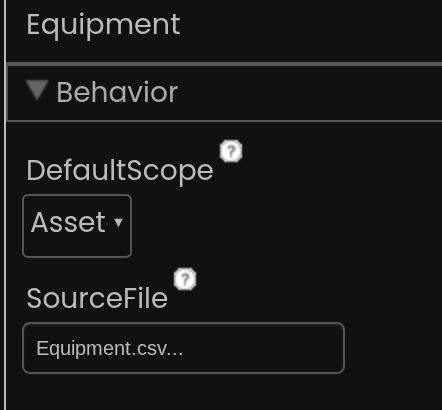
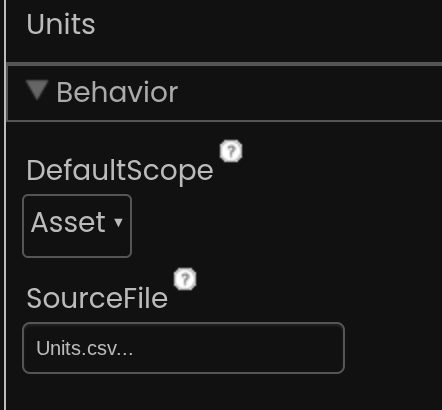
In my review resources screen, I have 2 data files, one called units and one called equipment. Both have a respective .csv file attached.
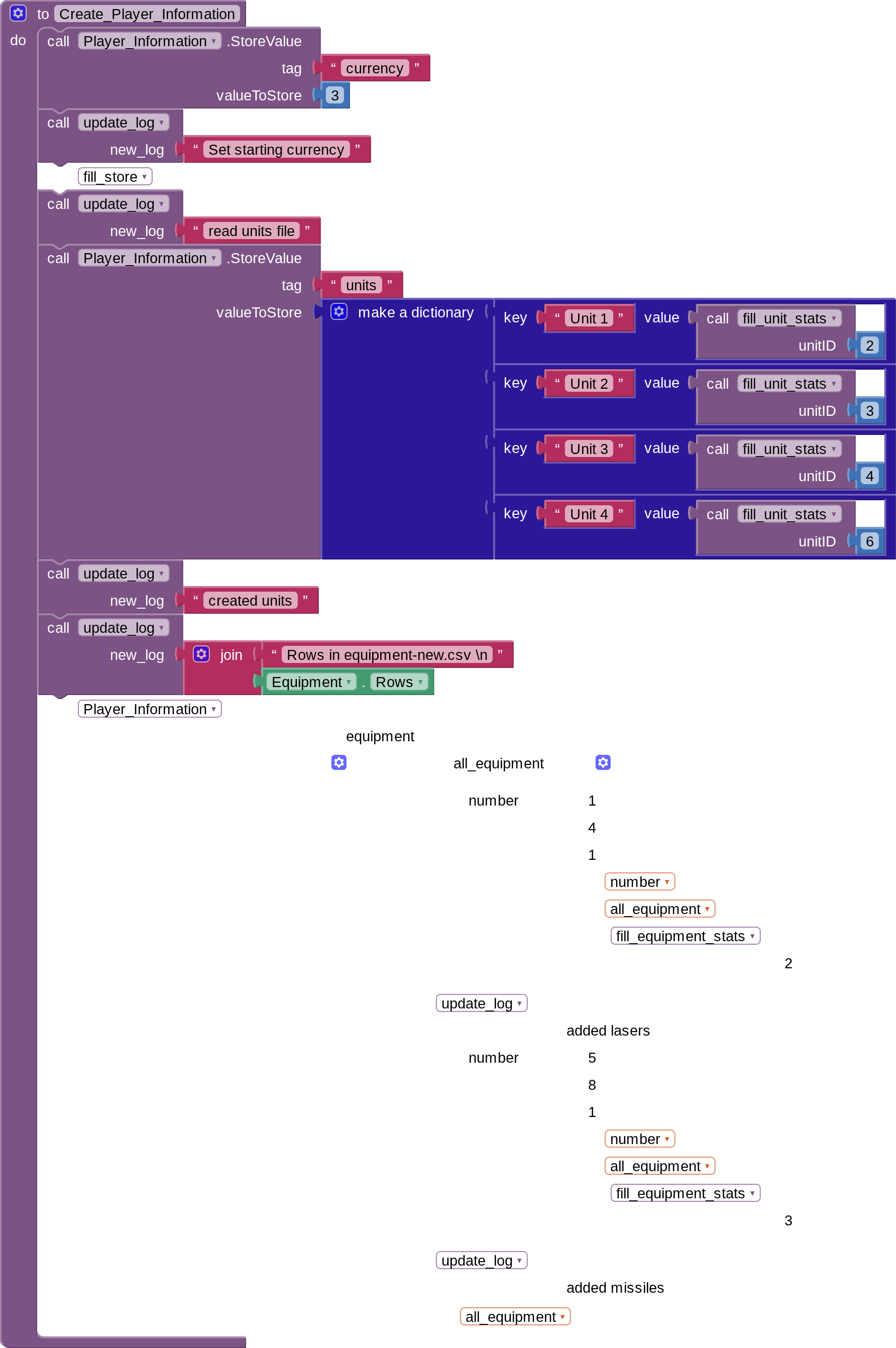
When I use the restart button, my code attempts to create several objects in my tinydb, copying cell values from these files to essentially create objects with traits.
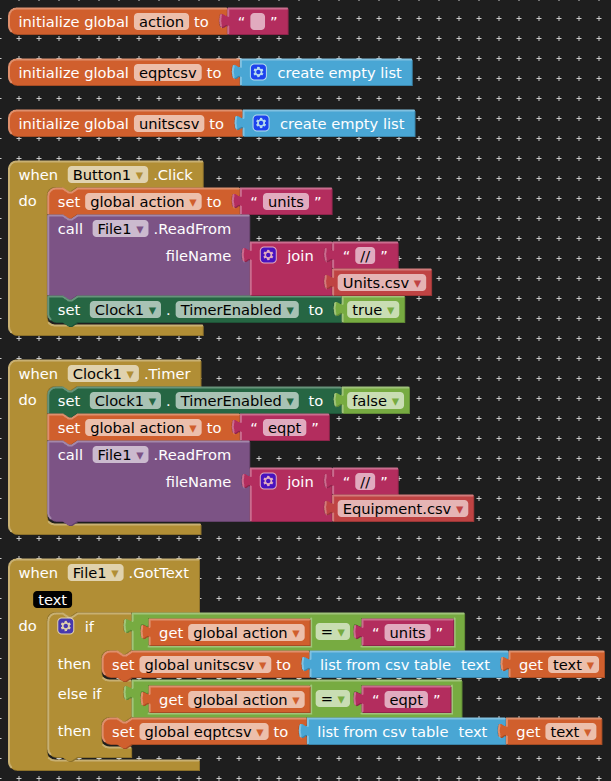
However, while the units datafile works with no issue, the equipment.csv file is empty. In my troubleshooting, I have been able to copy the content of the equipment.csv file into a regular file, and print it out with the update log function I created, so I know that the csv file does have the data in it.
Please help me figure out what I am doing wrong ClankerTek.aia (618.3 KB)
Things I've done to troubleshoot:
I tried removing all source files from the two data files, then reading units before creating units, and reading equipment before creating equipment, using only the units datafile for both . Units worked, equipment did not.
I've also pushed the contents of the rows for Units.csv to the log text block, and they were displayed as expected.
If you are asking for help, I recommend you to make it as easy for others to be able to help you ...
You probably will get more feedback then...
which means in your case post a screenshot of your relevant blocks...
To download the aia file, upload it to App Inventor, open it, do some bug hunting for you, etc... this takes time, and most people will not do that...
Thank you.
Thank you for the feedback, and I completely understand! Here are what I think are the most relevant blocks in my code. I have also included both .csv files as well. The last bit of the create_player_information block is disabled until I understand how to fix reading the equipment.csv file.
Additionally, I've currently disabled just about everything that isn't relevant to this specific bug hunt on the screen of the .aia project where I'm asking for help, which should help expedite familiarity for anyone looking at it for me. Units.csv (1.1 KB) Equipment.csv (791 Bytes)
I see only trouble in using datafile components outside of their intended purposes, to feed the graph component.
if you want to persist tables loaded from the Media folder, allocate yourself TinyDB NameSpaces to preserve their key/value structures across runs, and load those from different File components on first run.
You can detect first run by checking the list length of GetTags on one of those TinyDB Namespace instances.
To manage a load from several files, you can sequence them by starting the read of one file after the preceding file's load has finished. (Daisy chaining the loads).
If I were using this data file to push to a graph, wouldn't I still be encountering the same issue that I am now, which is that it appears that the data file is failing to pull the csv file's data?
My code looks the way it does right now because I've been using it to troubleshoot the problem. At this point, my block simply has a datafile with a source csv file, and it is empty, even when I can demonstrate that the csv file is not. Is this a bug, or is there something wrong with my code? That's what I'm asking for help and trying to determine
I am grateful for your offered different approach to pulling static information into my tinydb to further manipulate or work with from there. I will definitely explore that as well, but it doesn't solve the root issue I'm struggling with here.

 Taifun.