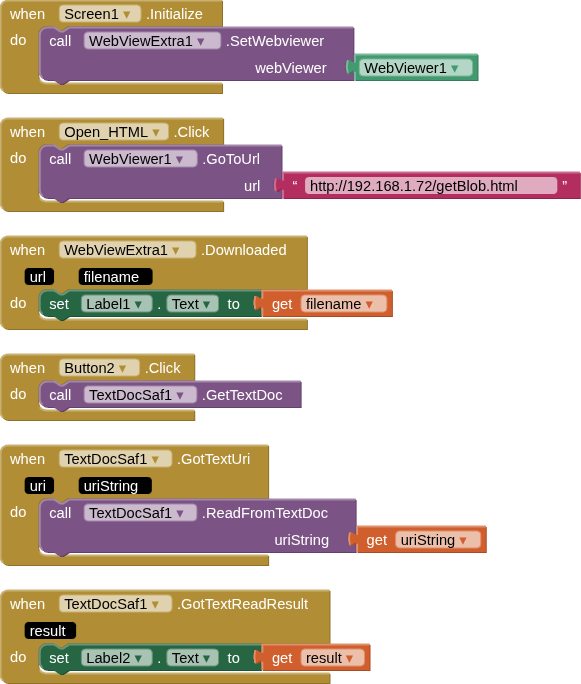
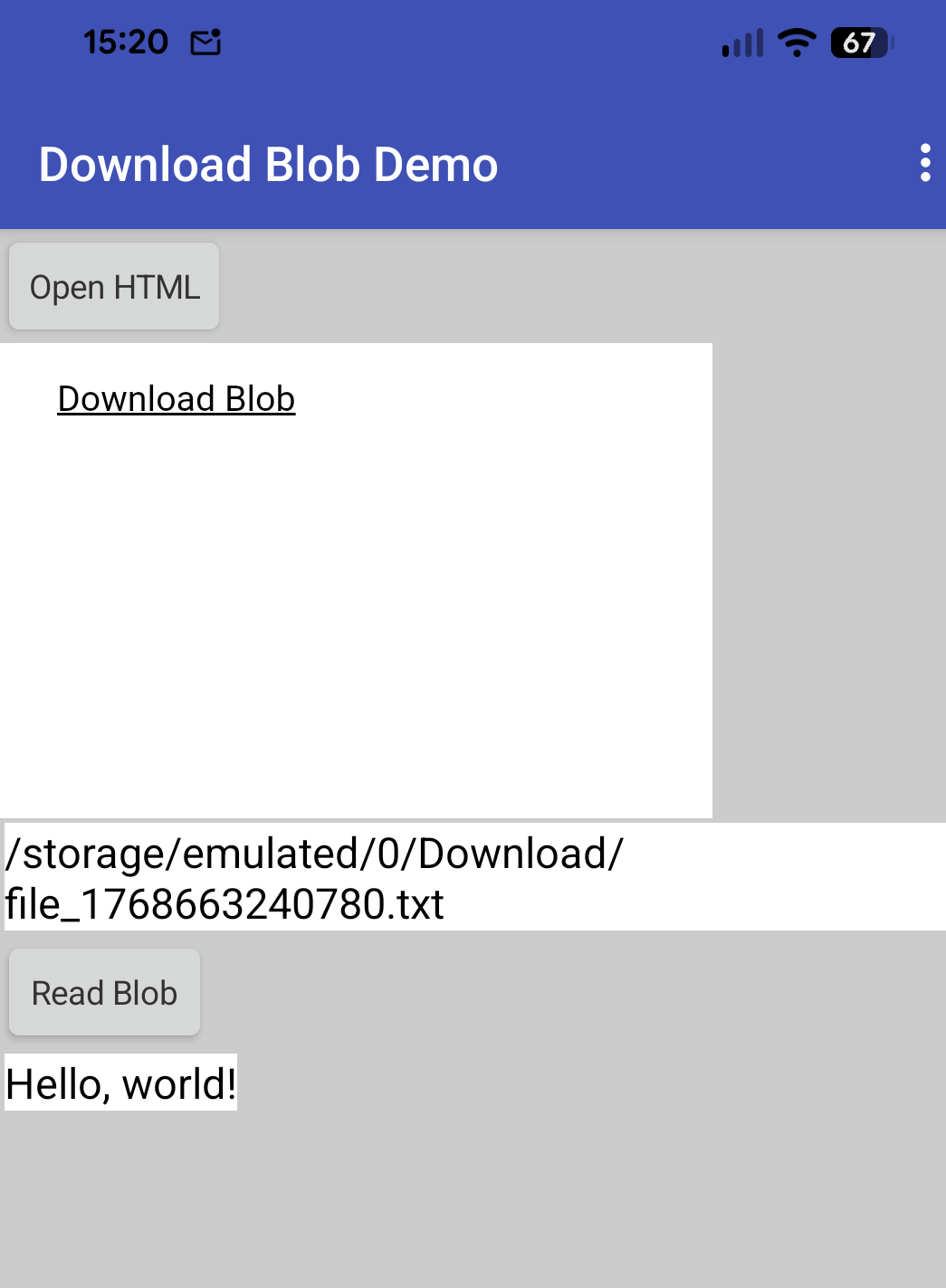
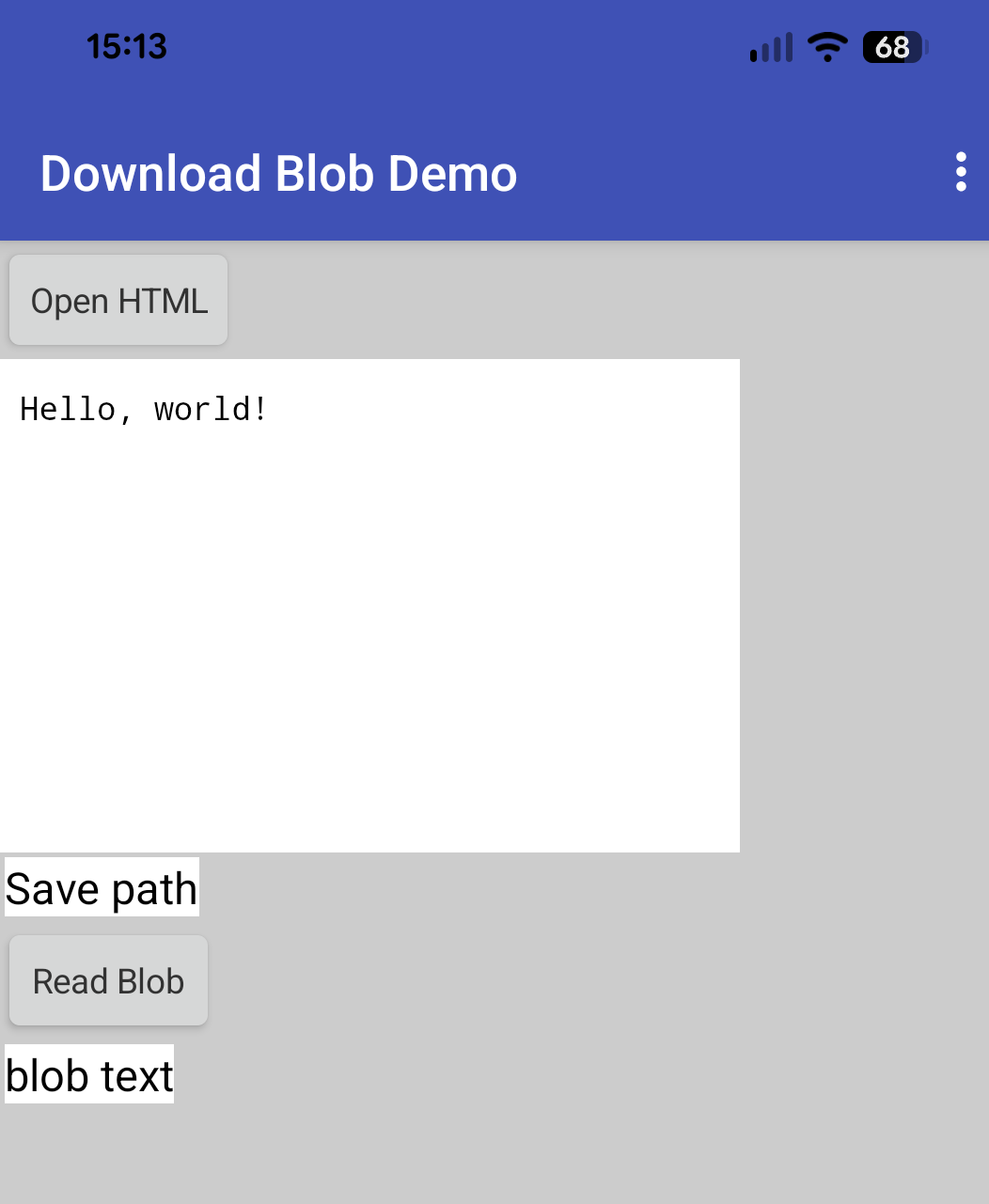
blobs can only be downloaded to the Download directory (now fixed in V2.3)
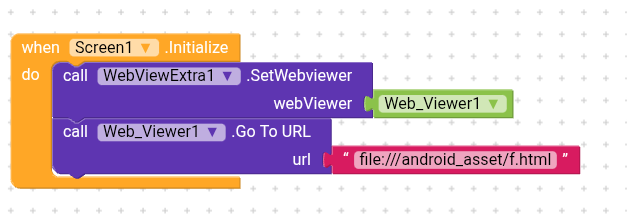
To get the file, the html has to be on a server - somewhere (although in more recent testing, things did appeaar to be working correctly for a local (in assets) html file on companion)
I used my text-doc-saf extension to read the file, the download happens "outside" the app so the app does not have any rights to view the file, unless you use saf. media files may behave differently.
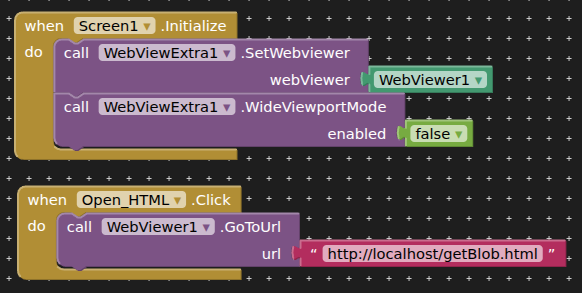
If localhost is used (assets) for the same html file, it fetches the text directly to the browser. Not sure how this would work with other file formats.
Thank you very much for the WebViewExtra extension — it's an excellent piece of work.
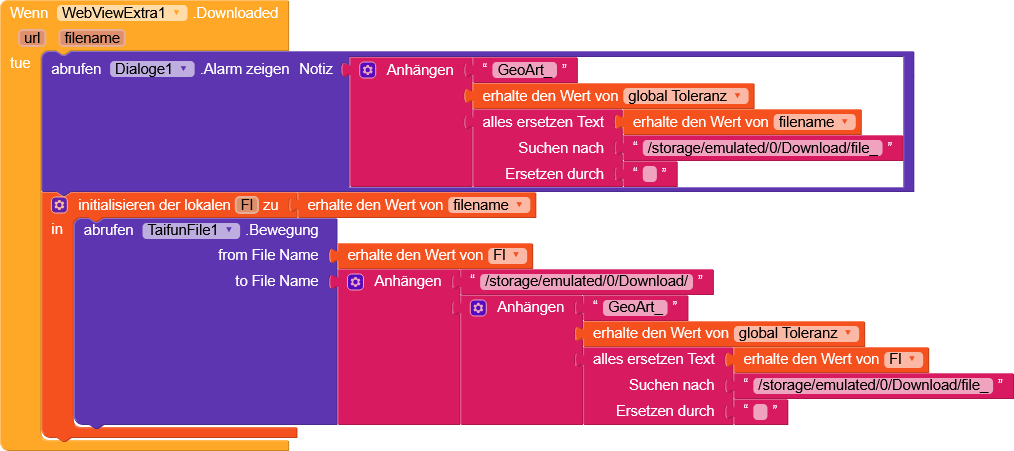
As shown in the image, I'm changing the default name of the downloaded file. I have 2 questions, and if it's not too much trouble, a small request as well.
1- Is it possible to change the name of the downloaded file only through your extension? (Perhaps this could be added as a new feature?)
2- Without using SAF, is it possible to first let the user pick the save location, and then trigger the actual save afterwards?
No, and not a feature I will be working on, this can be done after the file is downloaded.
The wve extn allows you to set one of three download locations (Download/Documents/ASD). You can move the downloaded file wherever you want after it is downloaded.