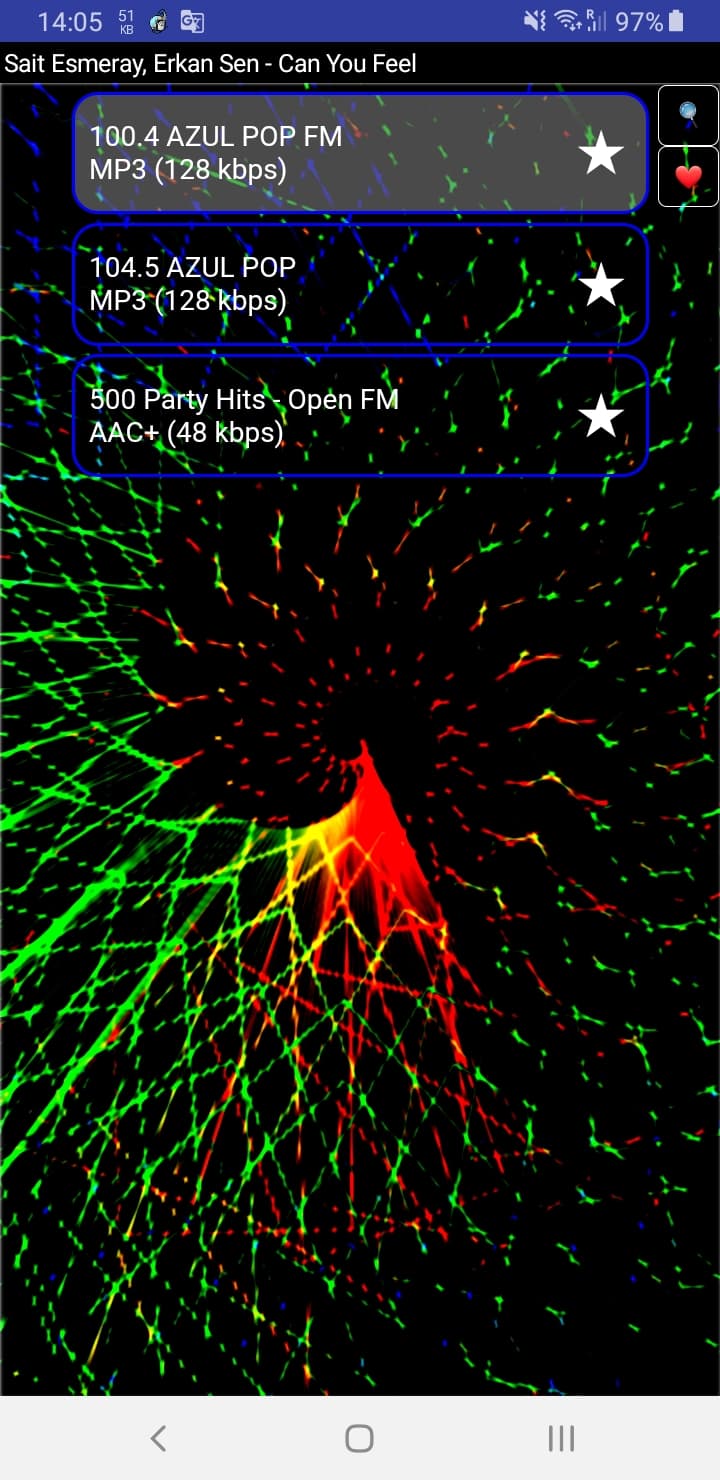
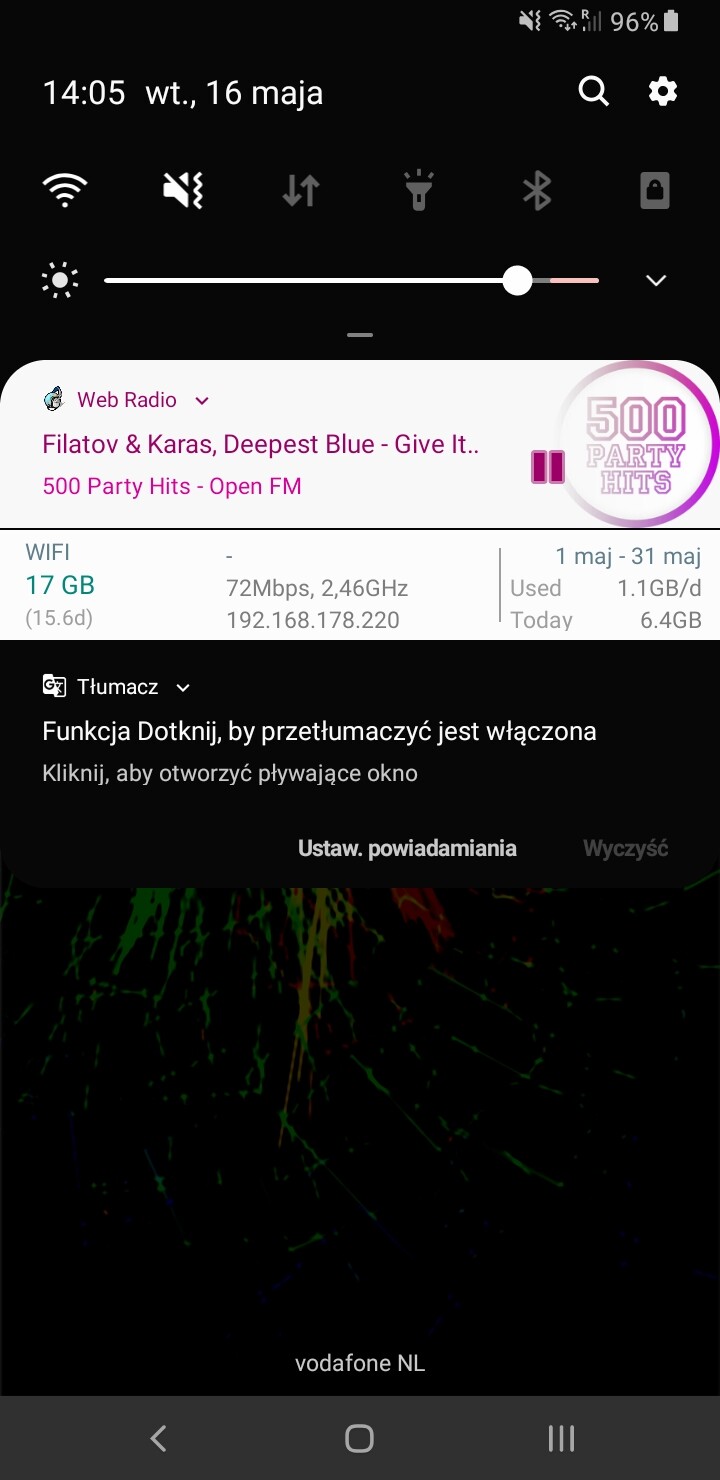
I researched the matter and tested several ways. It can be concluded that when the page with the Audio component is displayed in CustomWebView in app inventor, it is possible to automatically play the sound without user intervention. It is enough to intervene in the app inventor code, for example, in the "PageLoaded" block with CustomWebView". Just use setWebViewString to call click on the button that starts playing in java script.
This app implements it:
https://drive.google.com/file/d/1DD8H1sMnfnz4ubbyEWEcB6c1TvAVPIXn/view?usp=sharing
- click the magnifying glass and search for stations
- click "Szukaj"
- playing the first station will start automatically
- add several stations to favorites by clicking on the star
- click on the heart to go to favorites
- you can play your favorites
- after closing and opening the app, 1 item from the list of favorites will be played
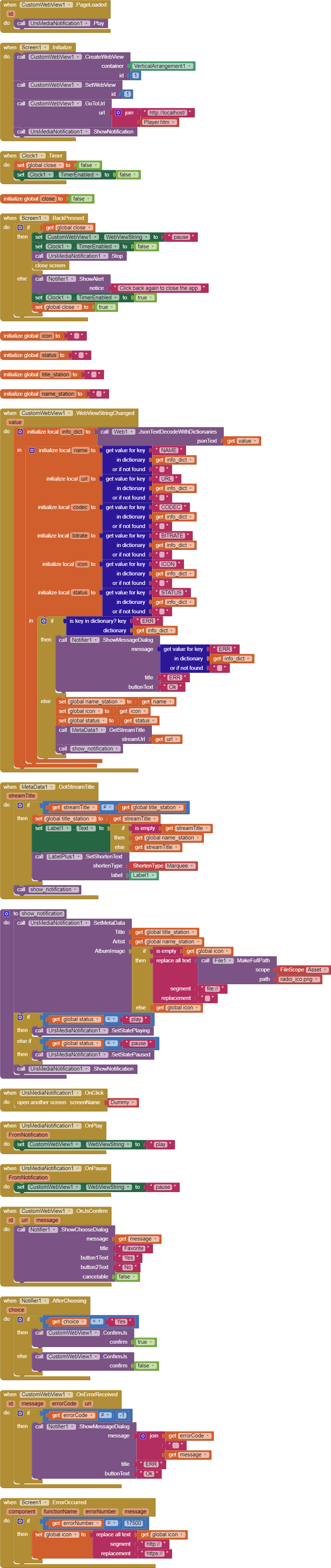
App made in 90% in javascript. App Inventor blocks mainly handle notification, errors, and metadata.