The only real way to prove this is to offer you a working demo, so here we go:
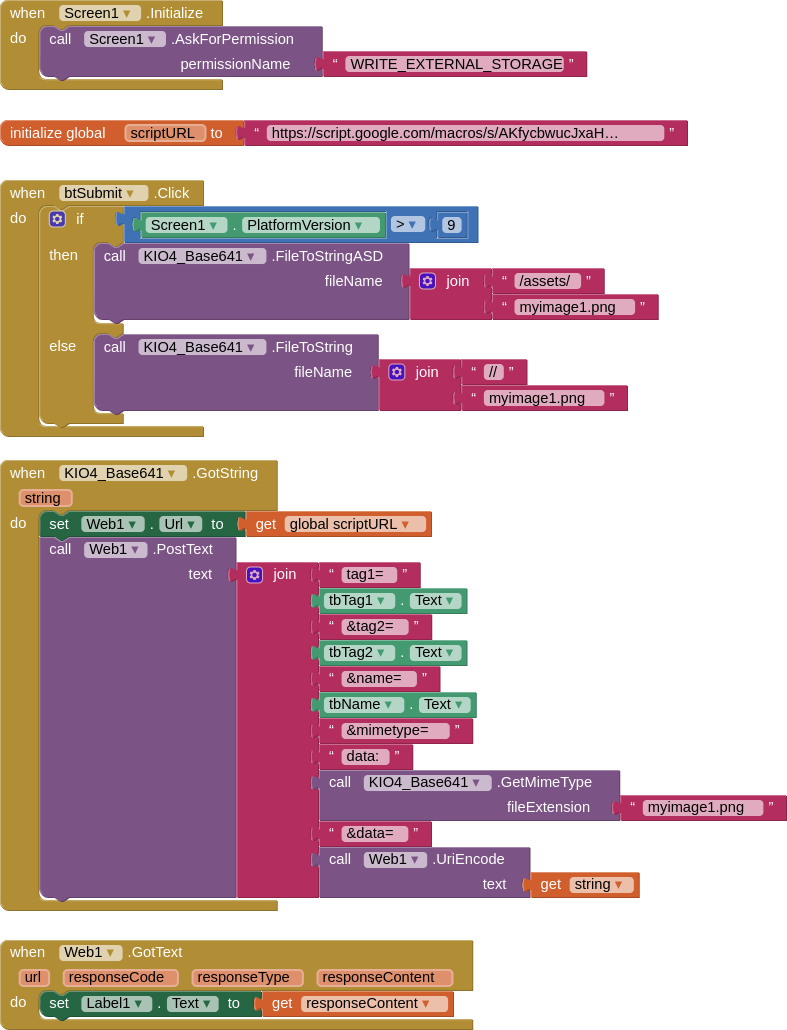
BLOCKS - uses the very latest version of KIO4_Base641 extension, this allows for working with any Android version both before and after 10 (for now...). Just a single image in the assets to test with.
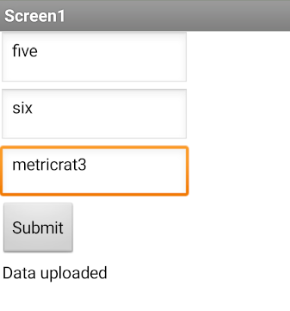
SCREEN - shows response after submission
SCRIPT - no need for the doGet(e) as we are using POST. I used the filename, as opposed to the name, to send to the sheet, and removed any spaces / difficult characters from the filename.
function doPost(e) {
    var ss = SpreadsheetApp.openById('1OwQb6sxYa-eyHWje_fVTnBjDqFapN7KxRcMwkZnnsdM');
    var sh = ss.getSheetByName('Test_Sheet');

     var tag1 = e.parameter.tag1;
     var tag2 = e.parameter.tag2;
     var name = e.parameter.name;
     var mimetype = e.parameter.mimetype;
     var data = e.parameter.data;
     var filename = name + "_" + Utilities.formatDate(new Date(), "GMT+4", "dd-MM-yyyy-HH-mm");

     var data = Utilities.base64Decode(data);
     var blob = Utilities.newBlob(data, mimetype, filename);
     var fileID = DriveApp.getFolderById('1WeowpWfFpY7Auw40uwZEx5U1z4s8vvJ9').createFile(blob).getId();
     var file = DriveApp.getFileById(fileID);

     file.setSharing(DriveApp.Access.ANYONE_WITH_LINK, DriveApp.Permission.VIEW);

     var fileUrl = "https://drive.google.com/uc?export=view&id=" + fileID;

     sh.appendRow([tag1,tag2,filename,fileUrl])

     return ContentService.createTextOutput("Data uploaded");

   }
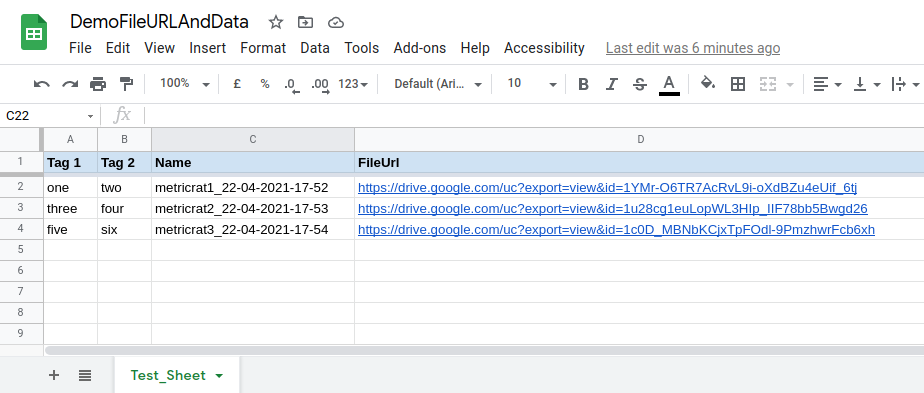
SHEET - you can see three entries from three image submissions
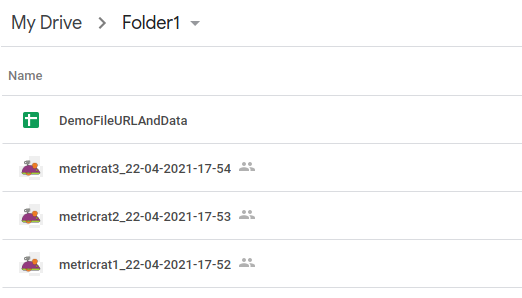
FOLDER - the "people" icon shows on the the three uploaded files, which indicates sharing. Note that the google sheet is NOT shared.
AIA
DemoFileURLAndData.aia (50.6 KB)