Ok, AI2 or AI2Offline?
AI2 online, Companion 2.63
Post the aia or better a small test aia, which replicates the problem.
Or does it happen with any app (containing assets)?
Try also to
- delete the Companion assets folder from your test device,
- reload / refresh the browser and
- connect again via USB.
My app attached. I tried with another project I have, same structure, two screen, images and some extensions. Same issue.
ESP32Cam5_checkpoint8(1).aia (249.7 KB)
I don't know how to delete the Companion assets from the phone
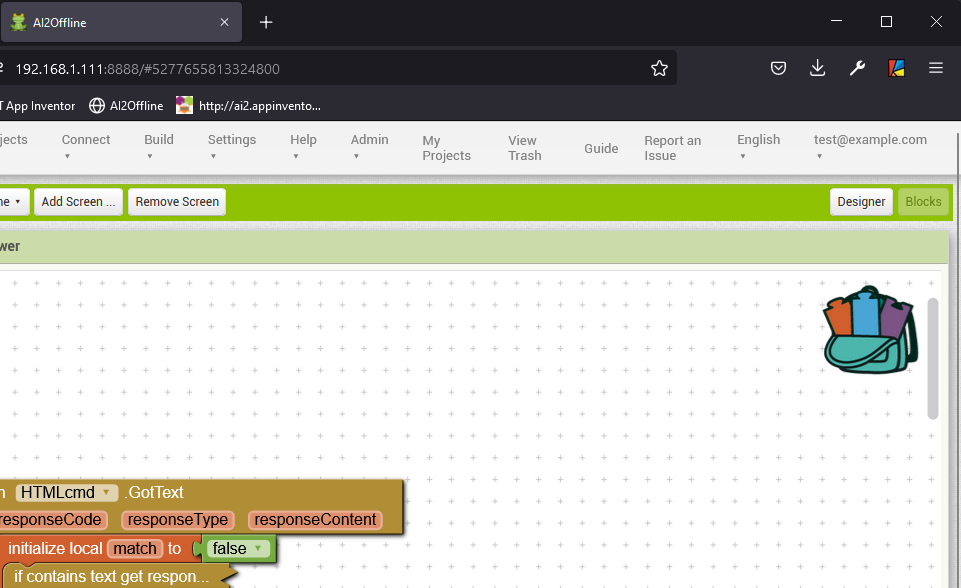
which AI2 offline do you use? I want to try ...
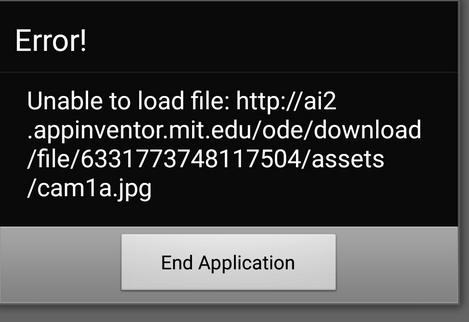
Sometime the Companion stops loading with the following. Same aia. USB no WiFi.
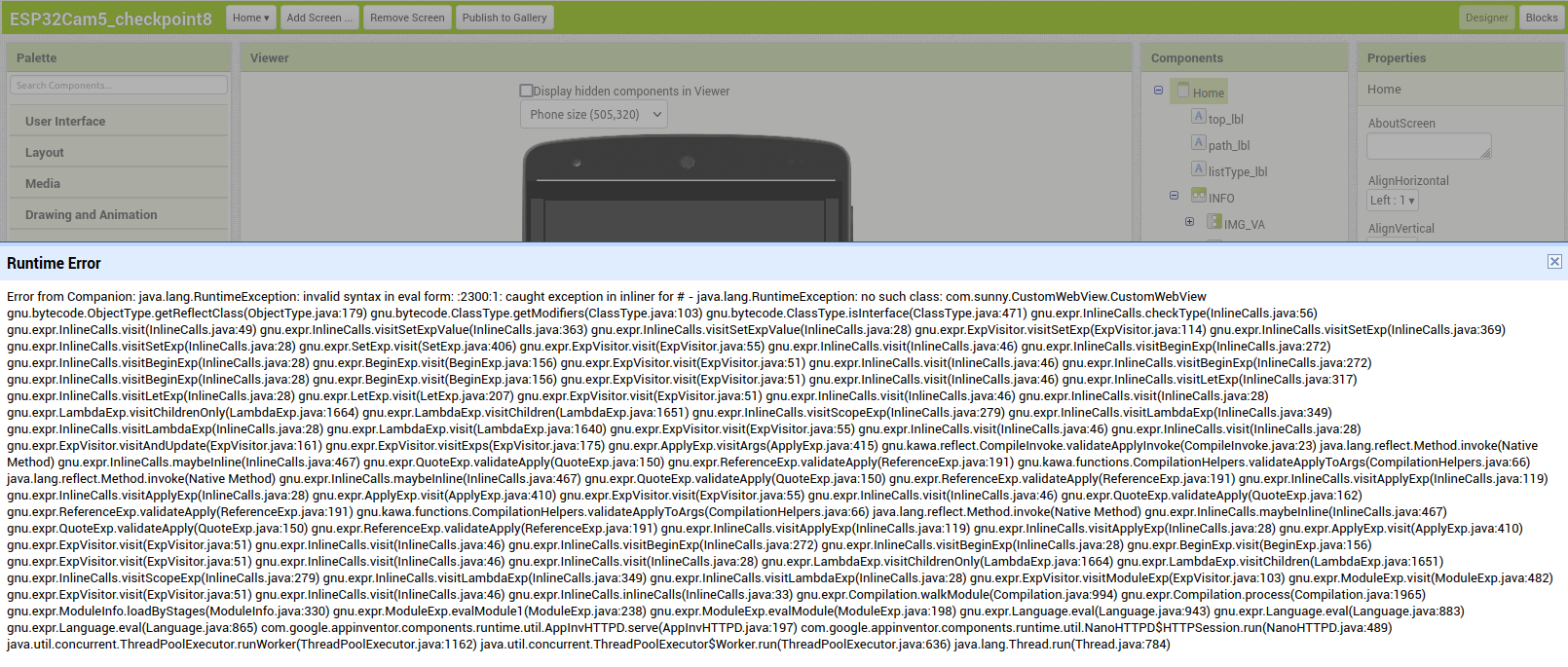
Loads just fine using AI Companion (QR code) on WiFi ...
I'm really confused



Did you try to delete the assets folder from Companion on your test device? Or delete the complete Companion folder in the ASD.
And also refresh browser and try again.
Where are these folders?
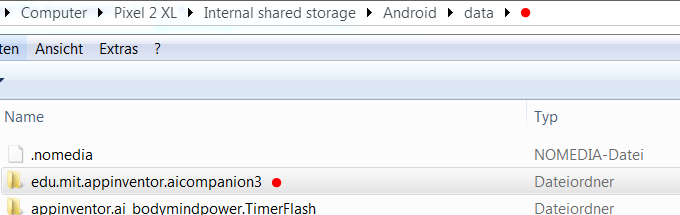
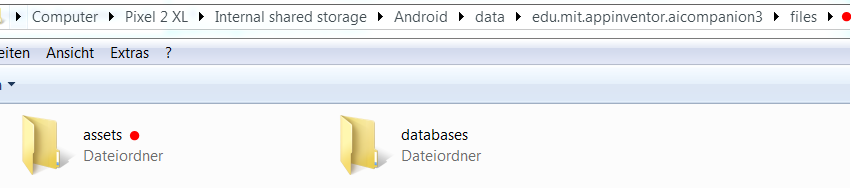
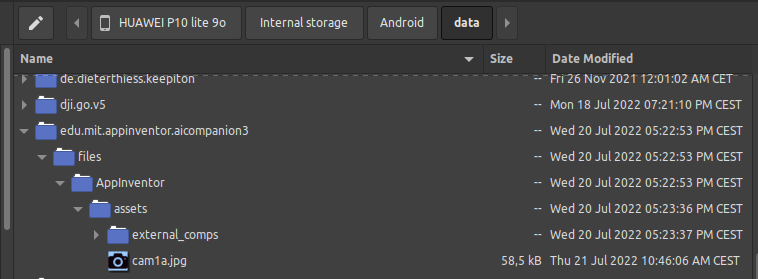
Deleted the complete edu.mit.appinventor.aicompanion3 folder, uninstalled and reinstalled the Companion, restarted Firefox and AI2:
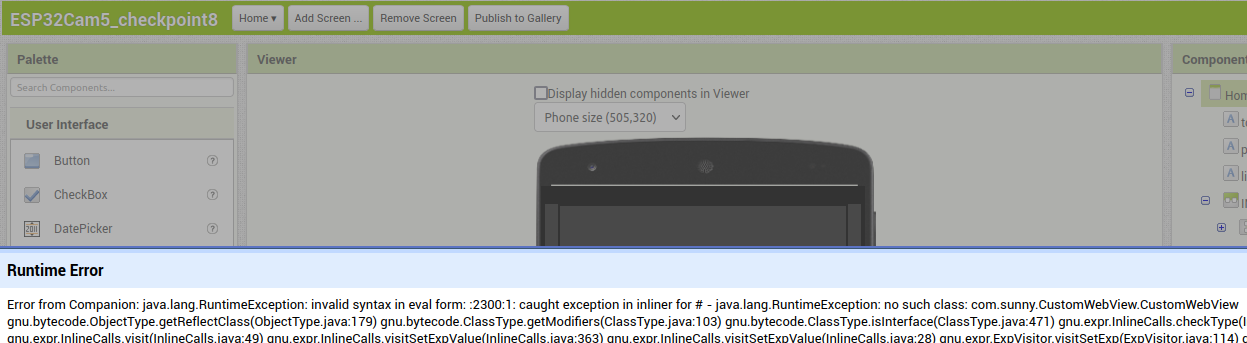
and, again, it loads just fine via WiFi (QR code)!
but no external_comps folder now ...
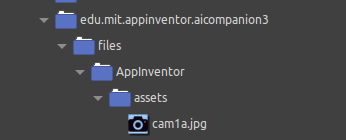
That folder only is there if you use extensions
Taifun

I have some extensions in my app
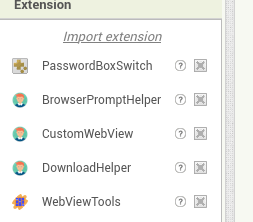
It definitely works (loading extensions) only if the phone is connected to the Web via WiFi, whether via USB or QR code.
May be here is the problem. Trying to copy the folder edu.mit.appinventor.aicompanion3 (previously copied from another phone (Android 9), I got the following.
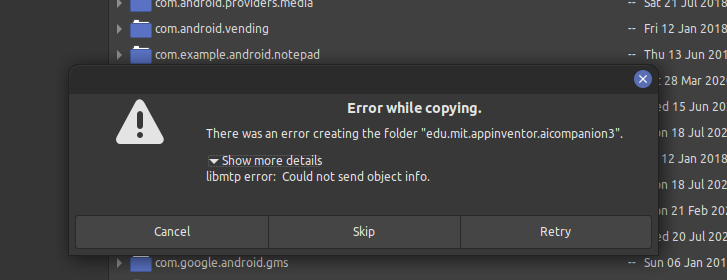
The folder is actually created but its content is not copied
The target phone is Android 8. Debug is on. Any advice?
The following seems to depends on Huawei P10 Lite 'locked' state (Huawei policy that doesn't allow to unlock the bootloader for their devices, so possibly it is not possible to correctly write on the device's assets folders). At least this is my concern ...
Is it possible to change the assets folder in which AI2 will write data from USB?