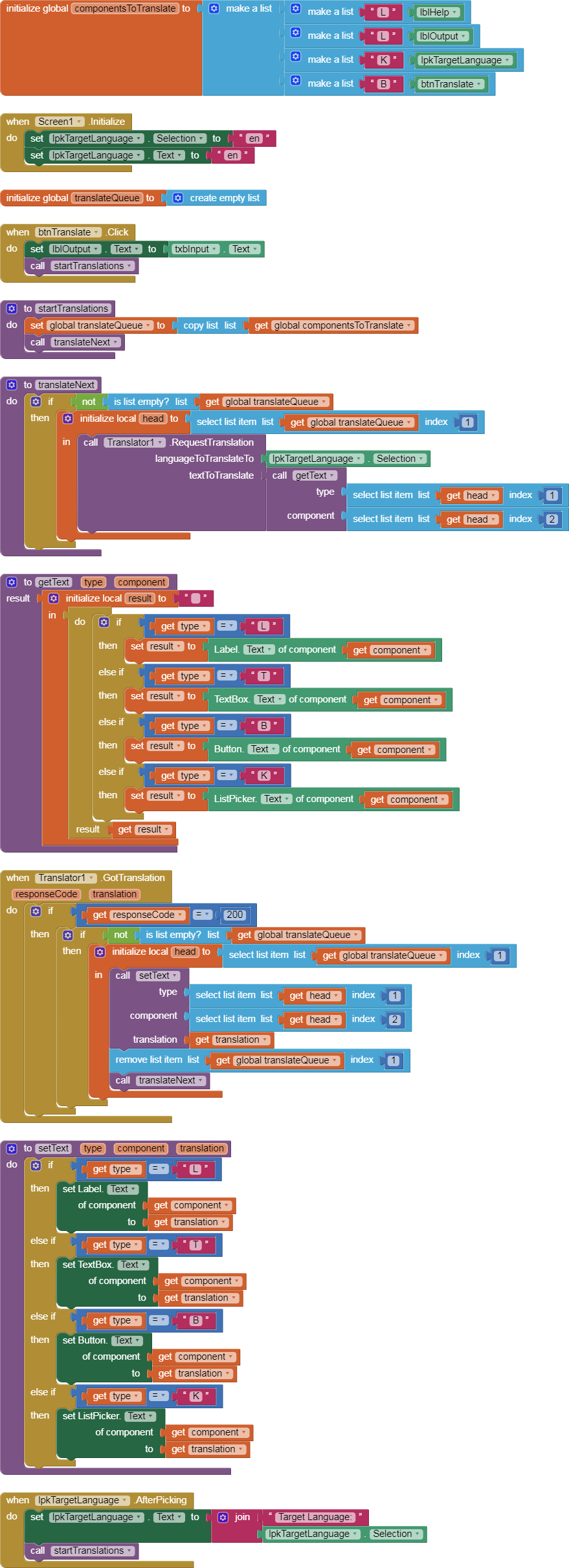
Because the translator component is asynchronous, this becomes an exercise in list management.
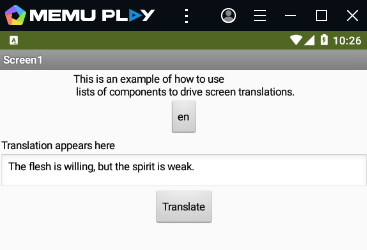
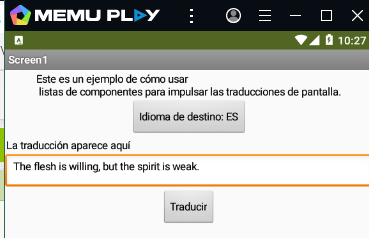
Here is a starter kit for this, just translating .Text values of a few component types.
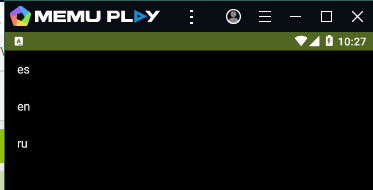
It does not extend all the way to translation of .Elements of the various Pickers, but it can be extended by adding a third column (ElementIndex) to the translation queue on additional rows, one per Element text.
I chose my sample text because it is notoriously hard to translate two ways between English and Russian. Unfortunately, I did not add a facility to copy the translation back into the Input TextBox.
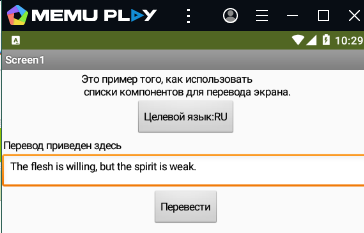
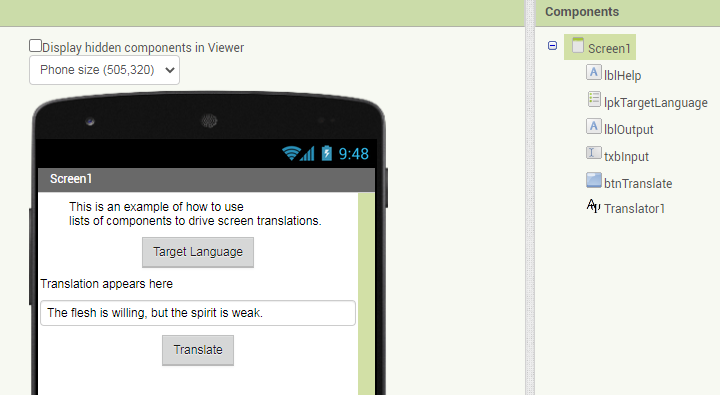


My list of components is a two dimensional table, where I need to keep
- a text code to remember what component type this is
- the component block that should be translated and updated.
I need two global lists:
- a permanent list of components to be translated
- a temporary copy of that list, to serve as a translation queue.
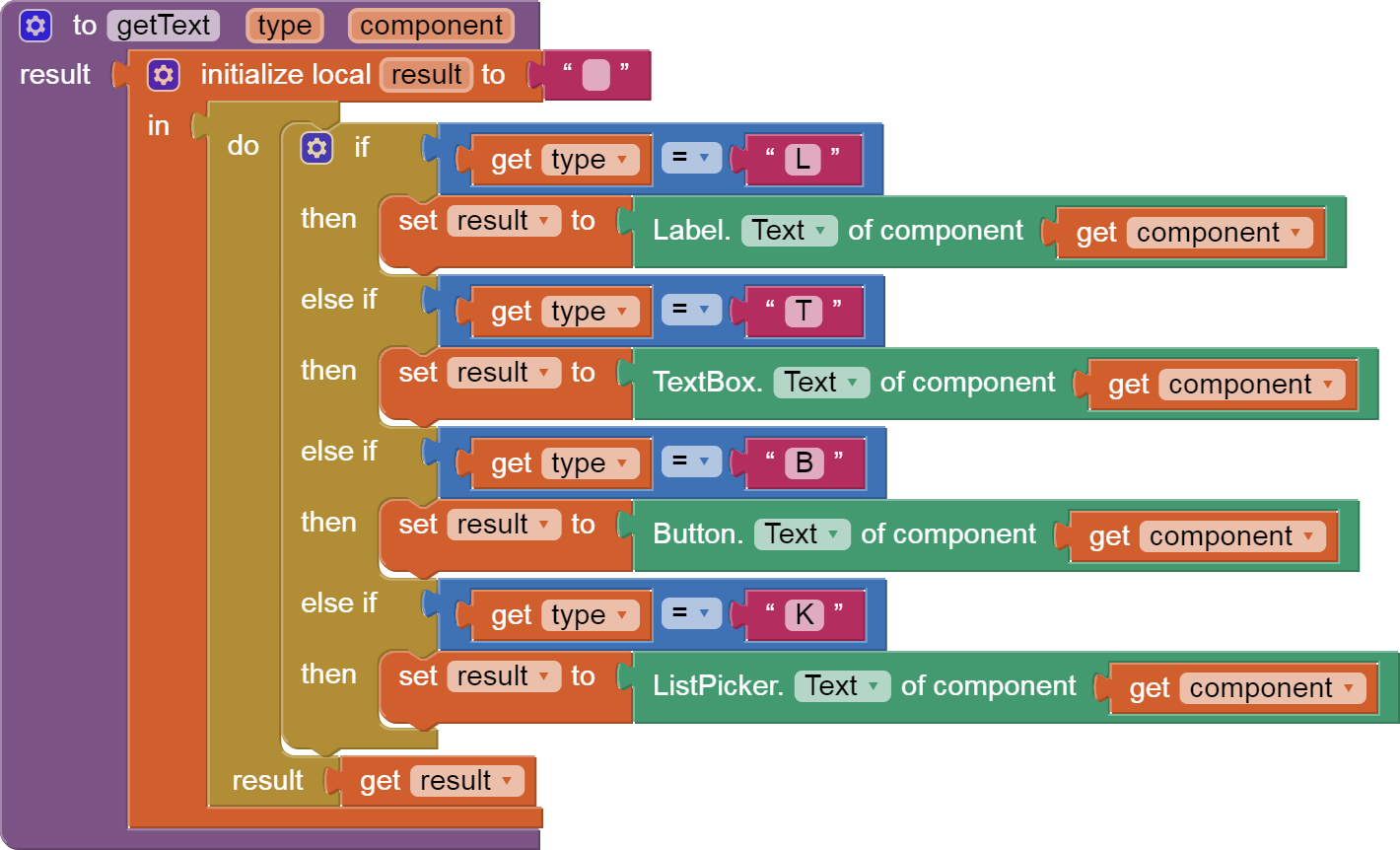
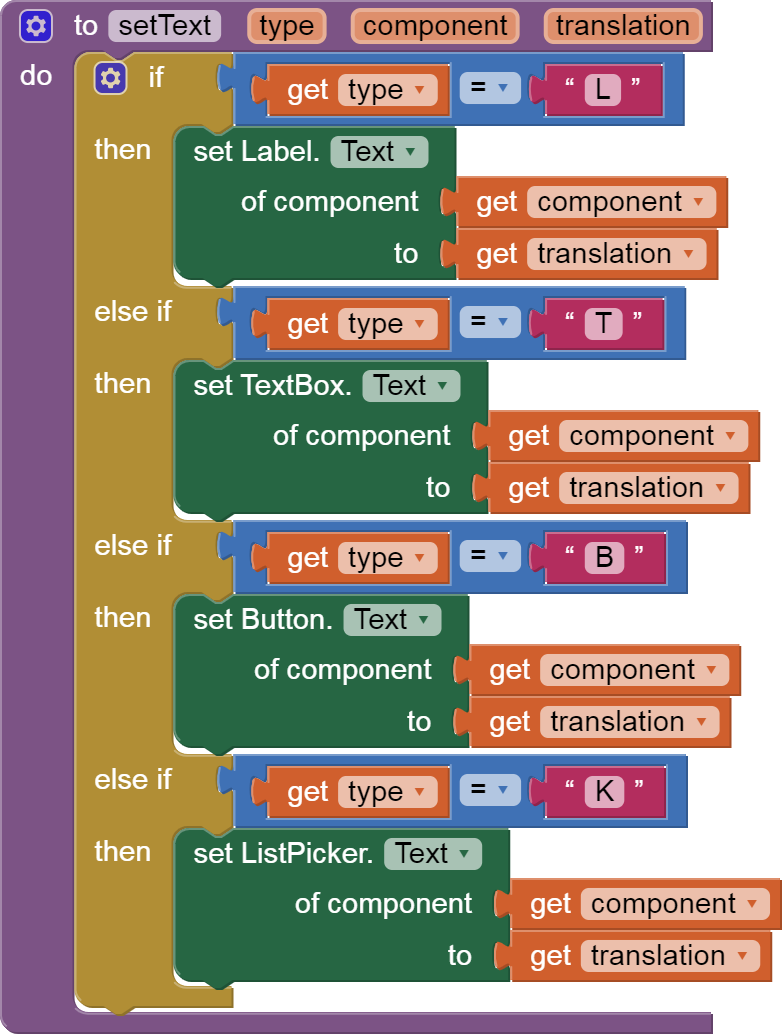
I needed two procedures, for getting and setting a component's .Text values.

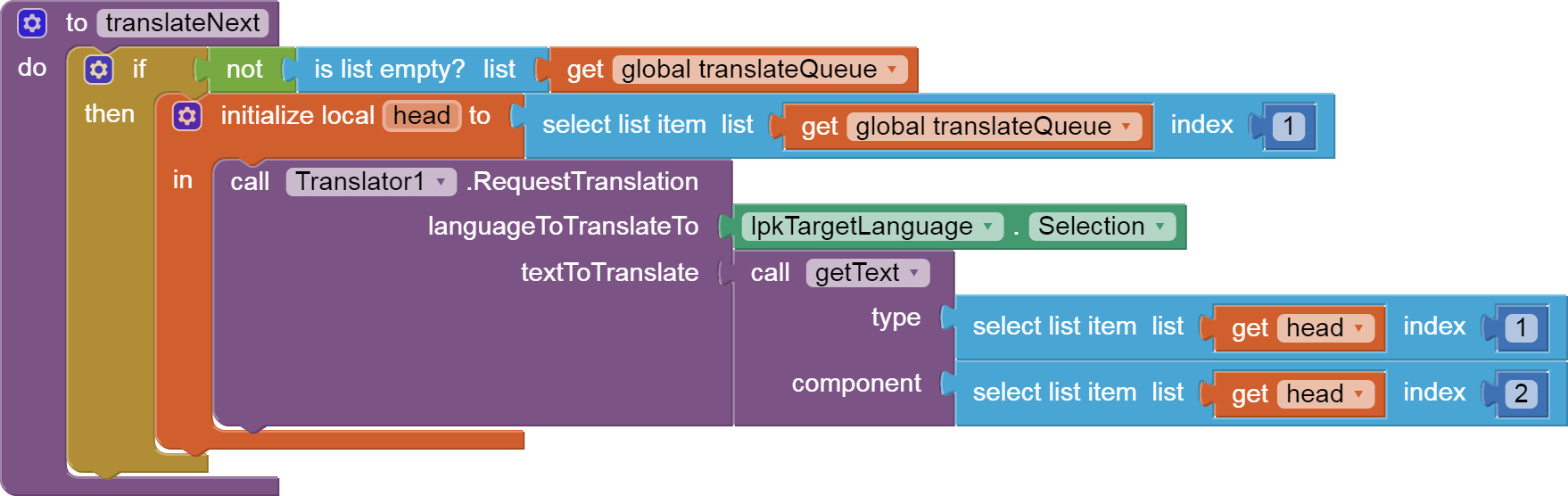
I also need a couple of procedures to manage the translation queue.
Notice how I check if the queue is empty before trying to translate more.
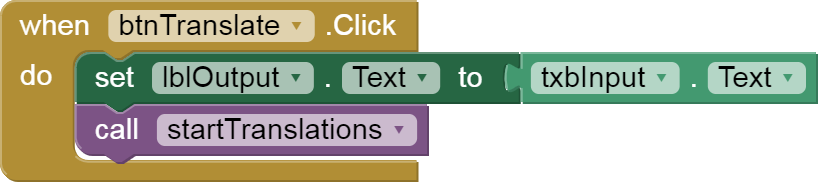

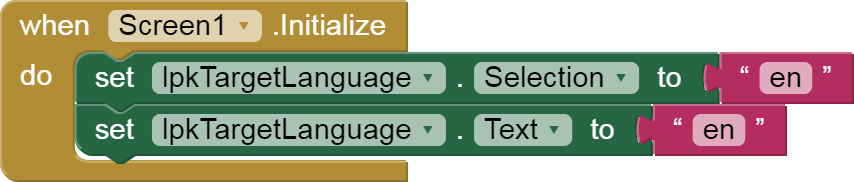
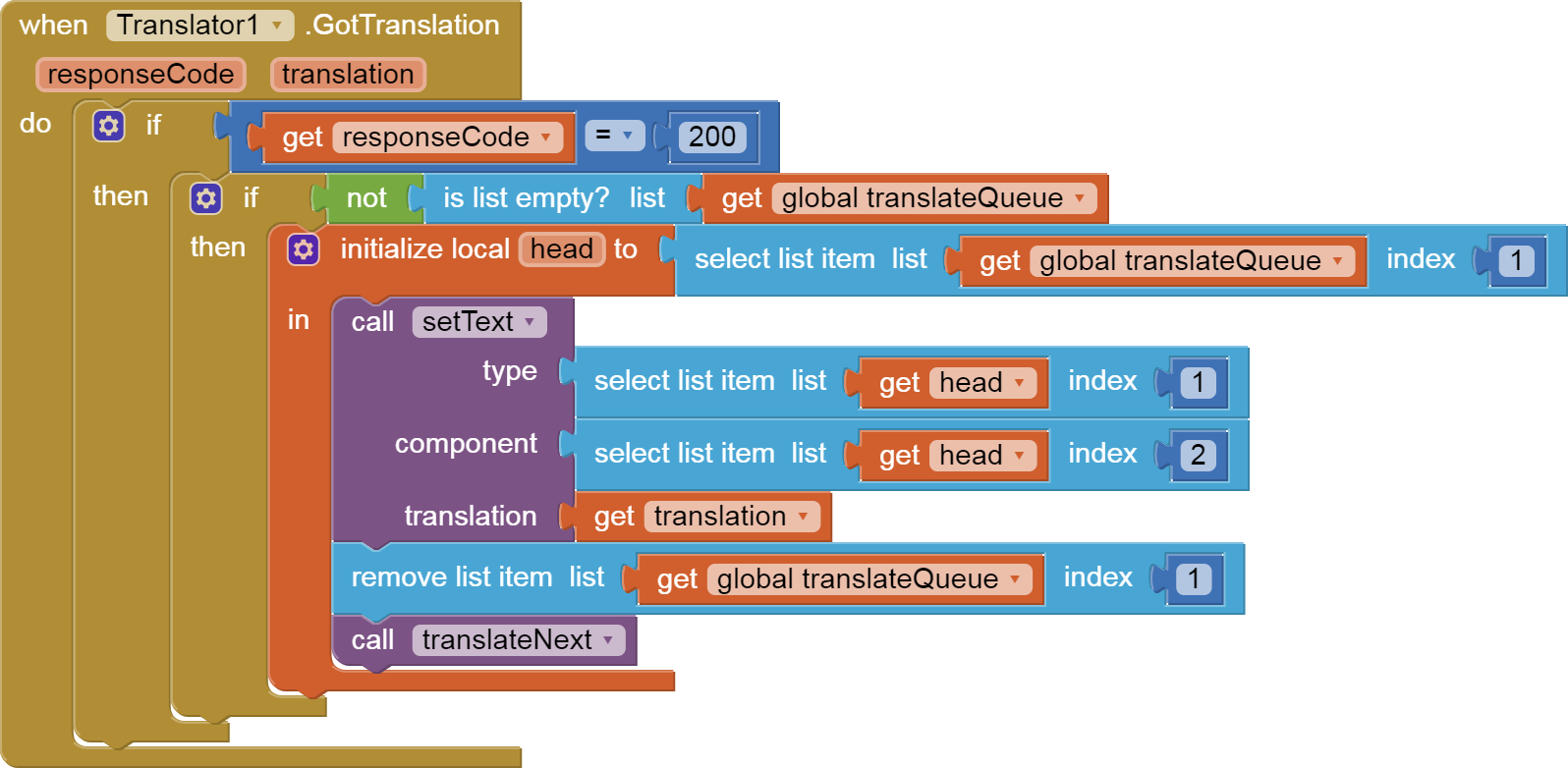
Also notice how I leave the current (type,component) at the head (item 1) of the translation queue, to let me know where and how to handle the incoming translation.
After I have displayed the incoming translation, I can remove the head of the translation queue and request the next translation on the queue (if any.)
Source file and all blocks:
translator_component_lists.aia (5.6 KB)