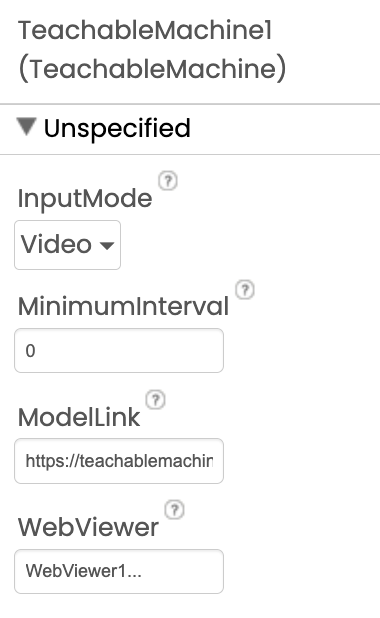
TMIC: App Inventor Extension for the Deployment of Image Classification Models Exported from Teachable Machine

Hi, my phone is using by default the front camera, is there a way to switch cameras? I'd like to use the rear camera.

We are running into the same problem of getting the front camera instead of the back camera?

We are running into the following issues:

Sorry to clarify it is currently opening the front camera but we want to use the rear camera.

Hello, sir, could you send the TM extension here, as I'm planning to use it

The link for the extension is in the first post!

1 Like

Using the extension that you've provided, "TeachableMachineImageClassifier" extension in MIT App Inventor, is it possible to display only the label with the highest confidence score instead of showing all categories?

For example, instead of displaying:

  • Metal: 99%
  • Paper: 0%
  • Plastic: 0%
  • Glass: 0%

I want the app to display only:

  • Metal: 99%

How can I modify the GotClassification block to show only the highest-confidence result?

You can't modify rhe event, but you can adjust the result to display only what you like, for example

Taifun

1 Like

I understand that I cannot modify the GotClassification event itself, and I want the event to remain complete and functional. However, I would like to adjust the logic inside the event so that it only displays the label with the highest confidence score.

For example, instead of showing:

  • Metal: 99%
  • Paper: 0%
  • Plastic: 0%
  • Glass: 0%

I would like it to display only:

  • Metal: 99%

Could you please show how to properly process the result inside GotClassification to achieve this? If you don’t mind, could you also test or demonstrate the exact block setup needed so I can clearly understand how it should be implemented?

I would really appreciate your guidance on this.

Actually i've already resolved it, thank you for still responding sir!

Great
What about providing a screenshot of your solution to help others with the same problem in future?
Taifun

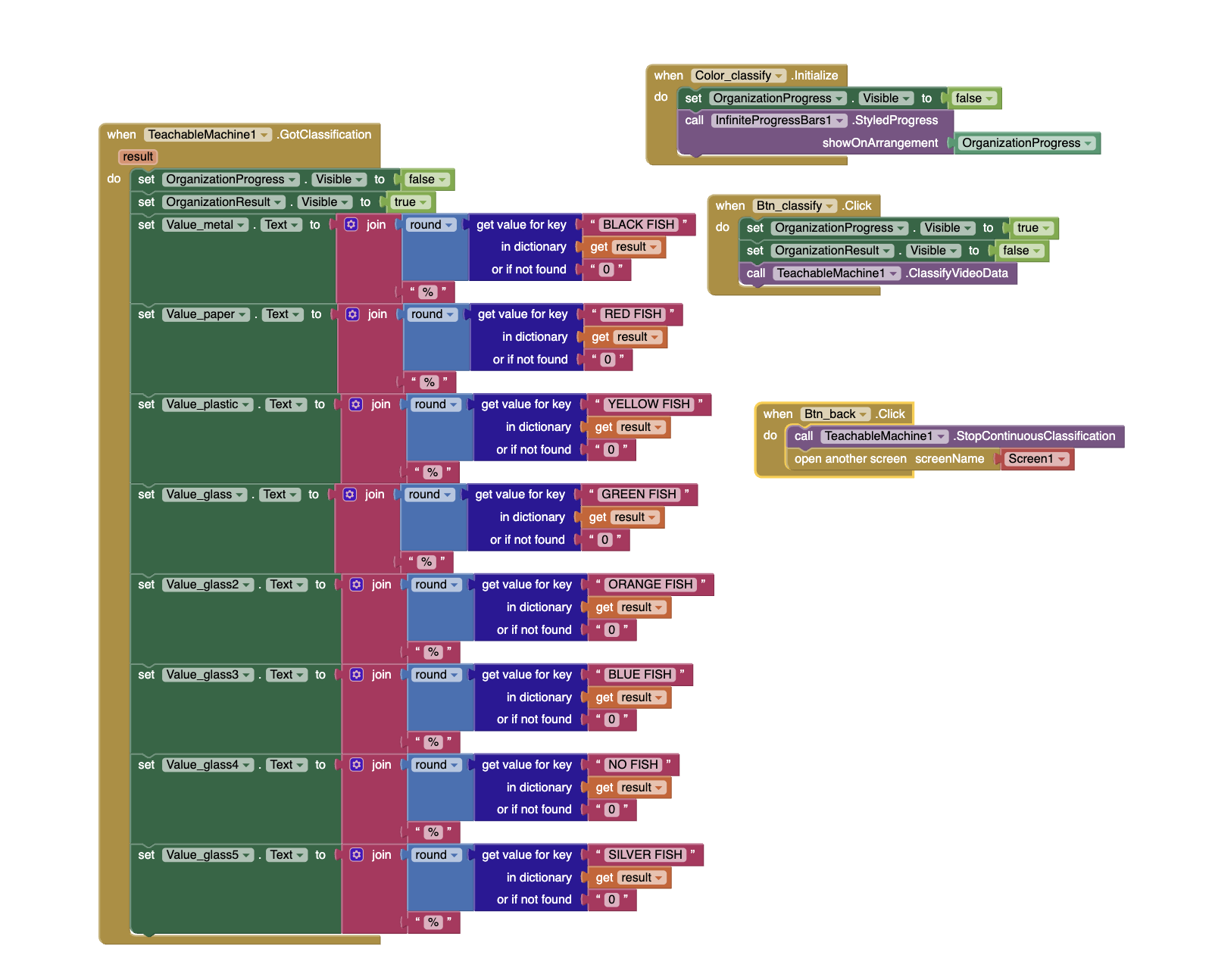
This is the code that I did.