Lacking the patience to dig through huge .bky files for lucky finds, I coded a program to compare a screen's component types and names against the blocks that try to reference those names and types.
I did it in Ai2.
Here is a demo...
Import this AI2 Project:
blocks_repair_kit.aia (140.6 KB)
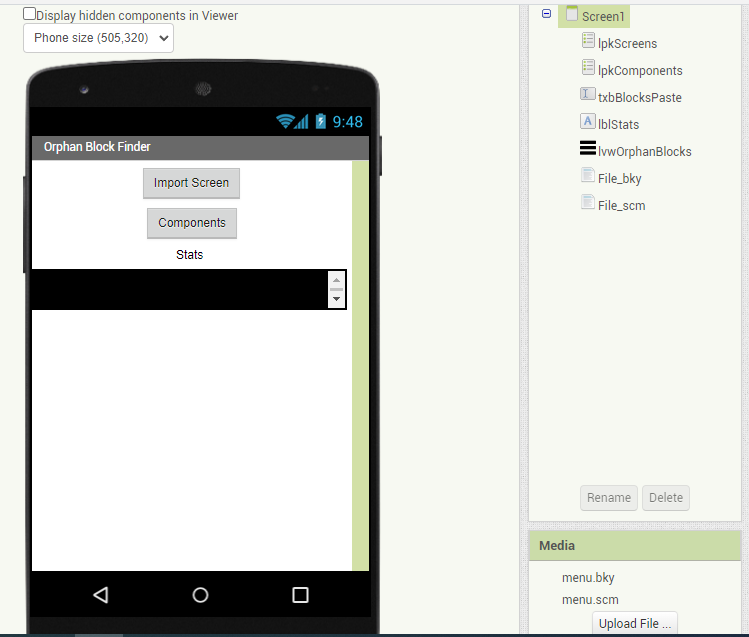
and open it in the Designer, where you can import into its Media Folder:
Using 7zip, open your broken .aia Project, and dive down to its src directory, all the way down, until you see pairs of .bky and .scm files.
Extract the .bky and .scm files for the problematic screen(s).
Upload them into the tool's Media Folder.
(The Designer shot above has two files uploaded in my testing, for screen 'menu'.)
Connect the tool to the Companion:
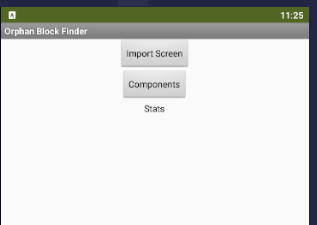
Hit the Import Screen List Picker to select a .scm file from the Media (Assets) Folder
The app will load both the .scm and .bky files.
Depending on the gluttony of the patient, this might take a moment or three.
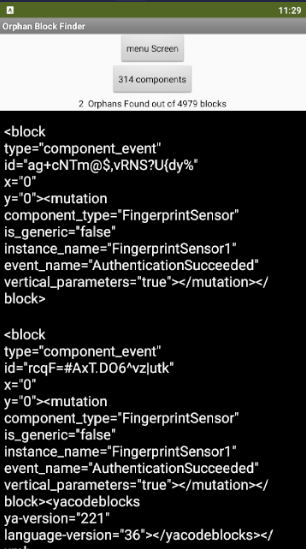
Now you know what to look for when you break out your XML Editor for your surgery on the .aia file.
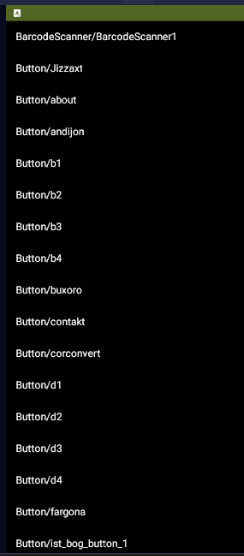
I also threw in a List Picker to show all the screen components:
blocks_repair_kit.aia (140.6 KB)
Please pardon the pretentious project name.
I had hopes to attempt .bky repair inside the app, but discovered that is best left to a good XML editor.