I am very new to this platform, and app dev in general,to top that my JS is rusty as heck,so please bear with me
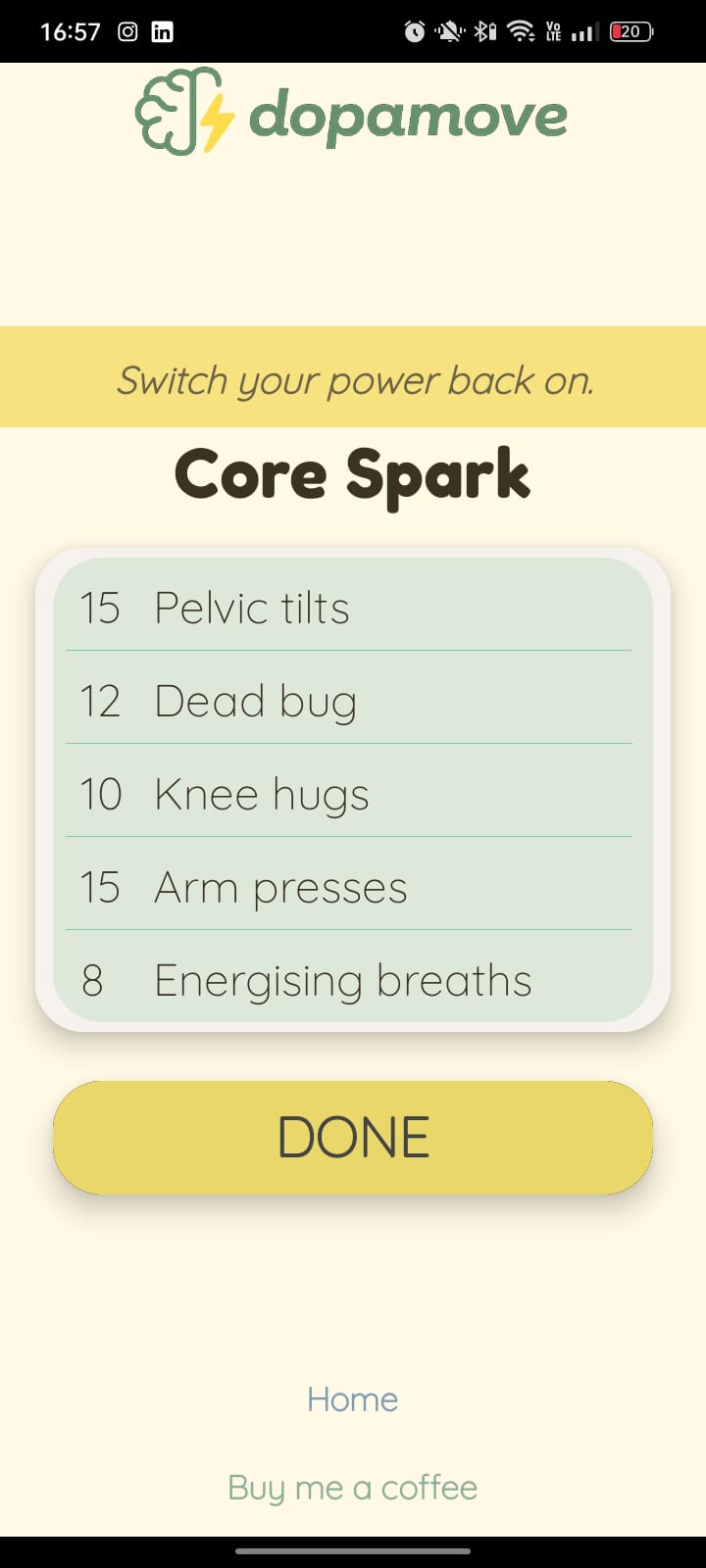
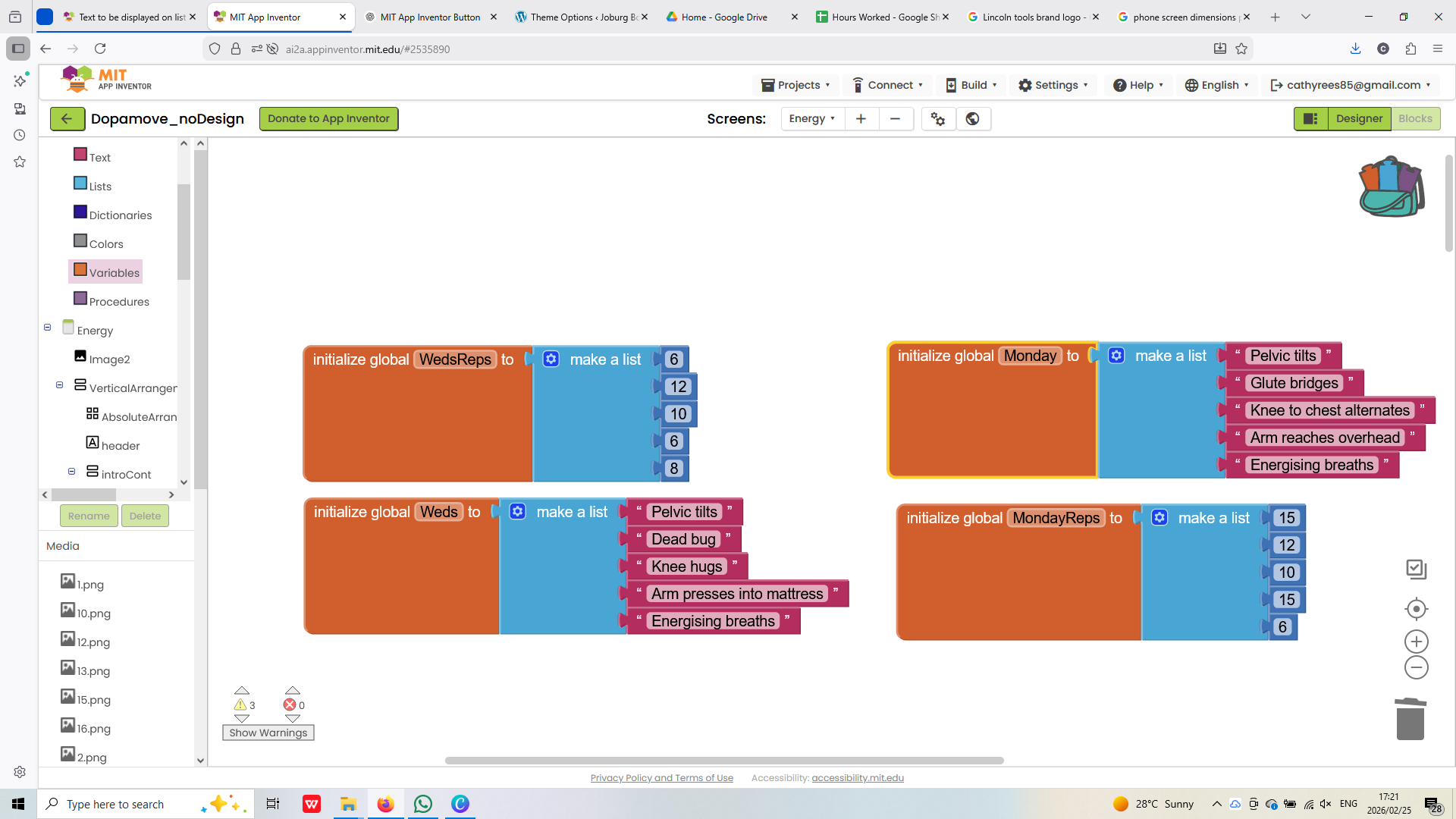
See the pic, with list items displayed in a ListView layout. What I would like to happen is that if the text in the list is tapped (eg pelvic tilts) I would like some text to appear below it, with instructions.
Please give me the most comprehensive way to accomplish this
Nope, Blockly and Java (Although there is a bit of javascript in the background somewhere). Simply put, you do not really need to know any javascript to make apps with Appinventor.
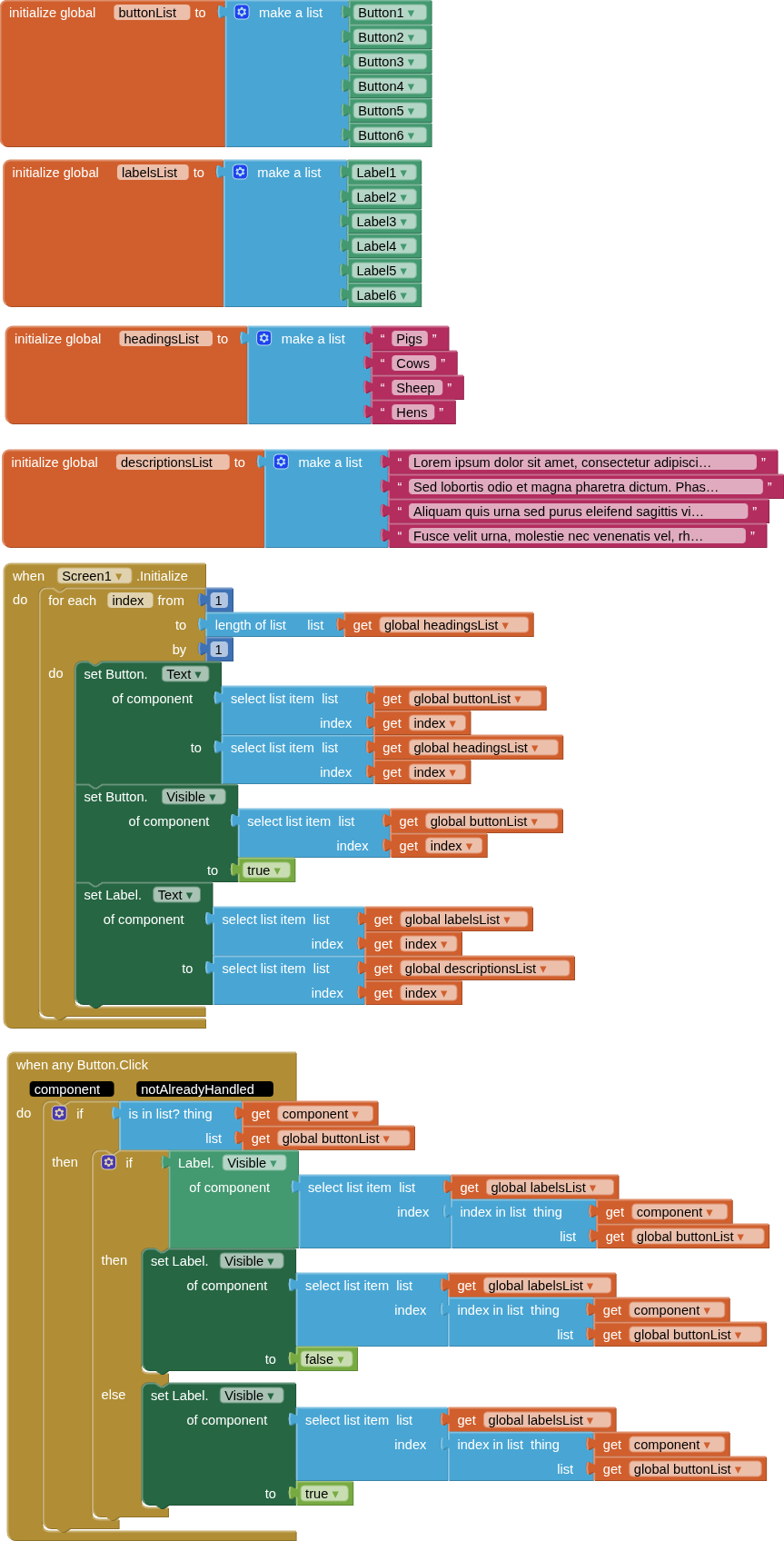
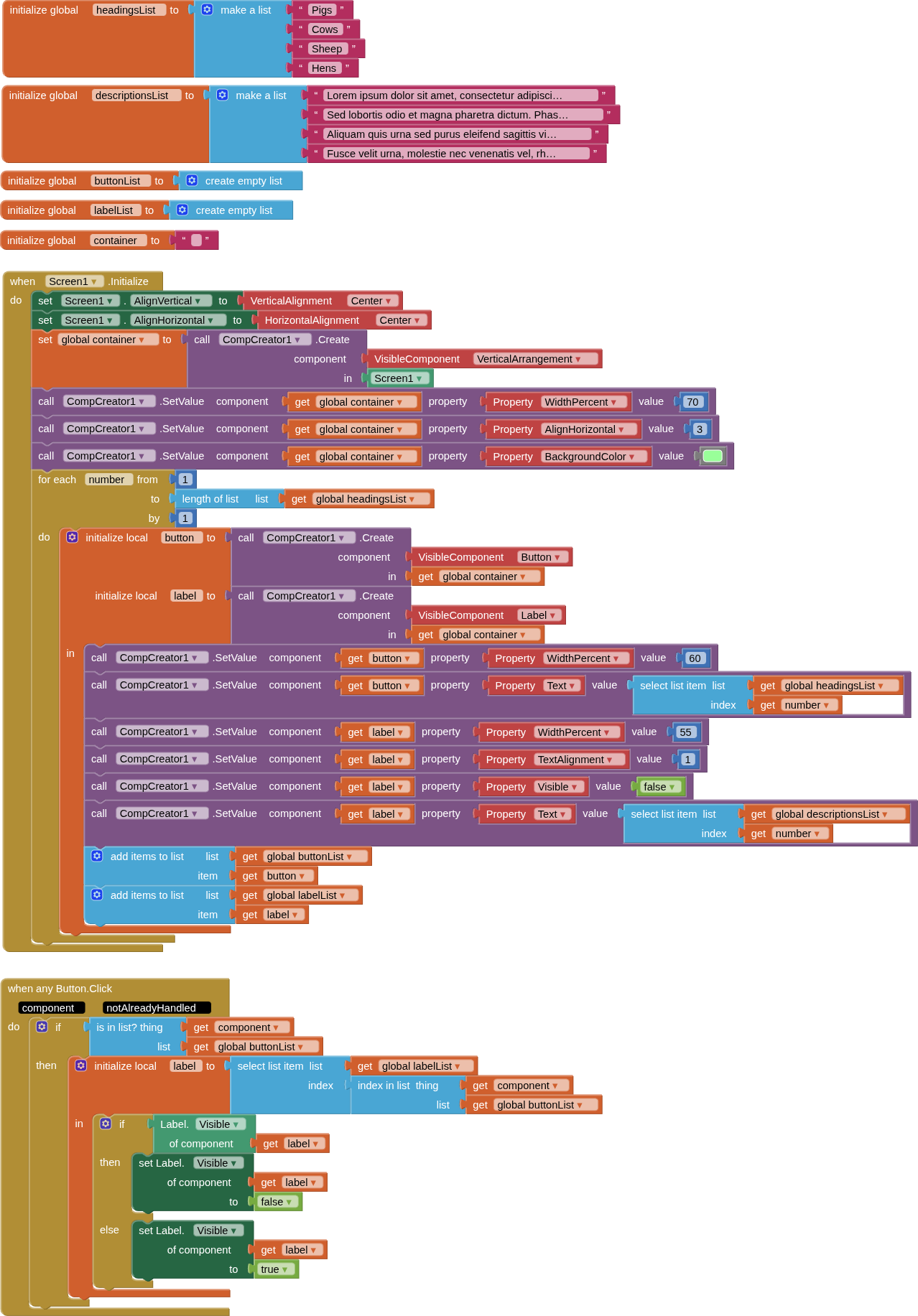
Given that your lists are quite short, e.g. 5/6 items, a simple approach could be to use buttons with hidden labels (containing the descriptions) and a label is displayed/hidden when the button is clicked.
Making this dynamic for different lengths of list would be the fun part
 (Although there is a bit of javascript in the background somewhere). Simply put, you do not really need to know any javascript to make apps with Appinventor.