Have you tried using the Sharing blocks?
It should be as simple as setting a message / file, then selecting the app you want to send it to/with.
You will need to do this on a real device with the apps loaded.
Have you tried using the Sharing blocks?
It should be as simple as setting a message / file, then selecting the app you want to send it to/with.
You will need to do this on a real device with the apps loaded.
Thank you so much for your response.
I used the sharing blocs but it doesn't works !
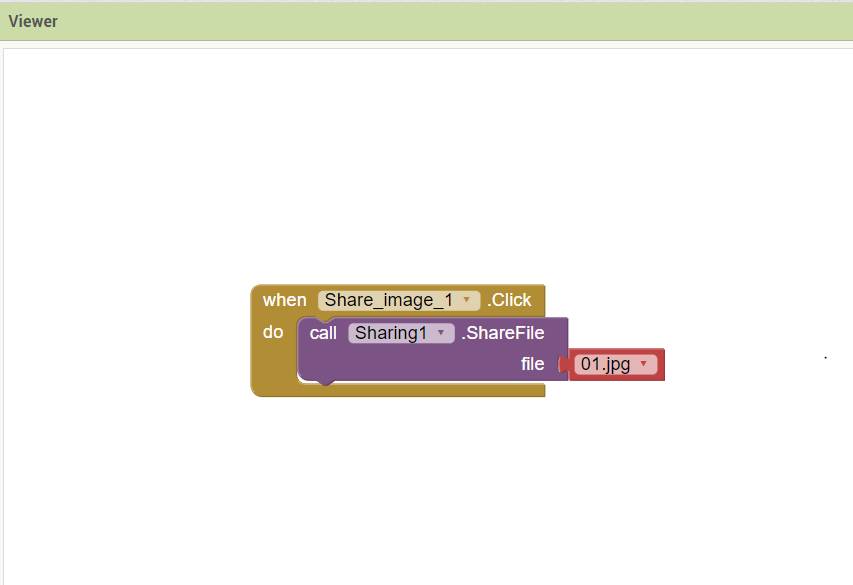
I'm trying to make a basic app : It consists on uploading images to the app & then share it throw social media apps :
I download the images to my app and then i use the blocs of sharing but it doesn't works. When I try the app on my phone, it tells me that the image doesn't exist on my phone !

Show your relevant blocks, tell us your android version, and where you are saving your image files.
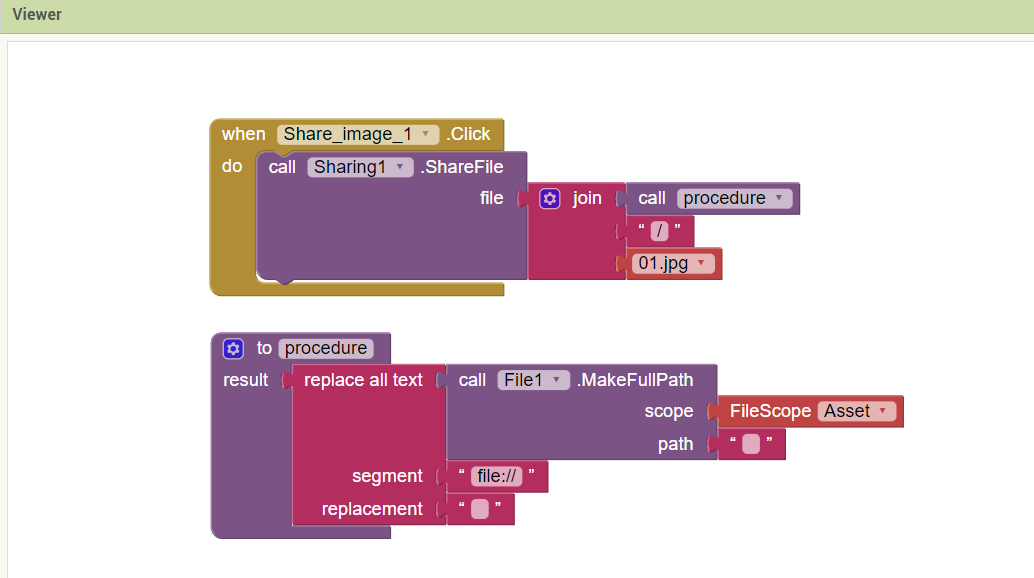
The sharing component does not convert the helper block for an asset to a file path.
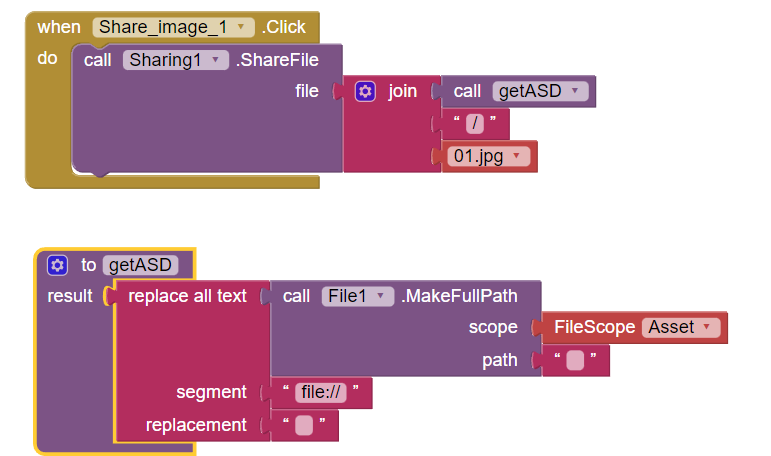
You will need to drag in the file component, then set your blocks like this:
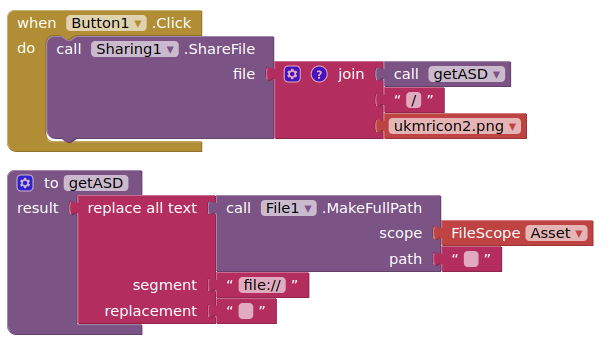
(Tested using companion with Android 13)
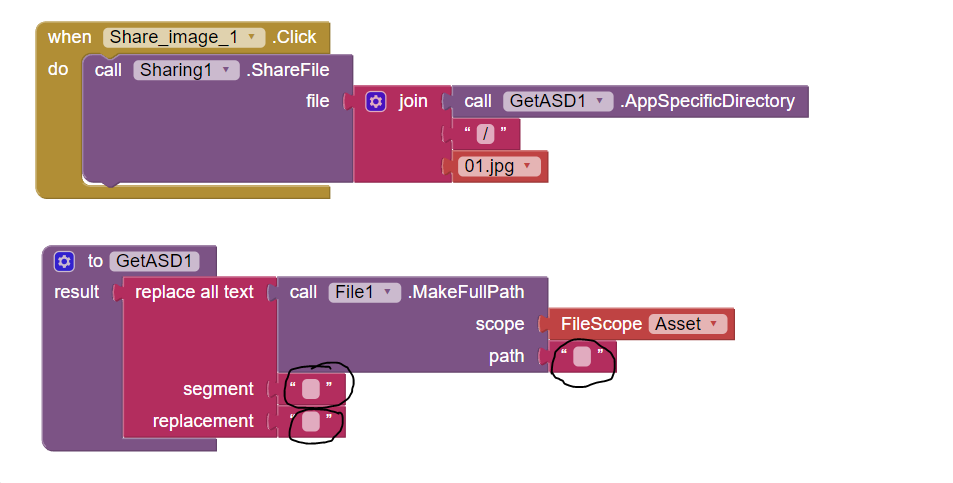
I try to put the same blocks as you did, but i still always have the same problem :
i think that i should put something in the text area ?! how can i put "call getASD block" i can't find it !
thank you in advance !
What happens when you press the button? Error message ? Nothing? Something else?
You did not say how you were testing or your android version....
As I have shown in my blocks
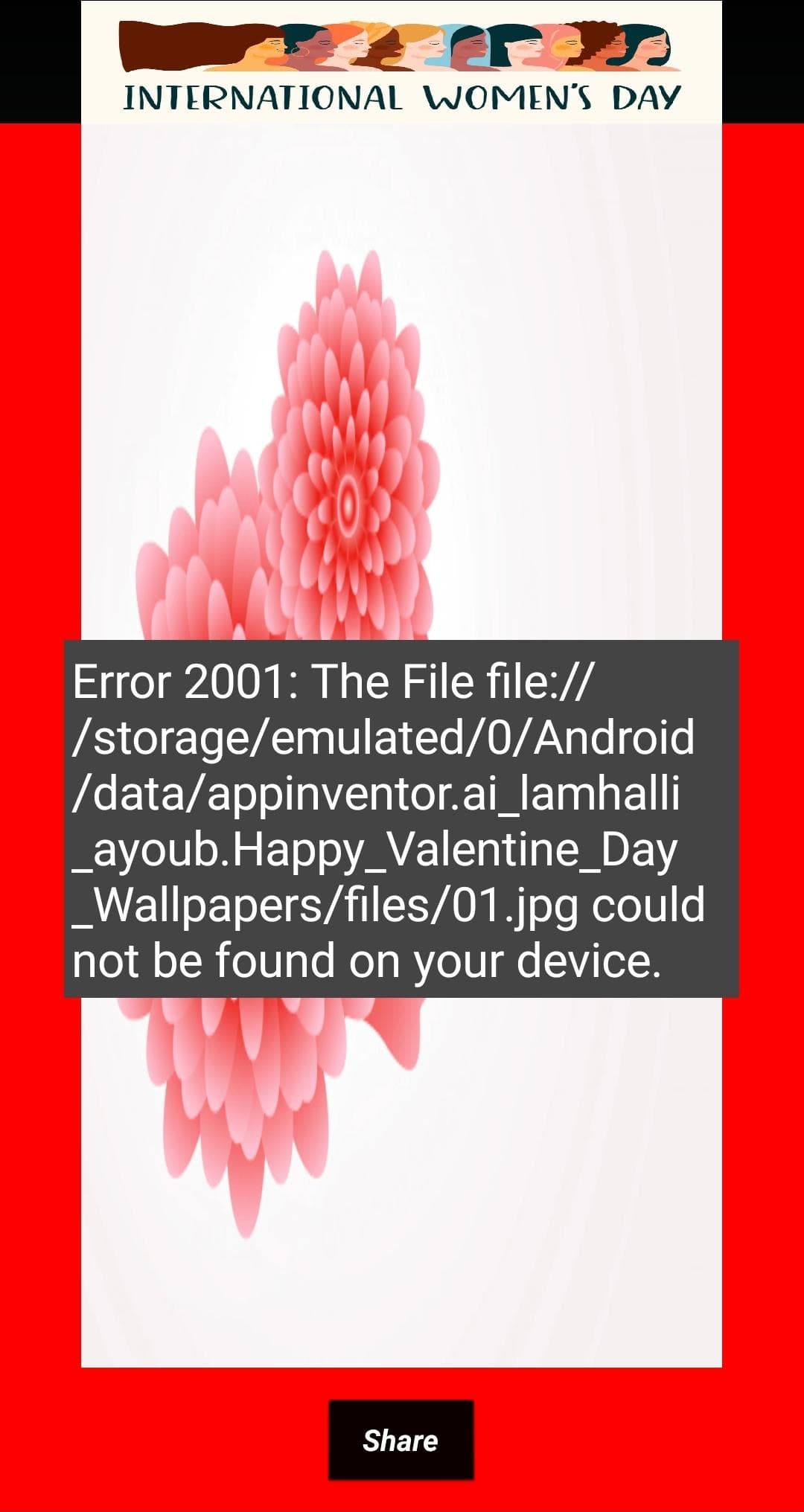
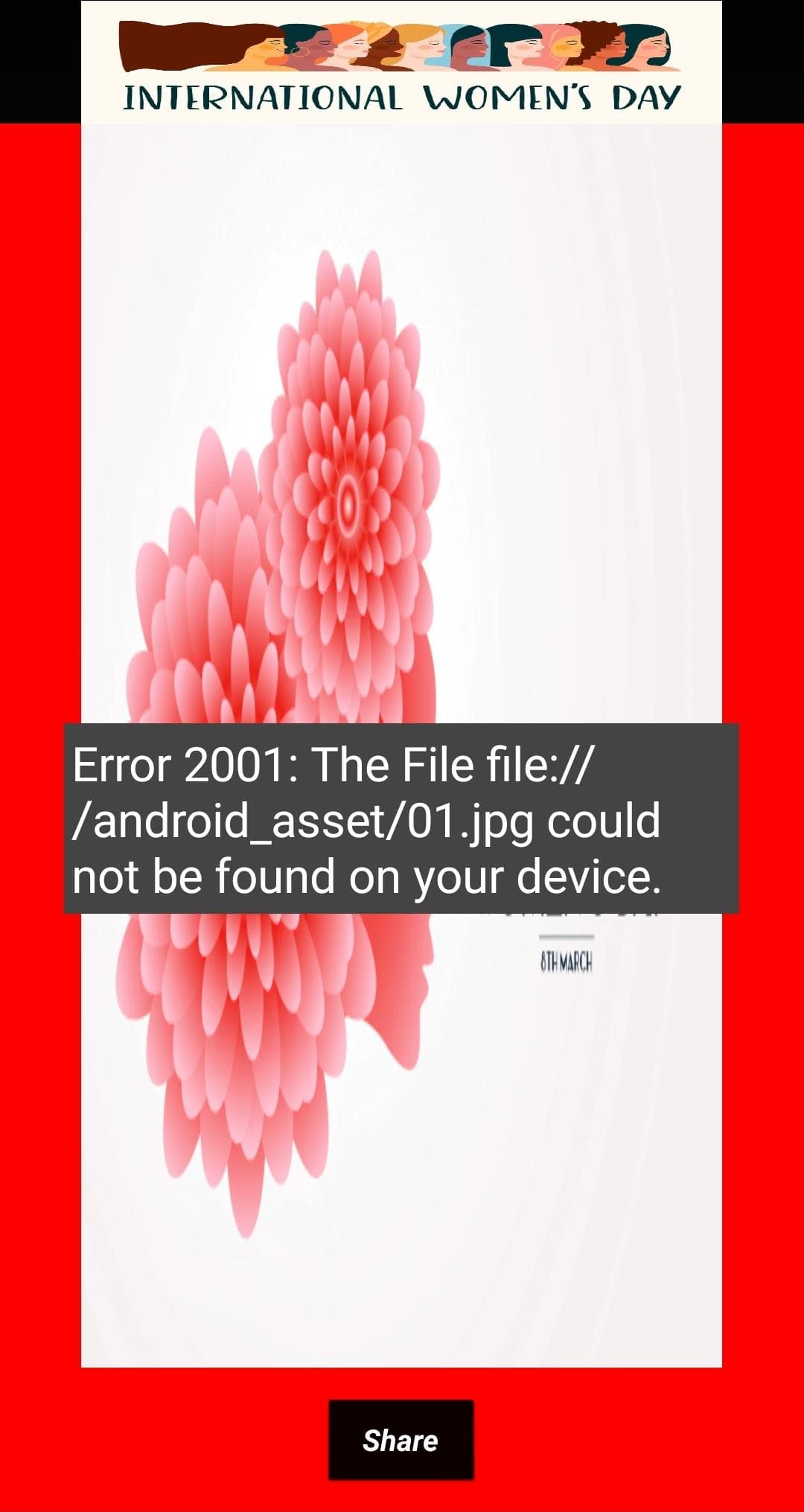
This is the message when i press "share" button :
I have ANDROID V10.
I download "GetASD.aix" to have the GetASD1. I have noticed that you have another block "getASD". Could you share it with me please ?
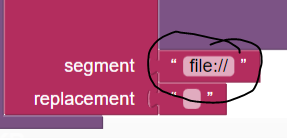
In this block should I write "file://" or the full path of the image (C:/wallpaper/...../01.jpg) ? :
Where is the file 01.jpg?
In your assets or in your ASD (/storage/emulated/0/Android/data/edu.mit.appinventor.aicompanion3/files/01.jpg)?
The getASD I show is just the name of a procedure.
The file 01.jpg is in my project, i download it from my computer.
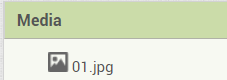
Is 01.jpg in your assets? Did you upload it to the Media folder, like I have here
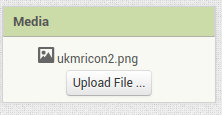
yes, exactly.
OK then, back to the blocks I first showed you
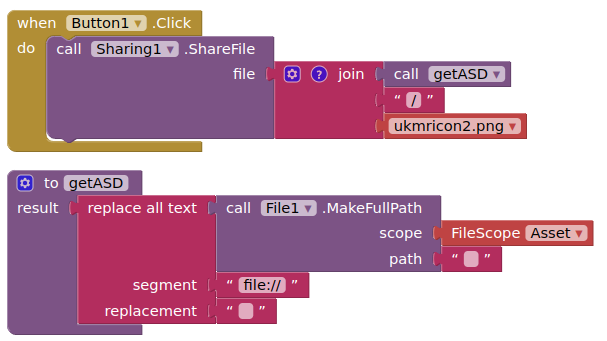
OK, you appear to be compiling the app, the blocks I showed were for working with the companion app.
Let me provide some new blocks to try....
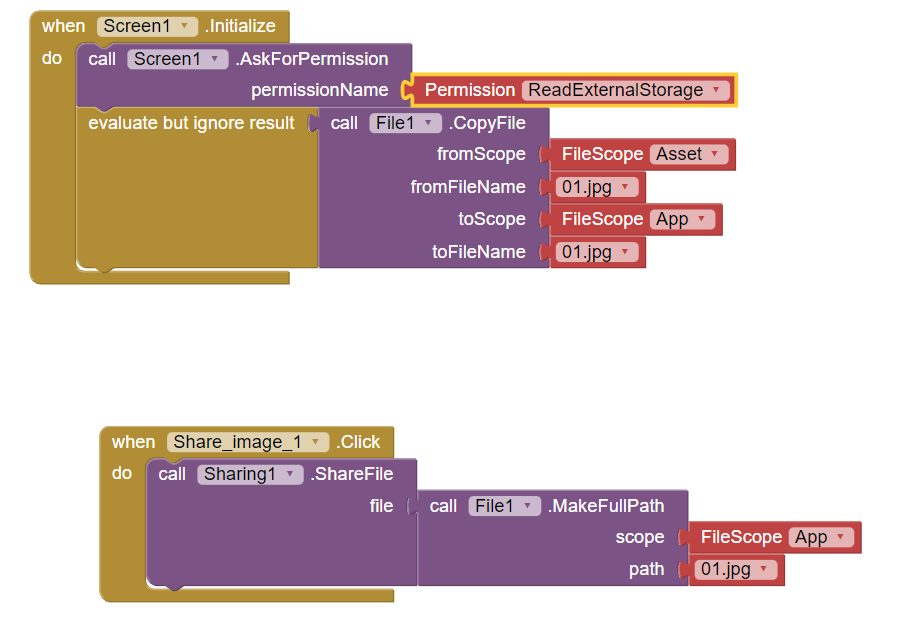
You cannot share a file from the Assets/Media. You can copy it to a shared folder or the ASD and share it from there.
Try this
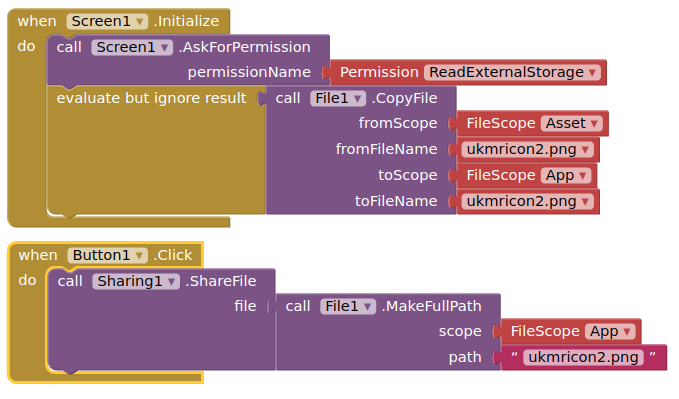
(I added read permission to be on the safe side....)
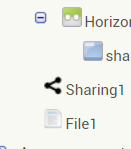
Sir where is this component in MIT APP Inventor?
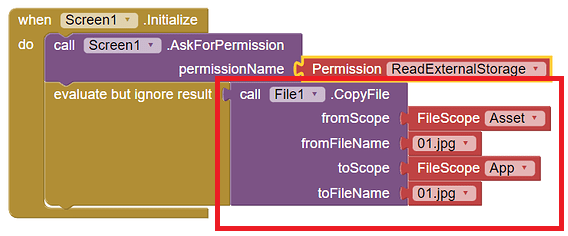
Regards
File Component
Storage