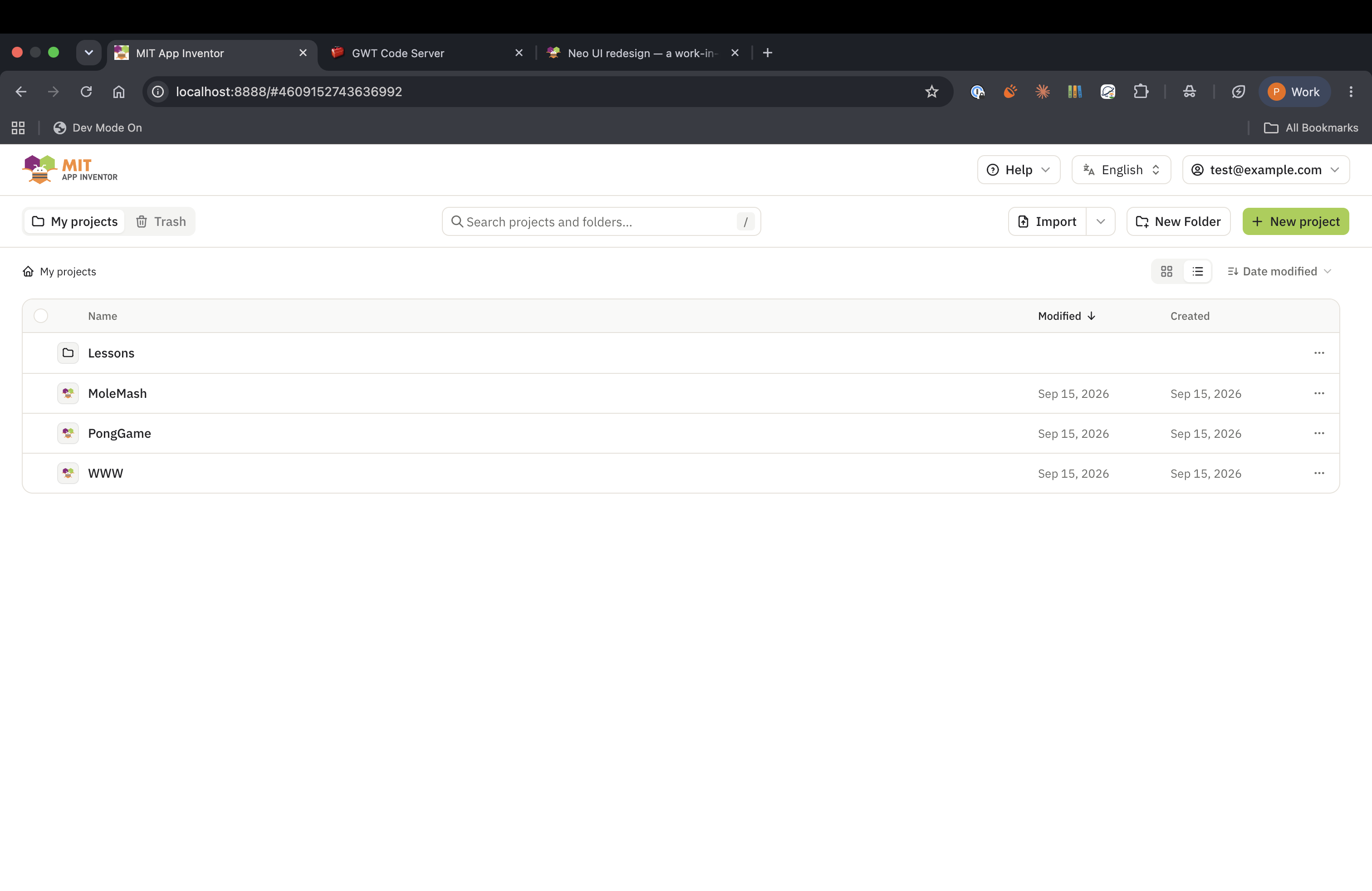
Among many other things, I think it lets users rename projects. I always want to change the names, and until now I don’t think it’s possible.
I like the quick access to console for advanced users.
I had a few questions:
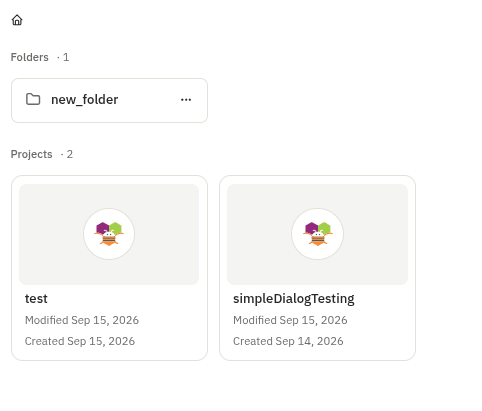
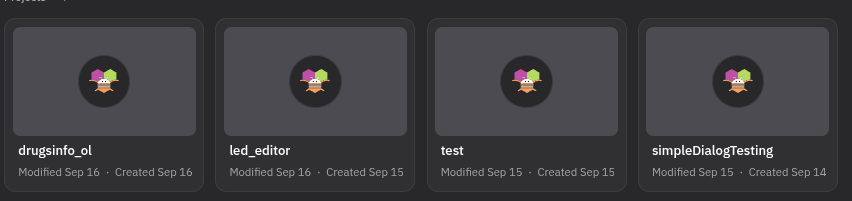
Can one flatten the icons in My Projects into a “List Layout”? The icons might get cumbersome when users accumulate many projects. I know diehards have over 100.
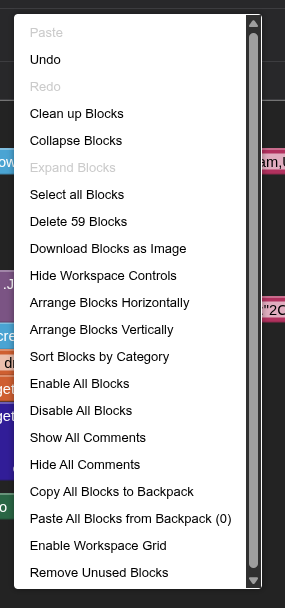
I think this may be a Blockly issue: the trash can is way too big and misaligned. That always gets to me!
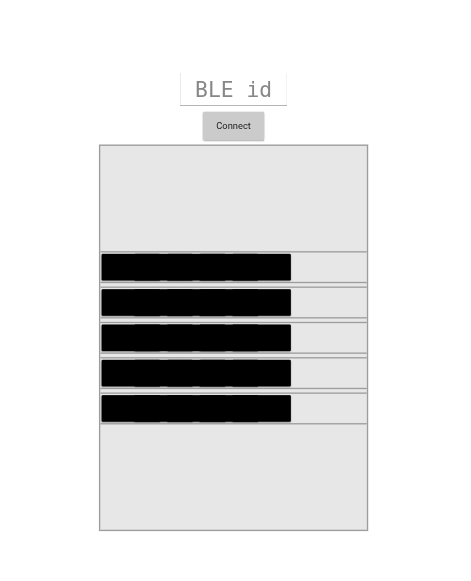
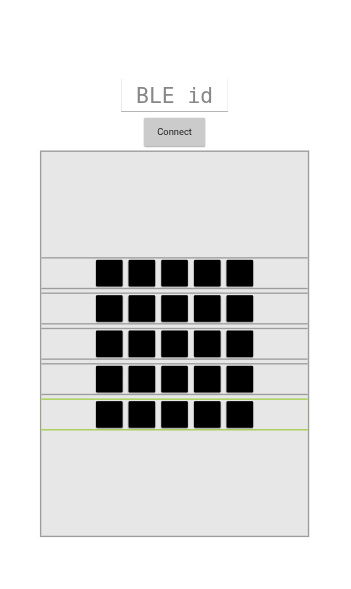
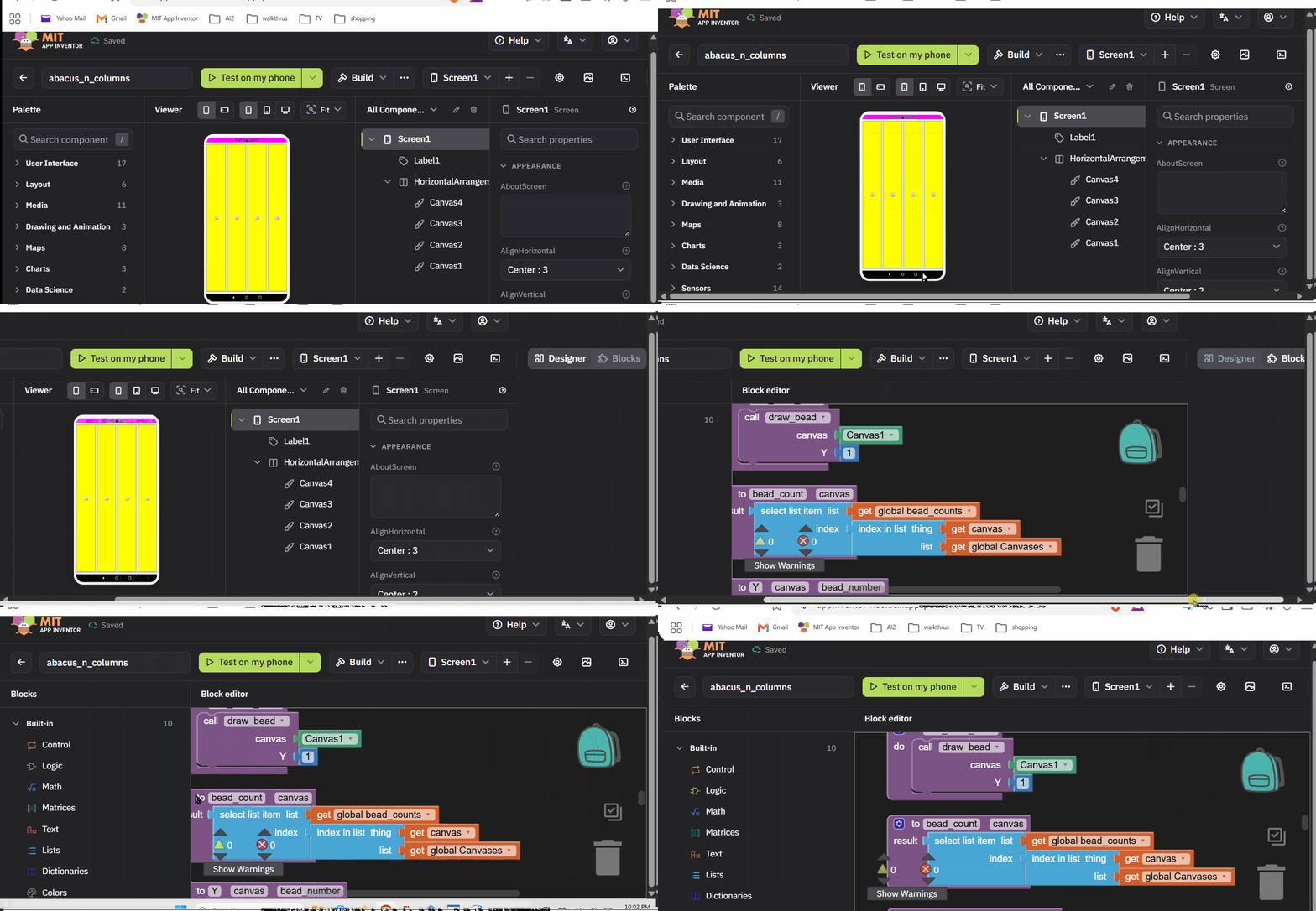
Selection box fits the component (Button, DatePicker, ListPicker, TimePicker, TextBox…). Neo forced content-box inside the viewer; form controls are border‑box in every browser and classic relies on that. Peter, this should also fix the merged black strip in your layouts screenshot — please re‑check.
List view for projects (grid / list toggle), rename from the list, select‑all, keyboard selection (arrows, space, shift‑ranges), folder breadcrumbs.
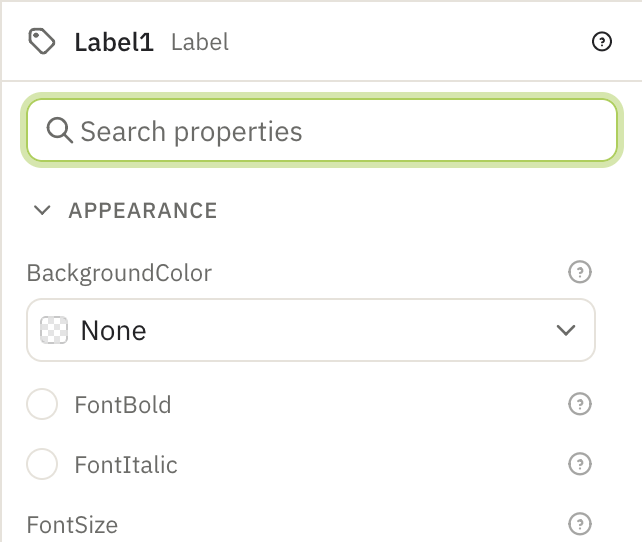
Properties search — type te to jump to Text instead of scrolling to the T's.
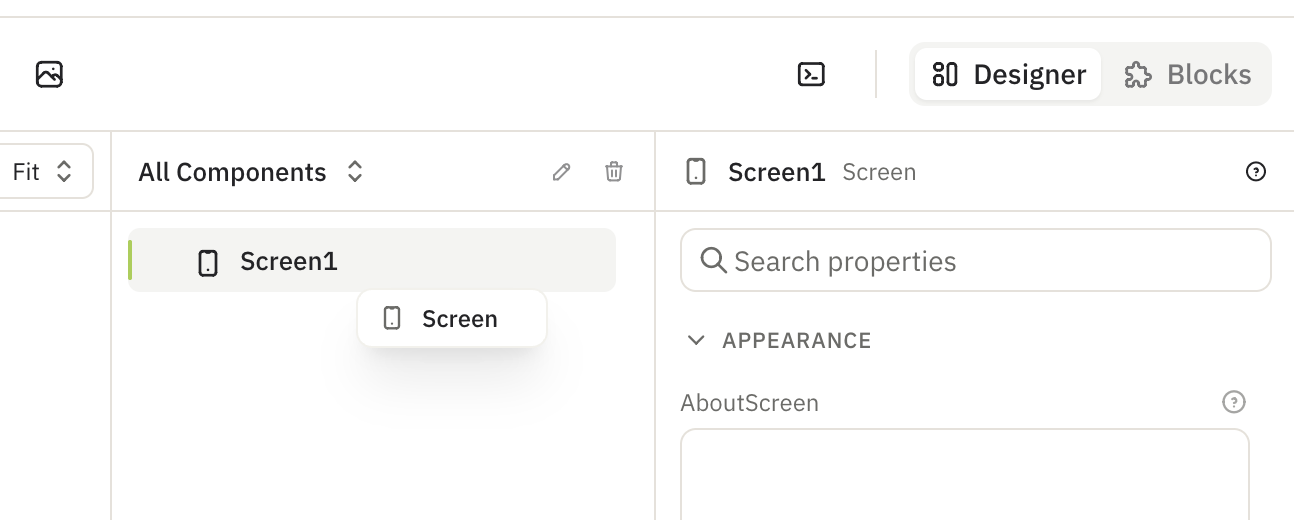
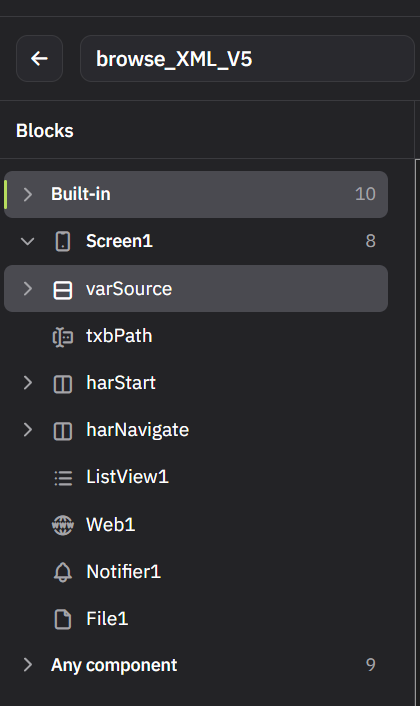
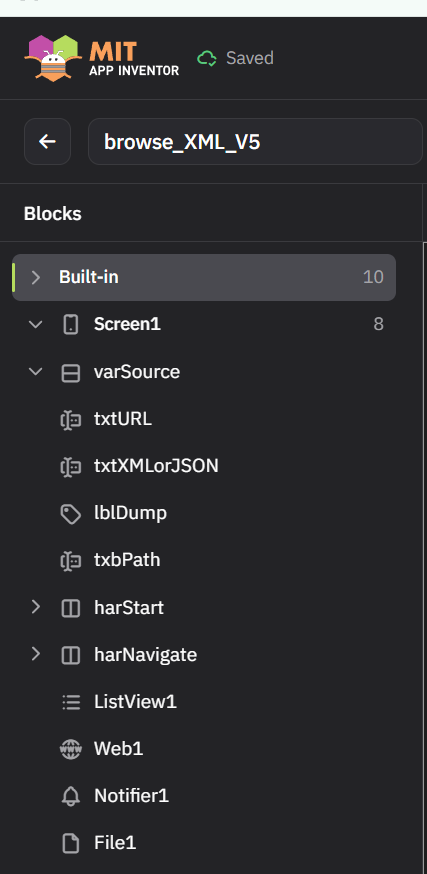
Component type is visible — icon + type in the properties header and a tooltip on tree rows, so a renamed component still tells you what it is.
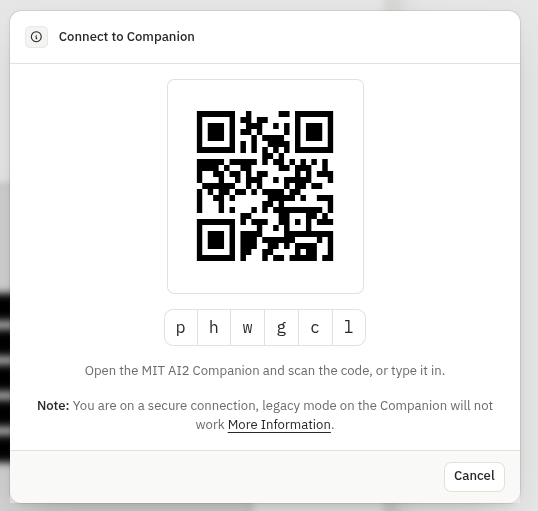
Extension import and Companion connect are proper dialogs with a frame and background.
Helper texts moved into help popovers (project properties, new project).
Dark theme exists: gear icon → User interface → Theme (Light / Dark / System).
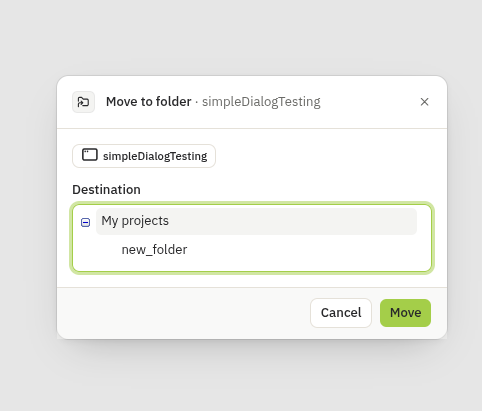
Every dialog and wizard (58, incl. the Blockly/Companion ones) now shares one frame: icon + heading, body, footer with one verb; validation is red text under the field; destructive actions are red with no ×.
Alerts became notices with a title, a description naming what happened, and an action — Undo on rename / move / new folder / import / restore / trash, Retry on failed uploads, Reload on load failures.
Designer: viewer zoom + fit, phone / tablet / monitor previews with real dp sizes per skin, native selects for the viewer and language menus, length editor as an input group, popups that follow their trigger on scroll.
Could you give it another round? This time I'd especially like your eyes on the notices (too many? wording?) and the dialog footers (Cancel left of the verb). Bugs with a screenshot are gold.
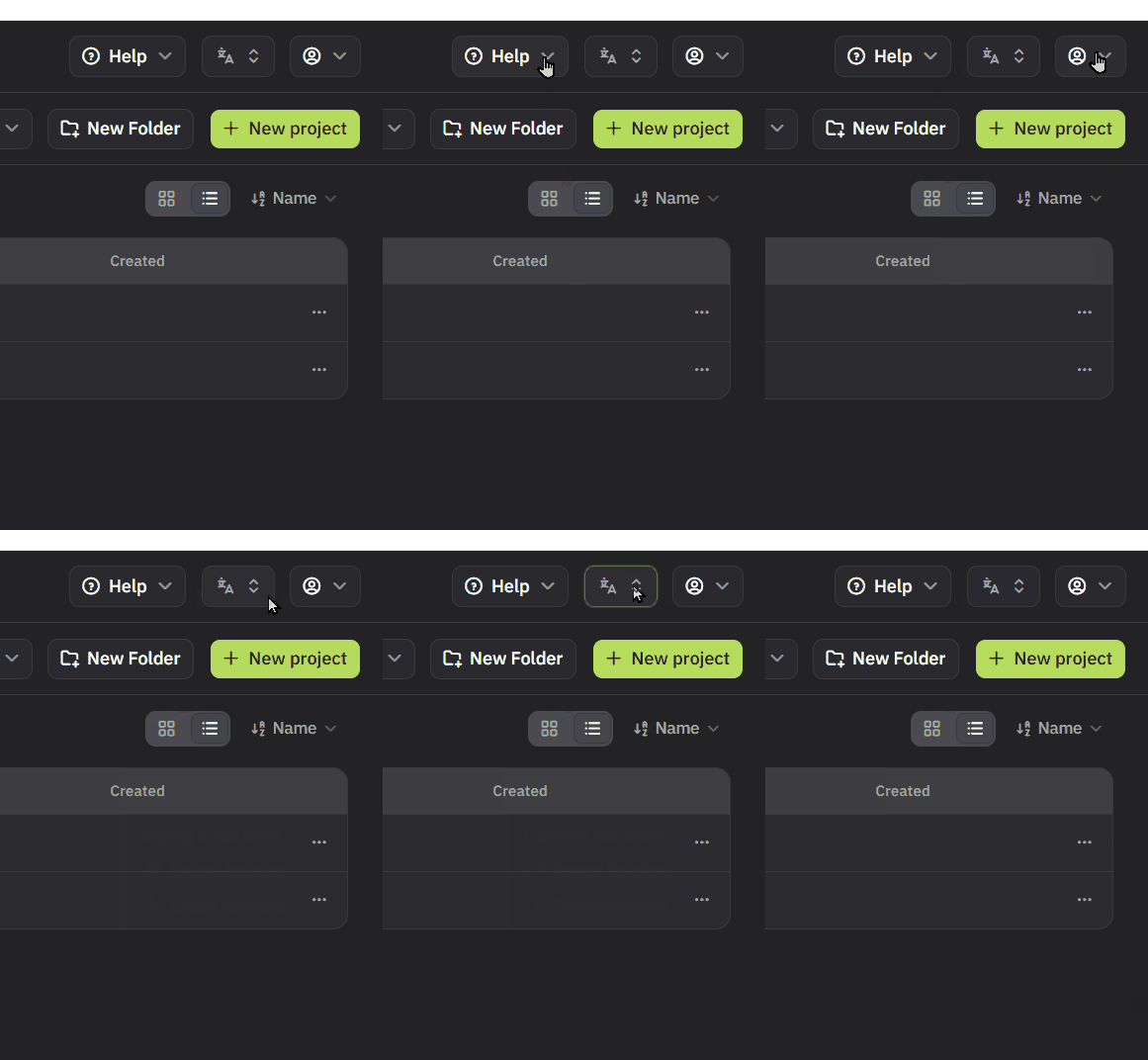
The misleading ⌃⌄ pulldown (ABG): the device picker is a button group now (phone · tablet · monitor), and the remaining selects use a single ▾ like the Help / Language / account menus, so nothing looks like a font‑size stepper any more.
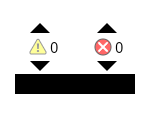
The blocks editor's black box (Peter, Brave/Chrome on Linux — it was everywhere): found it. That "Show Warnings" bar is an SVG rect styled by classic's stylesheet, which Neo doesn't load, so it rendered SVG‑default black‑on‑black. Styled from the tokens now.
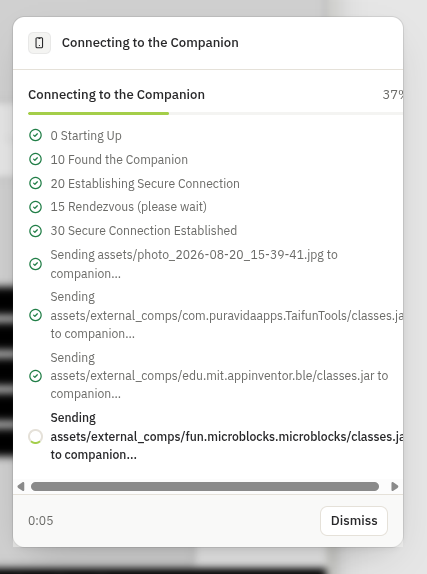
Companion dialog (Peter): long "Sending assets/…" lines wrap instead of pushing the percentage off‑screen; the note's More information link sits on its own line; and the phone icon has a ring that turns while connecting and closes green when connected.
The button strip in your layouts (Peter): that one is not the bug I fixed last time — I can't reproduce it without the project. Could you share the .aia (or just how the buttons are spaced — empty Labels between them?).
Also new since round 2:
Loading states — no more "Loading …" box at the top. Opening the app shows the App Inventor mark in a turning ring from the very first frame; opening a project fades to the same full‑screen state; loads while the designer is already open show skeleton rows in the columns under a thin progress bar instead. Nothing flashes for quick loads.
Reconnecting banner — if a request can't reach the server you get a "Connection lost — reconnecting…" strip, and a "Back online" notice when it recovers; the tab title reads "Saving…" while a save is in flight, for background tabs.
Component help as a compact card: icon · name · category, description (scrolls when long), and a footer with the component's version and build date next to More information.
Spacing unified — one 16 px inset for the top bar, project page, toolbar and every column; the right edge of the project grid now meets the toolbar's.
Toolkit dialog trees restyled (chevrons, proper indentation, full‑width rows); the monitor preview is just the screen, no stand; small success animations on build/notices and a crossfade between views.
Round 3 asks: does the loading experience feel right (too much? too little?), and does anyone else see Peter's merged‑buttons layout?