My statements apply to every post.
I was asking about why the code shown on this post didn't include that because non media files are being asked for. I can't learn if examples don't seem to show what I thought to be true.
.... It is working on Android 11 Anke. However, Richard is testing on Android 9 and 10.
That is correct Richard. When you pick a music title, does that play?
Do you actually need to check if the permission is already granted ?
Just put it in the Screen1.AskForPermission() in the Screen1.Initialize event.
It will ask for the permission only if the app does not have the permission.
This will help in the following ways :-
- Reduce code.
- Reduce blocks at Screen1.Initialize [Quite important.]
- Will be useful incase the user has removed the permission.
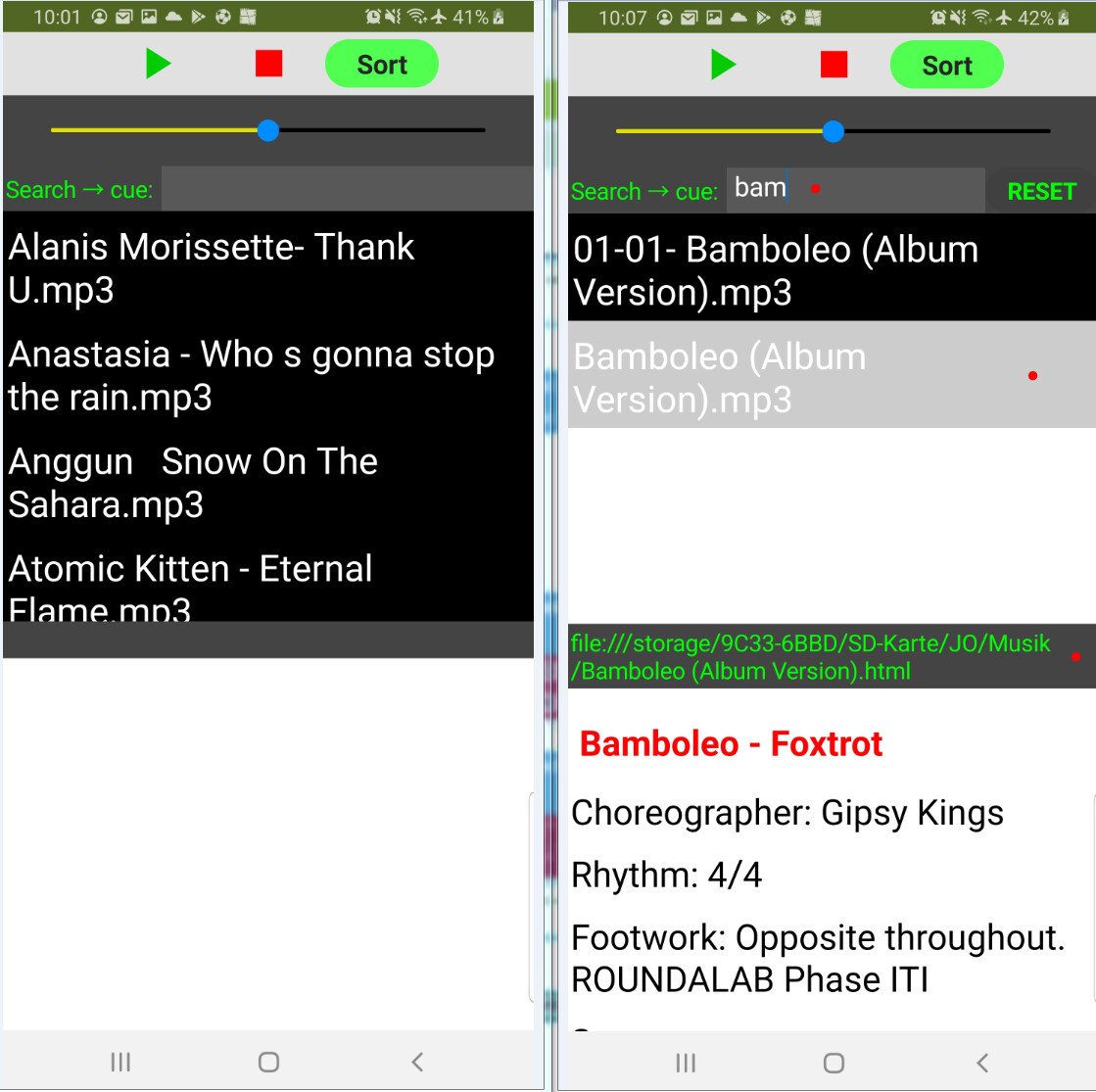
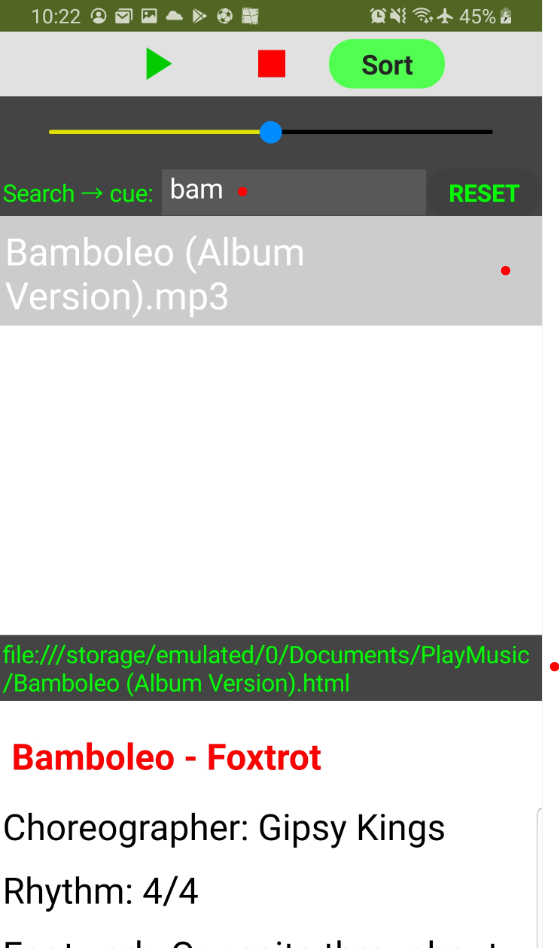
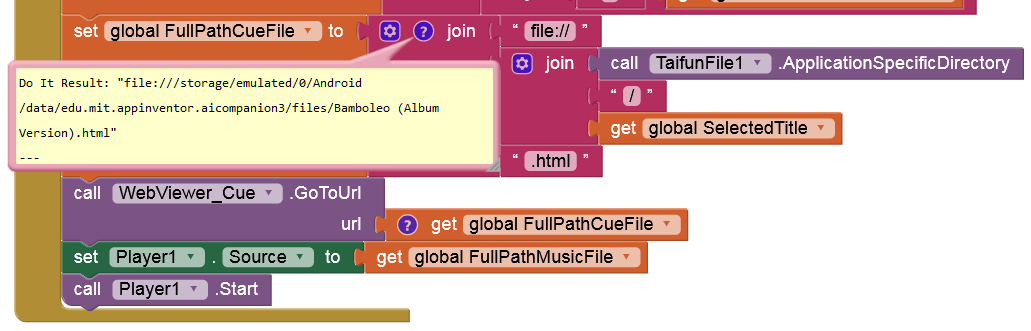
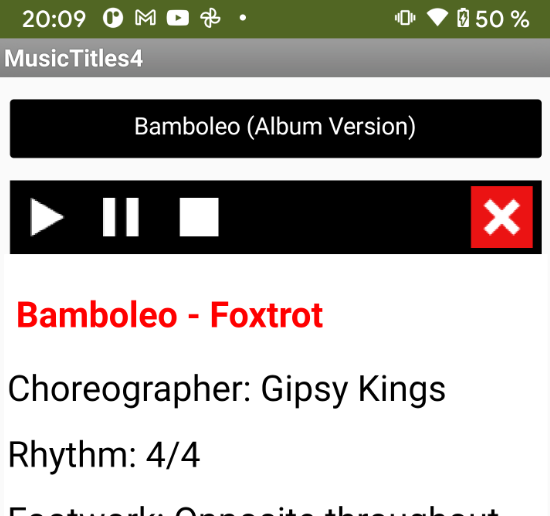
I knew I was going to mess that up. The only way I get any files listed in Music Titles 4 is to have get global APK = true set when using companion. It does play the file but get a notice that it can't find the cue sheet.
Hi Anke
All media is put on the device by the User, and the amount will grow overtime. Most times, the media is going to be directly transferred from a PC, via a card or USB.
The App plays the music and displays the cue sheet, it does not supply any media.
The interpretation of what media actually is certainly seems to depend on Industry. One of daughters is in the film industry and as far as they are concerned, HTML and PDF are media. Google seem to have a different point of view 
1 Like
There has to be a way to move onto the next part of the process. The best way is to use a Procedure to start the next stage, which I have not done, but this is a test snippet where the primary concern is to get the media loaded and running.
Hi Richard
I'm wondering if we would be more successful if the files were in the Android Documents folder.
That should not happen. I will edit the snippet.
Hi Richard - MusicTitles5
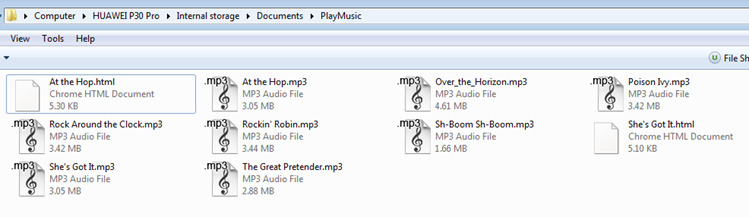
- Please create a folder called 'PlayMusic' in the Android Documents Folder, and put some mp3's with their related HTMLs in that new folder.
Code changes:
- Added a QA Label which indicates if the App should be running via the Companion or as an APK (depending on your manual setting of the APK Variable).
- Code loads files from /Documents/MyMusic
- A local Html page (in-App) will be displayed if a Cue file is not found
- Streamlined the file listing process.
Works perfectly here!
MusicTitles5.aia (43.1 KB)
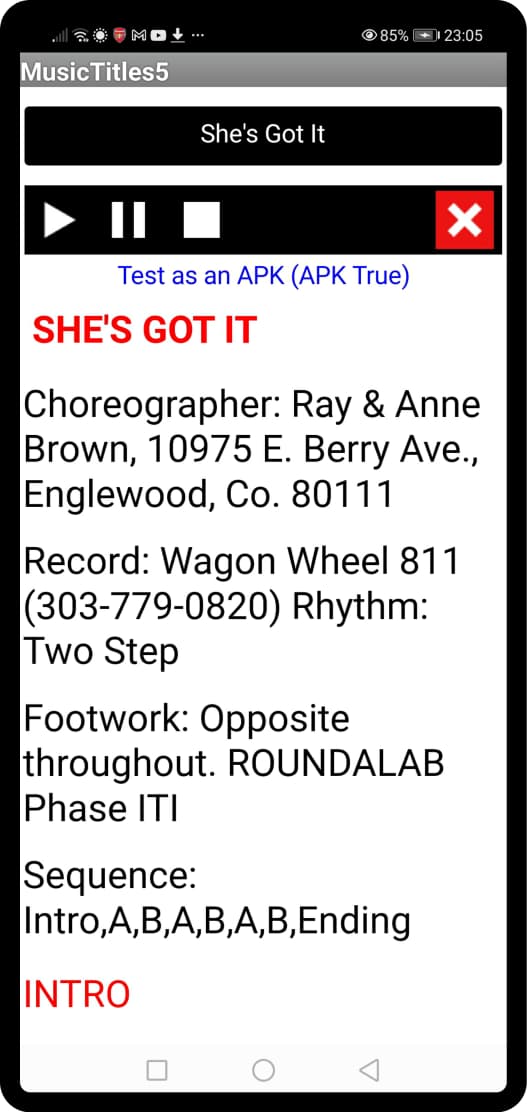
In companion
- set to true = finds and plays music doesn't find cue
- set to false = finds no files
In APK - set to true = finds no files
- set to false = finds and plays music doesn't find cue
Files mp3 and html are in folder Documents/PlayMusic
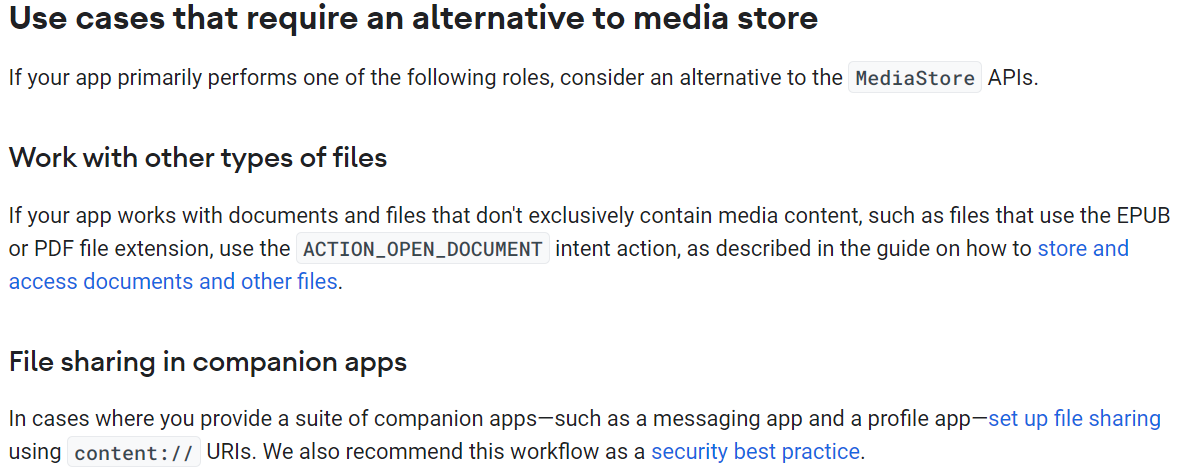
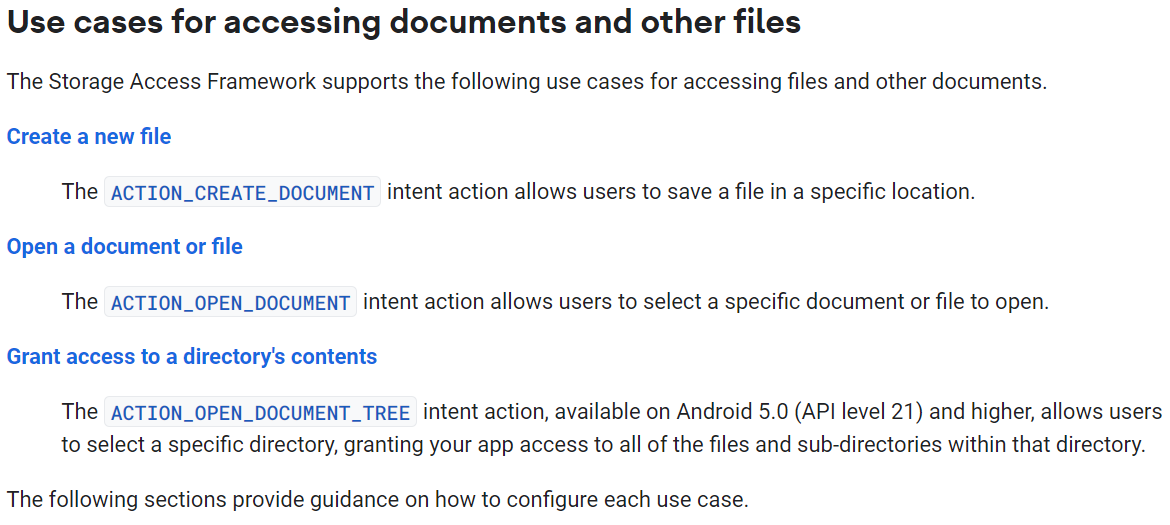
To access (read) a non-media file (like HTML) from one of the Shared folders (like /Documents/PlayMusic) on Android 11+ it must have been created by the app itself.
However, on Android < 11 it should work.
If the app has granted
MANAGE_EXTERNAL_STORAGEpermission it should work on all Android versions.
... but Google are unlikely to allow the App to be distributed via Google Play.
I think TaifunFile may be setting ACTION_OPEN_DOCUMENT_TREE?
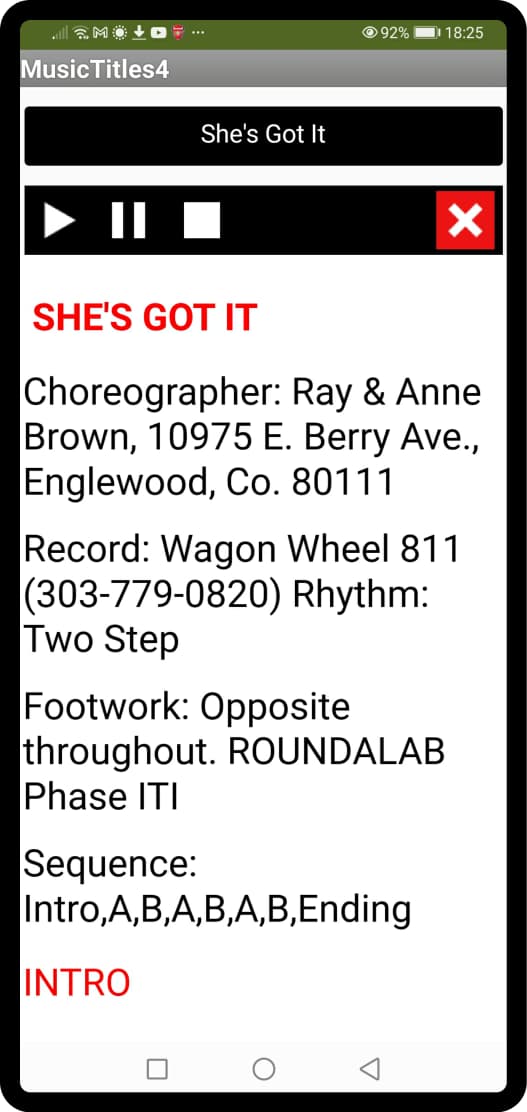
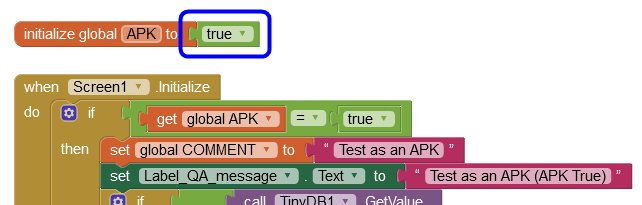
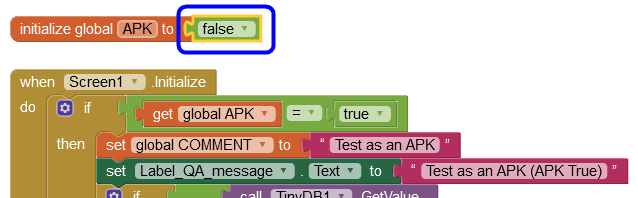
Hi Richard - you are missing the point about the APK setting. It should only be true if the App is running as an APK. It should only be false if the App is running via the Companion. See my screenshot, that's the App running as an APK - the Label telling us that is totally reliant on the manual setting of the APK variable, in this case set to True.
Run as an APK
Run via the Companion
I read recently that later this year Google will be putting another potential spanner in the works by releasing Android 12b specifically for tablets 
Edit: It is running perfectly in Android 10 here 
Edit: The accumulated cache data of an app can cause it to stop working. When such a thing happens, we need to reset the cache data from the device settings. So, if individual Android apps are not working on your phone, another solution to fix it is by clearing the app's cached data. I don't think this is the cause of the issue you see, but there is no harm in clearing the cache.
1 Like
I think he is aware of this:
So why do think the snippet works on Android 11 but not on Android 10? (Probably not on Android 9 either, Richard has a v9 device to test on too).
The snippet is not using allfilespermission.aix, only the latest version 14a of TaifunFile.aix.
Something interesting - my phone is running Android 11 and nagging me to update to Android 12, but GetApiLevel_3.aix returns API 29, Android Version 10. 
Edit: This because Huawei have hoax Android versions built on top of the Android 10 open source. They are still banned from Google upgrades by the USA government.