@ewpatton Can we work for iOS with the normal server or for iOS we need work with the iOS Test Server?
Now I'm confused...
(Which error did you get on the main server?)
When I click the buttons nothing occurs. Only runs the Show Alert Button.
I work only in this server: https://ai2.appinventor.mit.edu
For iOS and Android (I don't use the iOS Test server)
No, I mean did you get a compiling error?
But if I copy the AIA in the Test iOS Server then it runs well.
Ok, so it works on both servers? Did you have the same keystore on both servers?
No no. All is right for compile and runs. The problem is when I use the app then the Notifiers not runs (they have not a mistakes), only they don't have responses when I click (use the app) buttons..
I have the same keystore in both servers. The same AIA runs well in the Test Server but not in the Normal Server (in both servers compile well)
Ok, I understood that. But you can compile on both servers with the same certificate and provisioning profile and different keystores?
Yes
1 Like
built_failed.txt (3.1 KB)
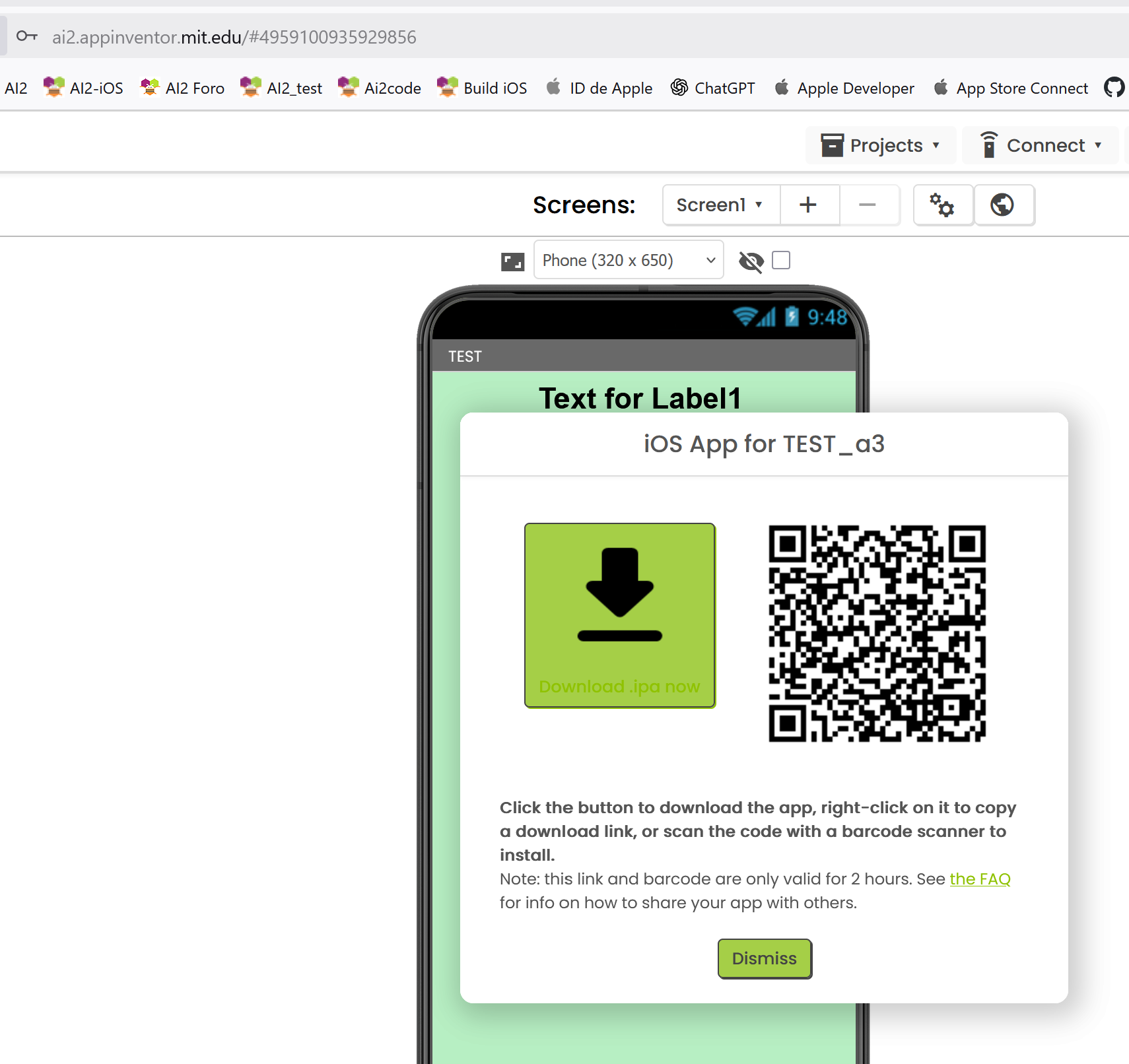
Built failed on the main server
App Inventor is unable to compile this project.
The compiler error output was
[ReadBuildInfo] Starting Task
[ReadBuildInfo] Task succeeded in 0.003 seconds
[LoadComponentInfo] Starting Task
[LoadComponentInfo] INFO: Generating assets...
[LoadComponentInfo] Component assets needed, n = 0
[LoadComponentInfo] INFO: Generating activities...
[LoadComponentInfo] Component activities needed, n = 0
[LoadComponentInfo] Component activity metadata needed, n = 0
[LoadComponentInfo] INFO: Generating broadcast receivers...
[LoadComponentInfo] INFO: Generating libraries...
[LoadComponentInfo] Libraries needed, n = 1
[LoadComponentInfo] Component metadata needed, n = 0
[LoadComponentInfo] INFO: Generating Android minimum SDK...
[LoadComponentInfo] INFO: Generating native libraries...
[LoadComponentInfo] Native Libraries needed, n = 0
[LoadComponentInfo] INFO: Generating permissions...
[LoadComponentInfo] usesLocation = false
[LoadComponentInfo] Permissions needed, n = 5
[LoadComponentInfo] Component xmls needed, n = 0
[LoadComponentInfo] INFO: Generating component broadcast receivers...
[LoadComponentInfo] Task succeeded in 0.003 seconds
[ExtractPlayerApp] Starting Task
[ExtractPlayerApp] Task succeeded in 0.675 seconds
[ExtractProvisioningPlist] Starting Task
[ExtractProvisioningPlist] Task succeeded in 0.001 seconds
[PrepareAppIcon] Starting Task
[PrepareAppIcon] INFO: Creating app asset dirs...
[PrepareAppIcon] INFO: Generating icons...
[PrepareAppIcon] INFO: Compiling icon asset set...
/* com.apple.actool.document.notices */
/var/folders/cj/y0pj22fd5p1g7wk4vrn9gc_80000gp/T/1760279917597_4743532906320798720-
0/assets/Assets.xcassets:./AppIcon.appiconset/[ipad][76x76][1x]: notice: 76x76@1x app icons
only apply to iPad apps targeting releases of iOS prior to 10.0.
/* com.apple.actool.compilation-results */
/var/folders/cj/y0pj22fd5p1g7wk4vrn9gc_80000gp/T/1760279917597_4743532906320798720-
0/build/Payload/PlayerApp.app/AppIcon60x60@2x.png
/var/folders/cj/y0pj22fd5p1g7wk4vrn9gc_80000gp/T/1760279917597_4743532906320798720-
0/build/Payload/PlayerApp.app/AppIcon76x76@2x~ipad.png
/var/folders/cj/y0pj22fd5p1g7wk4vrn9gc_80000gp/T/1760279917597_4743532906320798720-
0/build/Payload/PlayerApp.app/Assets.car
/var/folders/cj/y0pj22fd5p1g7wk4vrn9gc_80000gp/T/1760279917597_4743532906320798720-
0/build/tmp/assetcatalog_generated_info.plist
[PrepareAppIcon] Task succeeded in 4.79 seconds
[CreateEntitlements] Starting Task
[CreateEntitlements] Task succeeded in 0.0 seconds
[CreateInfoPlist] Starting Task
[CreateInfoPlist] Task succeeded in 0.002 seconds
[CompileLaunchScreen] Starting Task
[CompileLaunchScreen] Task succeeded in 0.0 seconds
[BuildAia] Starting Task
[BuildAia] Task succeeded in 0.026 seconds
[LinkLibraries] Starting Task
[LinkLibraries] Task succeeded in 0.0 seconds
[SignPackage] Starting Task
[SignPackage] ERROR: Failed to sign framework
/var/folders/cj/y0pj22fd5p1g7wk4vrn9gc_80000gp/T/1760279917597_4743532906320798720-
0/youngandroidproject/../build/Payload/PlayerApp.app/Frameworks/PSSRedisClient.framework
[SignPackage] Task errored in 0.278 seconds
If you want is not necesary compile my AIA. You can write a easy new AIA only with a Notifier and you can test that nothing happens when you run your app as user.
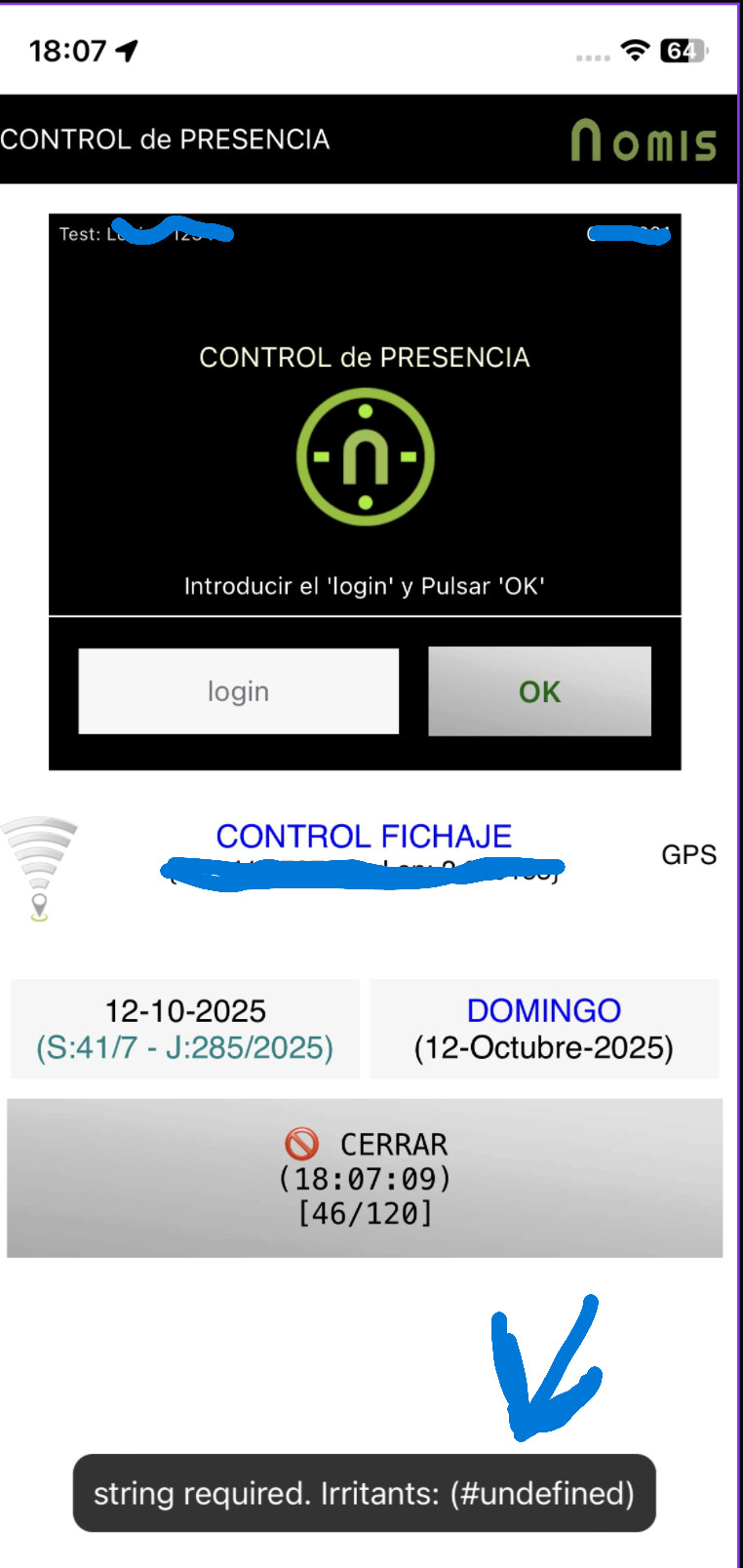
@ewpatton In addition to this issue, but possibly due to the Notifier error when using the app (where notifiers don't work), a message appears randomly after 30-100 seconds, and the app continues to run. This message wasn't generated in the previous version of the compiler. It's simply a warning, but the reason for this is unknown, as it appears without anything being executed in the app. See appendix.
Can you help me to detect what is happen? Thanks
Confirmed the notifier issue. Looking into it.
Edit: As for the #undefined message, do you have a clock running somewhere, possibly on another screen?
Edit 2: I have a potential fix and will push it out to TestFlight in a few hours once I get home.
Any opinion regarding my problem?
Did you provide a mobile provisioning profile tied to your keystore/certificate? That's usually the main reason for a framework signing error since Apple's codesign utility wants both the private key (the keystore) and the public key (in the mobileprovisioning profile) to match. This is in contrast to apksigner, which only cares that the private key (the keystore) is valid.
To follow up, build 53 on TestFlight includes the latest changes to the Notifier to address the reported issue.
1 Like
Sure, and I've done it dozens of times over the past 10+ years, not least for my App Store apps, which I created with Xcode/Swift. But I've also successfully done it several times with AI2 over the past few years and been able to compile IPAs. When I tried again a few days ago, it failed on both servers (with still valid provisioning profiles as well as with newly created ones).
I have no idea what's going wrong here, my Apple Developer account is paid, intact, all contracts have been accepted, my apps are listed in the App Store.
Could it matter that I'm still (for very good reasons) on a Windows 7 Professional system?
EDIT: I just tried again, rebooted my system, created a new certificate, skipped "create a new identifier," created a new provisioning profile, downloaded, and uploaded it to the assets. Now it works. Hmm, I did the same thing almost a dozen times in the past two days. 
