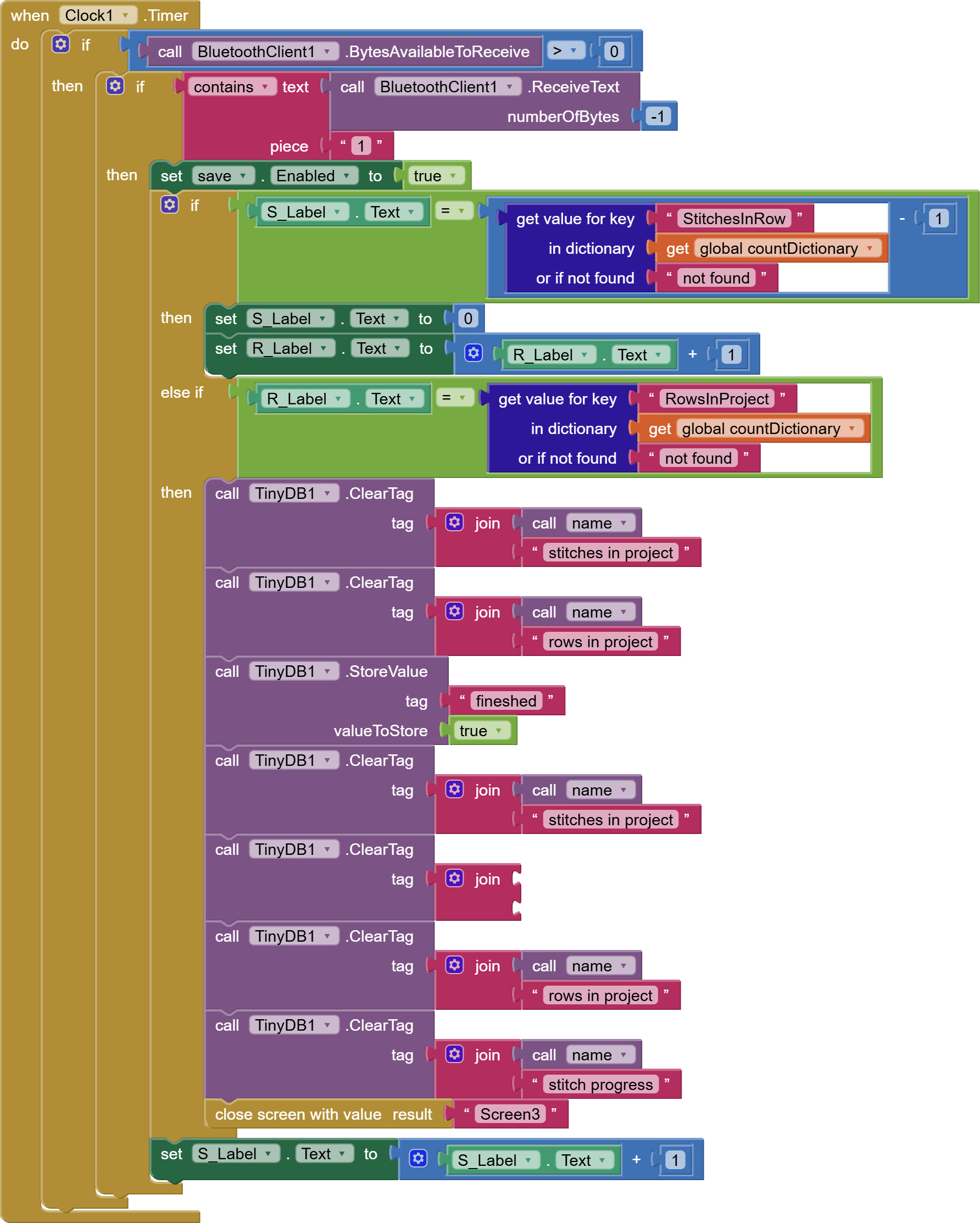
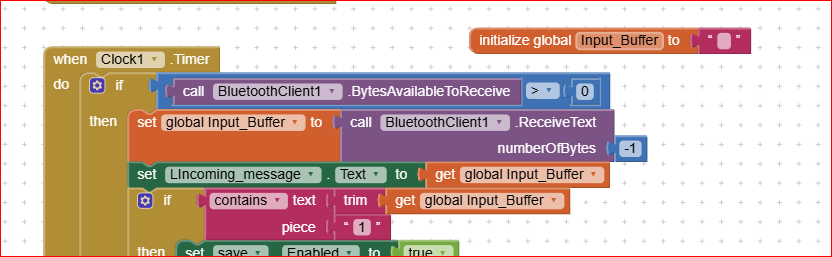
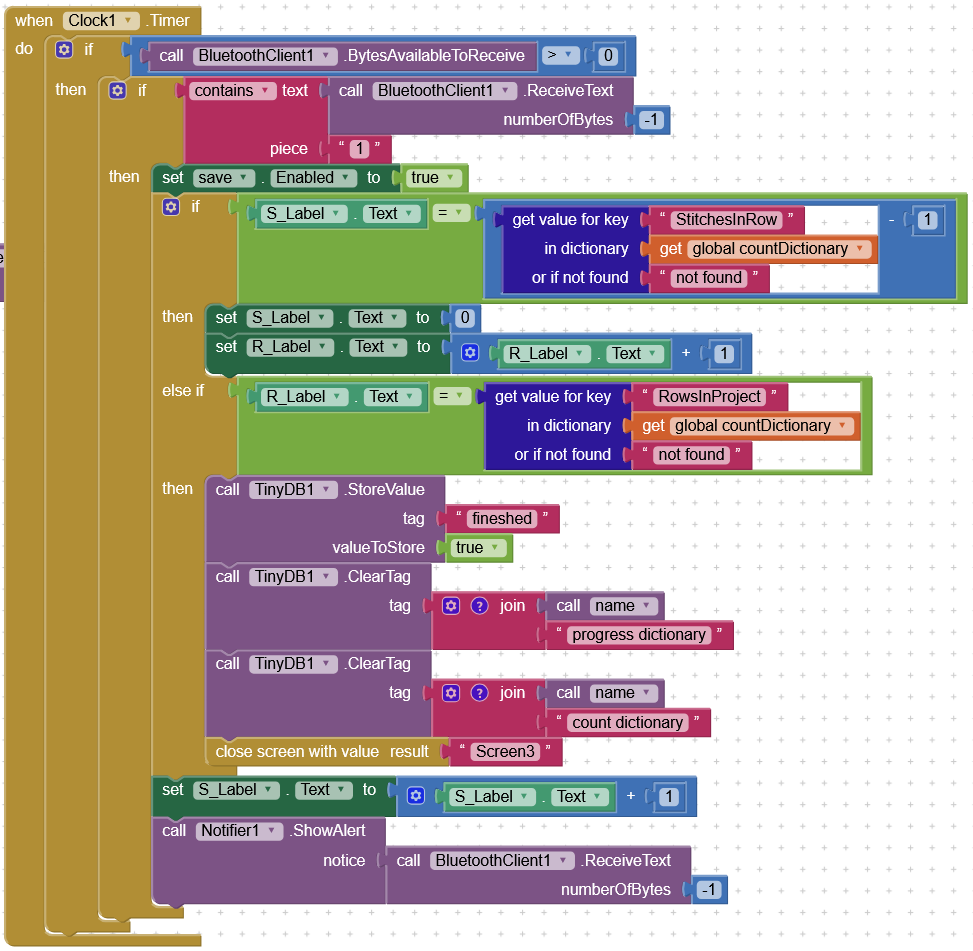
You would have to drop the incoming data into a variable if you don't want to immediately lose it after the contains block reports its results.
So if you wanted to save the incoming data for a log or for a total or for checking other input values, you would definitely need to capture it into a variable.
Variables are the dinnerware for data.
Don't visit the buffet without a plate.
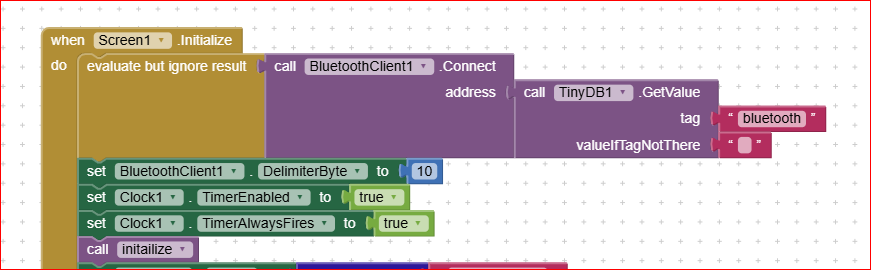
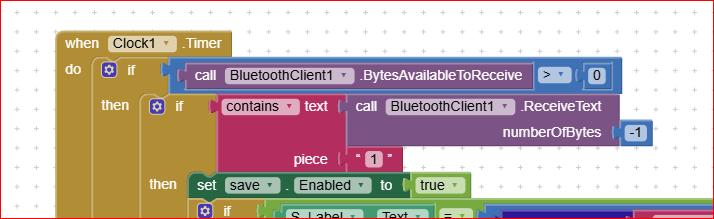
Here you don't evaluate the effectiveness of the BT connection: if the connection hasn't had success, you start the Clock1 anyway, and this can lead to an unexpected behaviour.You shall start the Clock1 only after a successful BT connection
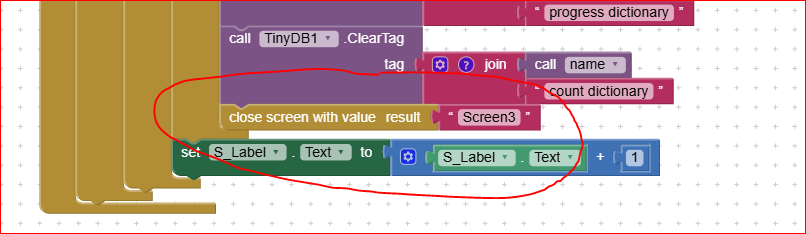
Second: don't enable the clock to run in background, because it will run also when you've changed the screen, and this still will cause problems, because it operates on the bT, but the BT is ceased when the screens are switched. To avoid this, you shall stop the clock before leaving the Screen1, and reactivate it only when the BT comm's are restored. (Typically when the BT is needed it is better to use "virtual screens" instead. You can find how doing it, by searching the forum with the tag "virtual screens").
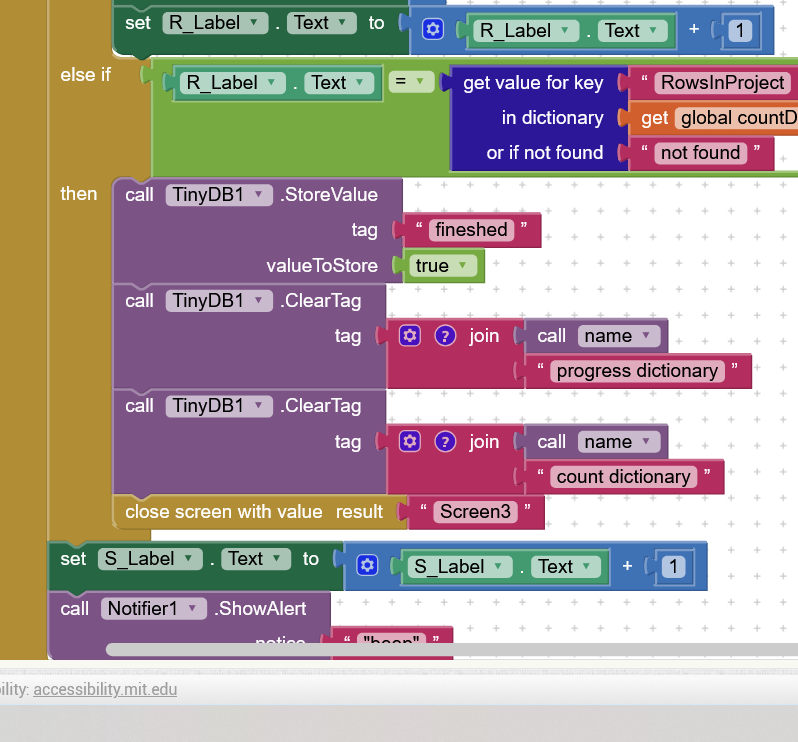
Here below is where you shall stop the clock before leaving screen1 :
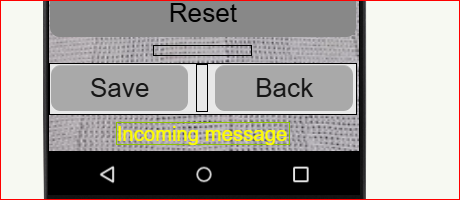
As I said, and as @ABG has confirmed, please store the incoming data into a variable (it costs nothing) and print the incoming data into a label, so to be able to see what is really entering into the app from the Ardiuino board. Once you've solved any doubt about the incoming message, you can just comment out (disable) that block, but leaving it there for any future needs. This also helps in understanding if the BT still works when switching between screens (remember to reactivate it whenever the screen1 returns to have focus).
I'm a "simple man" ( and tend to have a "simple approach" to problems ).
Your "bluetooth receiving algorithm" is not functioning as expected?
save the received string in a variable and display it in a "debugLabel"
( I'd also add the length of the string received, as you may find that arduino is sending not sending only 1 char )
I'd also verify that the arduino part is working as expected ( for example "serial printing" what transmitted via bluetooth ), and this should be the first thing to check