 OK, try the copied advice:
Dec 7, 2015, 7:48:01 AM
Update 2015/12/07: The extra ImageSprite is not needed. Just assign an empty text block to CurrentISP instead of using PlaceholderISP in the TouchUp blocks
YouTube video: http://youtu.be/gpBvza1-BLs
When more than one ImageSprite can be dragged on a Canvas, unless precautions are taken beforehand they may get 'stuck' together.
This is referred to as ImageSprite cannibalism.
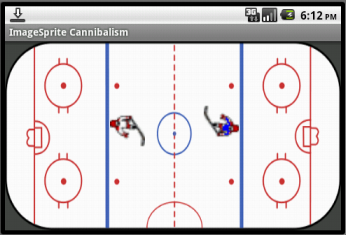
This App Inventor project demonstrates a simple method to prevent this from happening using an ice hockey rink example.
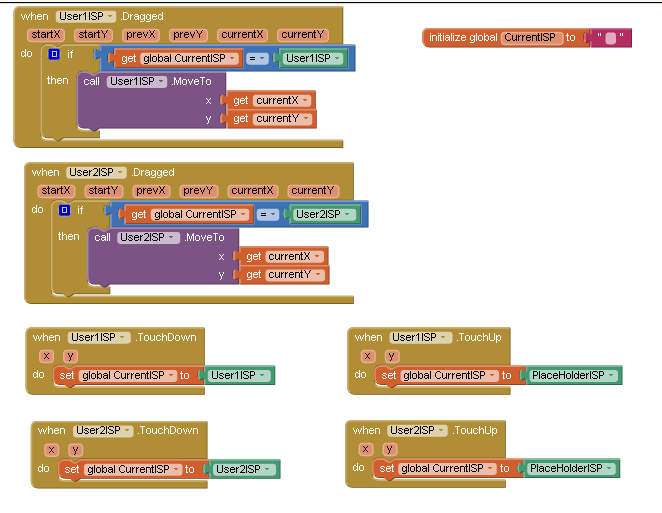
A global variable, an extra ImageSprite and a couple of if blocks enable only one of two ImageSprites to be dragged at a time:
Can you see this stuff now?ImageSpriteCannibalism.aia (31.2 KB)