🟥 [FREE] SimpleSqlite - an extension for working with SQLite Databases

Sorry, i meant to mention this previously:

If you set the filescope to Legacy or Shared it defaults to /storage/emulated/0 so you have to put /Download/mysqlite.db in the path socket.

Alternately, use this from SimpleSqlite to show the path for the current database

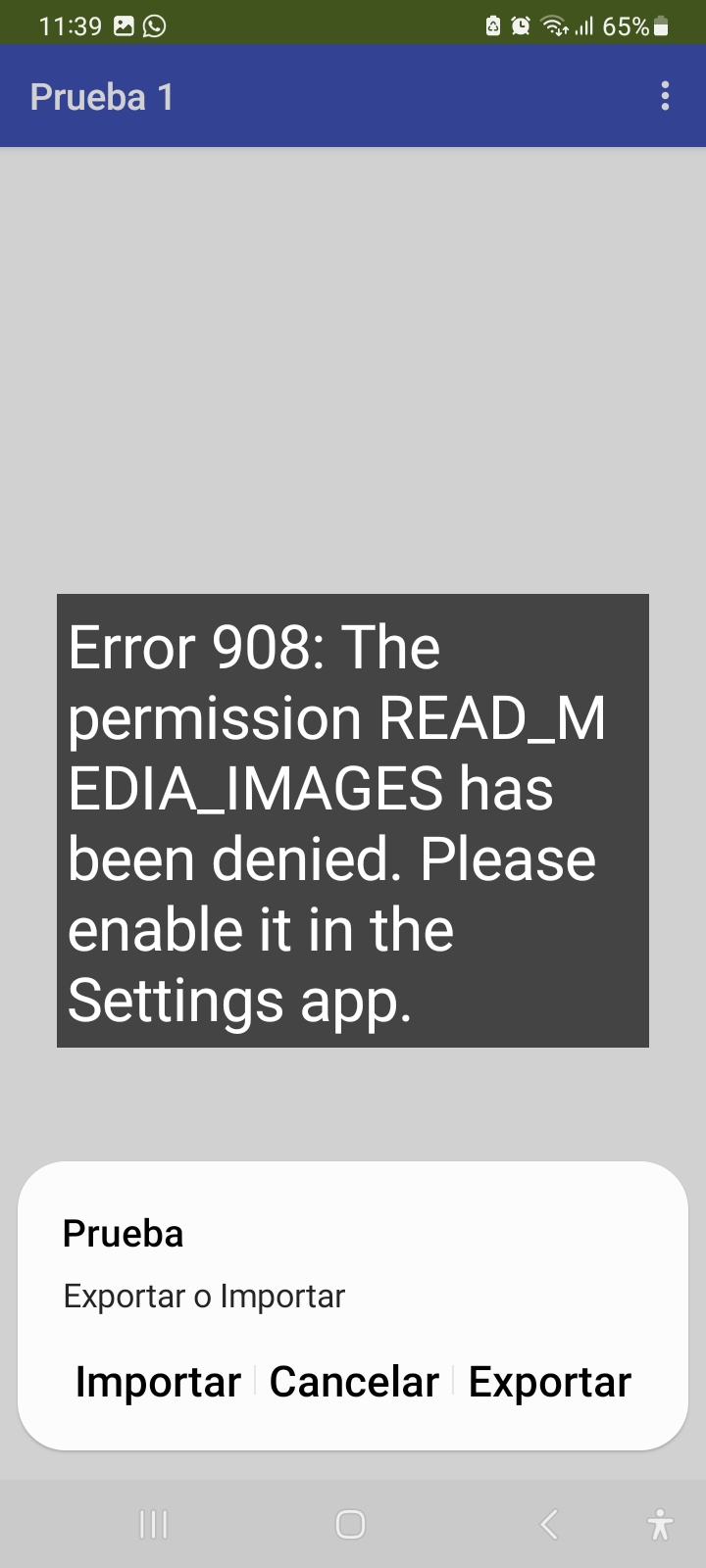
Cuando trato de acceder a Download por cualquier vía saca el siguiente error

The SImpleSqlite extension does not ask for this permission anywhere.

Are you using any other extensions that might be asking for it?

Are you directly asking for this permission ?

Utilizo la extensión SimpleSqlite y necesito importar un archivo de base de datos desde una carpeta en el scope shared.
SimpleSQlite.ImportDatabase no me permite hacerlo directamente desde una carpeta shared por lo que estoy tratando de copiar el archivo desde Descargas/salva hacia el ASD de la aplicación para después poder realizar la importación desde ahi con importDatabase.
Cuál sería la mejor forma de realizar la selección del archivo a importar ubicado en la carpeta shared Dowload/salva y posteriormente realizar su copia hacia el ASD de la aplicación para su posterior importación ?

Try the file picker component

Try the file component and its Copy method

Taifun

SimpleSQlite.ImportDatabase does not allow me to do it directly from a shared folder

It should. Show your relevant blocks.

this also happened to me.

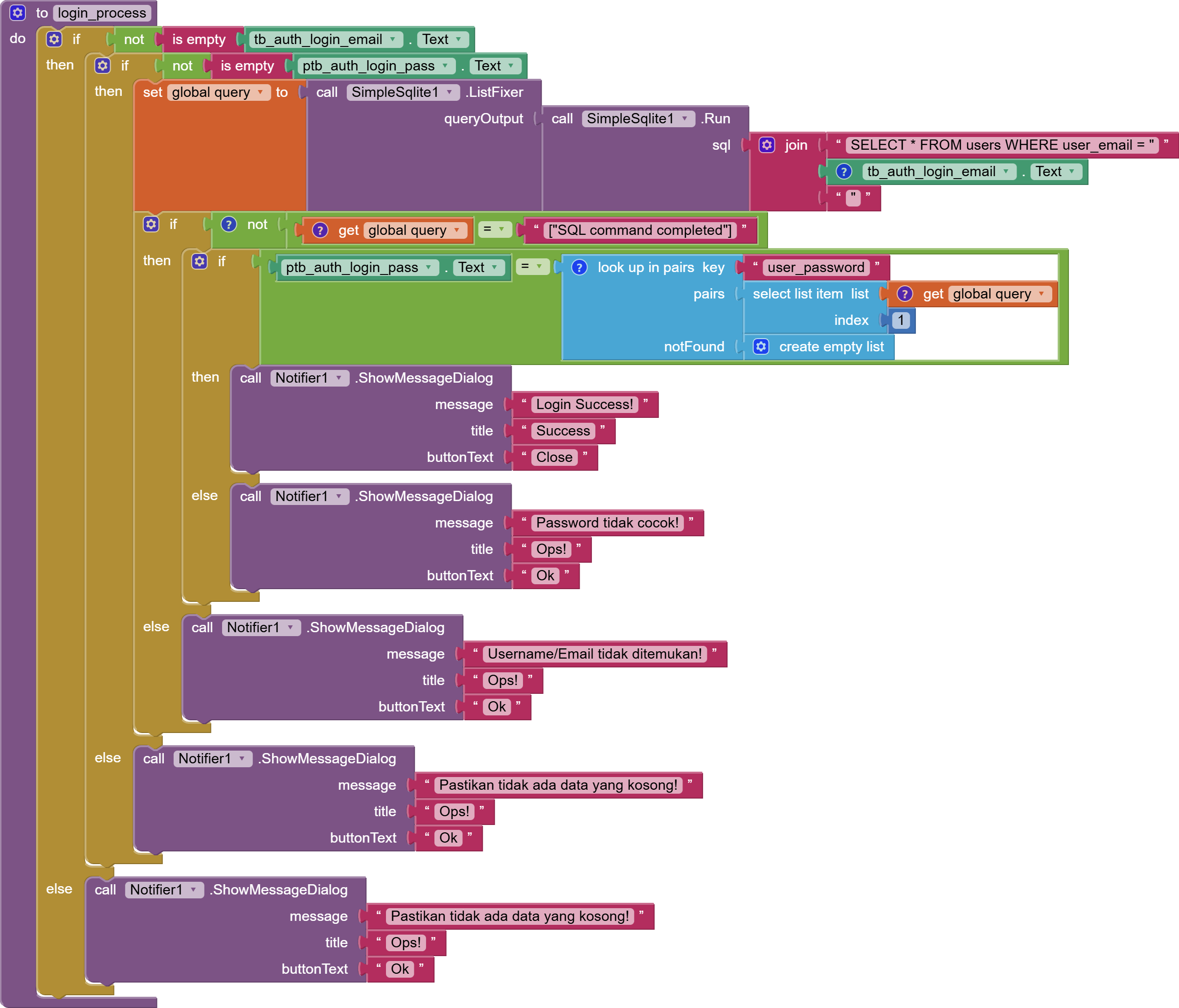
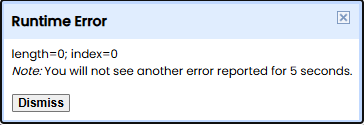
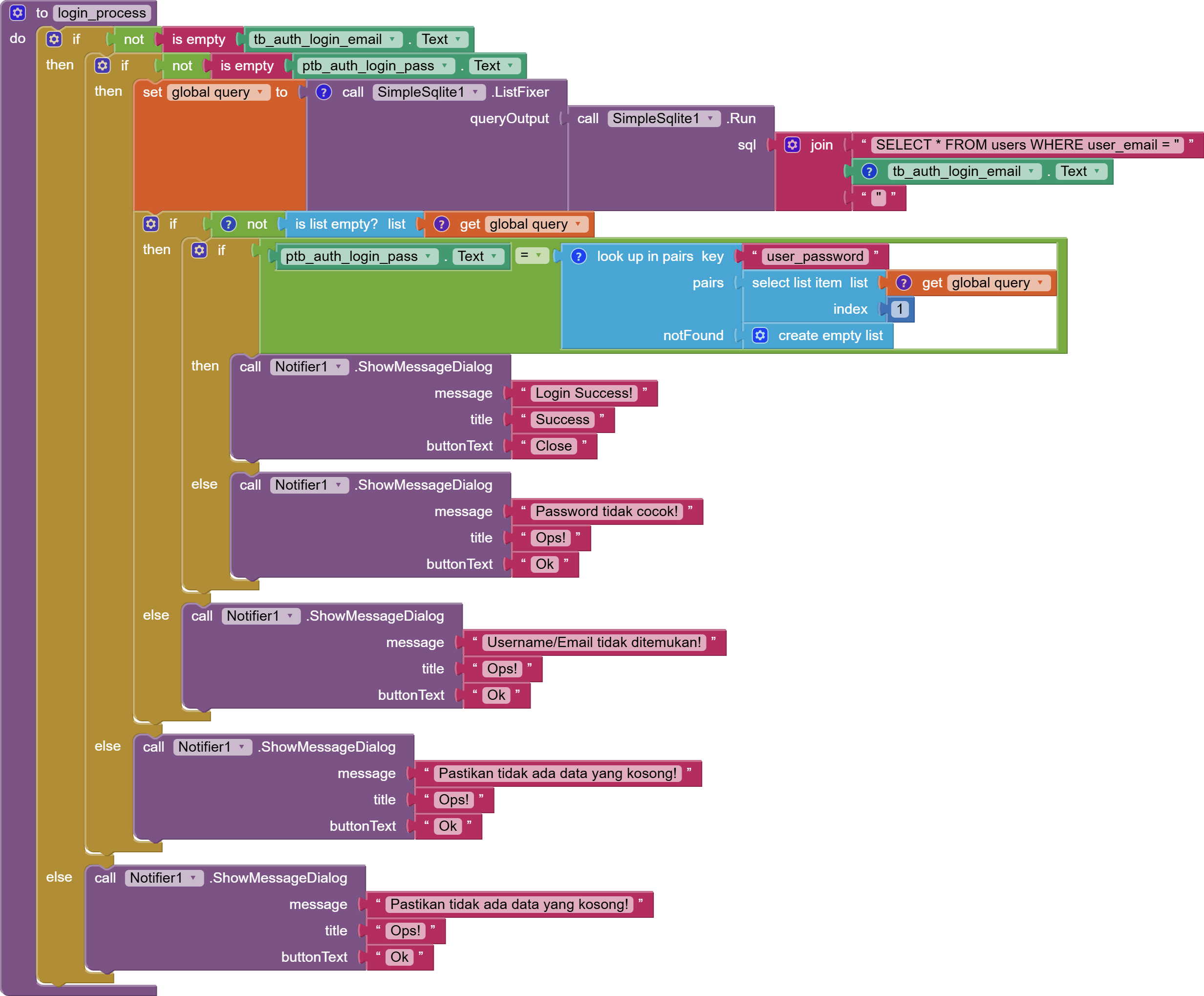
This error show when I try to looked for not exists data. I'd simulated user typo in input email or username in login form.
here is my UI

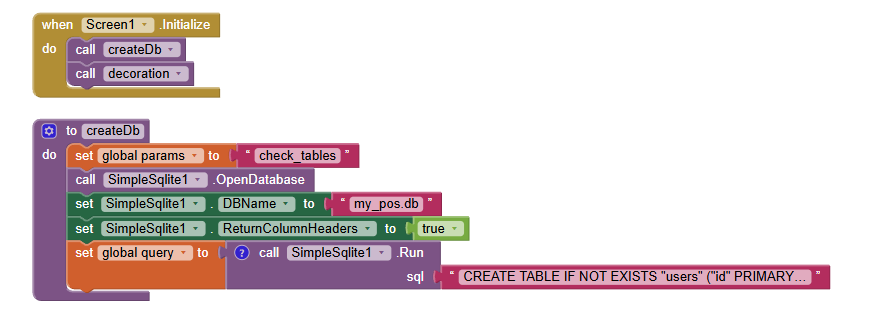
Here is my block

and here is the error
Screenshot 2026-01-24 064000

how to handle the error?

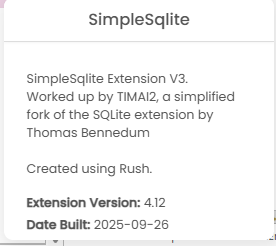
What version of the extension are you using?
What is the location of the database file?
Did you open the database (you do not show that block)
Did your app create that file?

Version
Screenshot 2026-01-24 070619

db path:

Do It Result: "/data/user/0/edu.mit.appinventor.aicompanion3/databases/my_pos.db"
---

is database open block

I assume because the path is exists, the file should be exists, isn't it?

It might be interesting to know, when exactly the error occurs

Use the companion app and Do it to debug your blocks, see also tip 4 here App Inventor: How to Learn | Pura Vida Apps
see also Live Development, Testing, and Debugging Tools

Taifun


Trying to push the limits! Snippets, Tutorials and Extensions from Pura Vida Apps by icon24 Taifun.

How did that database get into that directory ?

You should be setting the DBName before you open the database.

I don't know perhaps I just put any name like "my_pos.db" and I don't give any path of file should be. I assumed the database created automatically. should I set the .db called from assets? But, somehow when I insert and read data work perfectly. This error happened only when I assumed user entered typo email address it means I try to handle error, if there is no data, notifier should be shown.

when I call dbname in th first, the result still same.

OK, I believe I understand what you have done with the database naming, and why when requesting a value that does not exist is generating an error. I will need to run some changes and do some testing, then should be able to come back with a solution.

1. Database Naming

You appear to have discovered a feature I was unaware of !

If you do this:

image

If that db does not exist it is created, in the default location for sqlite databases:

/data/data/<packageName>/databases/my_pos.db

If that db exists, then it is set as the working database.

The default database - SimpleSqlite.db is still there, you have to use the DBName block to set that as the default:

image

When the app starts, it will use SimpleSqlite.db, unless a different db is set using the dbName property.

Important:

Whilst creating new databases in the default directory is a good thing from an app/data security viewpoint, there is, I understand, no way to list the contents of that directory (ref), so you will need to keep a record of any databases created there. This location is app specific, so only the app that created these databases can access them. There is also no method to delete the databases created in the default directory.
.
.
.

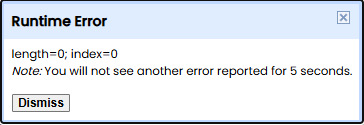
2. length=0; index=0 Runtime Error

when a query returns an empty array
image

I thought I had fixed this previously, which I had done for the SimpleSqlite1.Run - sql block, but some work was also required with the SimpleSqlite1.ListFixer - queryOutput block, which was not handling the return of an empty list. This should be fixed now with the following updated version of the SimpleSqlite extension:

SimpleSqliteV4.13

If a query returns no results, you will get back an empty array/list -> [ ].

No doubt, and knowing my luck..., this will have a knock on effect somewhere else in the code ! :smiley:

I have no doubt to say "You are awesome, sir!"

here is my last block and work perfectly as shown in video

working block

Block work perfectly
Video

1 Like