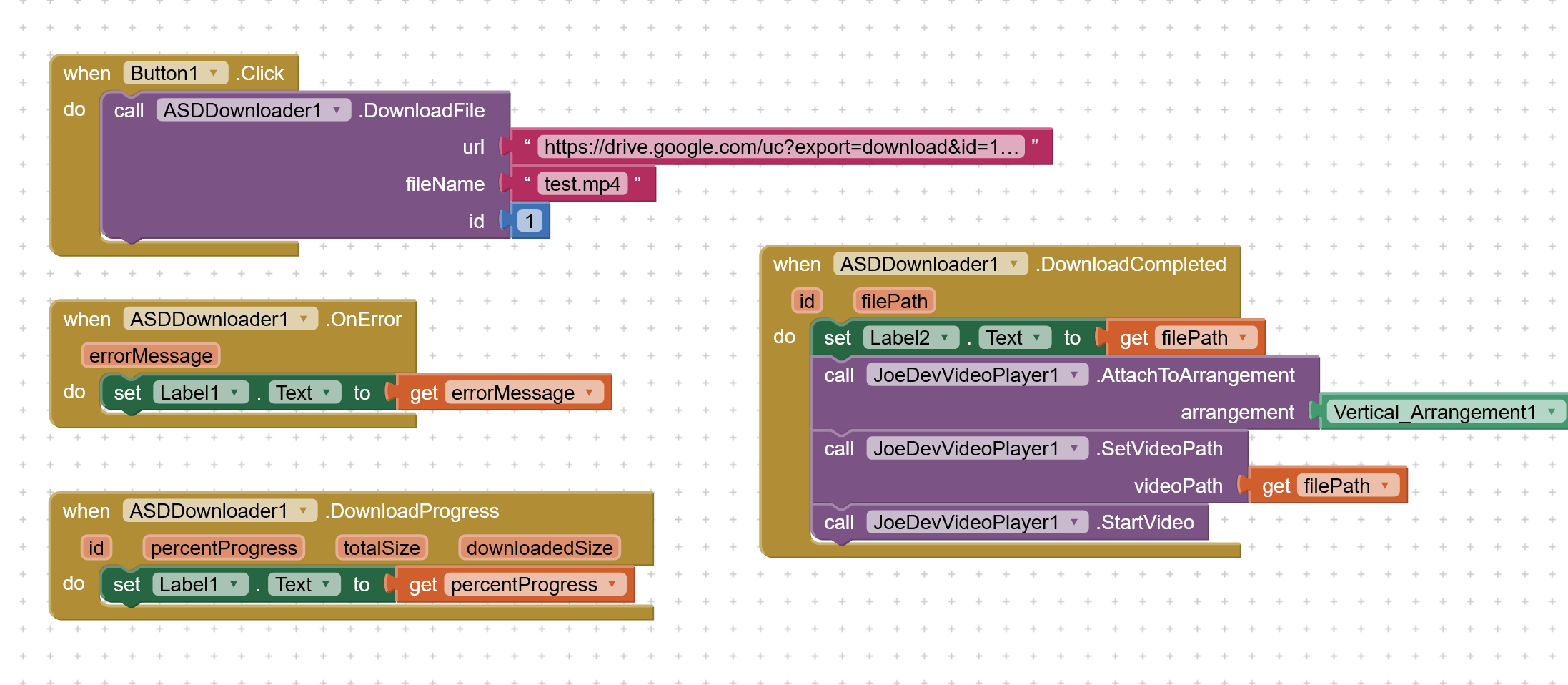
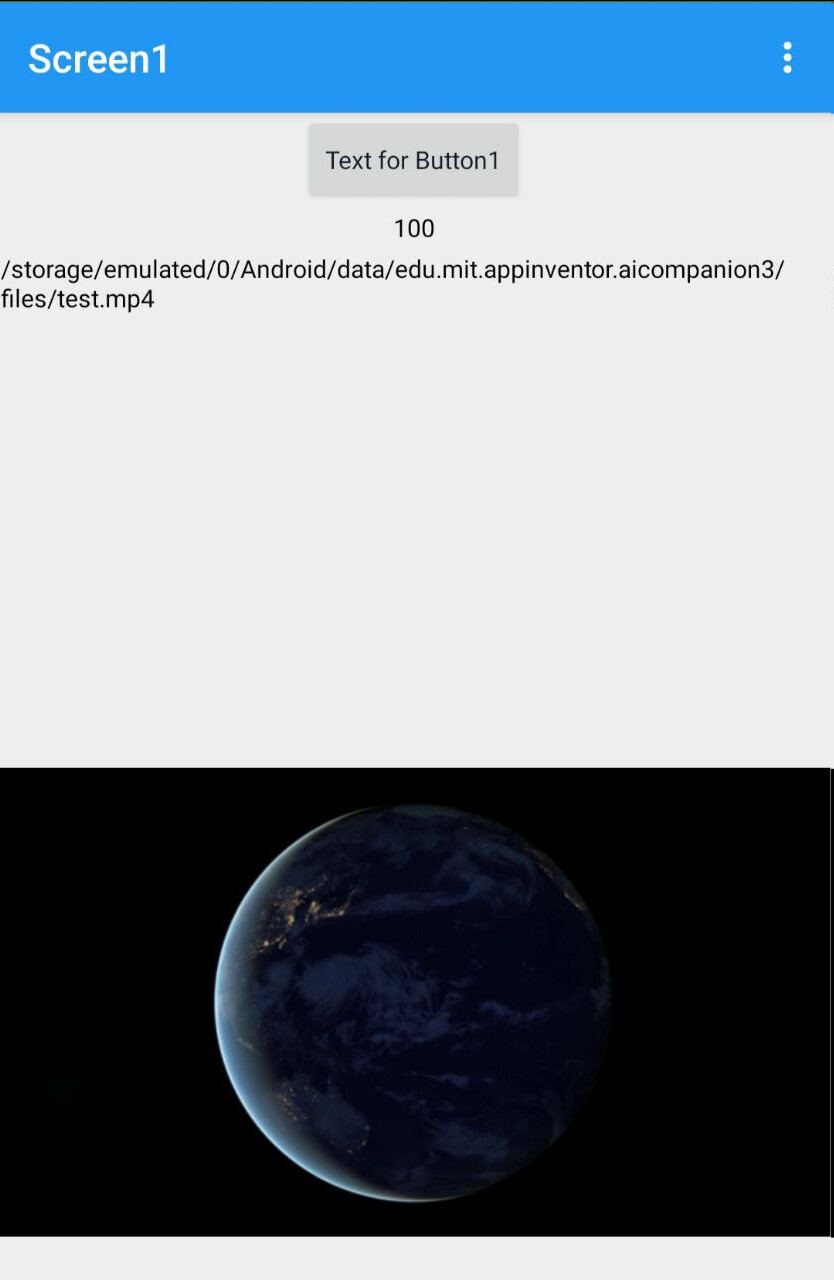
I am not sure why it's not working for you, but there is no issue with my extension. It works perfectly and video is also played on downloading it. Check below blocks and test aia. I did not tested with Video Player component. I prefer extension for more functionality and control.
No i didnt, they point on different things in 2 problems which had to combine at some point , thats “perspective”, not “duplicate”…why would i ask same question in two different topics? Why would i do that? I am not saving world, i.am not in a hurry, you read 80 posts but not carefully, there are two different problems that are related and at some point i had to mention other one and questions asked so i said taifun to look other topic that i already showed related blocks to not to duplicate. You blaming me on duplicating while i messaged to not to duplicate. Interesting.. i dont see any positive intentions on your attitude. Did you have a bad day? and you wouldnt say such a thing if you could understand my words in the post that i replied to Taifun, instead of counting my posts to throw me a number. Rudeness is not something i can tolerate..
So Good luck with it anke.
Someone delete this account because i aint comin back
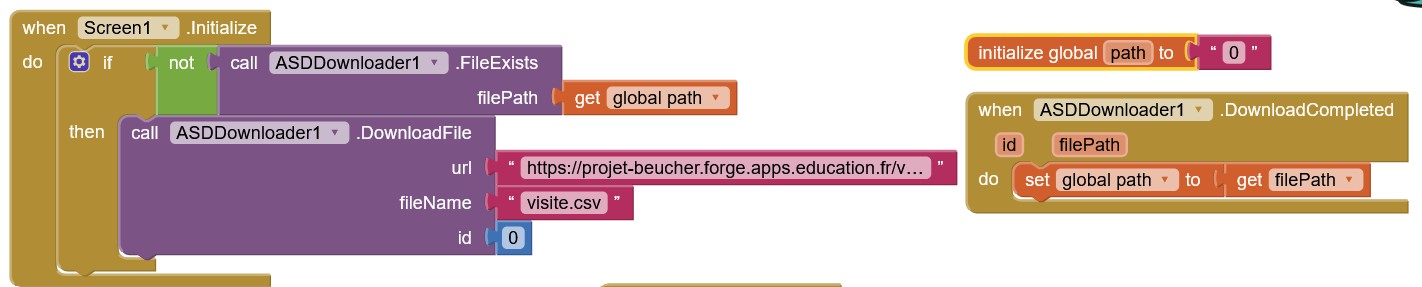
The application I created worked fine with Android 11 and 12, but no longer works with Android 14 (not tested with 13): I get a black screen at startup.
The application initially uses the DownloadToASD1 extension and downloads a CSV file from the internet.
I tried updating the DownloadToASD1 extension (version 2022-08-09Z), but it didn't change anything.
I changed the extension to ASDDownloader (version 2025-01-24), same problem.
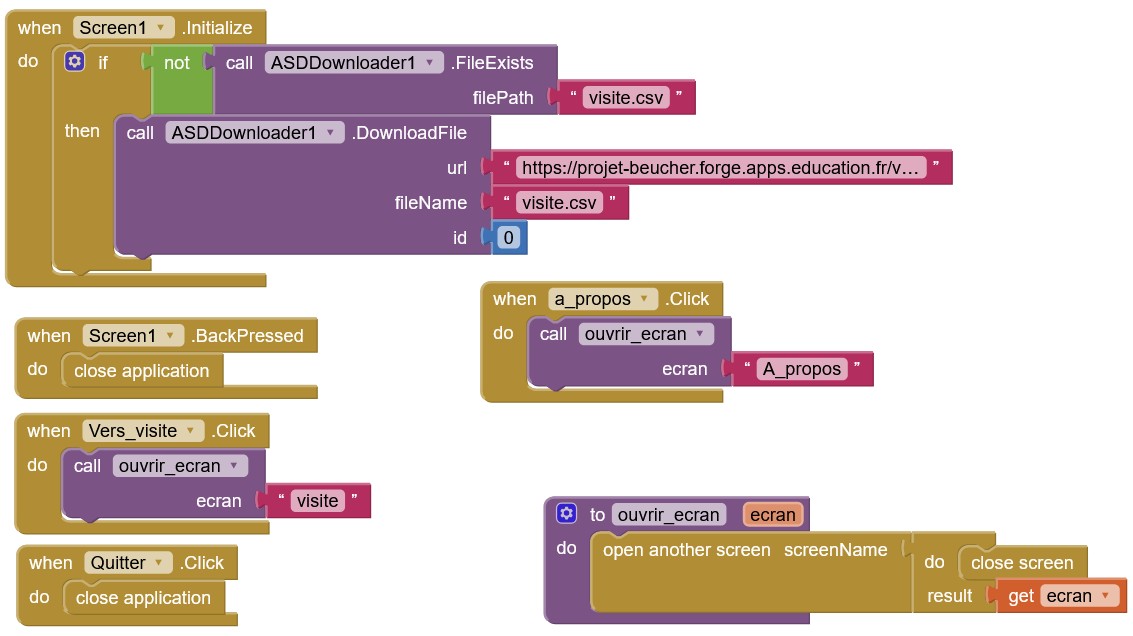
Here's the code:
Before this morning, there was still DownloadToASD, and it didn't work.
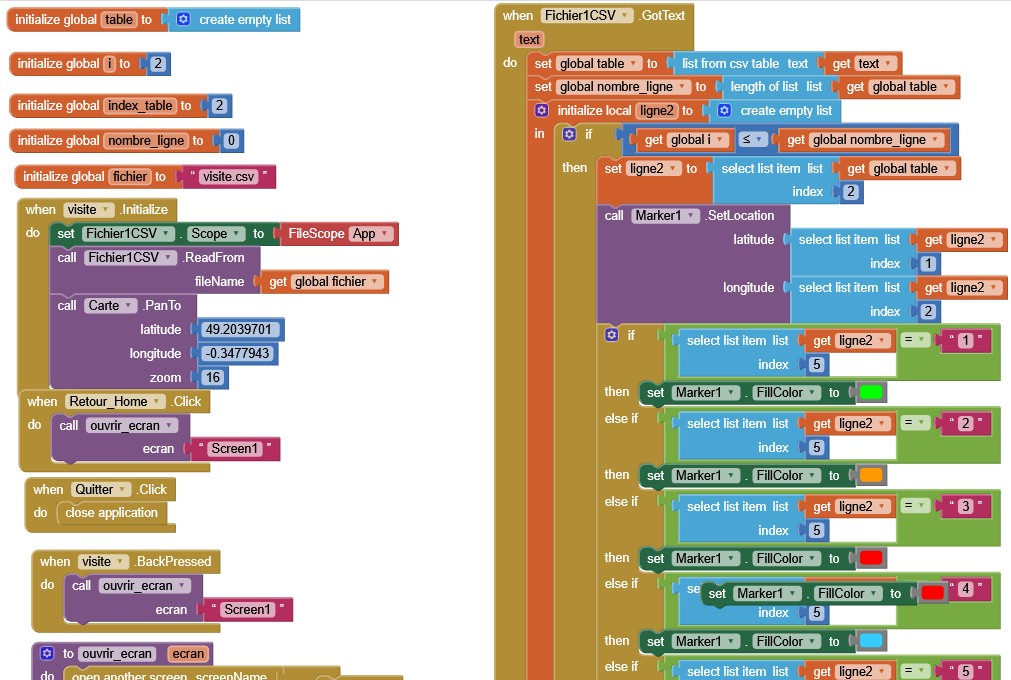
Now:
The image shows the entire code for screen 1.
The extensions include ASDDownloader only.
The app starts, but apparently the file has not been downloaded, or is not in the right place, because in the visit screen, I do not have the markers corresponding to the data of the .csv file supposed to be downloaded.
With the DownloadToASD extension, I didn't need to enter the full path.
Does the full path change from one smartphone to another?
If so, it will be complicated to install it on different smartphones.
The extension works like a charm, but I want to know how to create a folder inside the Documents folder. In the MFile extension, when I use the block Create Directory with the path file:///storage/emulated/0/Documents/123, it successfully creates the 123 folder inside Documents.
However, when I use your extension and call the Create Folder block with either "file:///storage/emulated/0/Documents/123" or "/storage/emulated/0/Documents/123", it doesn't create the folder.
What is the best approach to achieve this?


 Taifun.