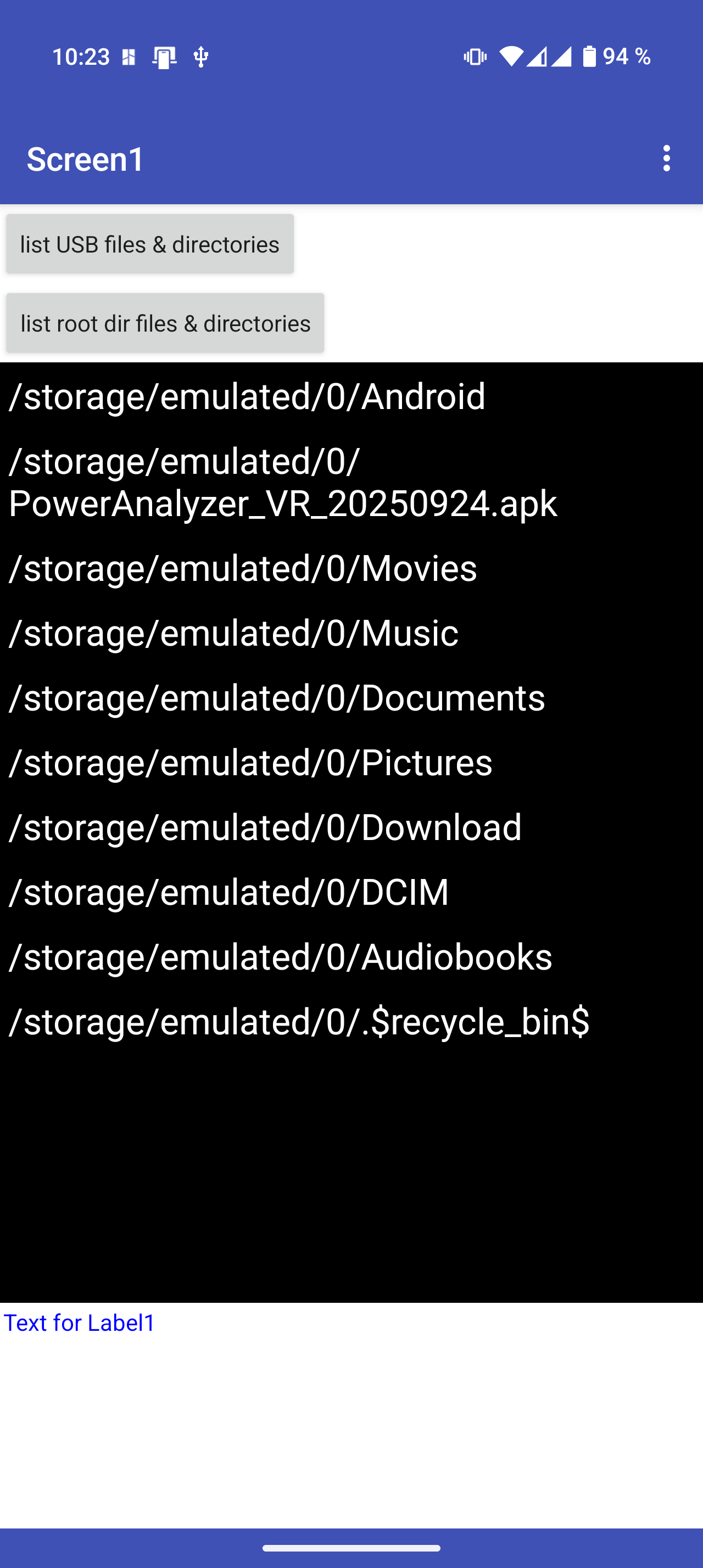
Yes and yes.
I can see the USB-Drive with "Dateimanager +" OR Totalcommander and I can see the USB-Drive without problems.
The App opened settings for "Access to all files" and I gave permission.
When I use USBDedector extension, I can show path to the USB-drive: /dev/bus/usb/022/022 on my pixel phone). The problem seams to be that there is no way to access any other path than /storage/emulated/0/, isn't it?
I'm going to try this USBDedector thing with the Orbsmart S89L Android box, now.
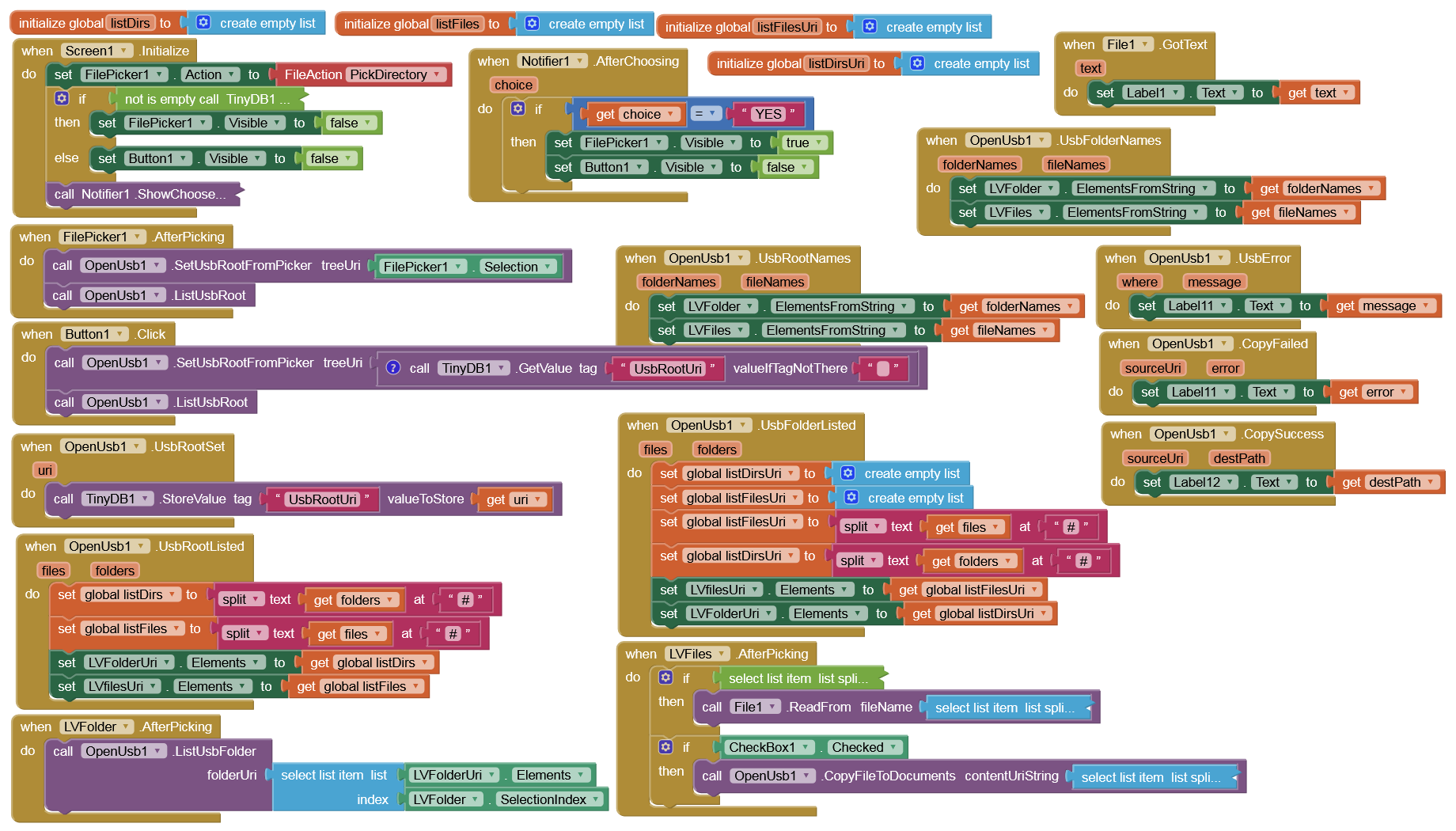
Here's a test app with a new extension. You only need to open the USB drive once with the FilePicker (root directory), then you'll have full access to all folders and files, even after closing and reopening the app. The initial notifier is only there in case the USB drive is changed. You can also copy a selected file to /Documents (enable the CheckBox) without any permission on Android 11+.
Perhaps others would like to test it with non-Pxel devices? The USB drives must be formatted with FAT32.