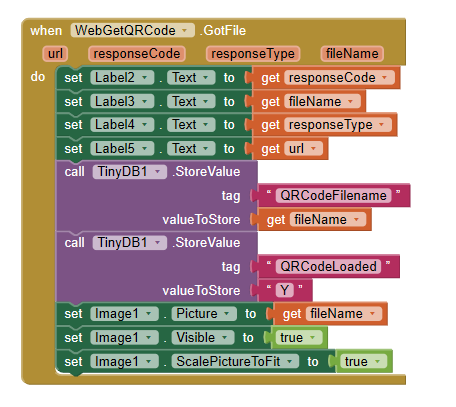
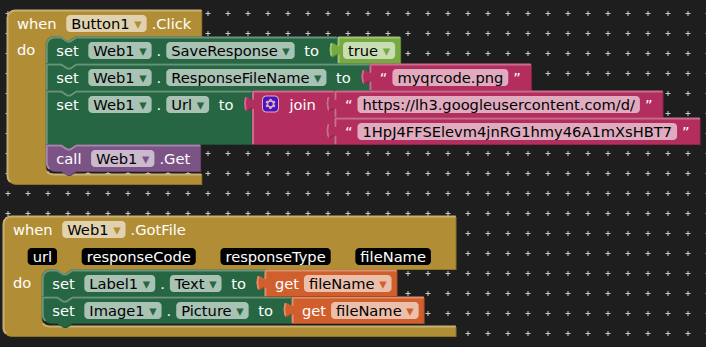
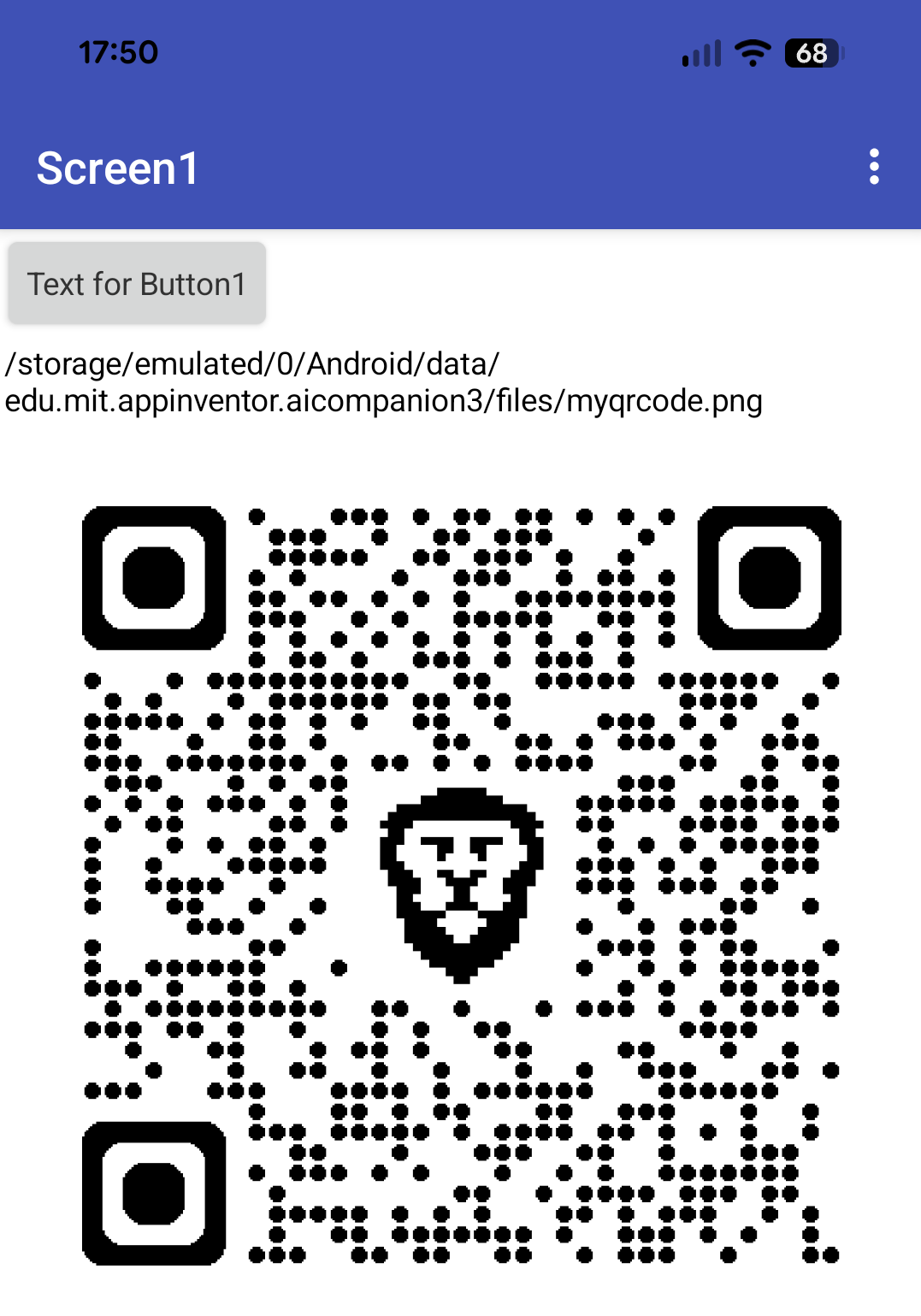
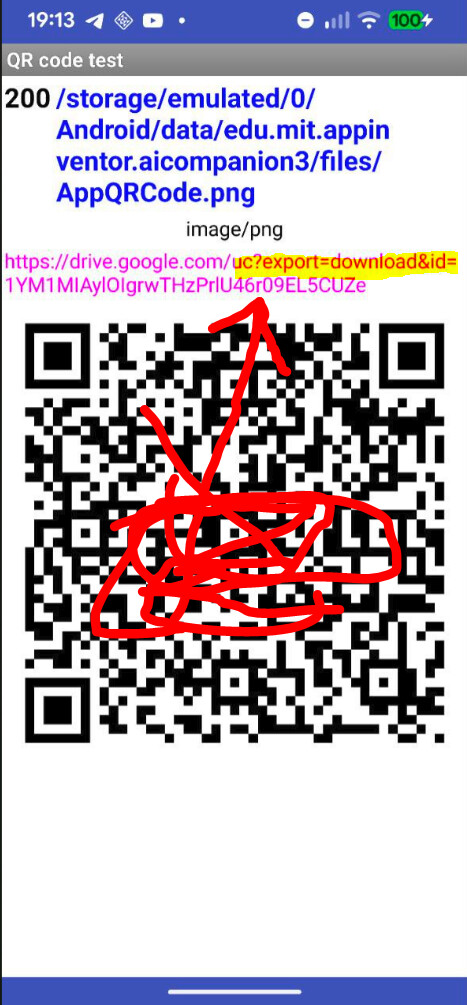
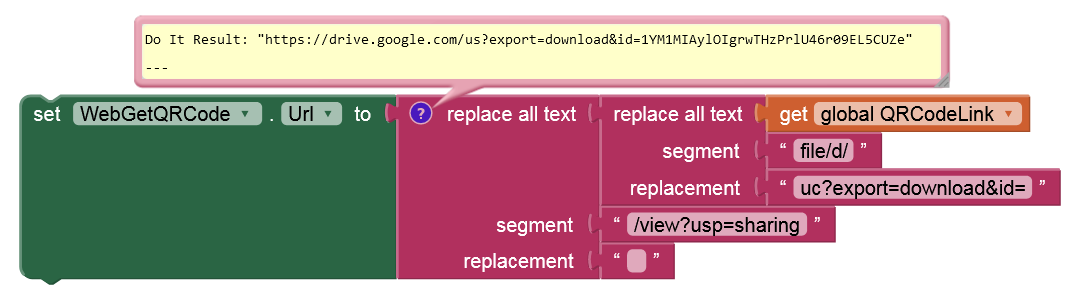
My goal is to display in the ap a QR code of the .APK file stored in my google drive so that people can share an app more easily. To achieve this I have an empty image in the app, retrieve the share code of the QR code image also in my google drive from a spreadsheet, and then use the Web function to retrieve and store the downloaded image. Then, set the image to the name of the downloaded file. From the attached code, which is after the web .get is done, I get a response code of 200, which appears to mean retrieval of the code was successful. The filename is /storage/emulated/0/Android/data/appinventor.ai.michael.hersee.Aldi_Product_Identifier_2/files/AppQRCode.png when it is displayed in a label. I've tried using both the full filename as the image file name, and just the 'AppQRCode.png' bit, and neither seem to work. Can anyone suggest any reason why the file might not be displaying? I can preview it perfectly well in the google drive and it displays perfectly as a QR code.
That didn't work. I added 'file:/' so that the overall filepath was file://storage/emulated/0/Android/data/appinventor.ai_michael_hersee.Aldi_Product_Identifier_2/files/AppQRCode.png
The size of the file itself is only 10KB, so I don't think it's a size limit or anything. Should I maybe trim off part of the file path depending on where it starts looking from? Should I trim off as far as /data/, for instance?
I did actually do the three / first before deciding it looked like too many, but it hasn't worked when trying it again. The phone is a Samsung P30S, android 11.
I have one image that is already loaded into the app at build time and I just enter the name of the file for it to be displayed, with no directories or anything. I'm just wondering which directory images that are part of the app are loaded into when the app is installed. That will tell me where it starts looking for images, so that will help me with the path. Does anyone know?
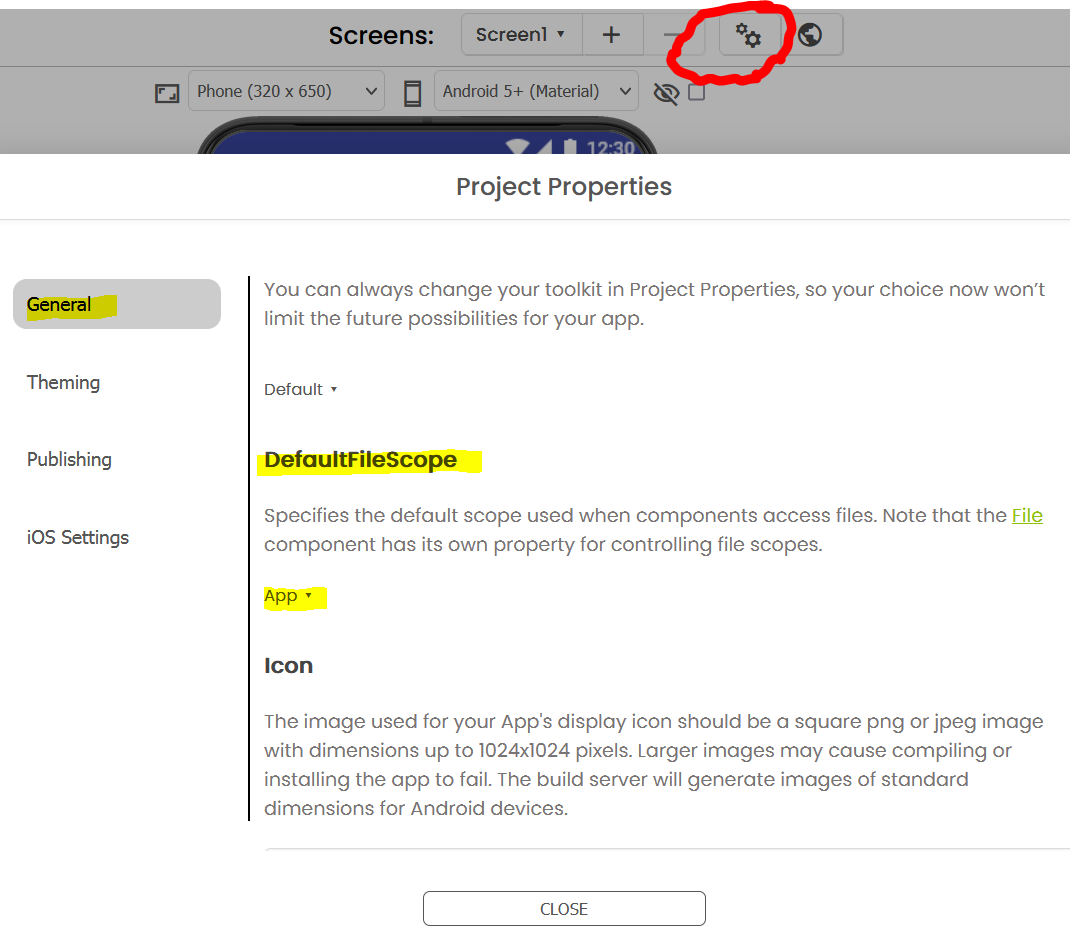
Ah! I've just seen in the project settings there is the file scope default. It is set to 'App', but the other settings are Asset, cache, legacy, private, shared. Which should it be? and how does that affect how to define the file location?
Yes, that would have been easier, but this app is supposed to be usable for the main purpose which is looking for missing product codes offline. So the idea is that people can update the database with latest products when they are at home on their wifi, when it will also download the QR code the first time if it isn't already loaded, but then won't rely on the internet when they are using it at work if they either work in an area with a poor signal or they don't have or don't want to use data on their phone plan. So that's why I want to download the QR code once and have it on the phone to display if they want to share it with another colleage at any time. And the reason I get the link to the QR code from a spreadsheet is because I won't know the share link for the QR code for the app on my google drive until the app has already been created. test_download_qrcode1.aia (293.2 KB)