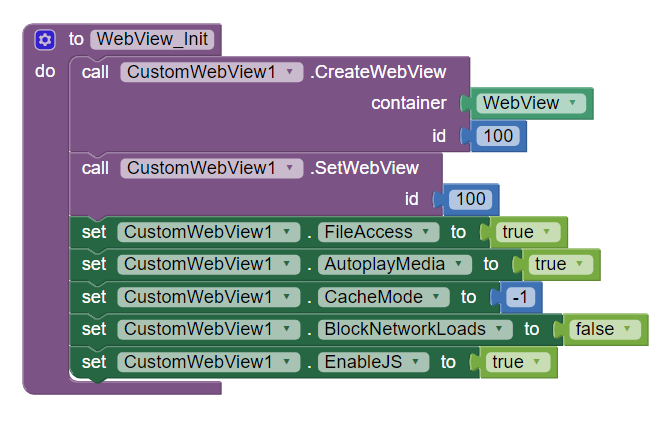
Property blocks (except zoom) are effective only when you call them after SetWebView method.
Hi,
i changed the block order, now i can see that one video is cached, but if i add more video at my page the cache not work. Is there a memory limit for cache? If yes, can i change it?
Thanks
I think that the problem is with the cache size on android device, can you implement a method to increase this limit in the extension? With the browser chrome on desktop and smartphone works fine
Why did you set CacheMode to -1 ? 
LOAD_DEFAULT = -1
LOAD_CACHE_ELSE_NETWORK = 1
LOAD_NO_CACHE= 2
LOAD_CACHE_ONLY = 3
1 is suitable for you.
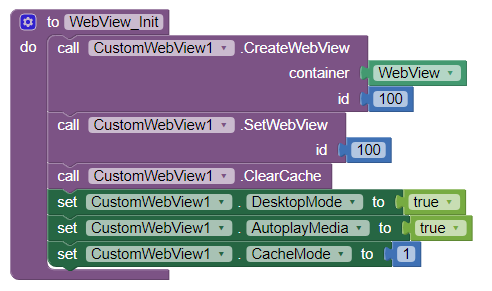
I tryed also with 1 but the problem is the same.
I tryed also with desktop mode because in the smartphone with chrome it fix the problem.
I'm working on a web browser with this extension, and I can't figure out how to open links that are meant for a new tab. I tried this:

But whenever I clicked a link to open in a new window, the whole app just closed.
How do you determine that webview loaded fresh content instead of cache?
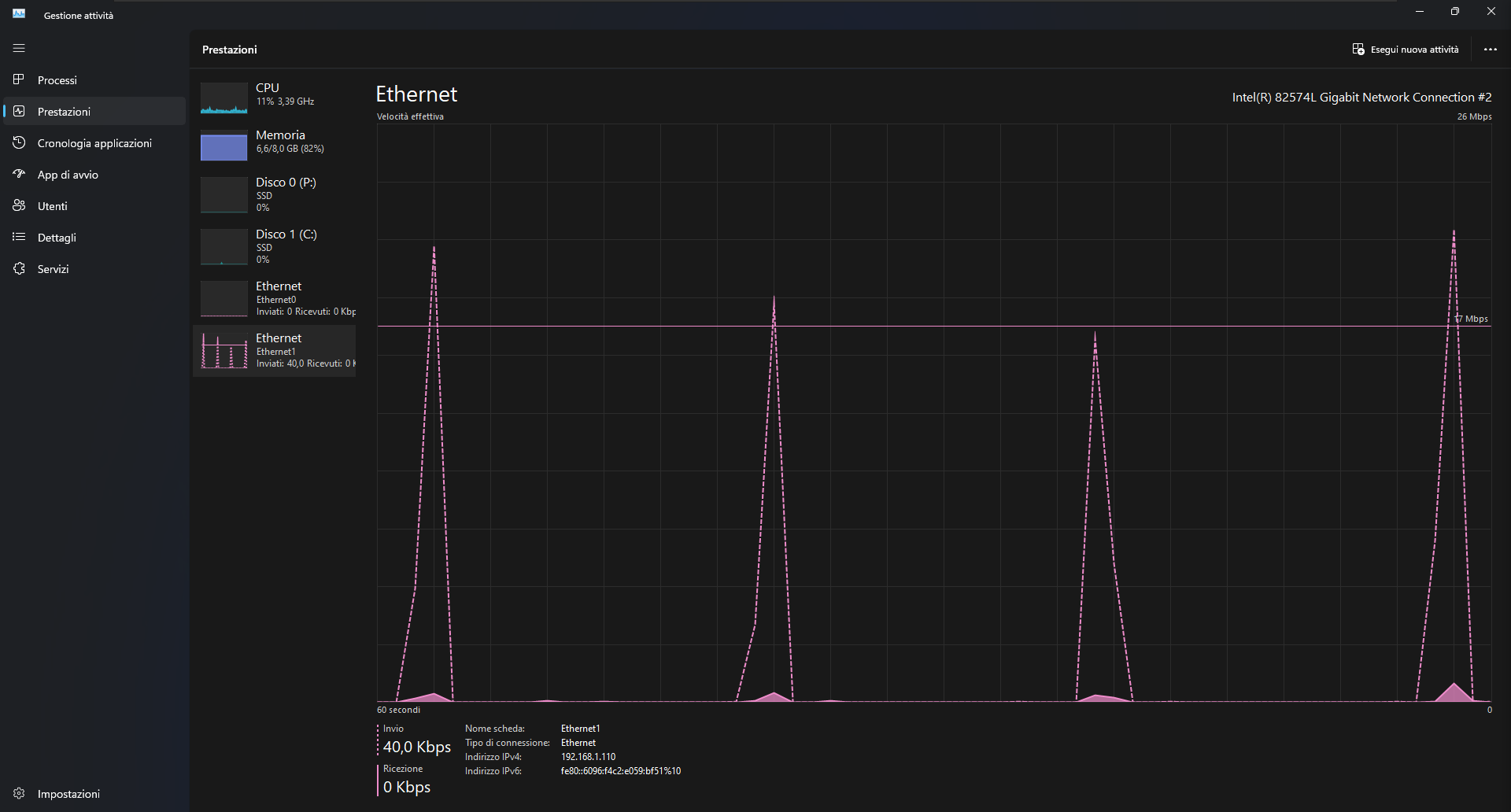
The server is made with python and flask by myself, I use the activity manager of windows to determinate the amount of bandwidth is used when the video change in the web page.
The peak is when a video is served to the webview.
The only option left for you is to save page archive and load that.
Hello there,
im very new to this MIT app but im so glad i started to learning it.
i want to create my own webviewer with CustomWebviewer by @vknow360 .
and im using page up and page down procedure.
The problem is the scroll is too much. i already set the boolean to false, but the scroll distance still too much. i just need about a half about that distance. How can i do that in "page up and page down procedure"?.
thanks so much for your help .
how i do that, or link please
No method to control that. There is flingScroll method to programmatically replicate fling (finger scroll with some acceleration) behavior, but you may not like that.
top parameter determines whether to scroll towards top (if true) or bottom (if false).
Hi there,
Thanks for this great extension!
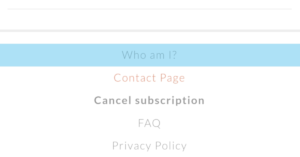
I'd like to know if there is a way to remove or change the overlay color (light blue) when clicking on a link on the web page.

Why is fileName argument empty?
even with a file name the result is same.
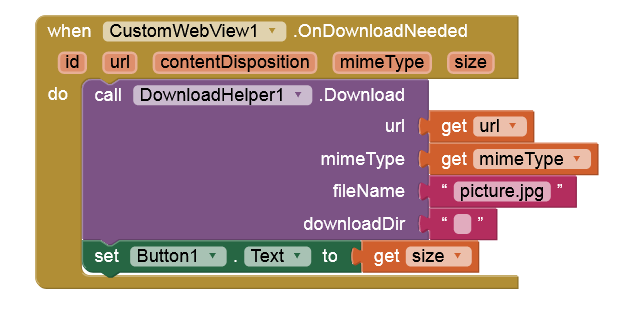
And what's the issue?
Nothing happens, it just shows the picture but does not download it. As you see, to check if the downloading happens, i gave the command "change the button text" and also it does not change.
OnDownloadNeeded event is never triggered then.