Hi,
I had an error 2101 when the app try to read the csv file when I install the app generated.
the scope is set to shared
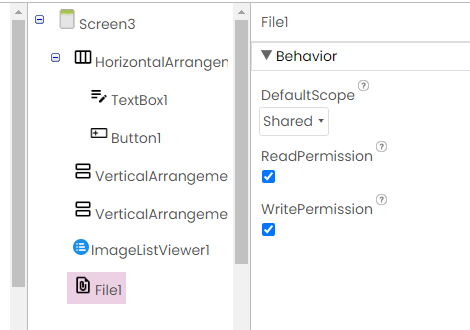
the csv file is located in "Documents"

I dont know where I made an error.
Thanks
Try with Legacy
I tryed with Legacy, the same problem. thanks for the answer
Like this you only can read non media files your app owns
Use SAF
See also Some basics on Android storage system
Taifun
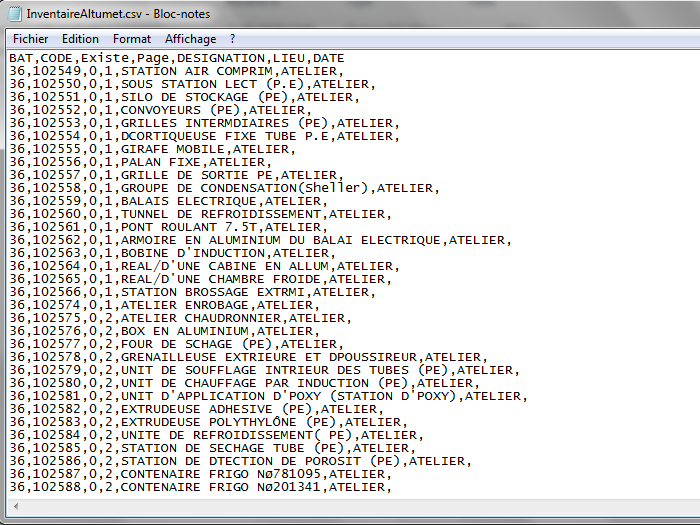
The csv file is created with google sheet and I put it in " Documents".
then how can I access to it?
thanks
My question was, how/where does the CSV file get onto your device? Do you copy it there manually, independently of your app, or is it created by the app itself within a Google Sheets extension?
In other words, does your app own this file (or was it created/copied by another app?
I create it manually with google sheet and I copy it manually in "Documents".
Then your app has no access to it on Android 11+. You must use SAF or request & grant MANAGE_EXTERNAL_STORAGE permission,
thank you. How can i do this? I'am novice in android programmation.
Have you tried uploading the csv files to the Media folder in the Designer yet?
thank you for your help;
I solved the problem of access to external files but only when i use the Ai companion, I used the SAF extension.
when i generate the apk file I get an error when i run the app.
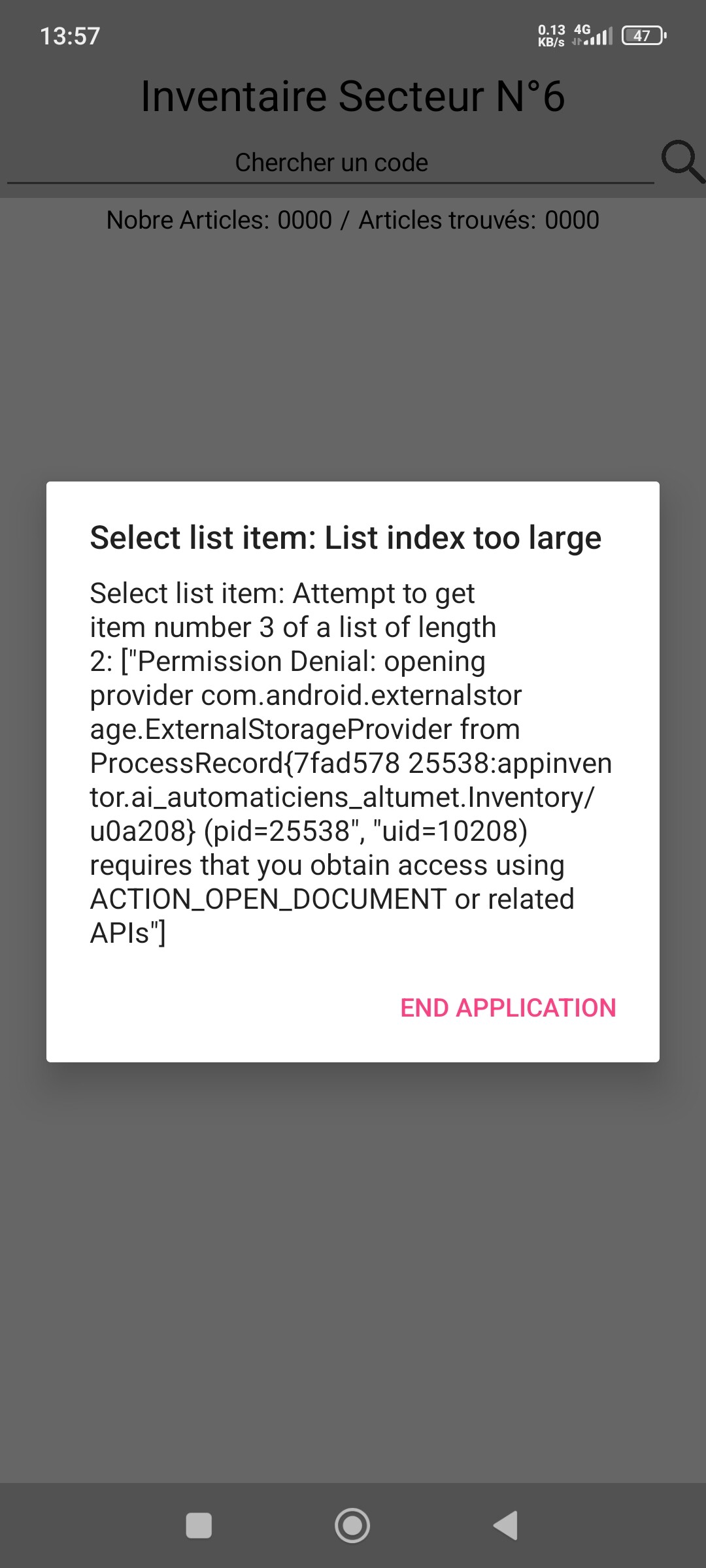
there are some images of what i did.
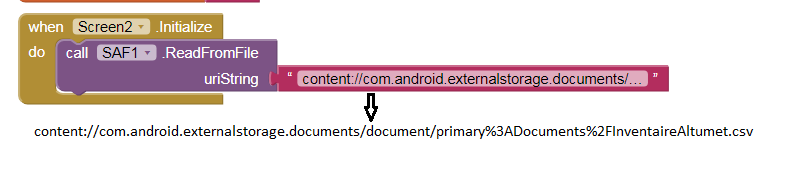
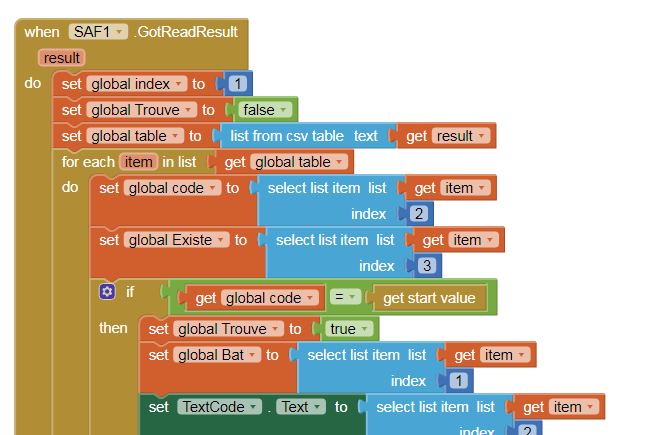
You have to use the Open_Document with SAF block to physically select the required file, you can't just use a contenturi from a different session.
I doubt that. It shouldn't make a difference whether you try it with Companion or the APK.
Show your relevant blocks.
Is There an other way to charge one time the file and work with it all time? otherwise it's not practical.
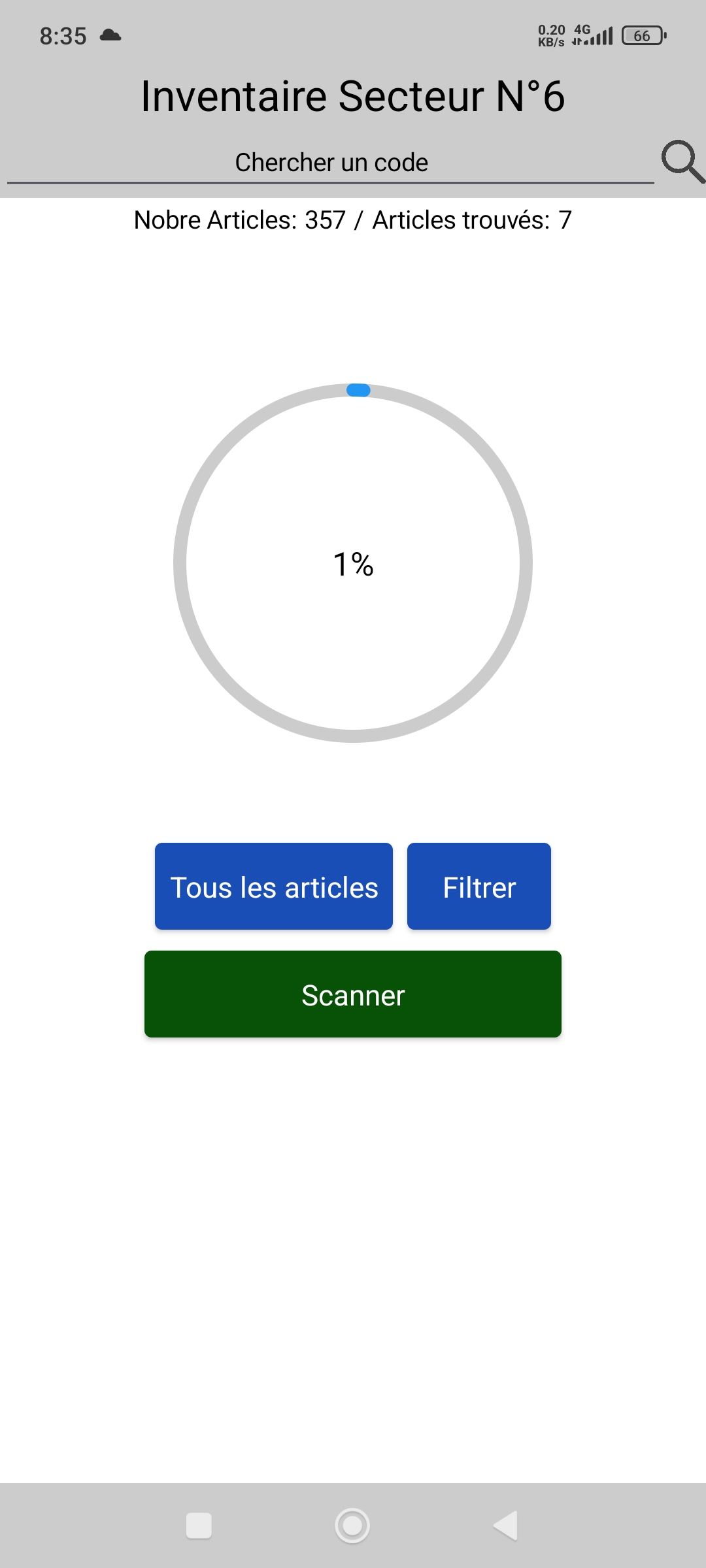
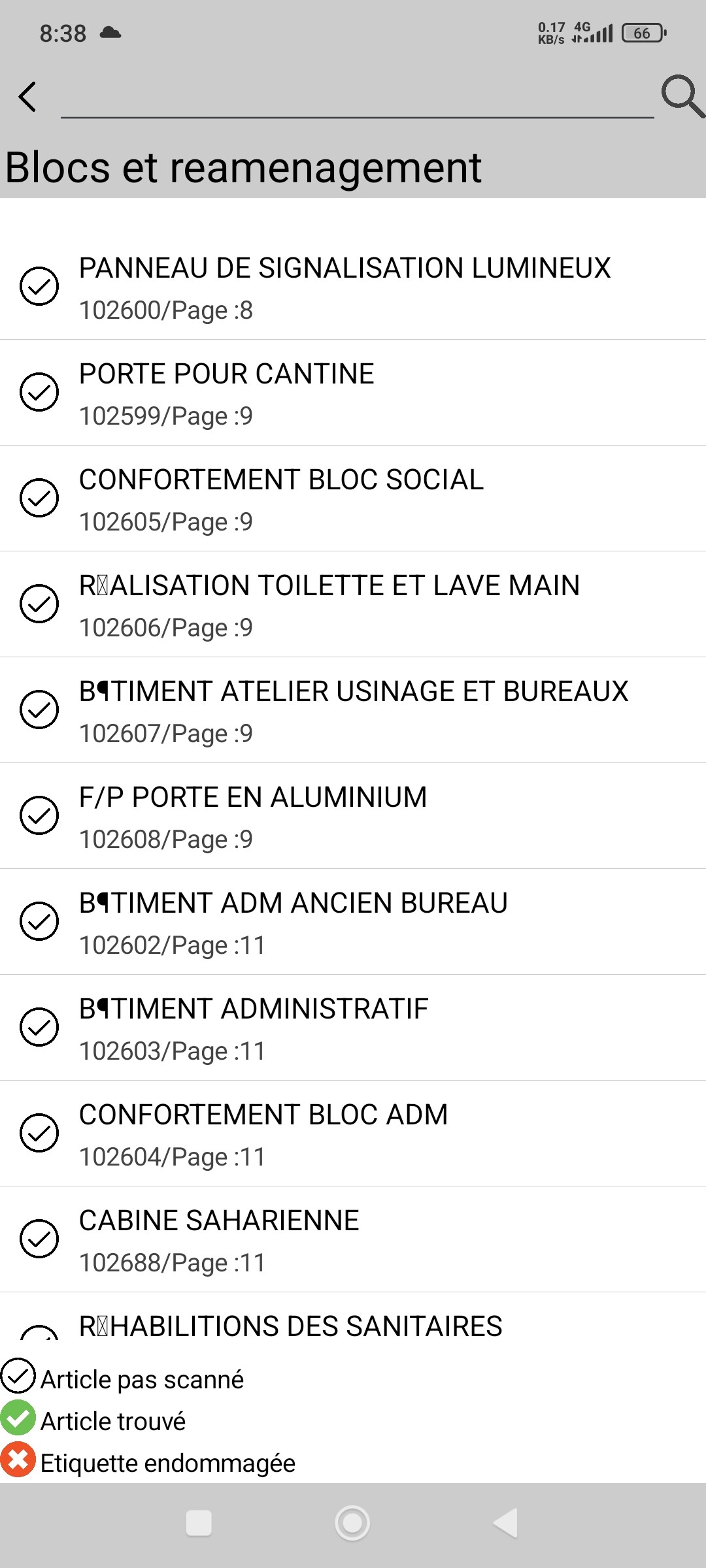
You could have a look at using Permanency, in Section 5 of my SAF guide:
Try this: Select a CSV file from anywhere (even the root directory of the external storage) and gain full access to it by copying it to one of the Shared folders (e.g., /Documents/test.csv) and reading it from there.
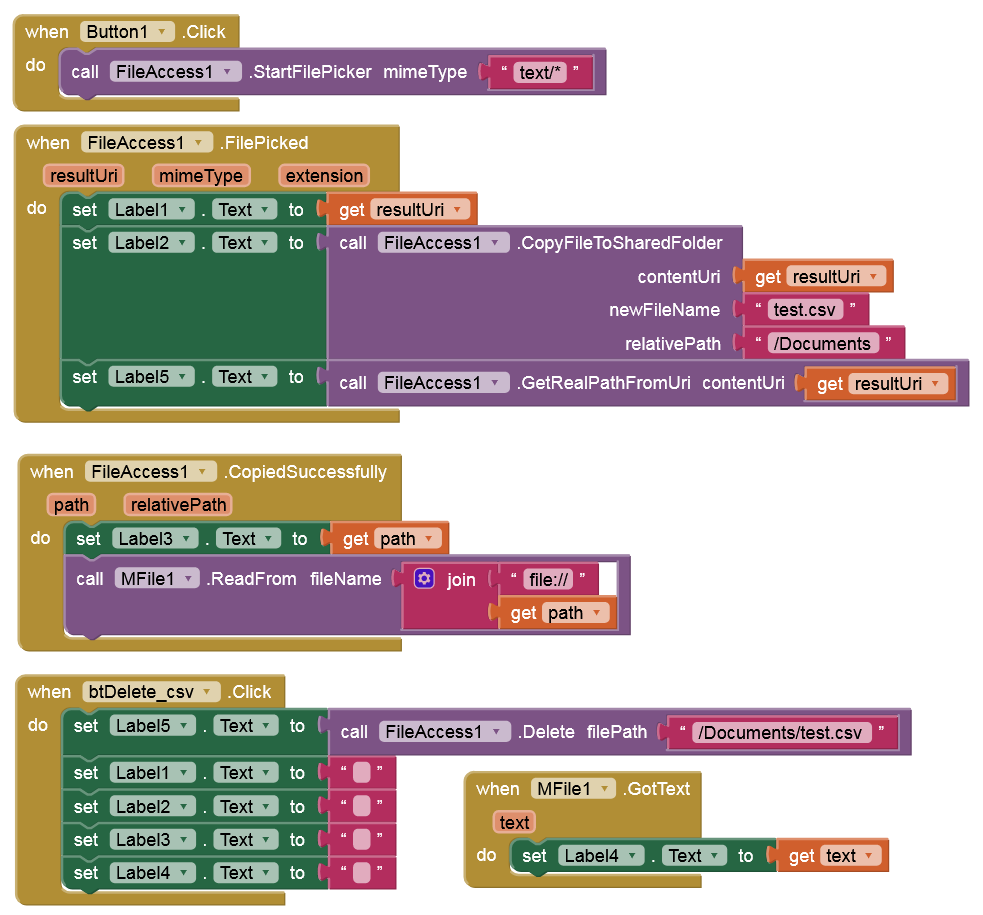
It should work with Companion and the APK (without any permissions on Android 11+). But you must delete the CSV file from /Documents before switching between Companion and the APK to get/keep full access to it.
Problem solved. problem of permissions, I add a button to select the file one time and save the UriString in a tenyDB and use "takepersistableUriPermission" block.tu get permissions.
thanks for your help.