Hi, I was working on my project with Name Navigate and today morning all of a sudden its not opening up, also while deleting project Again I am getting error message.
Please find attached aia of Navigate project.
Navigate.aia (27.7 KB)
Hi, I was working on my project with Name Navigate and today morning all of a sudden its not opening up, also while deleting project Again I am getting error message.
Please find attached aia of Navigate project.
Navigate.aia (27.7 KB)
Thanks for prompt, what was the issue?
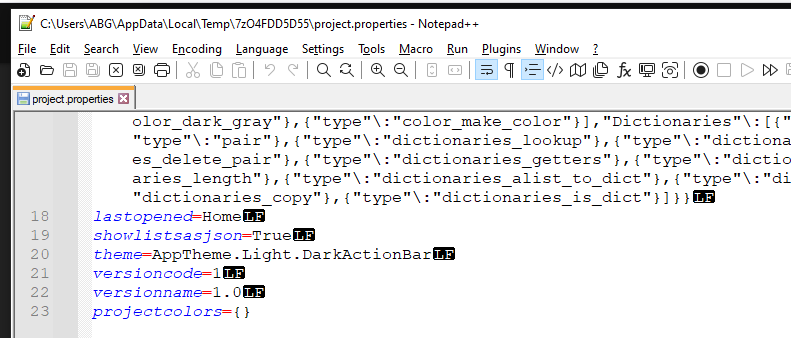
The lastopened screen bug.
Ensure when you close out your app project, that you are on Screen1.
Thanks!
Last.aia (59.9 KB)
Can you please help with this as well?
I closed the project on screen1 but still it got corrupted!
projectproperties said different
Try this
Last.aia (60.0 KB)
(oddly, your aia opened for me to the Designer screen (at Screen1) then it switched to Register, which was lastOpened ini project.properties.)
Thanks, is there anything I can do myself to fix it in future instead of troubling you?
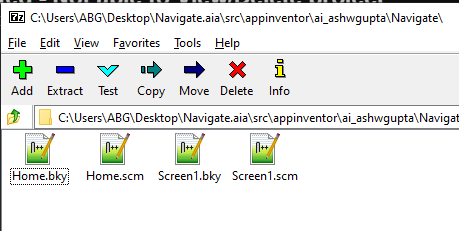
It is possibly easier in linux which treats an aia file as a zip. Do what you have to do in your OS...
youngandroidproject folder to open itproject.properties in a text editorlastopened=xxxxxlastopened=Screen1Test in AppInventor
This topic was automatically closed 7 days after the last reply. New replies are no longer allowed.