Begin testing Release nb207

We have updated ai2-test.appinventor.mit.edu as we begin the testing of release nb207.

Changes from nb206

  • Upgrade the blocks system to Blockly version 13.
  • Fixed scrolling in multiline, readonly Textbox.
  • Bugfixes to Text to Speech.
  • Fixed a value rounding bug in slider.
  • Resize the warning toggle to fit its current label, invoked when
    the toggle text is updated (Show Warning/Hide Warning) and after
    dom creation.
  • Change “Import Extension” from a link to a button.
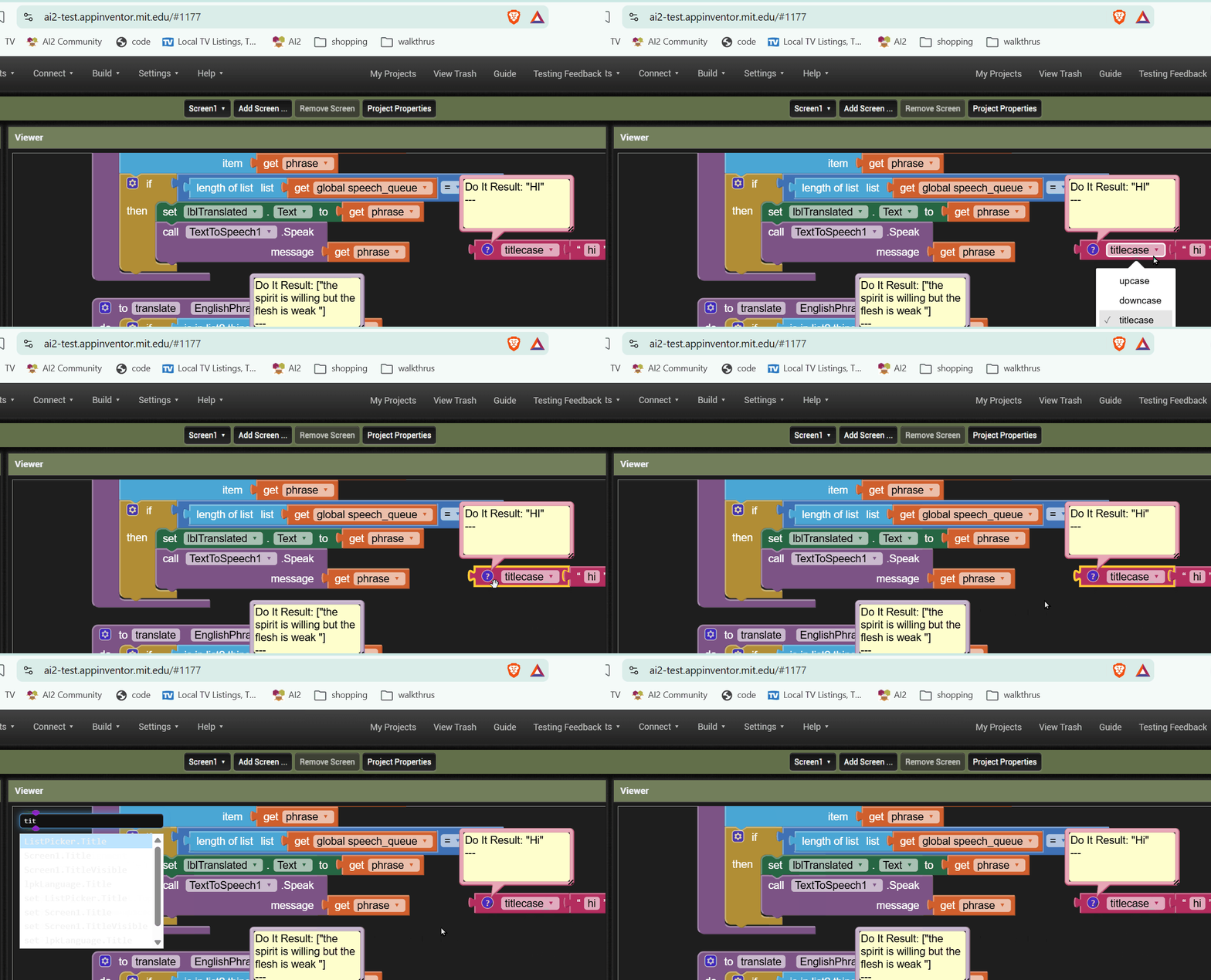
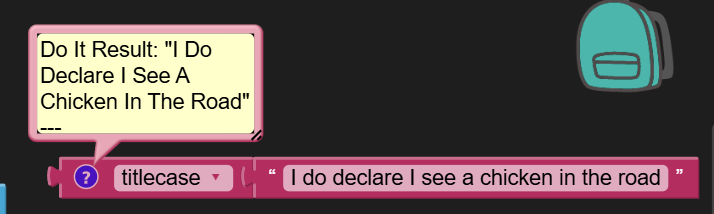
  • Add a new "titlecase" operator for the text changeCase block.
  • Fix SpreadSheet Read Blocks. ReadRow, ReadColumn, ReadRange,
    ReadSheet, ReadWithExactFilter and ReadWithPartialFilter now return
    empty list when data is empty or null instead of throwing an error.
2 Likes

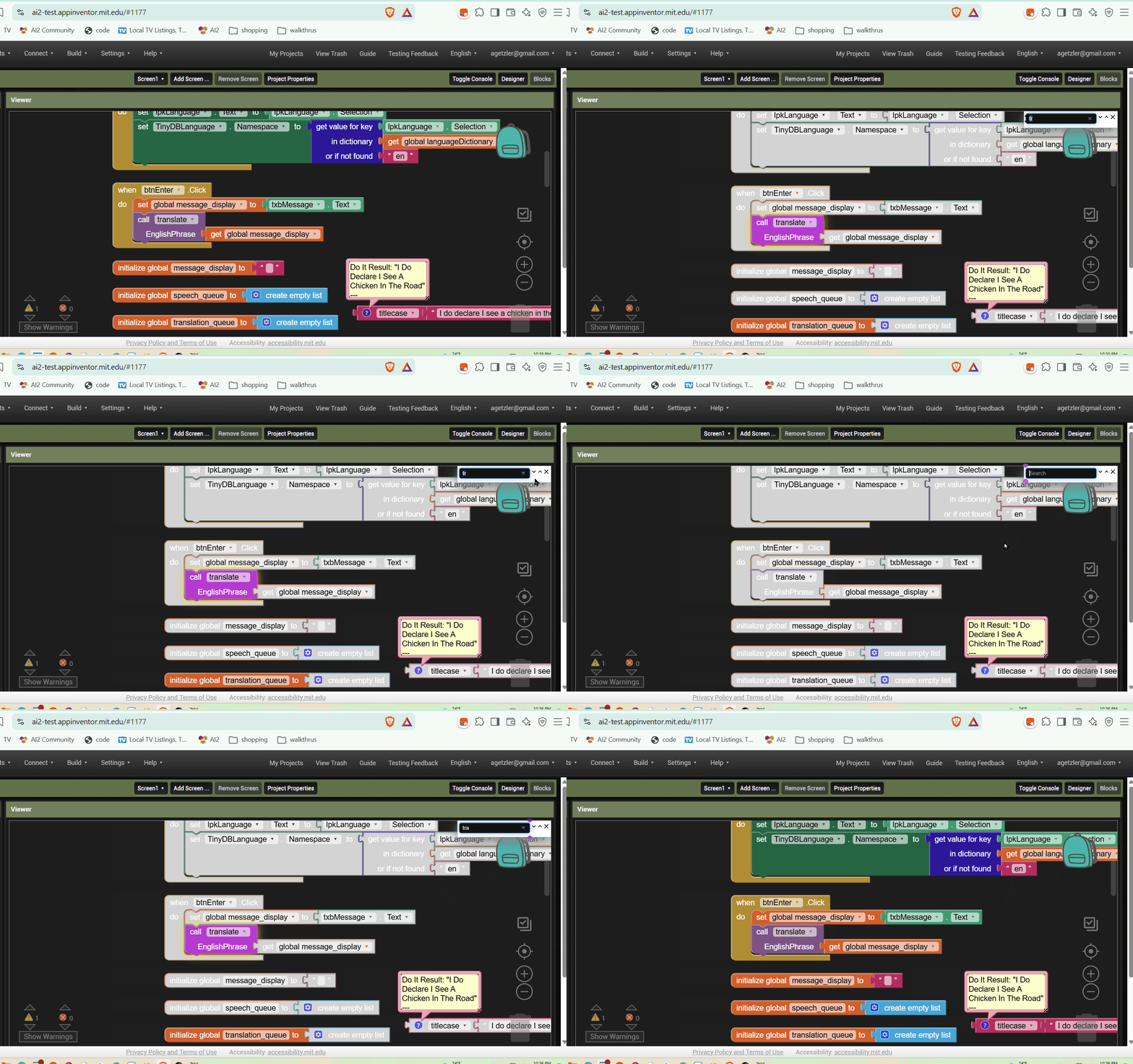
Typeblocking stopped working.

Can you tell me what you tried.... famous last words "it works for me.,.."

Hmm, it works now.

I had just applied a Companion Do it, so the pop up bubble may have stolen the text cursor.

I'll keep an eye out.

Dark Mode typeblocking washout

I'm getting a washed out color scheme for the typeblocking selection popup in Dark Mode.

2 Likes

Washed out color scheme: Confirmed!

-Jeff

Text To Speech startup problems have been fixed.
Translate_and_Say.aia (5.7 KB)

The titlecase block works, as long as you avoid the style police.

1 Like

It would be great if the below PR could be considered for inclusion in the upcoming nb207 release:

Why do we need this?


As App Inventor supports merging AARs in both components and extensions, using certain modern AARs triggers build issues when generating APKs (though AAB builds complete successfully).

2 Likes

When I drag a block to the block editor, the blockly flyout does not disappear automatically as it does in (https://ai2a.appinventor.mit.edu)

1 Like

It closes automatically if you click the block ( not if you drag it ), it could be an option

If you know of any other bugs in the components, please let me know. I might be able to fix them before the nb207 release.

Thanks @ABG & @yashsrv both those were Blockly 13 regressions. I have fixed them and they will be in next release of ai2-test.

1 Like

I have updated ai2-test today. Note: There is a new "Test in Web" menu item in the connection menu. It doesn't work yet, but hopefully soon!

2 Likes

The Ctrl-F Find feature is losing its up and down button functionality.
The Find pane disappears when you hit the up or down buttons.

Also, some bleaching of the innocent bystander blocks occurs .

Blocks Editor Ctrl-F Find washout and lost Next and Prev actions

I am working in Dark mode.

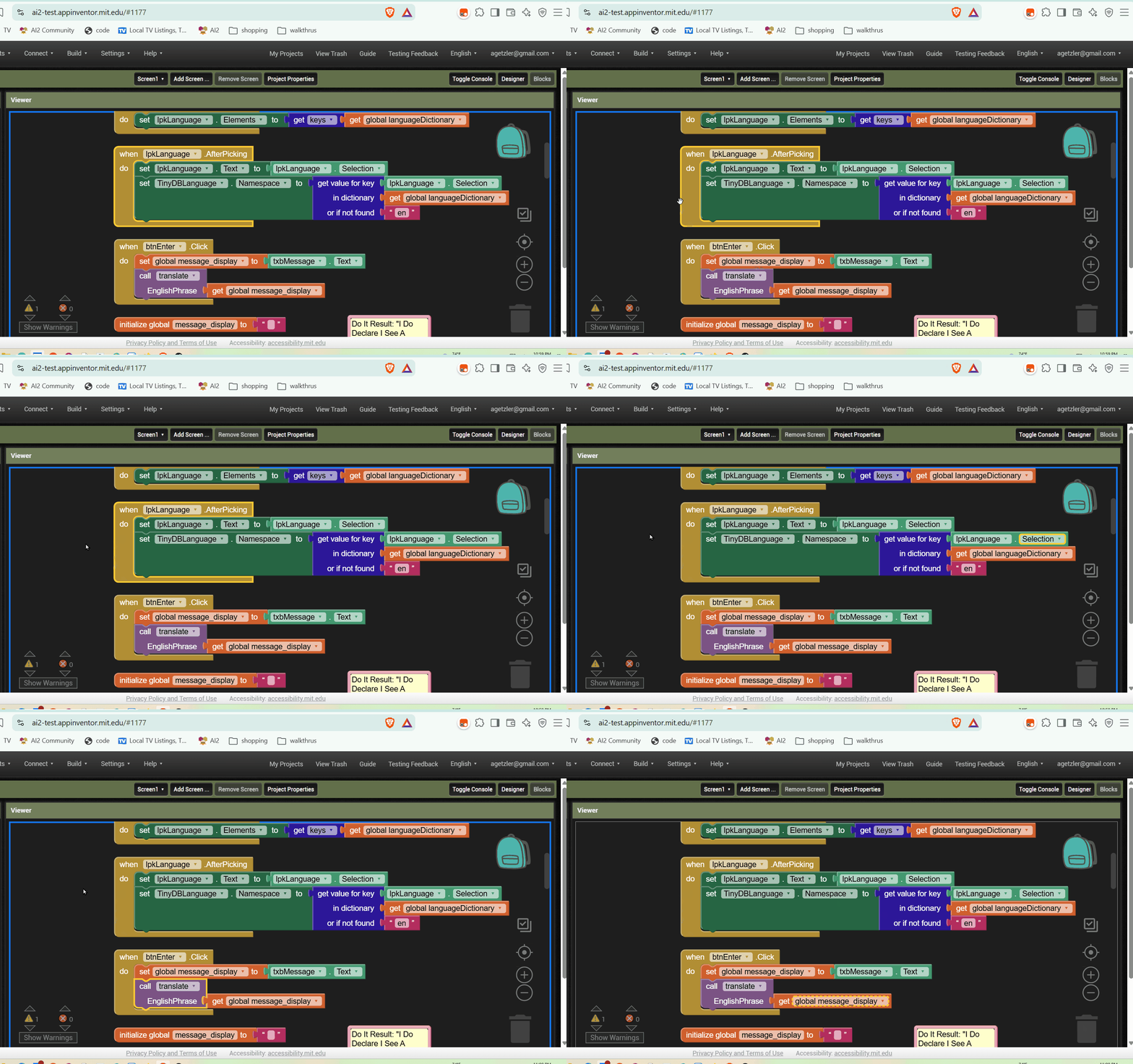
While I was testing the typeblocking feature (works in dark mode now), I was instructed to use the arrow keys for navigation (I forget why the Blocks Editor thought I should.)

It turns out, keyboard navigation works okay in the Blocks Editor, using down to go from Statement to statement, and right arrow to go through all the in-block and socketed features.
Blocks Editor keyboard navigation

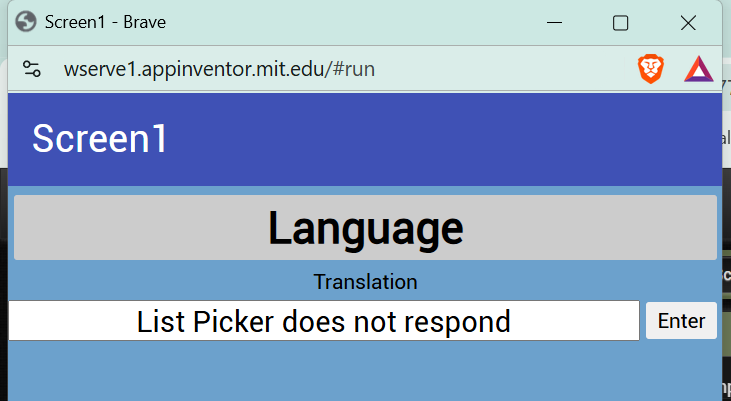
The "Test in Web" menu item should now work. Note: The implementation is not complete and not every component is implemented. Try it out...

Very responsive to start.

The List Picker did not respond, though.

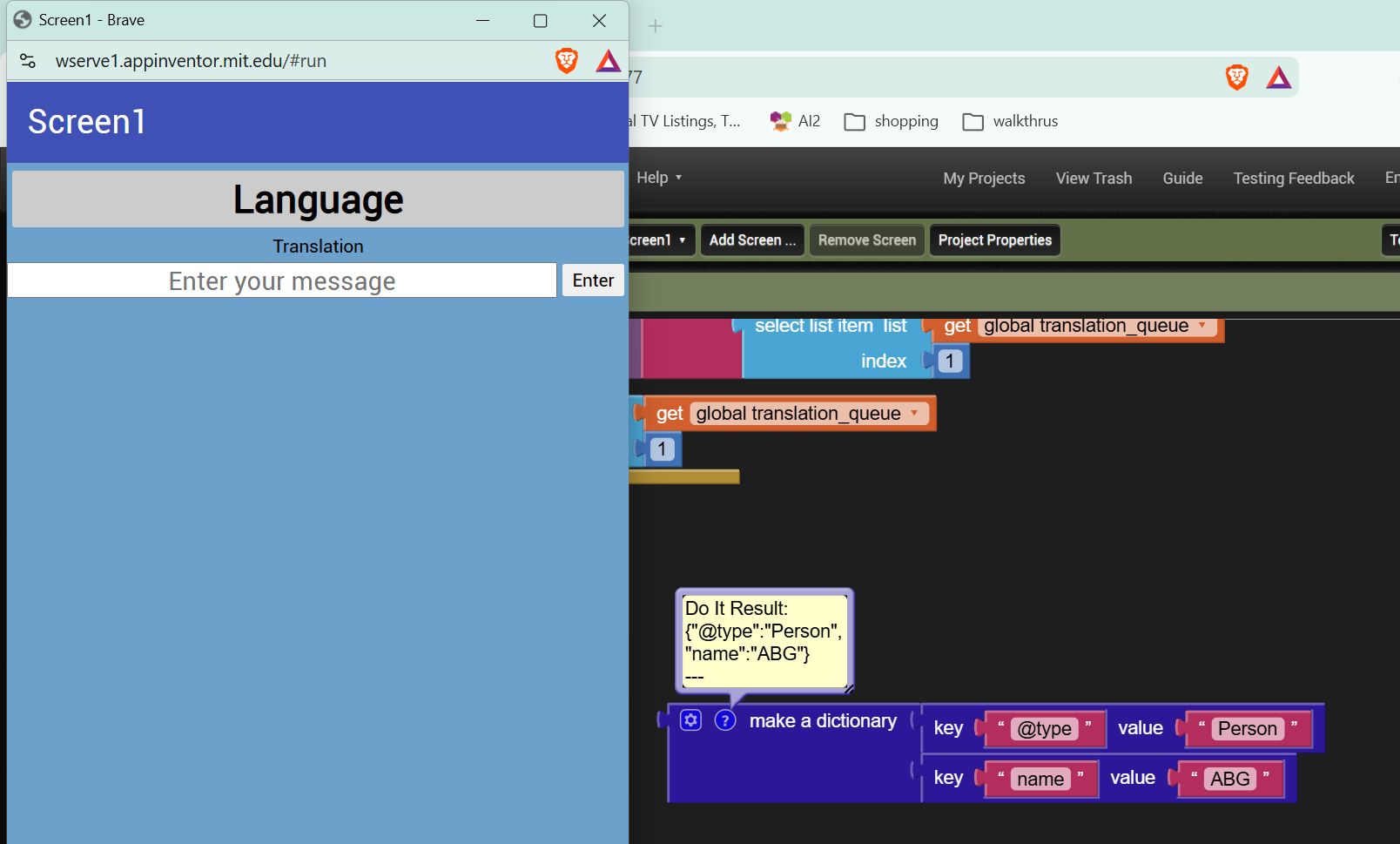
Do It works

Test in web is nice.

Noticed that the content of the “notification pane” on the right, can now be copied to clipboard ( which is good ), I miss only a button to clear its content ( and the ability to resize it ; - )