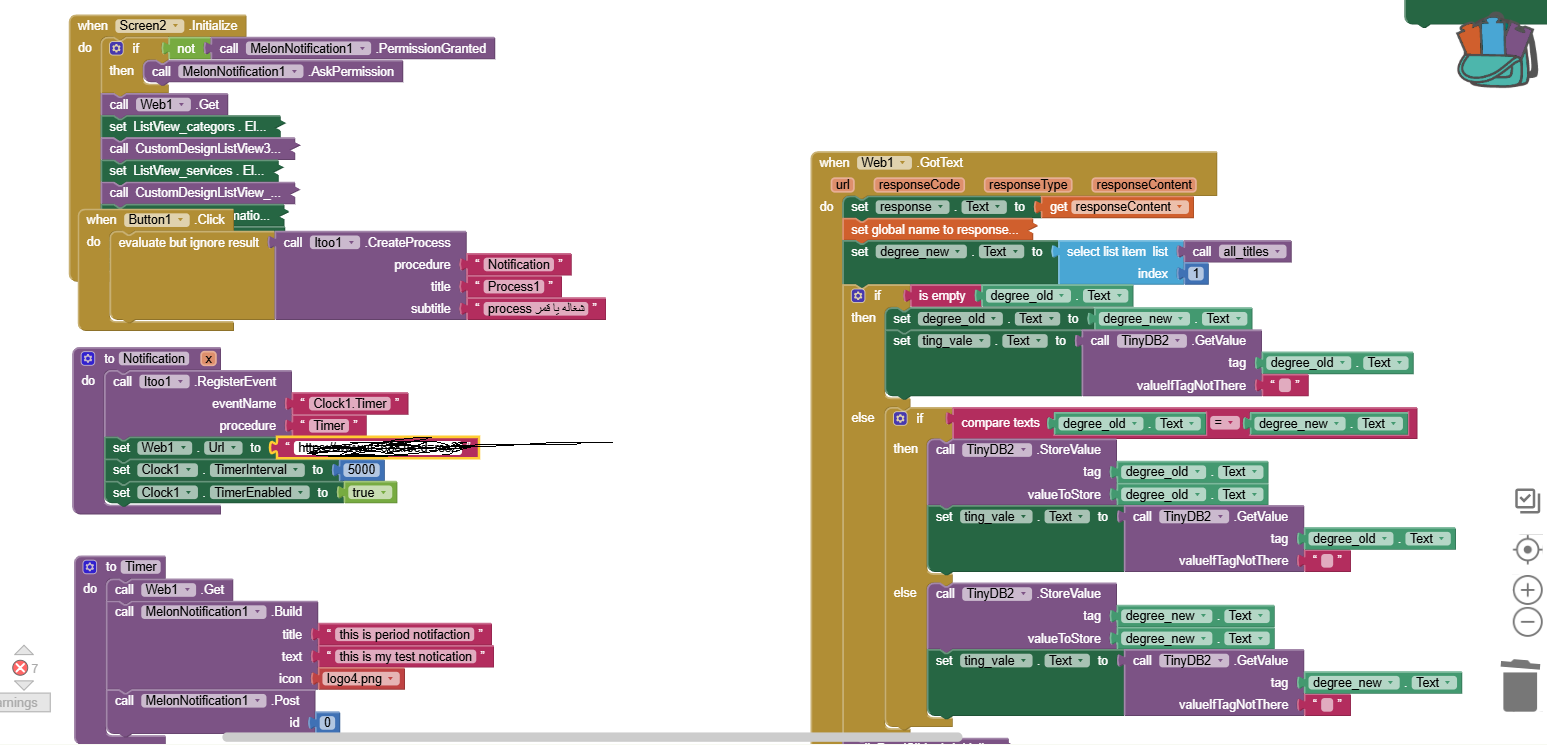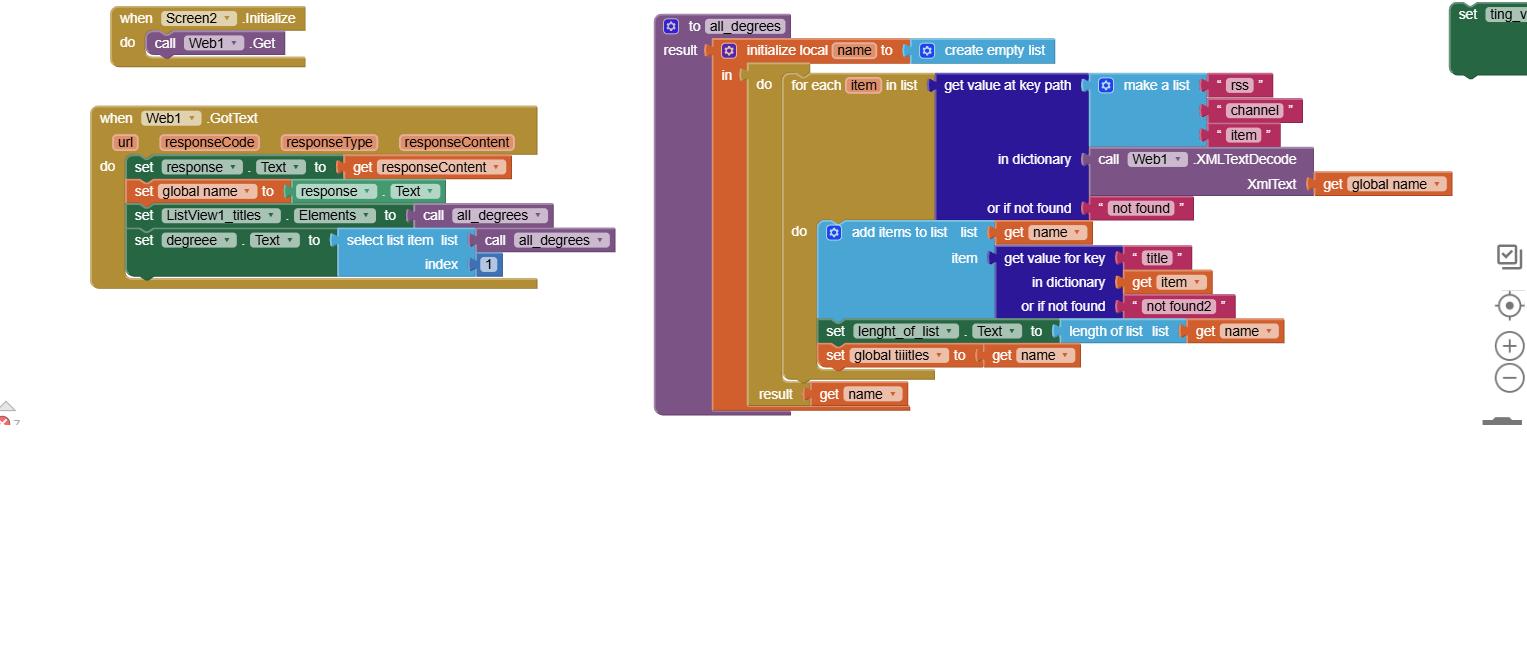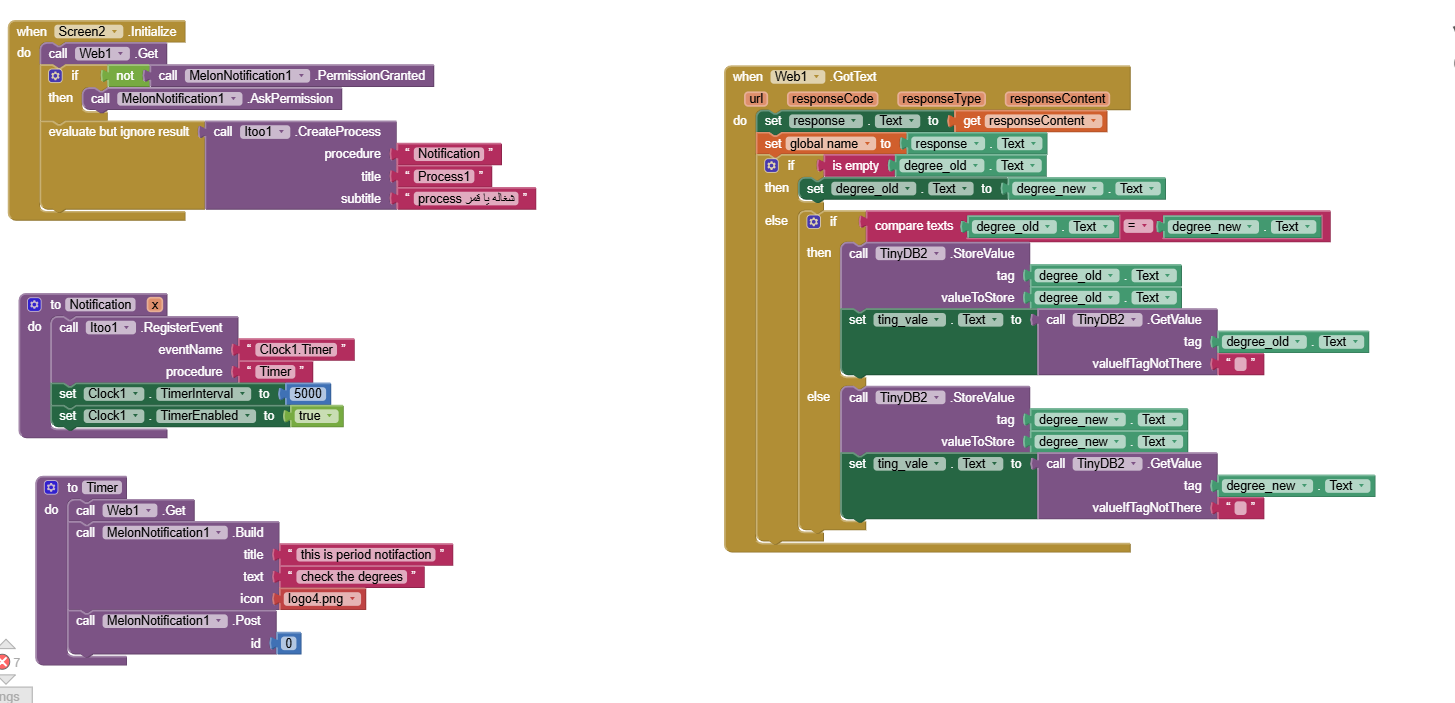
my blocks is same to you i think right ??
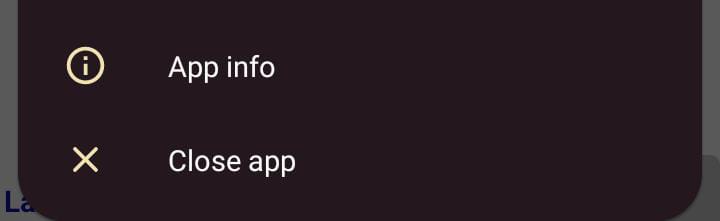
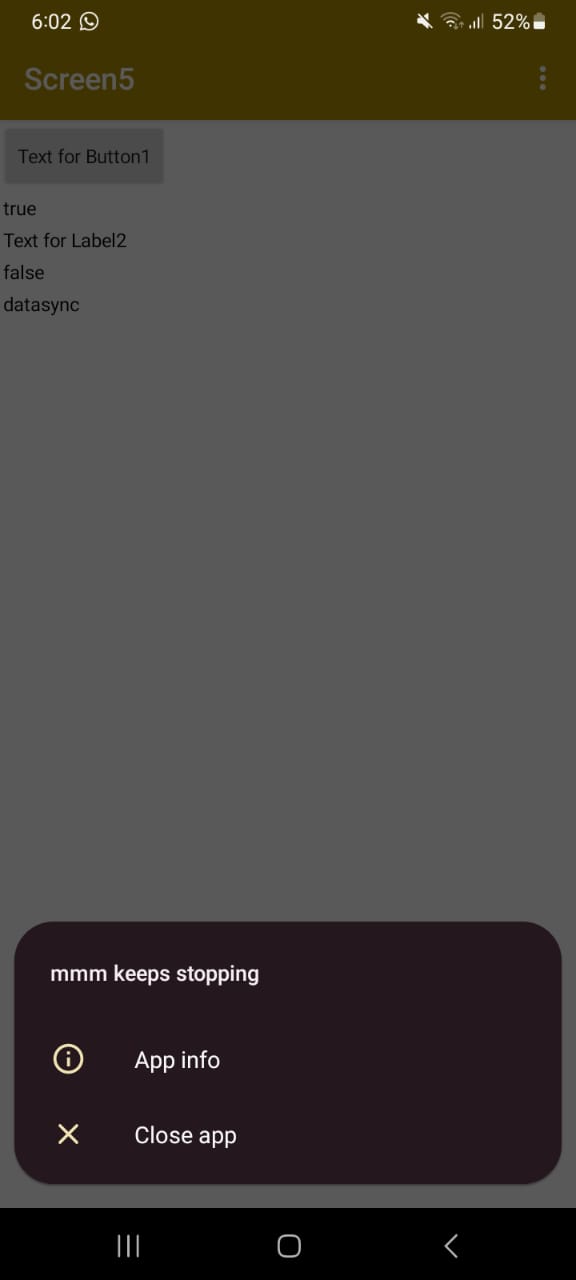
it doesnt work for me :(c --- it first when opening app shows my app keeps stopping app info or close app and when click in info and make notifications on it doesn`t show again ,,, but no notification sent 
it doesnt work for me :(c --- it first when opening app shows my app keeps stopping app info or close app and when click in info and make notifications on it doesn`t show again ,,, but no notification sent
No, you have to set the Web1.Url property in blocks in the Notification procedure...
i am already put in url property in the design url for web1 component ,, must i put it again in notification procedure ? and is this the only error ?
Yes, you must put it again in the notification procedure and it seems to be the only error.
okay i put it but same error at first my app keeps stopping app info or close app and when click in info and make notifications on it doesn`t show again ,,, and also no notification sent
I'm not sure what the error is... Show us your new blocks and perhaps post your .aia file here.
What happens when you click on Button1? Does the app crash?
Do you test it in the companion? The companion doesn't work. If not, you can privately send me your .aia file so that I can look into it...
i build it and download in my phone many times ,, and i need only to send notification if the value from web changed ,, is my blocks made that ??
What is your Android version? Create a new project with the same Itoo and MelonNotification blocks and post the .aia file here.
Your blocks don't look anything like my blocks.
Why you call web1.get in Screen.Initialise? and all that Tinydb stuff in the Web1.Got Text ? If you need those for when your app is open, use a separate web component (e.g. Web2) for those)
Where is your 'built' web1.GotText event for Itoo?
Focus on the iToo/MelonNotification process, leave everything else out for the time being.
okay i will do the same blocks as u did ,, but what is the fetch message pprocedure ? and clean message what is that my api response data is text only for example( hello my friend)
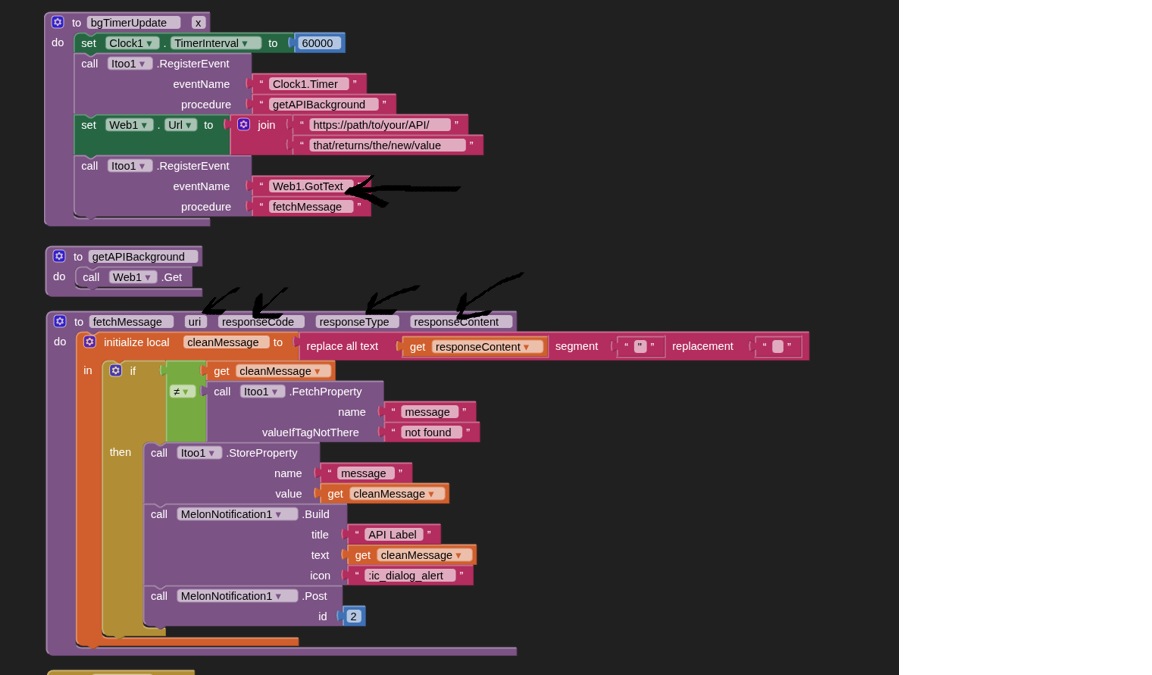
'fetchMessage' replicates a Web.GotText event inside iToo.
As I previously said, you may not need to 'clean the message' of double quotes, it won't do any harm if you do not have any in your responsecontent.
i previously mentioned you that i made afunction fetch adata not all response i used --- i put that procedure instead of fetch in your blocks or what ??
and in fetch message uri and response content ,type is this procedure instead of (when web1.got text)? and take in your consederation that i made procedure above called all degrees parsing the output from response and i check only for the first index which in degree label
As you will see, in the 'iToo.RegisterEvent' block, we register an event based on 'Web1.GotText', and call it using the procedure 'fetchMessage'. This procedure replicates the appearance and behaviour of a Web1.GotText event block inside iToo.
As previously said, just get this process working with iToo, ensuring you have all the blocks as I have shown, then worry about all your other code blocks once this is working for you. Simple steps...
i tried your blocks in seperated project and it works well--- but in my application it crashes with same blocks is this because multi screens or what can i do to test the reason for crashing? --- without blocks the app runs well
i will try to solve the crash problem but untill solving it ,, your blocks send notification with all response from web ,, all i want is when first data changed send notification and then store that in tiny db for example and testing in next hours that value with incoming if it changed send notification with that ,,