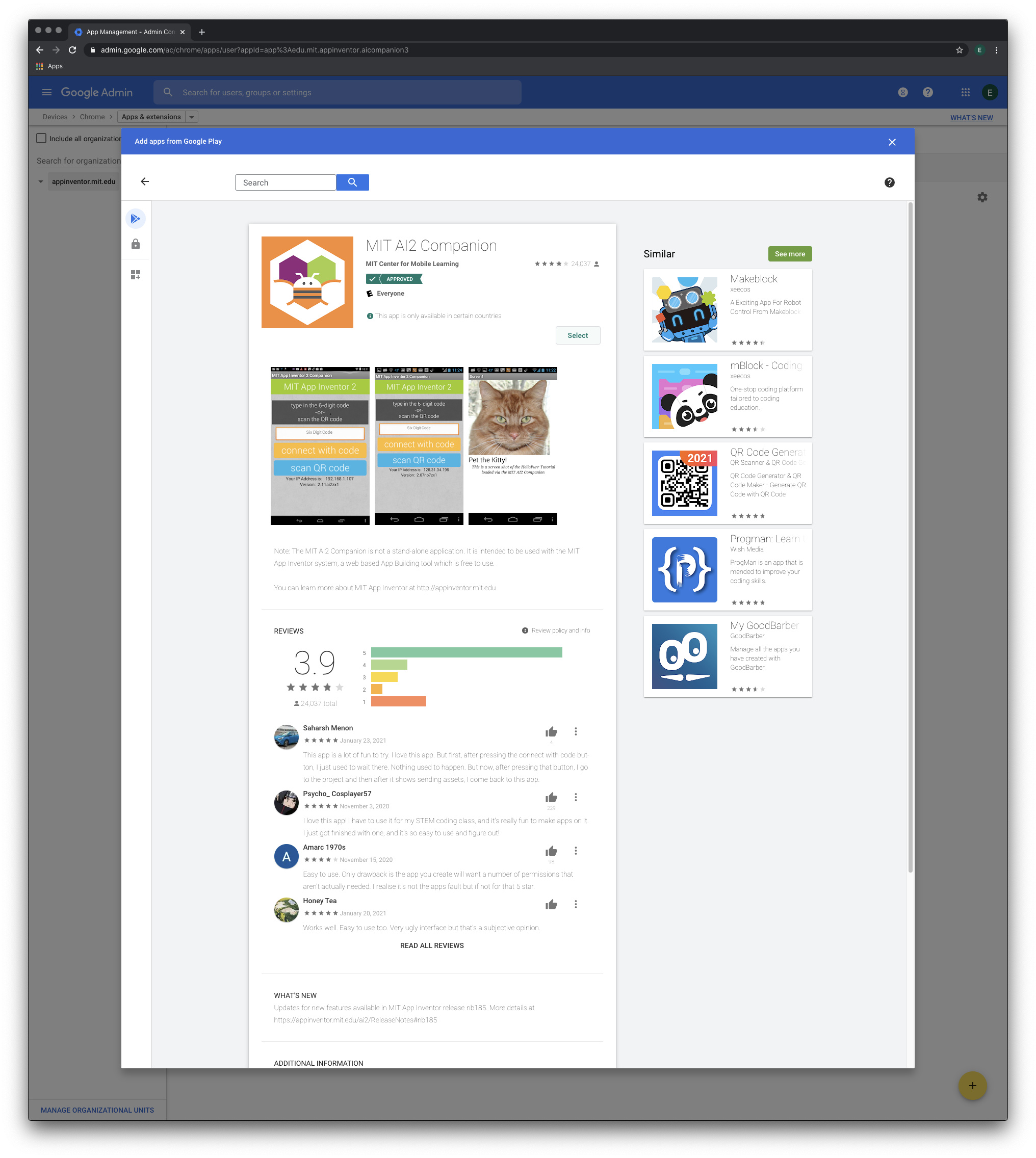
You may want to share this information with your IT people. In the Google Admin for the Google Apps for Education (GAE) domain, one can opt to force-install the MIT AI2 Companion while still disallowing installations of arbitrary apps from the Google Play Store. The settings are located under Devices > Chrome > Apps & Extensions:
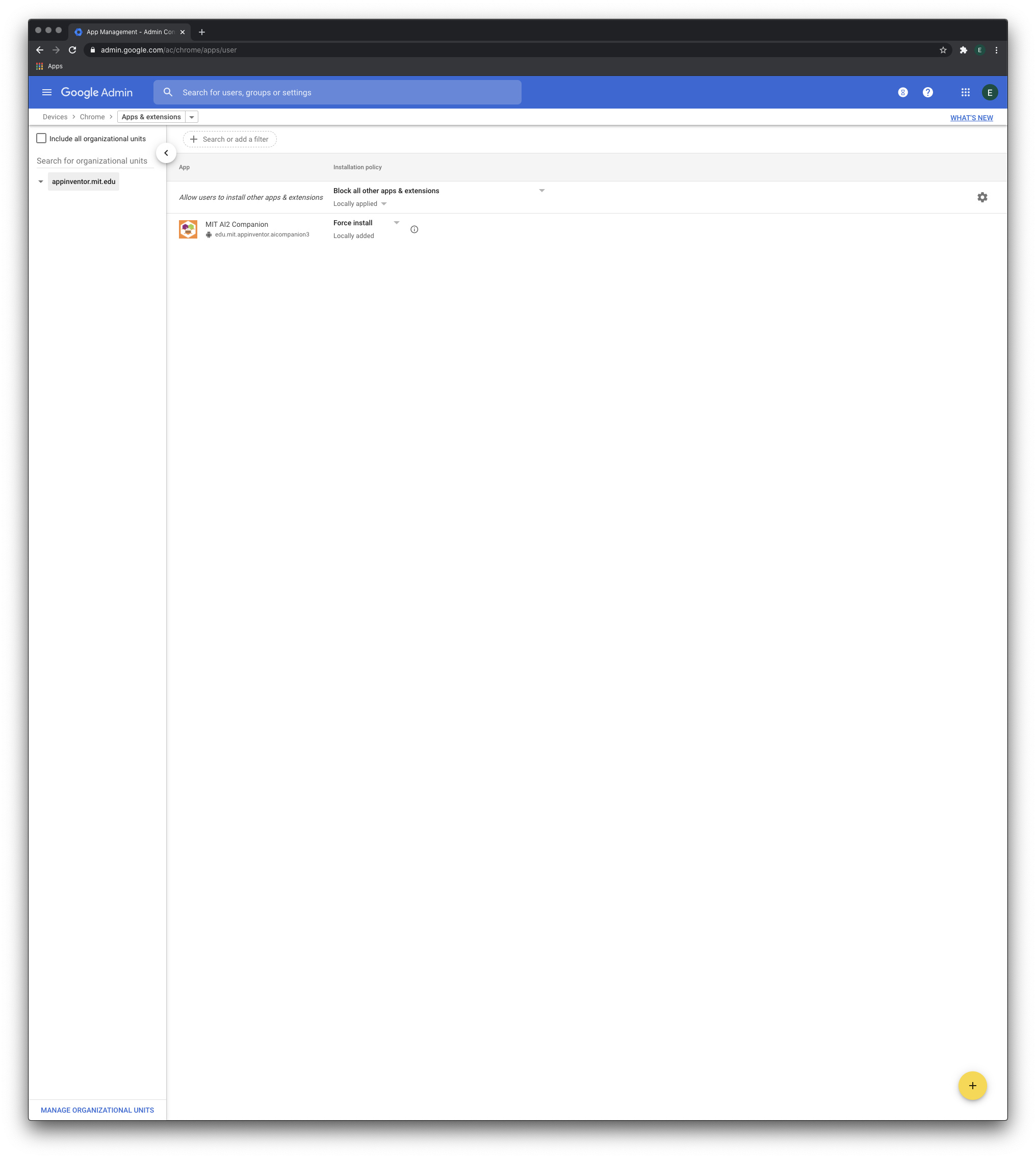
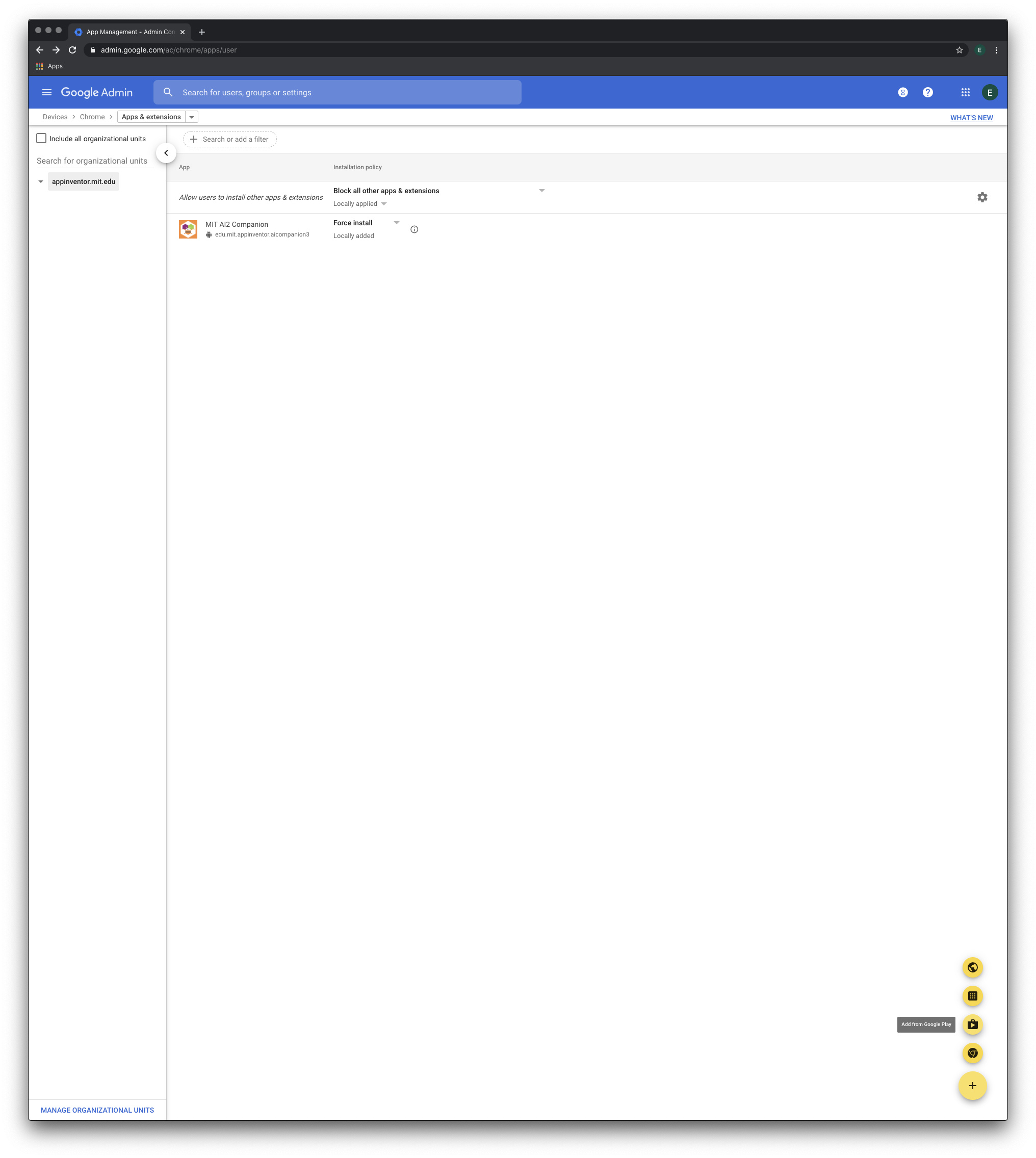
Click the yellow + button in the bottom left corner and then click on the Play Store icon:
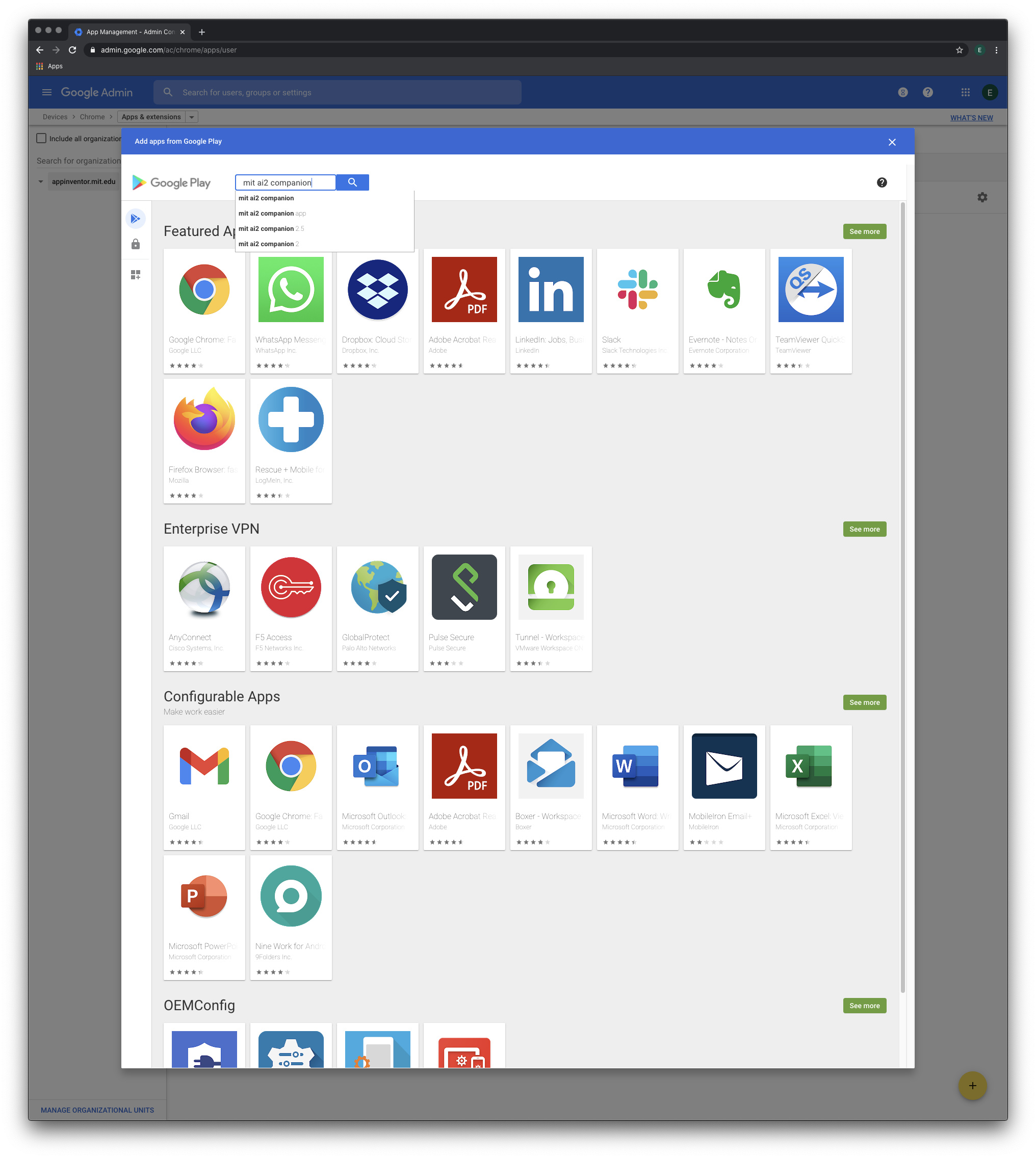
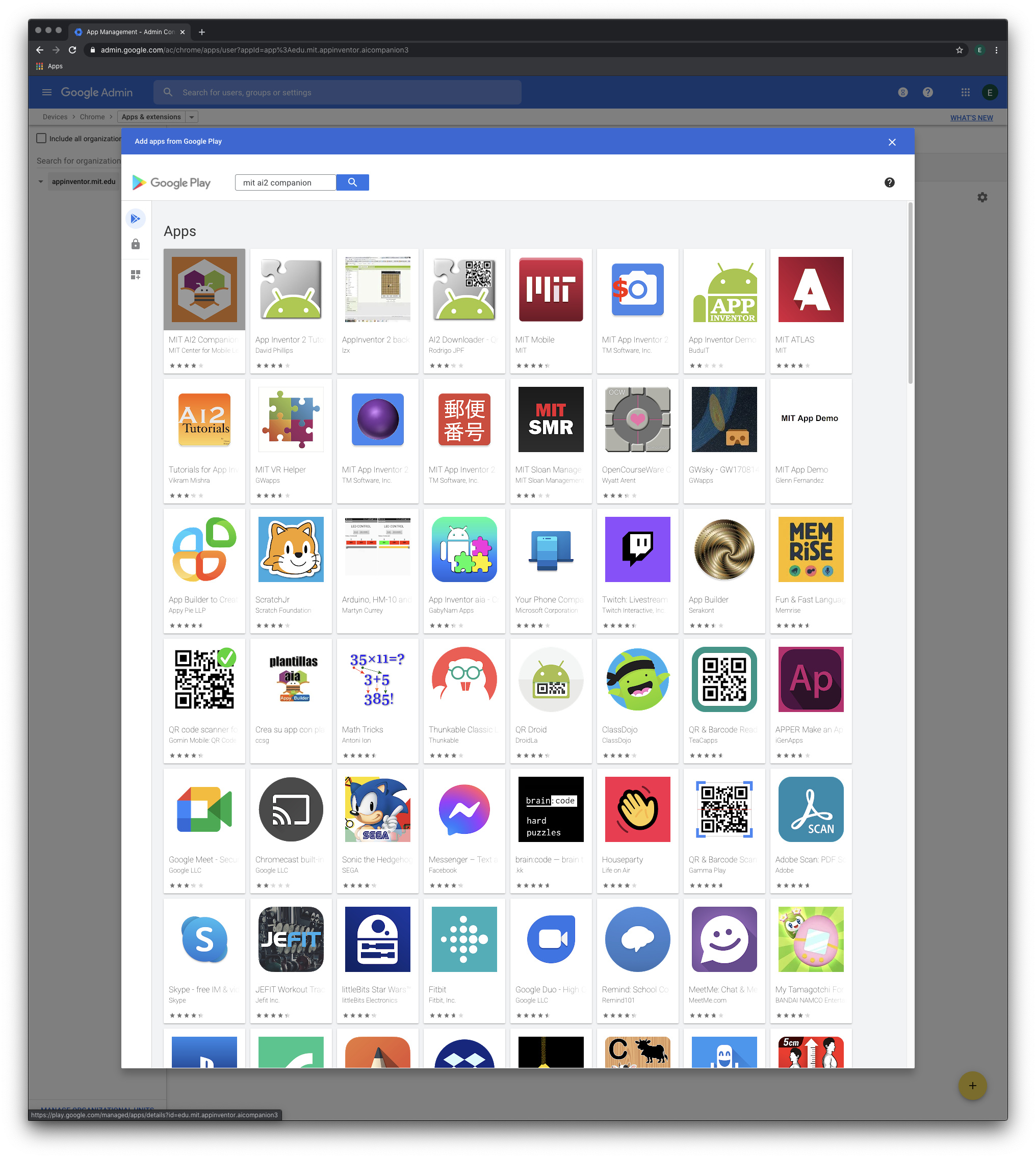
In the window that appears, search for "mit ai2 companion":
Select MIT Ai2 Companion from the search results:
Click on the select button to the right to add the app to the allowed apps list. Use the dropdown to change from "Allow Install" to "Force Install" to install it on all managed chromebooks in the GAE domain.