Test in Web - not running DrawShape (canvas)

Excited to Test out "Test in Web", I loaded up a project from one of my guides:

(see the video for example usage)

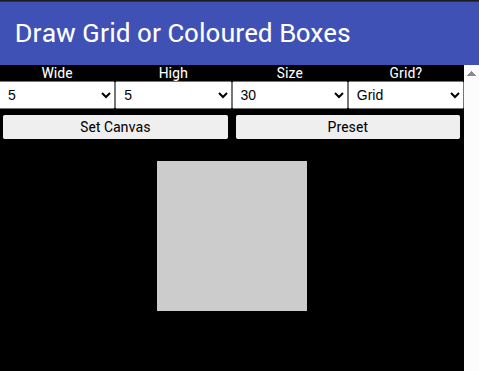
The interface loaded, but when requesting a grid of 5x5 boxes, or the preset, I just get a single grey rectangle/square.

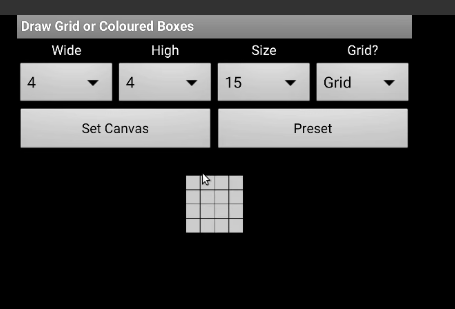
instead of (from the video):

drawGridBoxes.aia (12.0 KB)

{EDIT} I have done a bit of debugging/research. The aia project is at least 6, if not, 7 years old, uses Classic theme and LISP style lists, this could be causing the issues, updating theme to Device Default and lists to JSON, does some funny things...Working through the blocks, everything is operating as it should, just not drawing the shapes on the canvas.

I also notice that in the Web Emulator, the spinner displays a proper dropdown, instead of a modal.

Created new project with just the preset.

newDrawAGrid.aia (7.0 KB)

Get the same problem. Seems it is drawShape that is the issue? Works fine in companion.

Only drawShape seems to be affected, drawLine, drawCircle, drawPoint and drawText all work OK.

Forgot to mention, this is on Xubuntu Linux, using Brave browser (Shields down!)

Thanks for the test app. We will take a look.

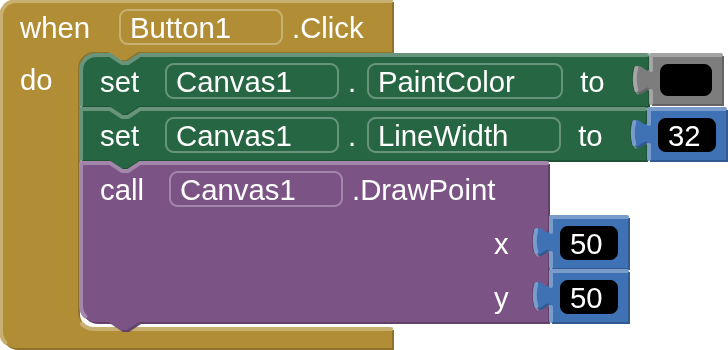
More fun, drawPoint returns circles in "Test in Web", whilst in Companion and compiled app it returns rectangles.

I think this may just be a mitering issue. There may be a way to adjust it in the browser's Context2D, but we'll have to dig into it.

Edit: stroke cap, not the miter...

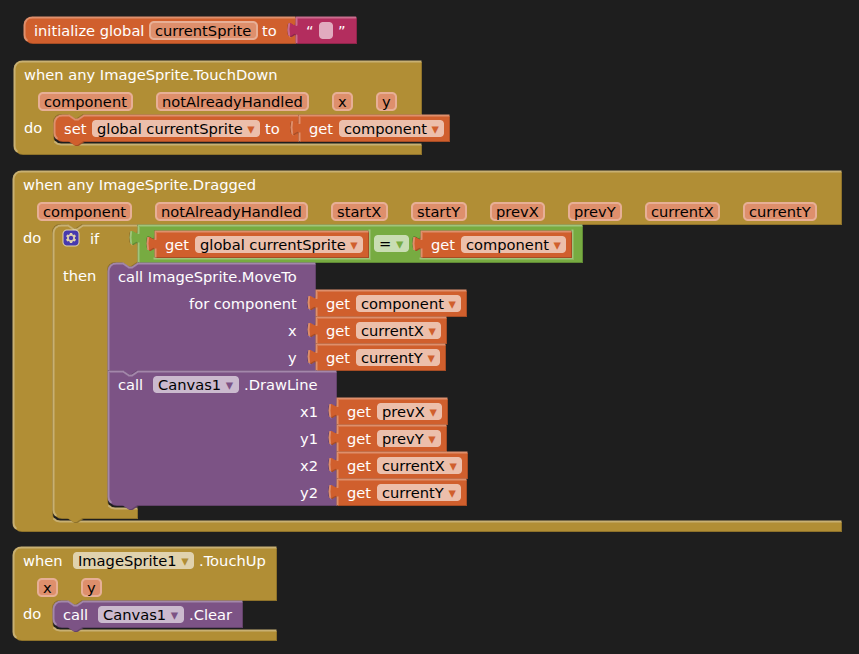
Also found dragging of sprite not working either

Do you have a failure example? I tried this simple app to drag a ball and it is working fine (macOS + Firefox)

dragtest.aia (2.0 KB)

Seems to be AnyComponent blocks causing it

dragtest (1).aia (3.0 KB)

Ah, yes there is a known bug in the any component blocks. I believe we have a fixed merged that will be in the next web emulator update.

Never mind... this is a different bug than the one I had fixed.

1 Like

Nice debugging so far. Since the blocks execute correctly but the canvas only renders a grey shape, I'd suspect a Web Emulator rendering or canvas compatibility issue rather than the grid logic itself. Testing with a minimal project using the current theme could help isolate it.
There has already been a fixed merged for the original issue that is pending a release.