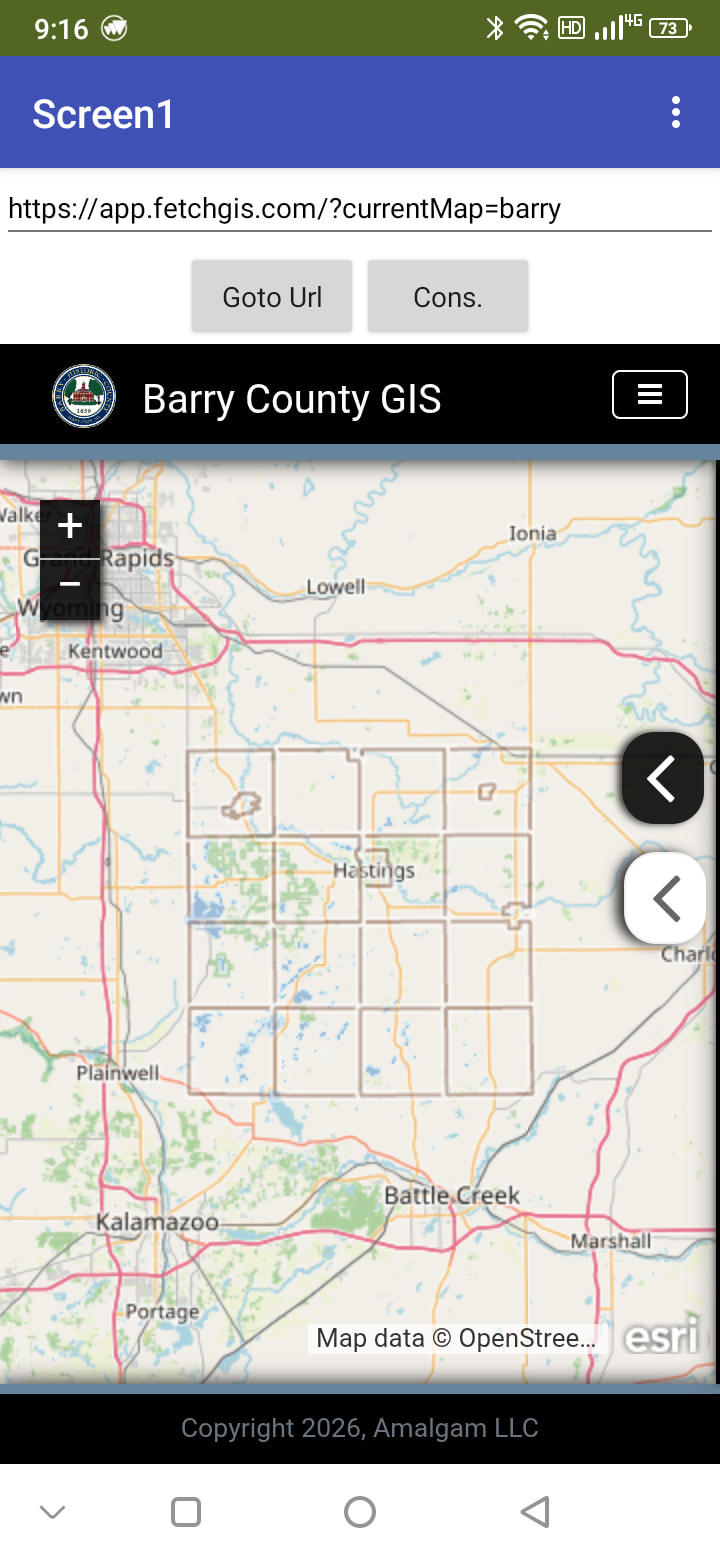
FetchGIS freezes in WebViewer but works in Chrome
I'm looking for property to buy here in Michigan—including property that isn't necessarily for sale. Sometimes you have to find out who owns it before you can ask!
Realtors here use GIS to look up property information. I Googled for a GIS fetching tool and, conveniently enough, found a website called FetchGIS. It gives me everything I was looking for.
FetchGIS lets you pass a Michigan county in the URL, so I thought I'd make a simple App Inventor app: pick a county from a ListPicker and display it in WebViewer. Seemed straightforward enough.
Except FetchGIS froze and never displayed the county.
I then simplified things by giving WebViewer just the FetchGIS URL, without a county. It still froze at the opening screen.
Next, I opened Chrome on the same Android phone and tried both URLs. Both worked.
I understand WebViewer isn't a full browser, but I don't know what accounts for the difference here—or whether there's a setting I've overlooked.
Then came the light-bulb moment: I made an Android home screen shortcut to the website. Works just fine. My little app project turned into a shortcut. 
And for those of you who might have read my previous post: no, I didn’t use AI to create this one—just to walk me through a few “how-to” questions. These blocks were all mine!
My immediate need is handled, but the difference between FetchGIS working in Chrome and freezing in WebViewer seemed worth bringing to someone's attention. Might deserve a look-see.